
WP Mail
Active Installs
700+
Last Updated
October 6, 2016
First Released
July 22, 2016
Download History (Last one month)
Contributors
WP Mail plugin is simply a wp network mail or message system. User can send mail or messages to other users over one wp network.
Key Features of WP Mail
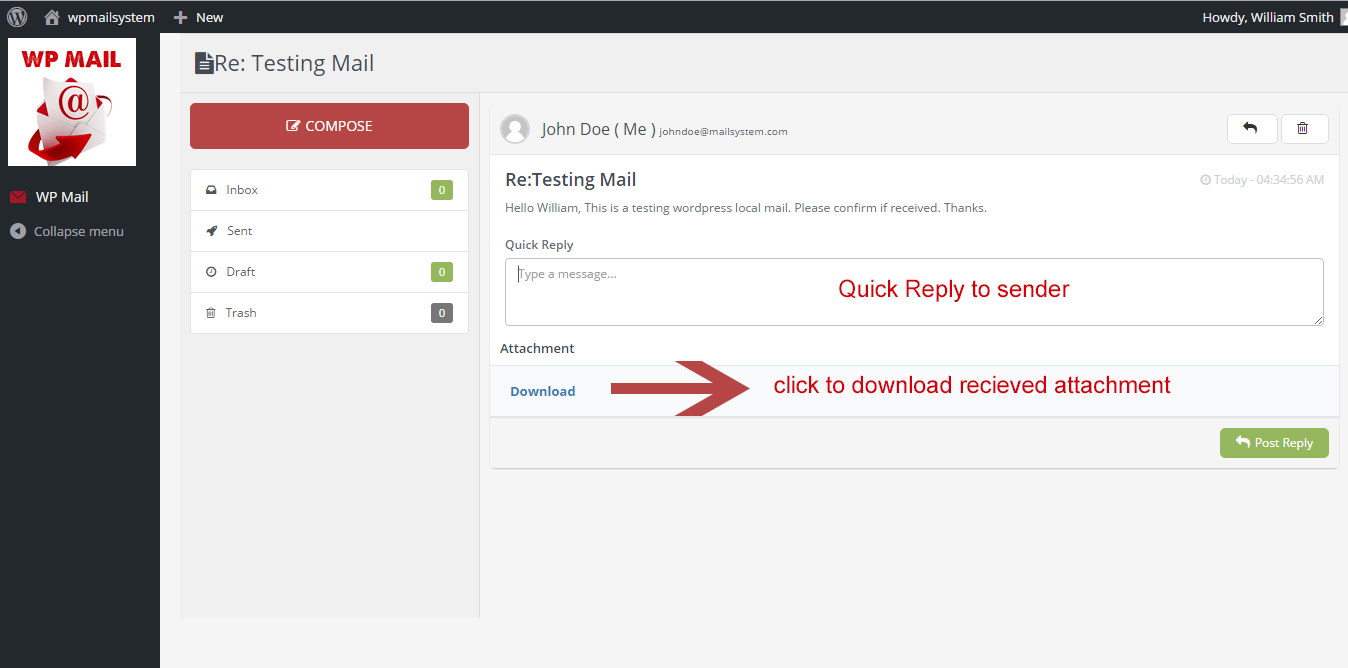
- WP Mail – It allows WordPress administrators as well as wordpress users to send/recieve emails to registered users with in respective wordpress environment or manually typed in registered user’s email addresses.
- Multiuser mails – You can send mails to multiple users by adding comma seprated mail ids ex:test@domain.com,test2@domain.com.
- Mail as draft – WP users can save message in draft.
How to use
- First Activate Plugin.
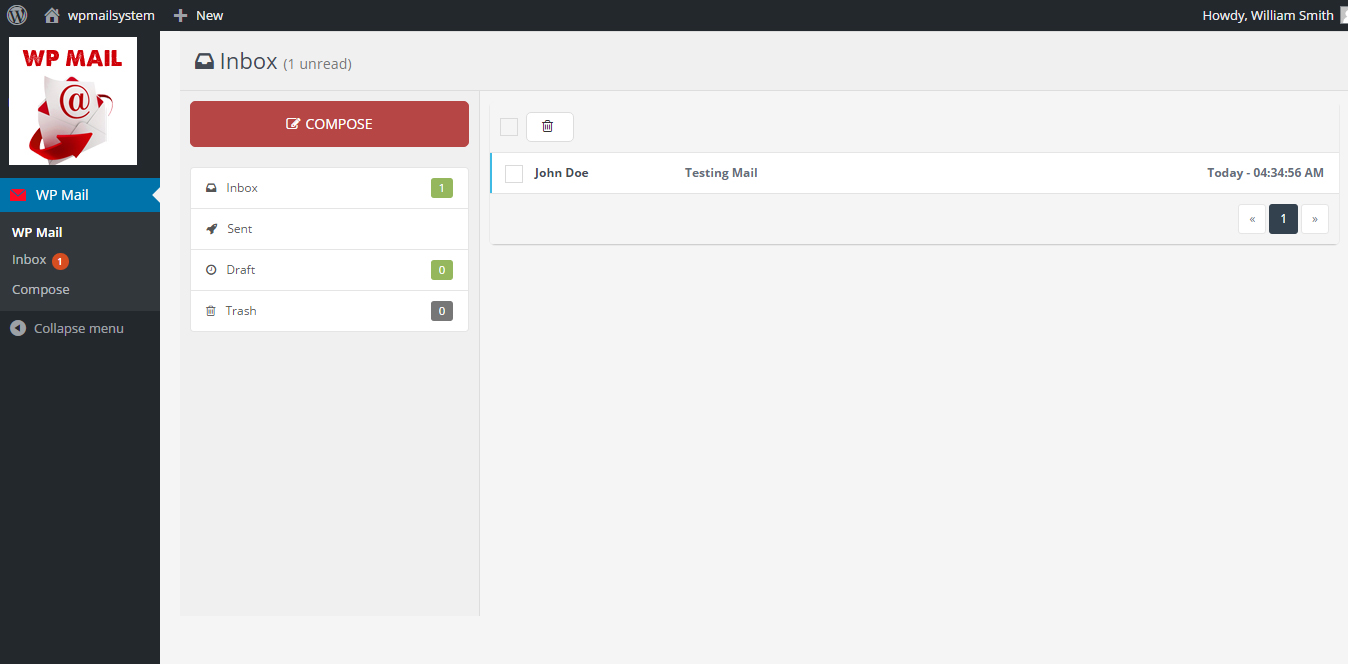
- Go to Wp Mail Menu
- To Create New Mail – Click Compose Menu
- To Check Message – Click Indox Menu= Minimum requirements for Mail System =
* WordPress 3.3+
* PHP 5.x
* MySQL 5.x
If any problem occurs, please contact us at http://www.webdesi9.com/support/.
- Upload the
wp-mailfolder to the directory/wp-content/plugins/. - Activate the plugin using the ‘Plugins’ menu in WordPress.
Screenshot Gallery
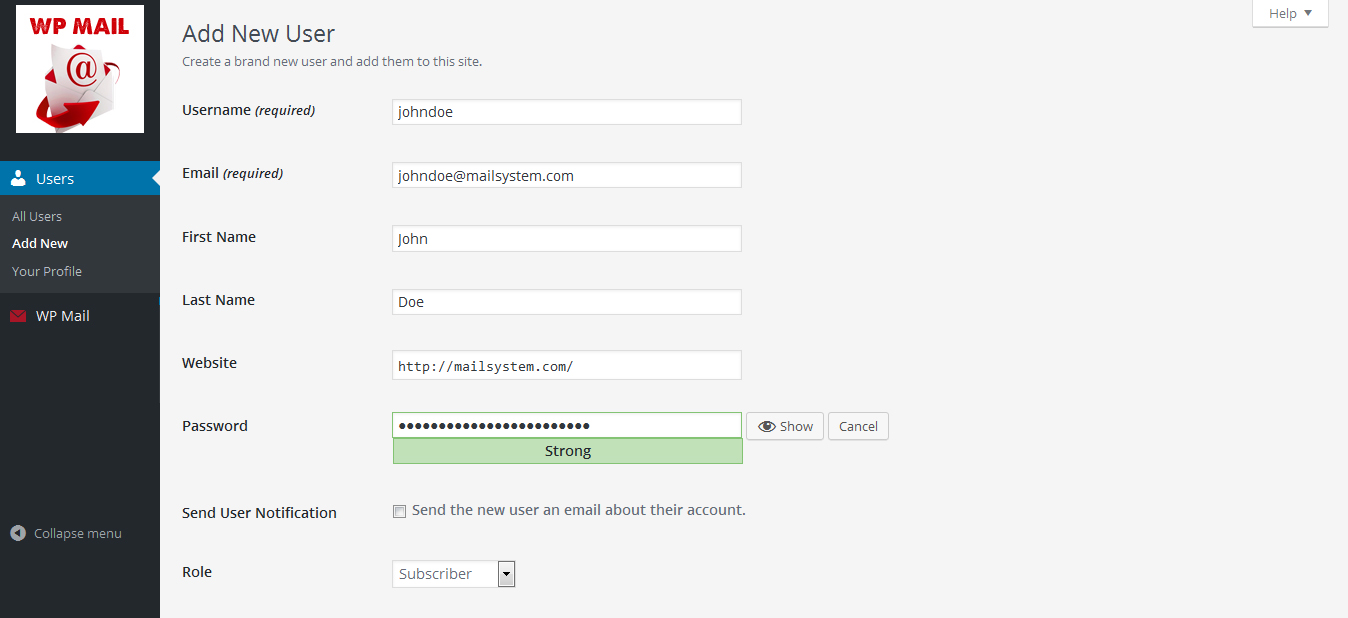
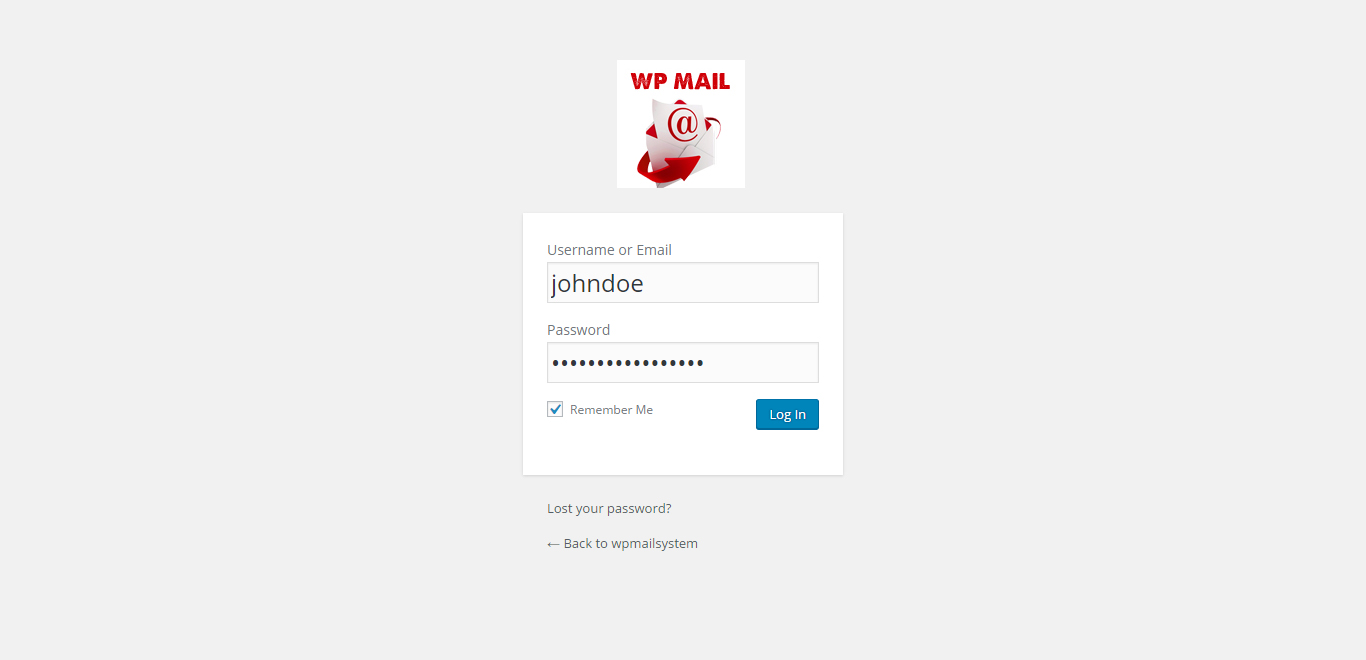
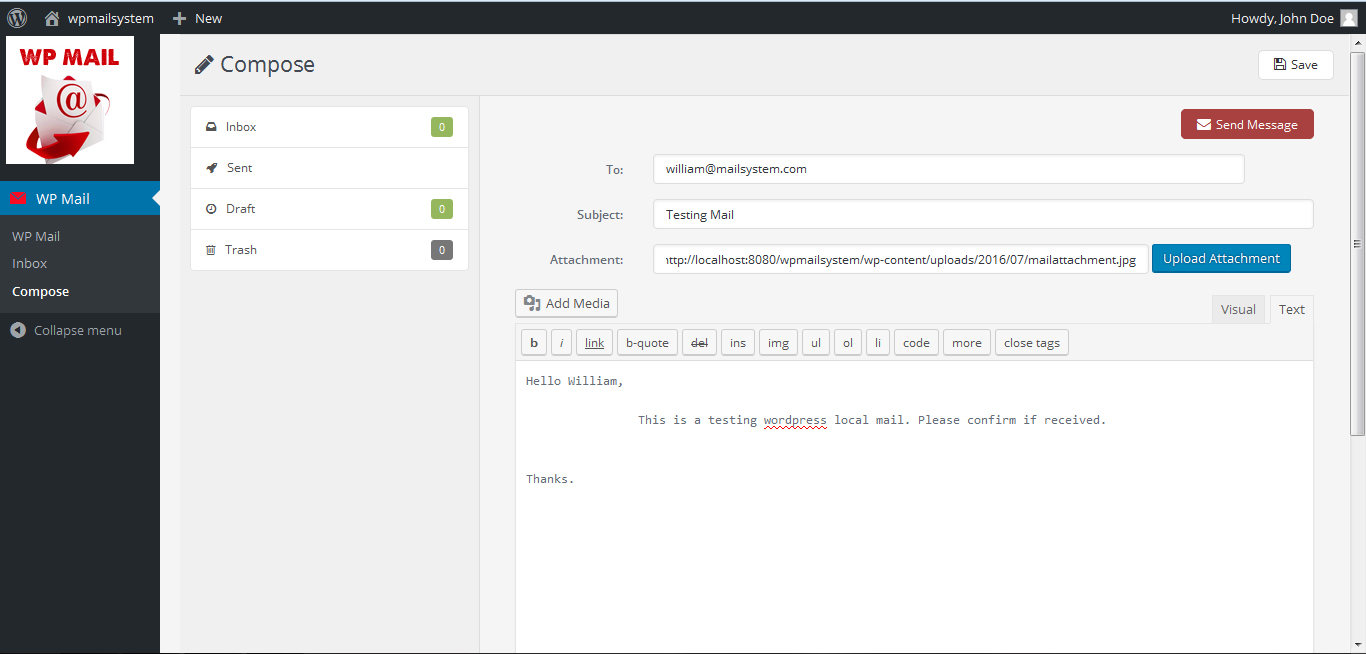
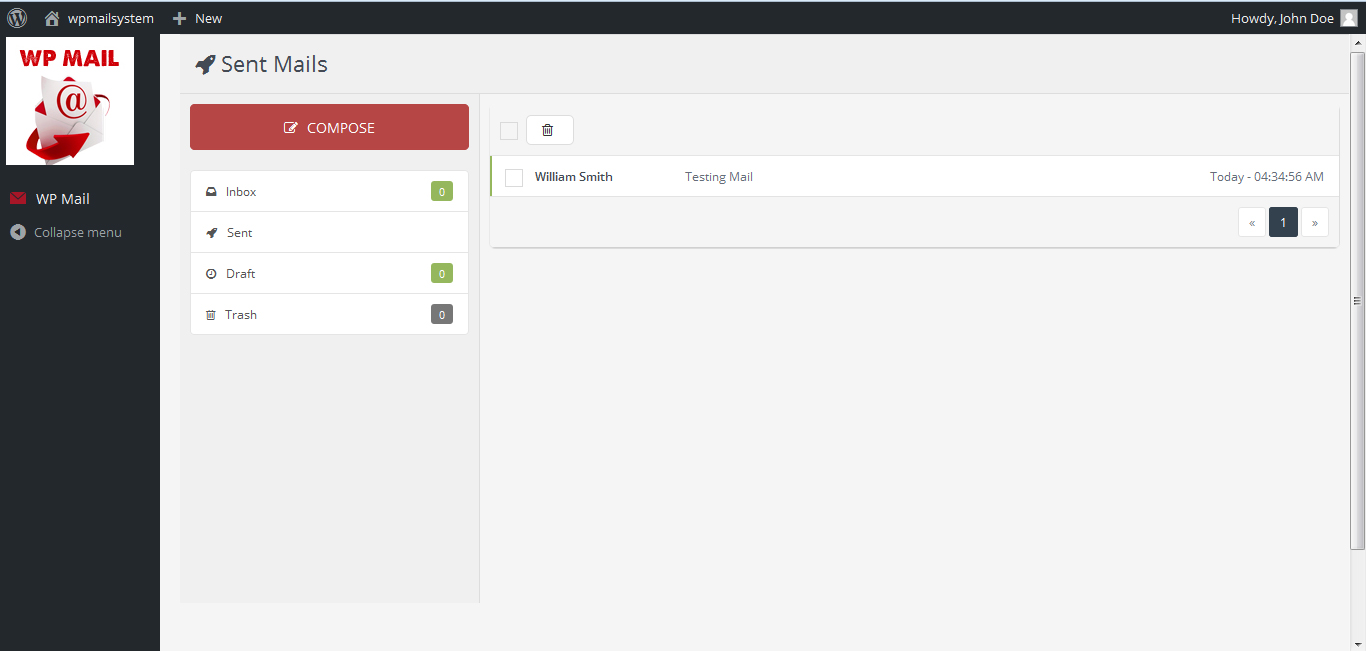
How to install WP Mail plugin?
In order to install lite version of the WP Mail plugin, simply follow these steps:
- 1) Upload the
wp-mailfolder to the directory/wp-content/plugins/. - 2) Activate the plugin using the ‘Plugins’ menu in WordPress.
For Support
- If any problem occurs, please contact us at http://www.webdesi9.com/support/
Changelog
No changelog available.
No previous versions available.
