
What Singular Template
Active Installs
10+
Last Updated
December 13, 2025
First Released
December 13, 2022
Download History (Last one month)
Contributors
Helpful tool displaying name of a (theme) template assigned to a post, page or public custom post type in admin posts list table.
- Unzip the plugin download file and upload
what-singular-templatefolder into the/wp-content/plugins/directory. - Activate the plugin through the “Plugins” menu in WordPress.
- Plugin works immediately after activation by adding additional column to page/post/custom post type list table in WordPress admin.
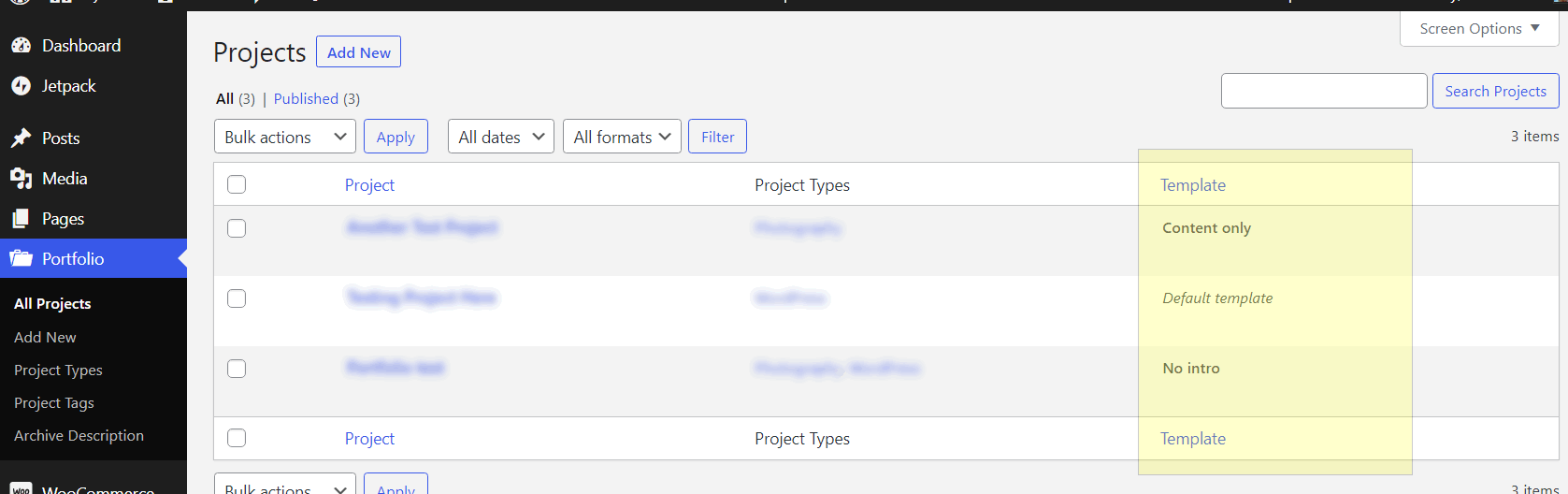

Once you enable the plugin, it adds new “Template” column in posts list table in WordPress admin area. Simply navigate to “Posts” or “Pages” admin screen to preview.
Changelog
Please see the changelog.md file for details.
" width="120" height="120">
