
Video Background Block – Use video as background in section.
Active Installs
2,000+
Last Updated
April 12, 2026
First Released
April 22, 2022
Download History (Last one month)
Contributors
Use video as background in section.
Video Background | Demos | Pricing
Free Features
- Universal Shortcodes: Compatible with all page builders.
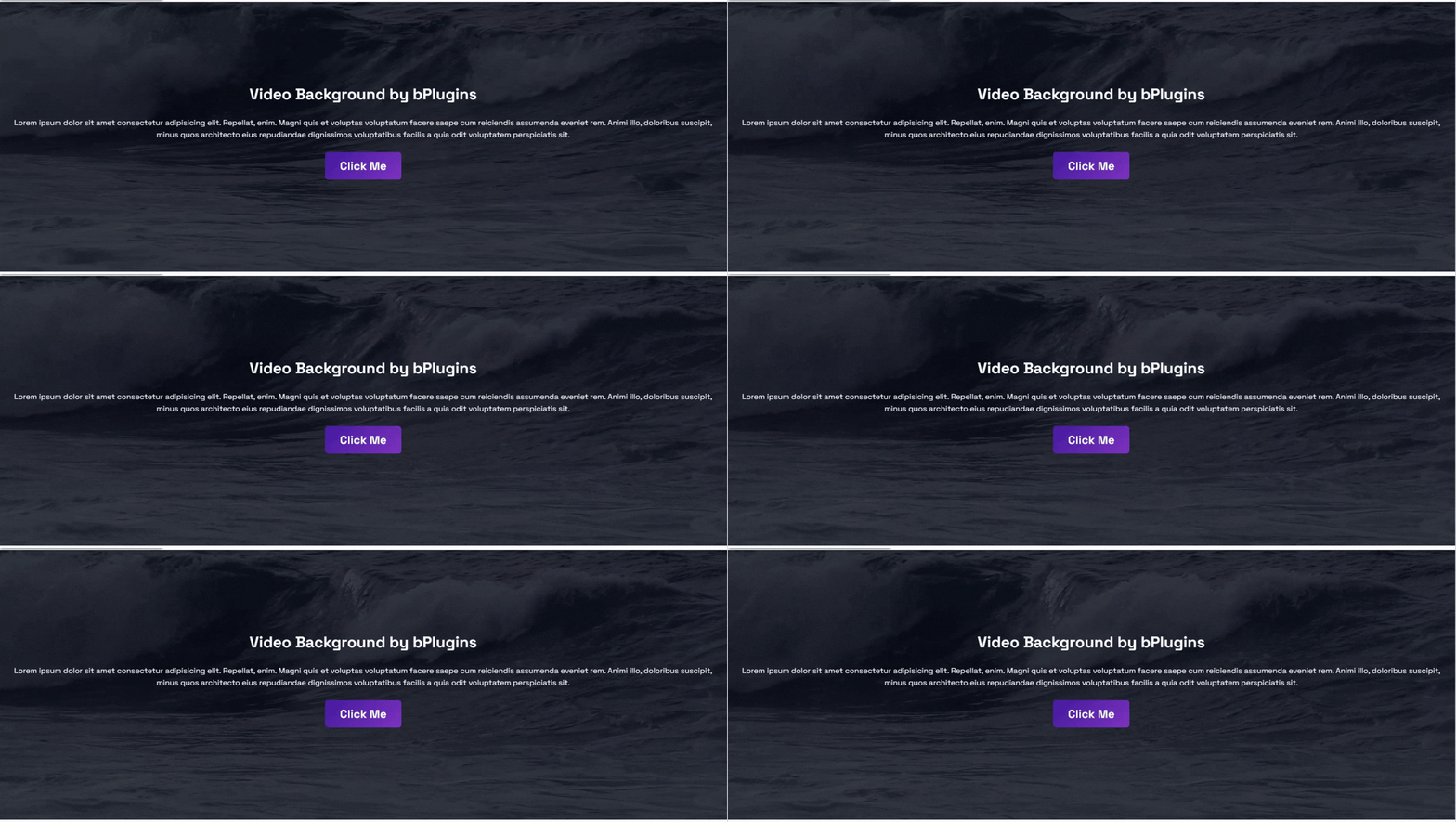
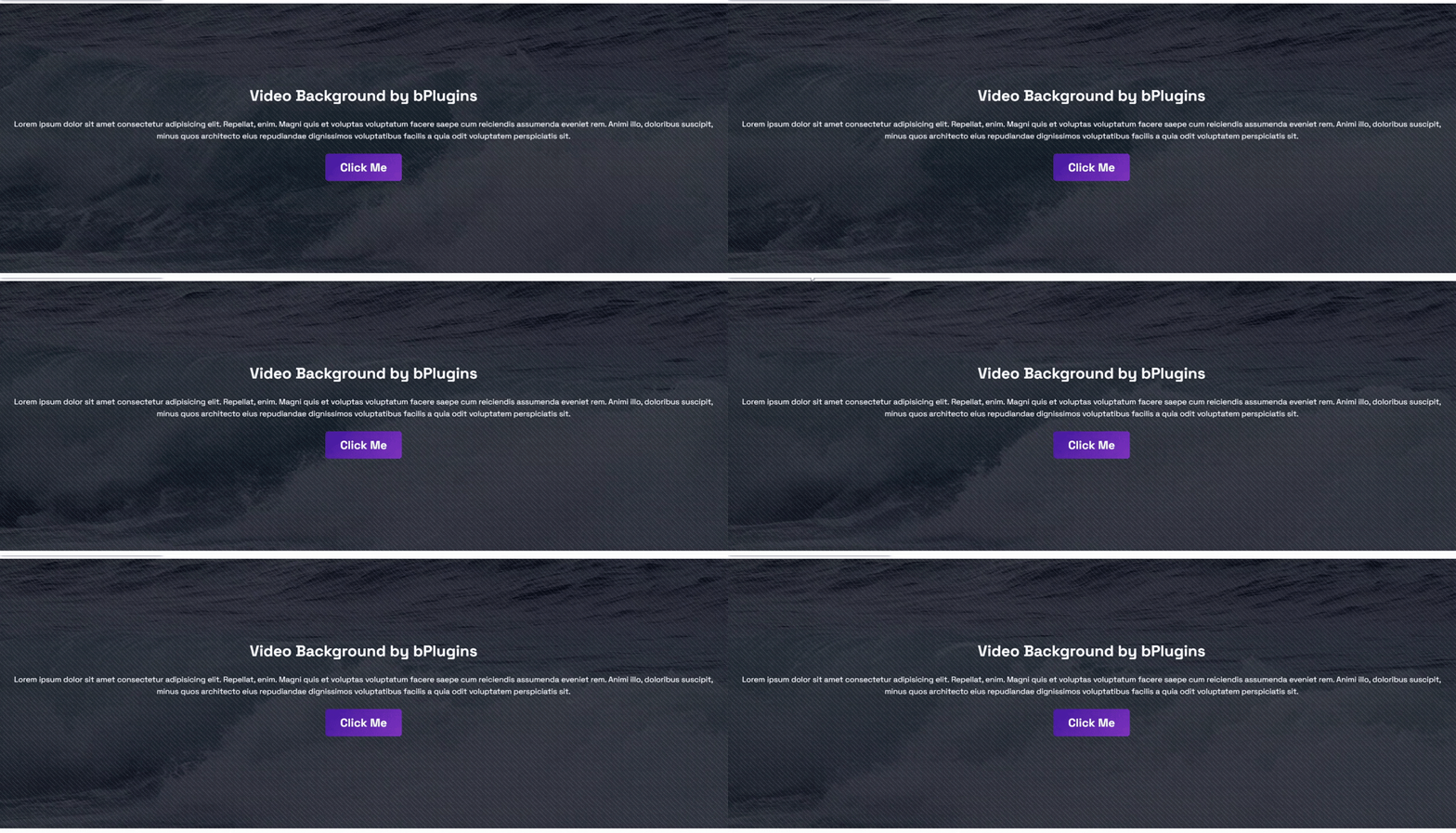
- Background Video: Use a video as a background.
- Fallback: Use a fallback image.
- overlay: Add overlay color to the video.
- Height: Set the height of the section.
- Padding: Set the padding of the section.
Pro Features
- Everything in Free, plus advanced Pro features.
- Universal Shortcodes: Compatible with all page builders.
- Self‑hosted video: (MP4/WebM/OGG) Use a video as a background.
- YouTube video: Use a video as a background.
- Vimeo video: Use a video as a background.
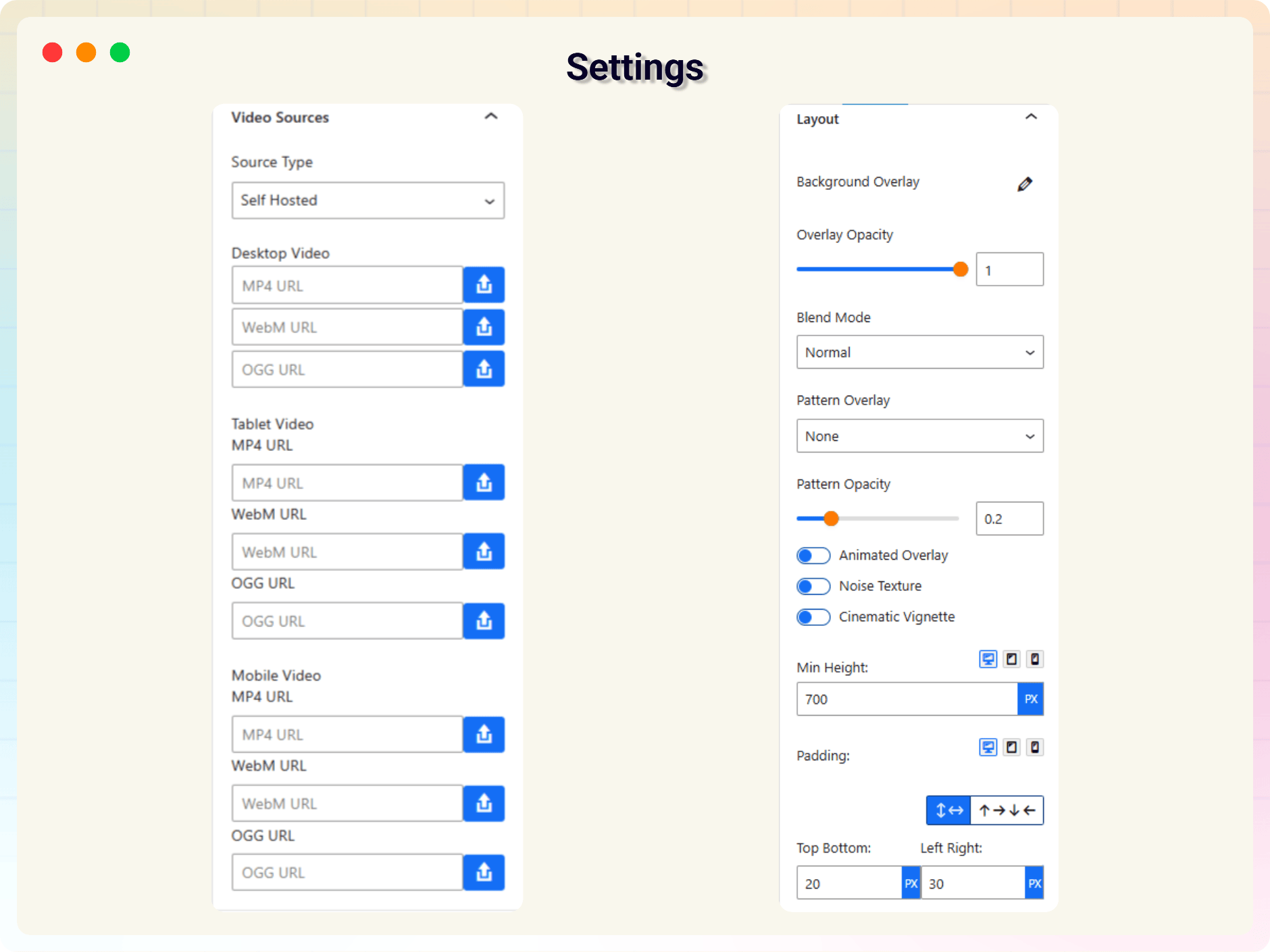
- Responsive video sources (desktop/tablet/mobile)
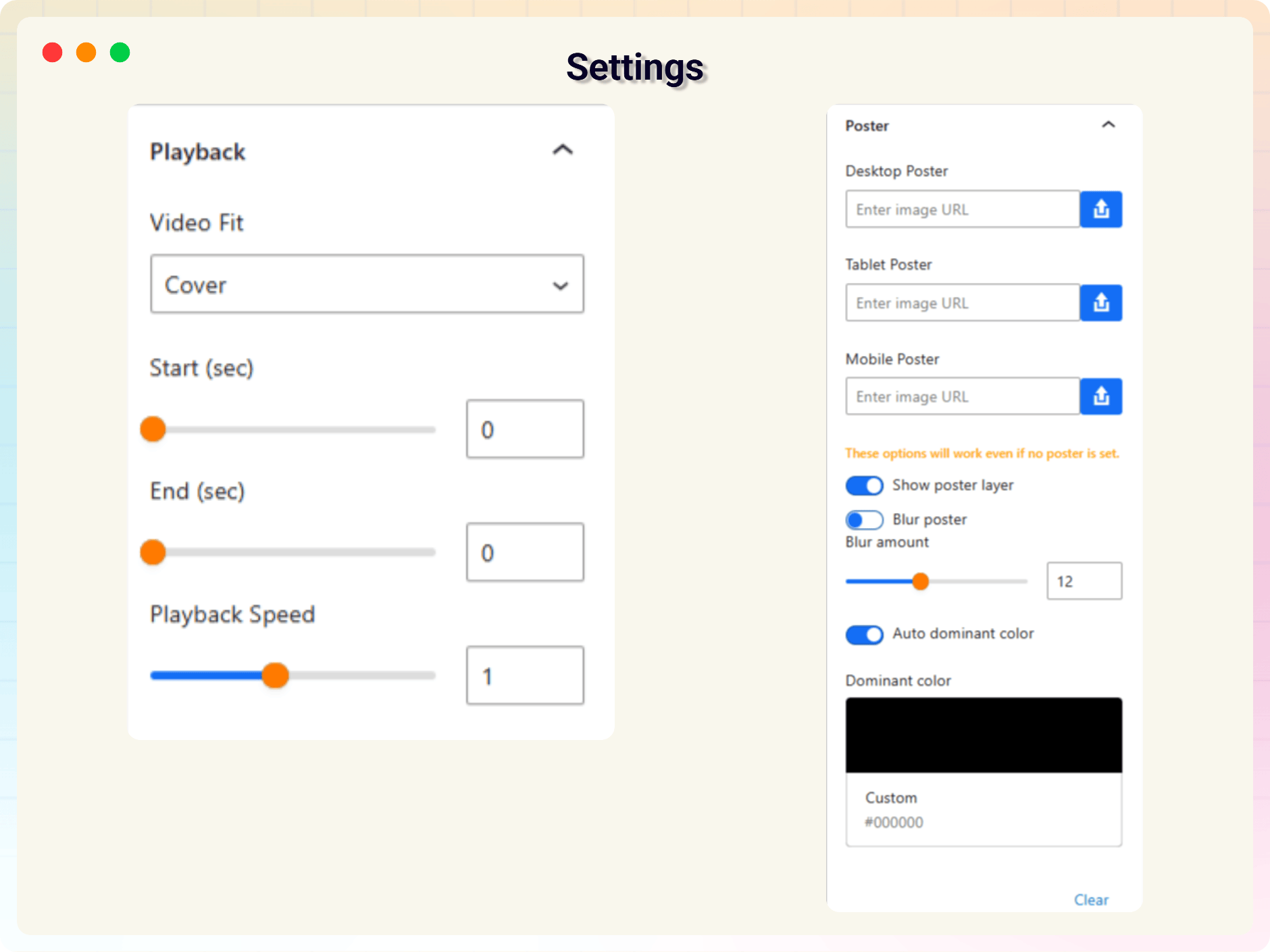
- Poster image support (desktop/tablet/mobile)
- Poster options: show/hide, blur + blur amount, dominant color (auto/manual)
- YouTube background support + No-Cookie Domain Option
- Vimeo background support
- overlay controls: color/gradient, opacity, blend mode
- overlay patterns: dots, grid, diagonal + opacity
- Animated overlay (subtle motion)
- Noise texture overlay
- Cinematic vignette overlay
- Min height + padding controls (desktop/tablet/mobile)
- Video fit: cover/contain/fill
- Segment loop (start/end)
- Playback Speed Control
How to use
- First, Install the Video Background Block plugin
- Add the Video Background block from the block category called “Widgets” in the Gutenberg editor.
- You can change block settings from the right-side settings sidebar.
-
Enjoy!
-
For installation help click on Installation Tab
Feedback
- Did you like this plugin? Dislike it? Do you have a feature request? Please share your feedback with us
Check out the Parent Plugin of this plugin-
bBlocks – A blocks collection and page building tool for Gutenberg.
Check out our other WordPress Plugins-
Html5 Video Player – Display videos as single and playlist in multiple skins.
PDF Poster – Display/Embed PDF files with different styles.
Html5 Audio Player – Listen audios with awesome visuals.
StreamCast – Customizable radio player with different skins.
3D Viewer – Embed 3D models and 3D products with interaction.
Advanced Post Block – Show posts and custom posts in different layouts.
From Gutenberg Editor:
- Go to the WordPress Block/Gutenberg Editor
- Search For Video Background Block
- Click on the Video Background to add the block
Download & Upload:
- Download the Video Background Block plugin (.zip file)
- In your admin area, go to the Plugins menu and click on Add New
- Click on Upload Plugin and choose the
video-background-block.zipfile and click on Install Now - Activate the plugin and Enjoy!
Manually:
- Download and upload the Video Background Block plugin to the
/wp-content/plugins/directory - Activate the plugin through the Plugins menu in WordPress
Screenshot Gallery
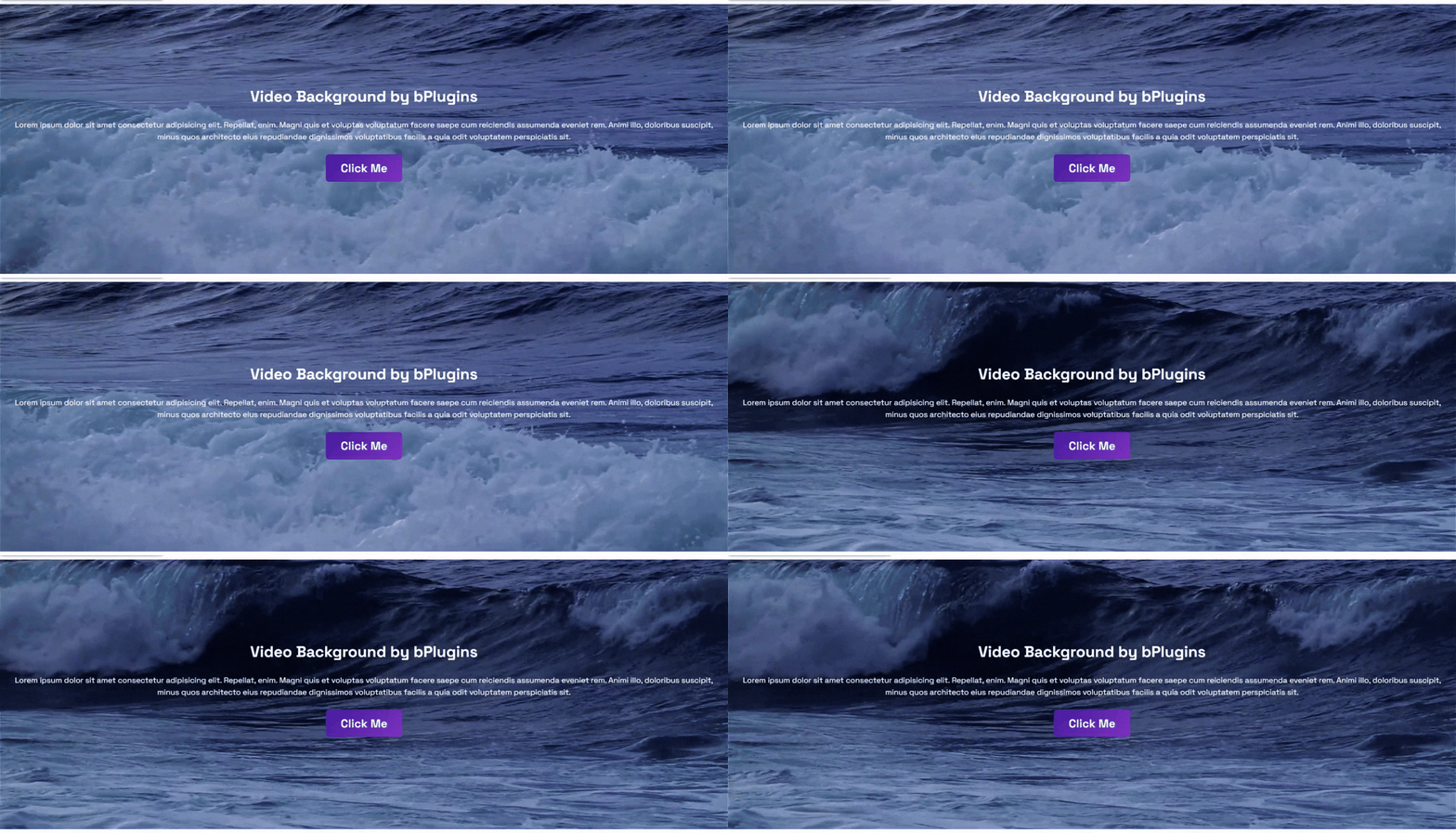
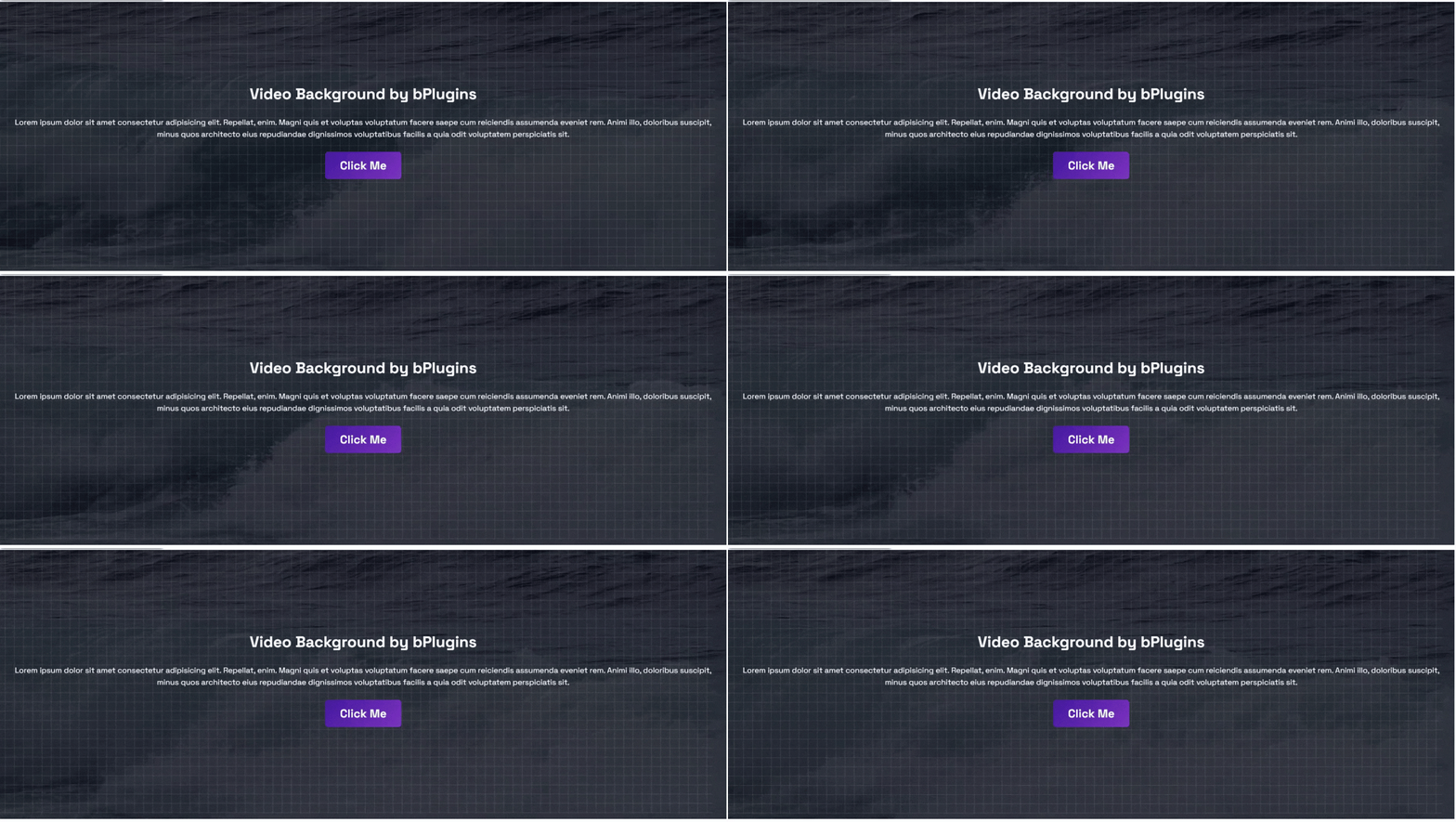
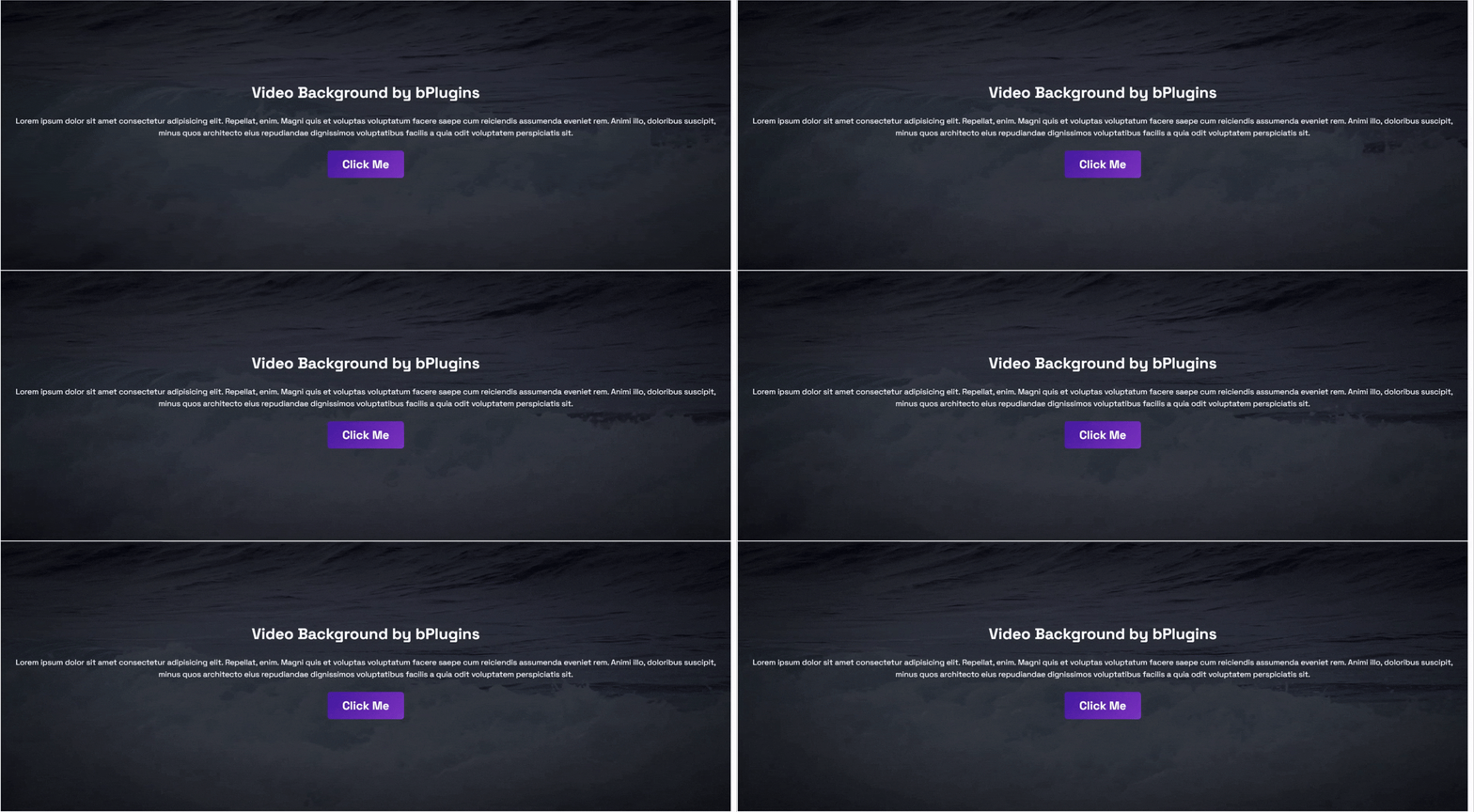
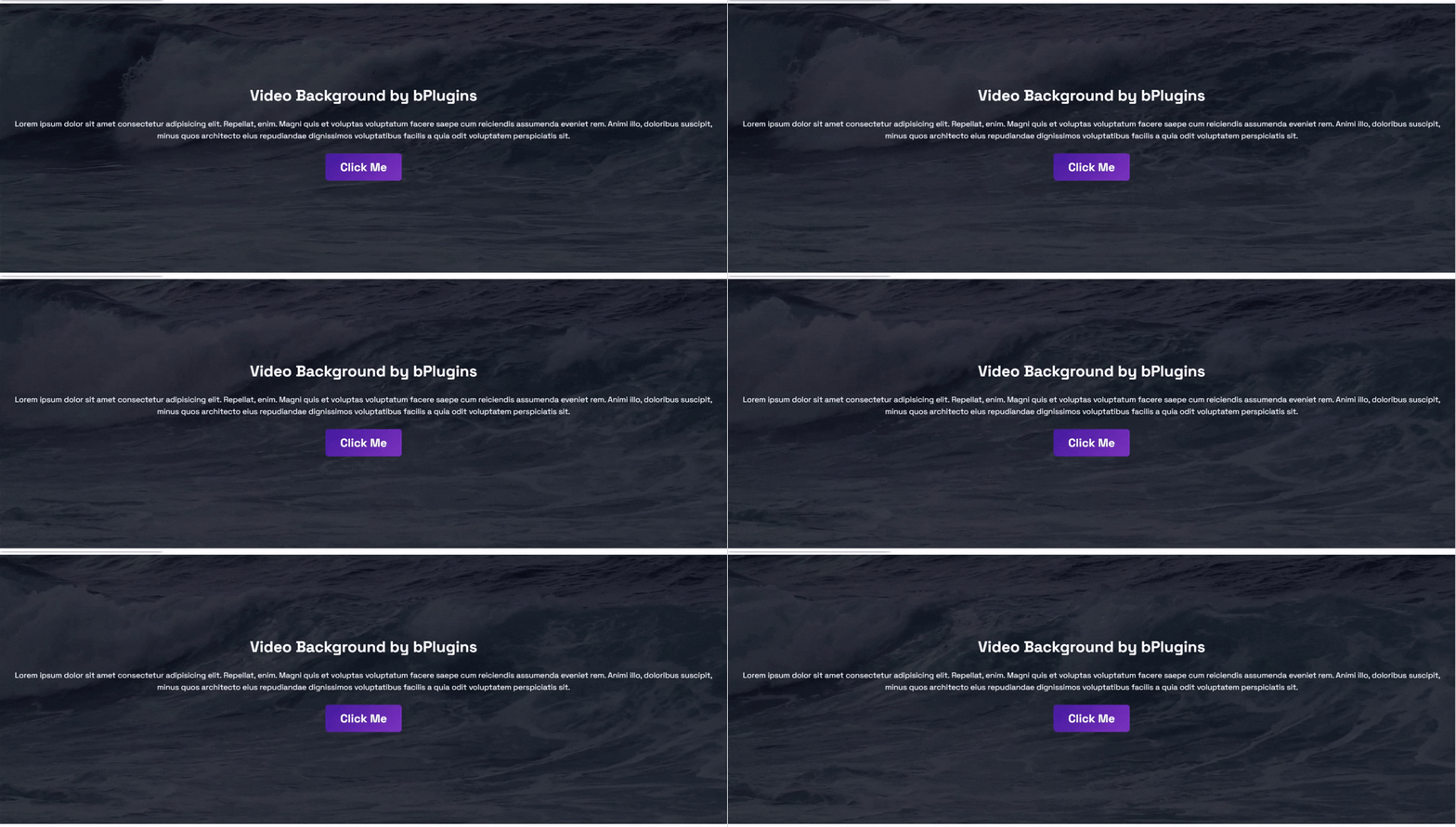
Yes, the Video Background block is a free Gutenberg block plugin.
Yes, it will work with any standard WordPress theme.
Yes, you can change block settings from the Gutenberg block editor’s right sidebar.
You can use unlimited times as you want.
You can post your questions on the support forum here
Changelog
2.0.1 – 12 Apr 2026
- Fix video not playing on frontend.
2.0.0 – 10 Mar 2026
- Universal Shortcodes: Compatible with all page builders.
- Added advanced features to the Video Background block.
- Added a modern dashboard to this plugin.
1.0.5 – 6 Aug 2025
- Add SDK.
1.0.4 – 13 Mar 2025
- Fix video align to center.
1.0.3
- Fix not playing the video on mobile
1.0.2
- Fallback Image
- Not load scripts if block is not used.
1.0.1
- Add translate feature.
1.0.0
- Initial Release.
" width="120" height="120">
