
Tracking La Poste for WooCommerce
Active Installs
60+
Last Updated
December 1, 2016
First Released
November 24, 2016
Download History (Last one month)
Contributors
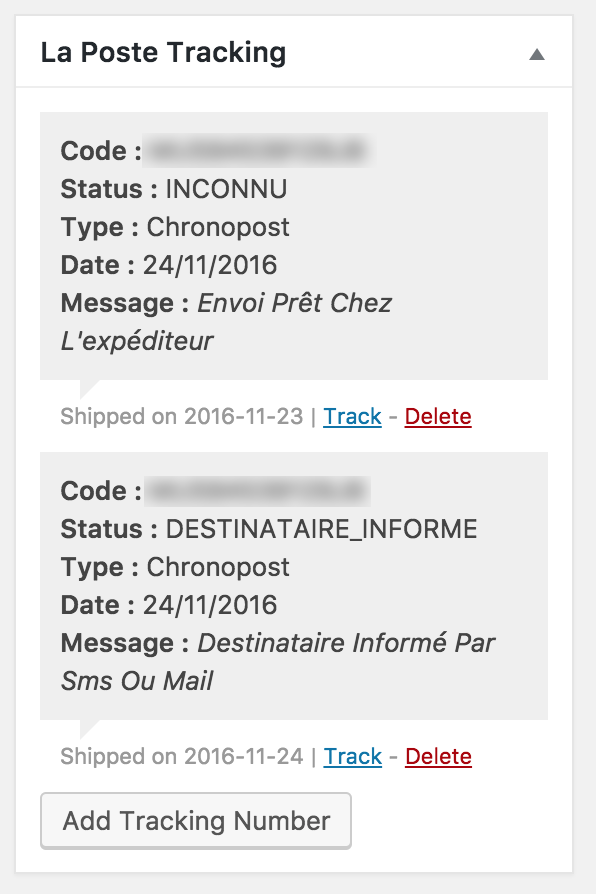
Tracking La Poste for WooCommerce, is an add-on that connects to the La Poste API to retrieve shipments status using the La Poste API. It adds a new section to the “My Account > Orders > View Order” page, includes shipments tracking to emails sent to customers, and adds detailed status to the order edition page in the WordPress Dashboard.
La Poste Developer API Key
To use this add-on you will have to get a personal API key on http://developer.laposte.fr
Compatibility
This add-on is compatible with the following WooCommerce official add-ons:
– WooCommerce PIP (Print invoices and packages)
– WooCommerce Subscriptions
– WooCommerce Customer/Order CSV Export
- Activate the plugin
- Go to WooCommerce > Settings > Integration > La Poste Tracking
- Enter your API key and save
- Start tracking your orders shipments by adding tracking code yo tour orders
Screenshot Gallery



No FAQ provided.
Changelog
1.0.1, November 30, 2016
- Fixed: Cron not firing as expected
1.0.0, November 19, 2016
- New: Initial release
" width="120" height="120">
