
Temporary Access
Active Installs
10+
Last Updated
May 29, 2026
First Released
October 27, 2022
Download History (Last one month)
Contributors
Give anyone a temporary access to your site for a limited amount of time with role.
Features:
- Activate or Deactivate Temporary Access
- Choose Any User for Access
- Set Time-Limited Access Restrictions
- Generate a One-Time Temporary Access URL
To add a WordPress Plugin using the built-in plugin installer:
Go to Plugins > Add New.
- Type in the name “Temporary Access” in Search Plugins box
- Find the “Temporary Access” Plugin to install.
- Click Install Now to begin the plugin installation.
- The resulting installation screen will list the installation as successful or note any problems during the install.
If successful, click Activate Plugin to activate it, or Return to Plugin Installer for further actions.
To add a WordPress Plugin from GitHub repo / plugin zip file :
1. Go to WordPress plugin page
2. Click Add New & Upload Plugin
3. Drag / Click upload the plugin zip file
4. The resulting installation screen will list the installation as successful or note any problems during the install.
If successful, click Activate Plugin to activate it, or Return to Plugin Installer for further actions.
Screenshot Gallery

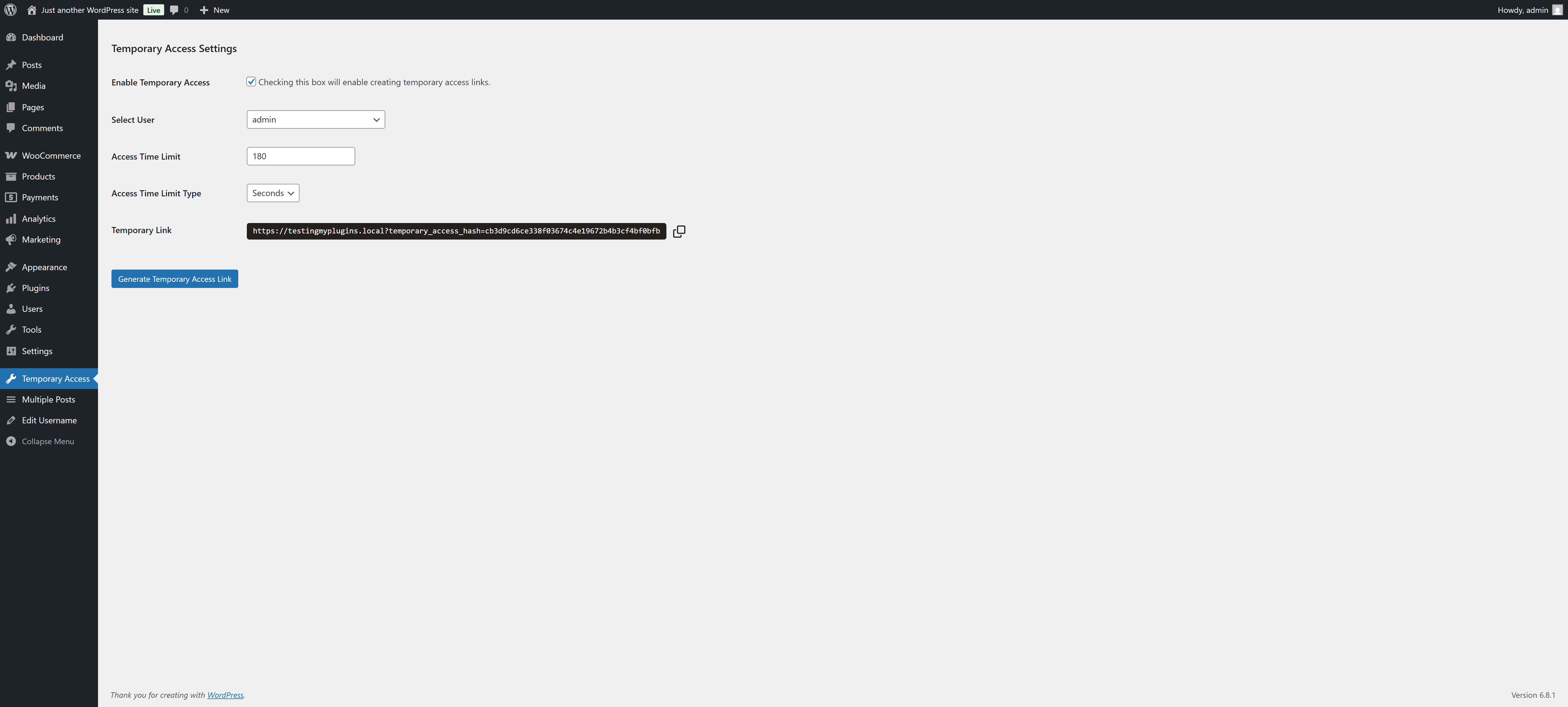
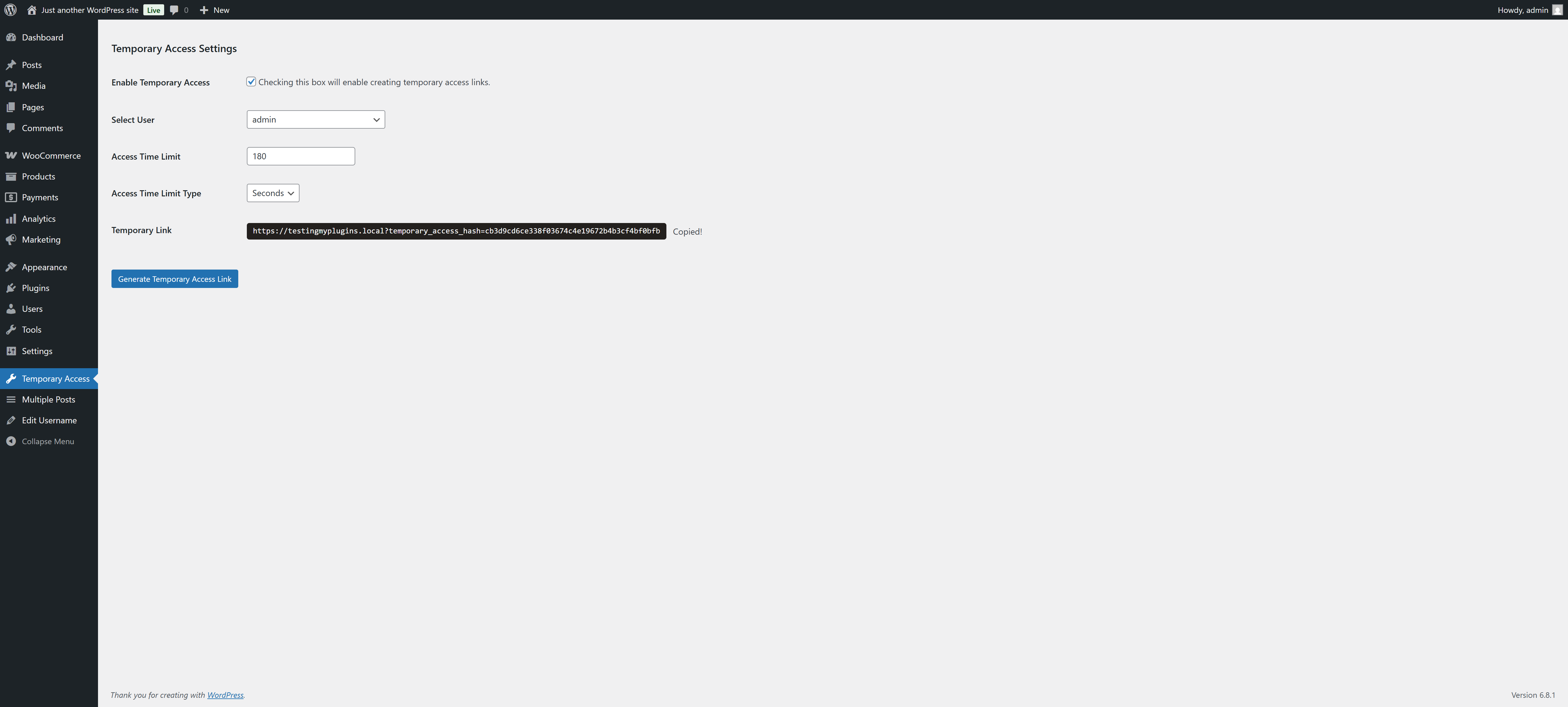
Just activate the plugin, you are good to go. All are done for you.
Changelog
2.0.4
- Compatibility checkup for latest wp version 7.0
2.0.3
- Checked for latest wp version 6.9
2.0.2
- Fixed issue: typo giving fatal error
2.0.1
- Checked for latest wp version 6.8
2.0.0
- Compatibility check for wp v6.7 and major changes in codebase
1.0.2
- Compatibility check for wp v6.6
1.0.1
- Compatibility check for wp v6.3
1.0.0
- Initial release.
