
startpage
Active Installs
30+
Last Updated
February 14, 2019
First Released
January 18, 2019
Download History (Last one month)
Contributors
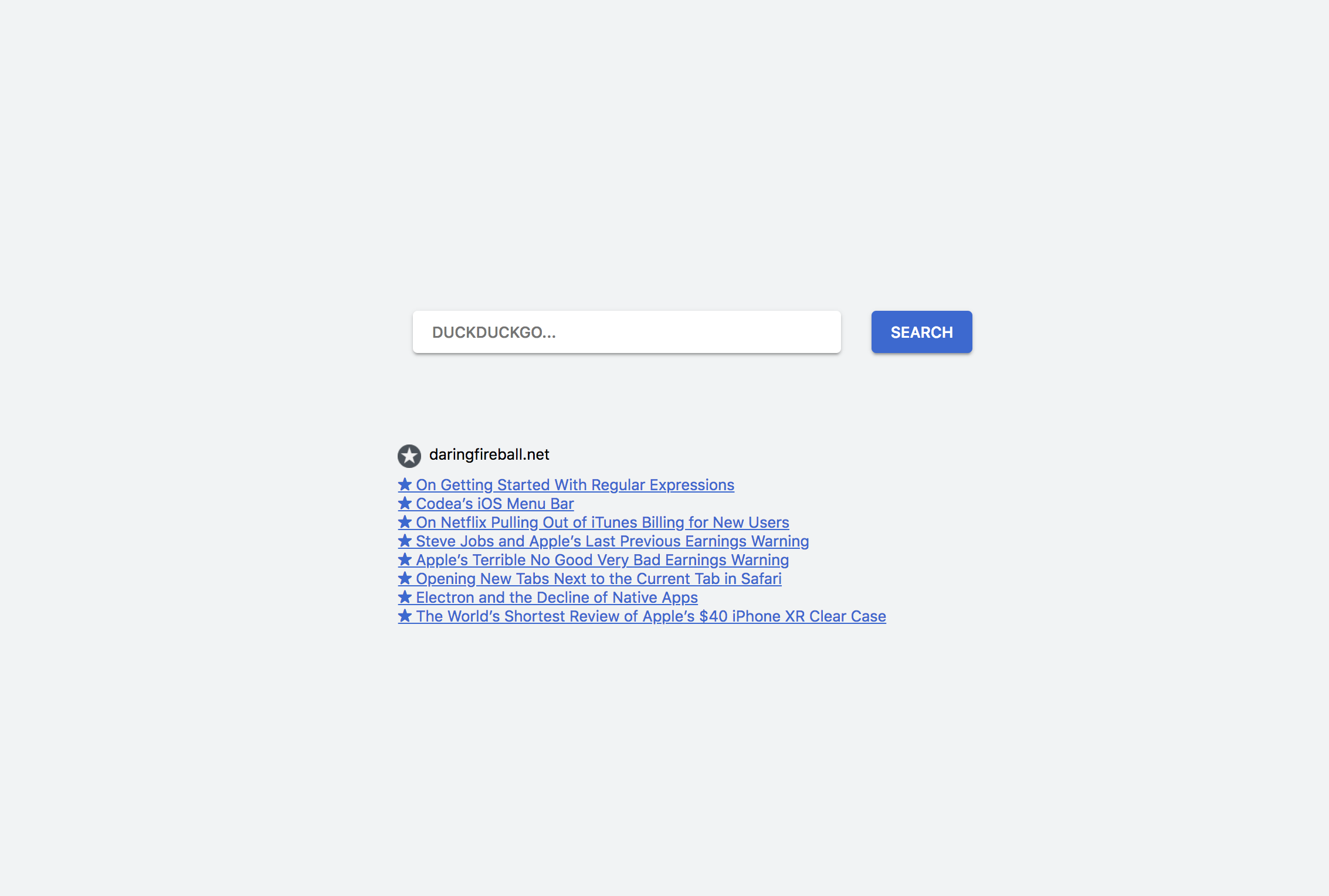
With this plugin you can create your own browser start page. This means you can fully customize it, for example with your favorite search engine bar, your bookmarks or news (fetched through other plugins).
- Upload the
startpagedirectory to the/wp-content/plugins/directory - Activate the plugin through the ‘Plugins’ menu in WordPress.
- Create a new page that you want to use as startpage and use the included blocks like
Searchbarto build the page. - You can change that site’s theme in the editor under “Page Templates” to “Minimalistic” or “Bliphome.”
Screenshot Gallery
How can I set the tab startpage in Safari?
You can find this under Preferences > General > Homepage. Also activate New tabs open with: Homepage
How can I set the tab startpage in Chrome?
Unfortunately you’ll need to use an extension like Redirect Chrome’s New-Tab URL.
Changelog
0.2
- Improve styling, add autofocus option to search engine form
- Add Search Engines
0.1
- Initial Release
- Searchbar Gutenberg block
- Startpage themes
No previous versions available.
