
SpamAssassin Preferences
Active Installs
10+
Last Updated
December 3, 2023
First Released
July 10, 2014
Download History (Last one month)
Contributors
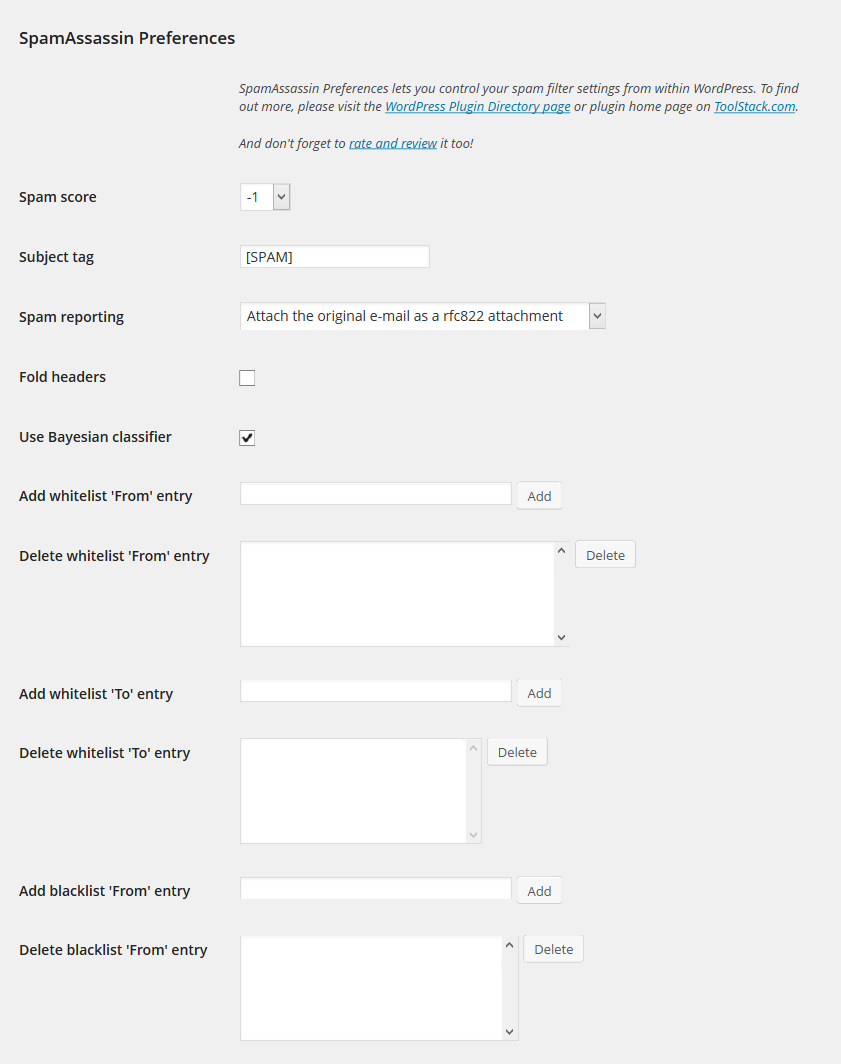
Set your SpamAssassin preferences from your WordPress user profile.
This code is released under the GPL v2, see license.txt for details.
- Configure SpamAssassin to use SQL (see https://wiki.apache.org/spamassassin/UsingSQL)
- Extract the archive file into your plugins directory in the sa-prefs folder.
- Activate the plugin in the Plugin options.
- Configure the plugin options under settings.
- Login to WordPress and go to your profile page, update the options at the bottom.
Screenshot Gallery
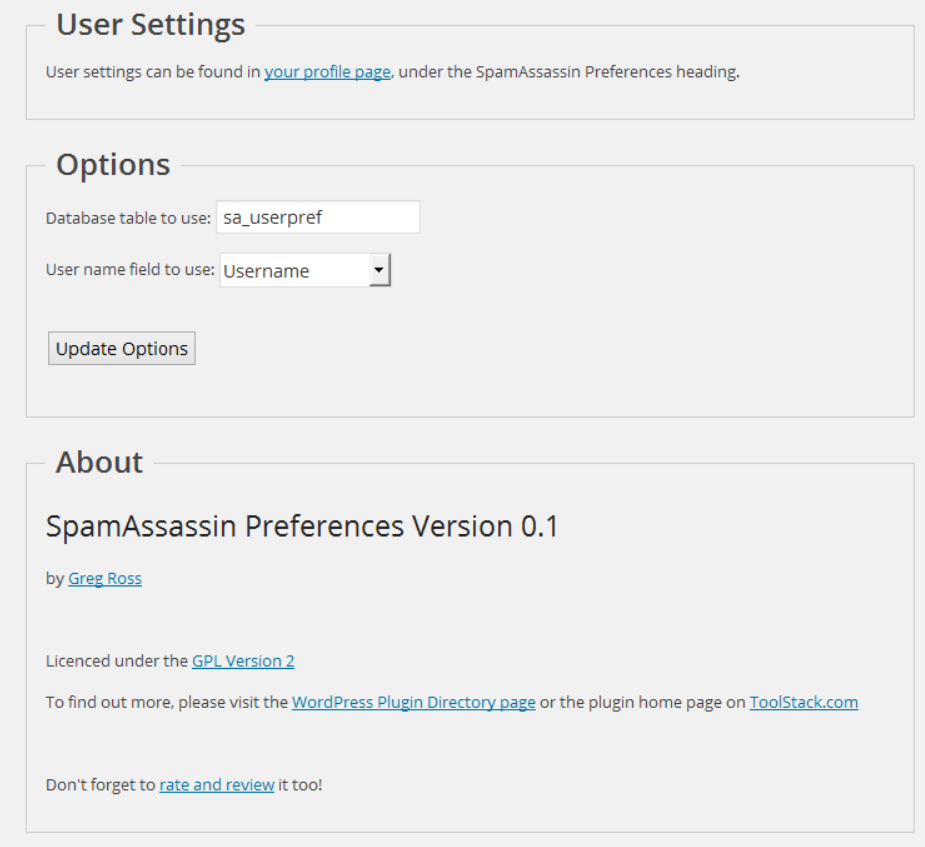
Make sure you have configured your sa_prefs table correctly and set your user field preference as well.
Yes, use the database.table notation in the settings page.
No.
Changelog
1.0
- Release date: October 3, 2014
- No changes other than an offical 1.0 release.
0.1
- Release date: July 10, 2014
- Initial release.
" width="120" height="120">
