
Secondary Product Image for WooCommerce
Active Installs
2,000+
Last Updated
December 4, 2025
First Released
February 9, 2023
Download History (Last one month)
Contributors
Secondary Product Image for WooCommerce adds a hover effect that will reveal a secondary product thumbnail to product images on your WooCommerce product listings
Features
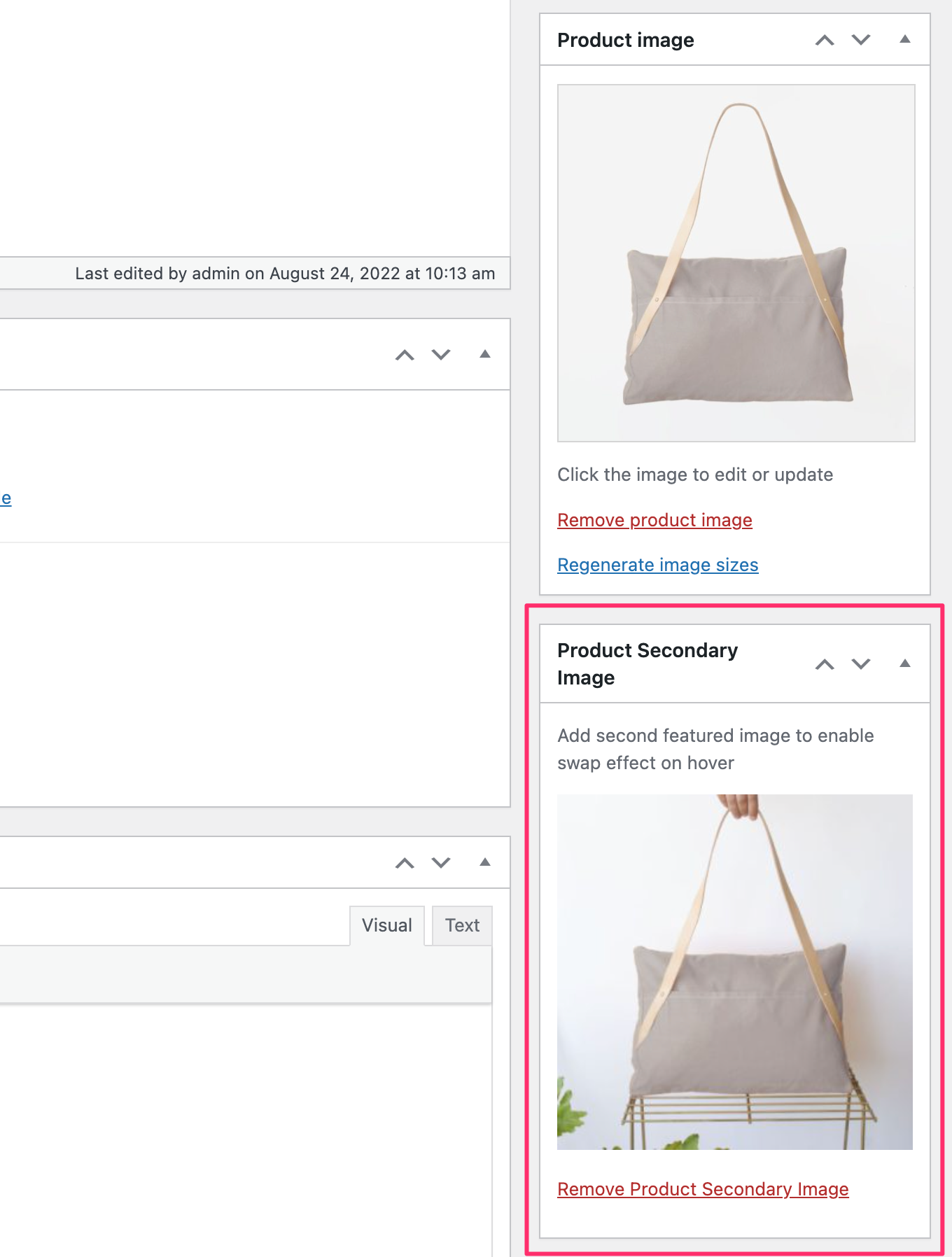
- Allows to upload a secondary Featured Image for WooCommerce products
- Uses the first image from product gallery as fallback if there’s no second Featured Image
- Works with Classic & Block Themes
- Works with 99% themes
- Supports Lazy Loading Images
- The secondary image is loaded only when hovering a product so it doens’t affect the loading speed of pages
Recommended Themes & DEMO
Balance
Inspiro
Inspiro PRO – NEW
Additional Resources
This section describes how to install the plugin and get it working.
- Go to Plugins > Add New
- Search for plugin name
- Install & Activate.

No FAQ provided.
Changelog
1.0.2
- Fixed an issue with the secondary image preloading
- Added compatibility with Block Themes
- The secondary image is now hidden on mobile devices to make it easier to navigate to products
1.0.1
- Minor bug fix
1.0.0
- Initial plugin release
" width="120" height="120">
