
Remove @User Autocomplete from Block Editor
Active Installs
10+
Last Updated
August 28, 2026
First Released
March 10, 2022
Download History (Last one month)
Contributors
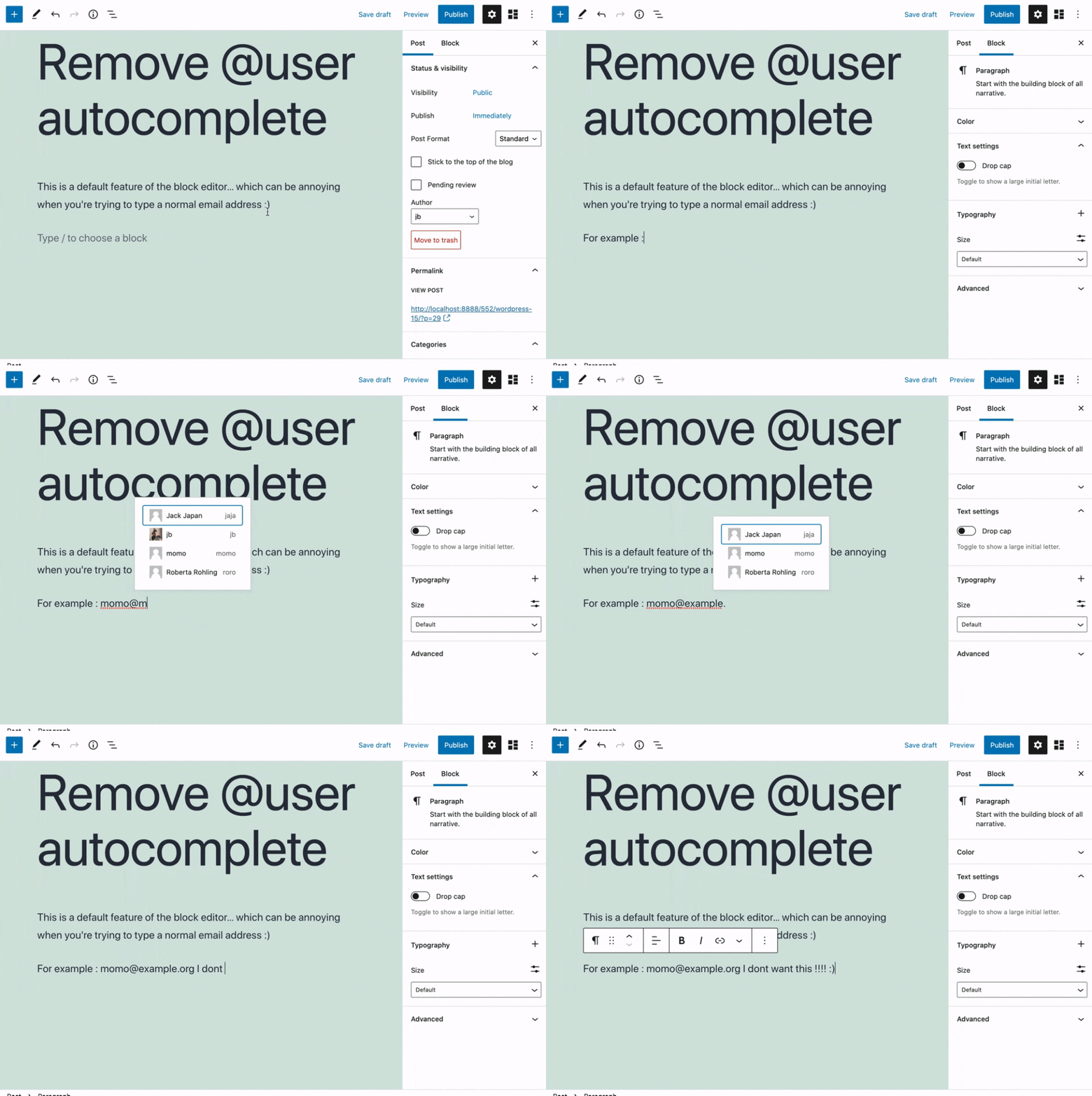
Removes the @user autocomplete feature from the block editor. By default on Gutenberg, when you type @, the block editor performs a search through the users of your WordPress install to suggest you to “@-mention” them (see animated screenshot below for a demo of the default feature). It can be annoying when you are writing email addresses in the editor. This plugin removes the feature from the editor.
- Install the plugin and activate it in your WordPress Admin.
- That’s all! No settings needed.
Screenshot Gallery
No FAQ provided.
Changelog
0.1
- Plugin initial release. Works fine 🙂
