
Print Page Block – make any page printable in one click
Active Installs
1,000+
Last Updated
October 1, 2026
First Released
October 27, 2021
Download History (Last one month)
Contributors
Give your visitors one-click printing – add a stylish print button that prints the whole page or just the section you choose.
Why Print Page Block?
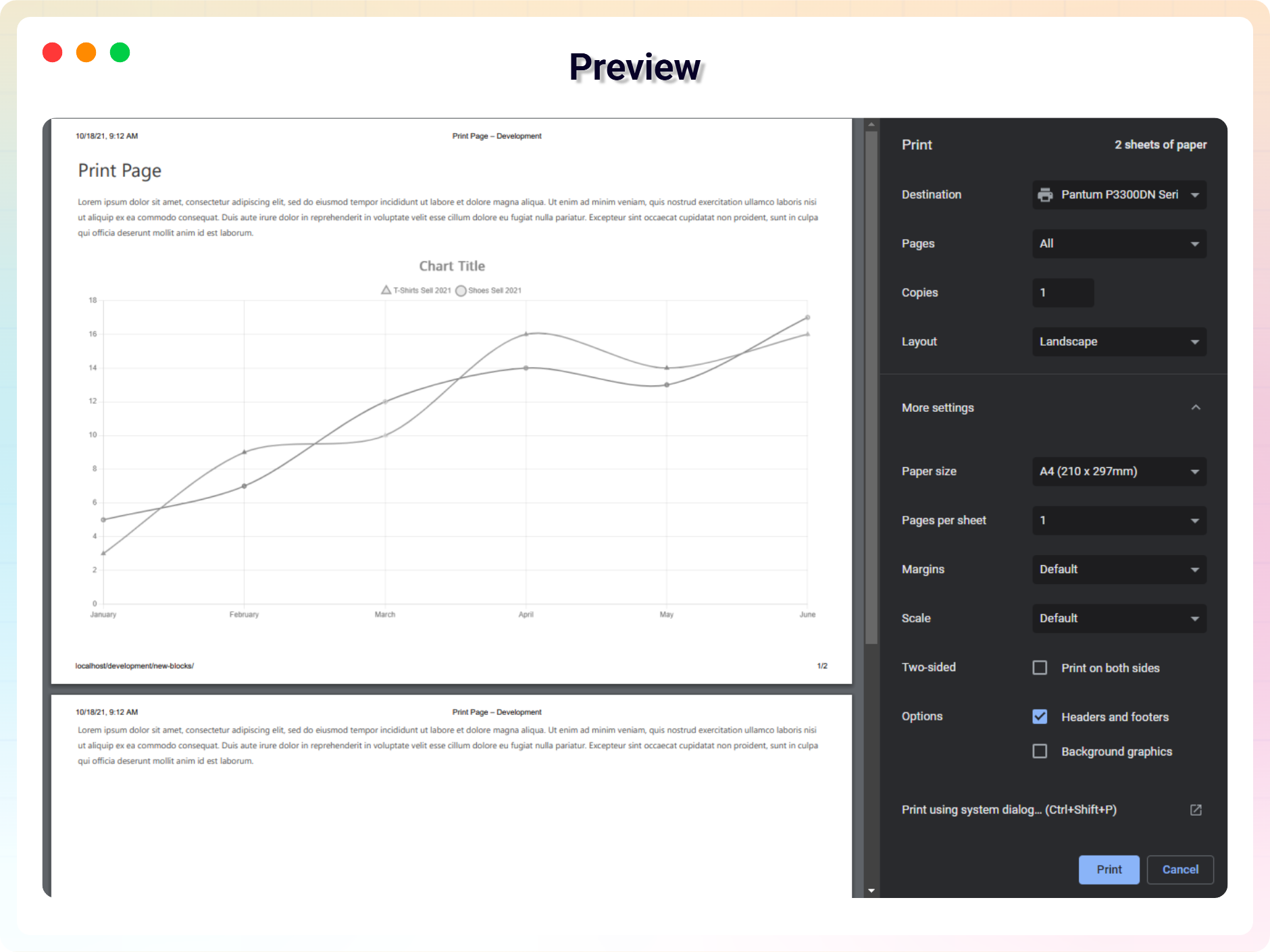
Some content is meant to be printed – recipes, tickets, invoices, documentation. Print Page Block adds a print button to any page with a simple Gutenberg block, so visitors can print the entire webpage or only a specific part of it with a single click.
Want to print just the article and skip the sidebar? Point the block at any HTML section using a CSS selector (e.g. #content, .article) and only that part gets printed.
The plugin has been developed so anyone can configure and use it without technical knowledge – pick a button style, set your colors and publish.
Free Features
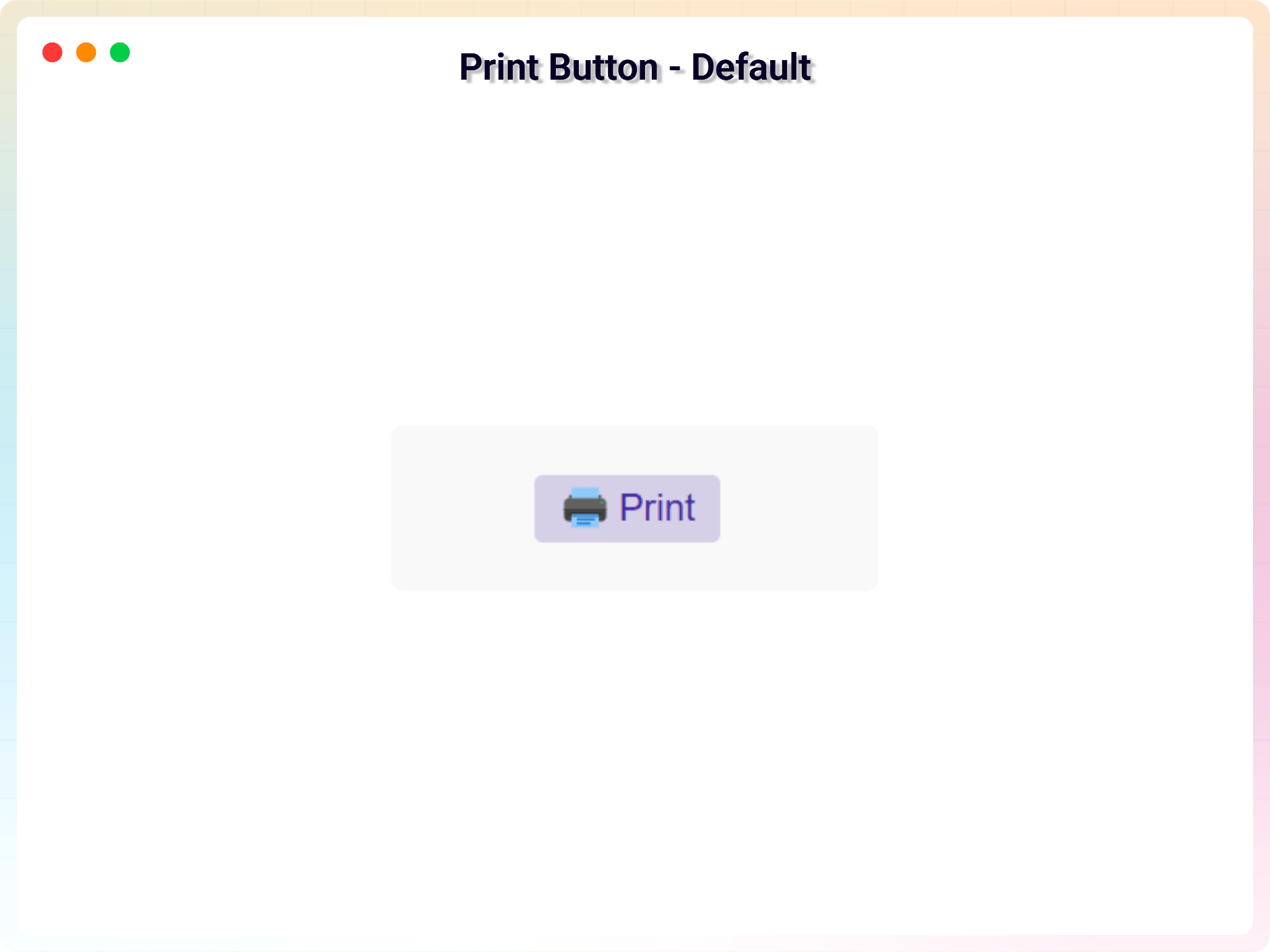
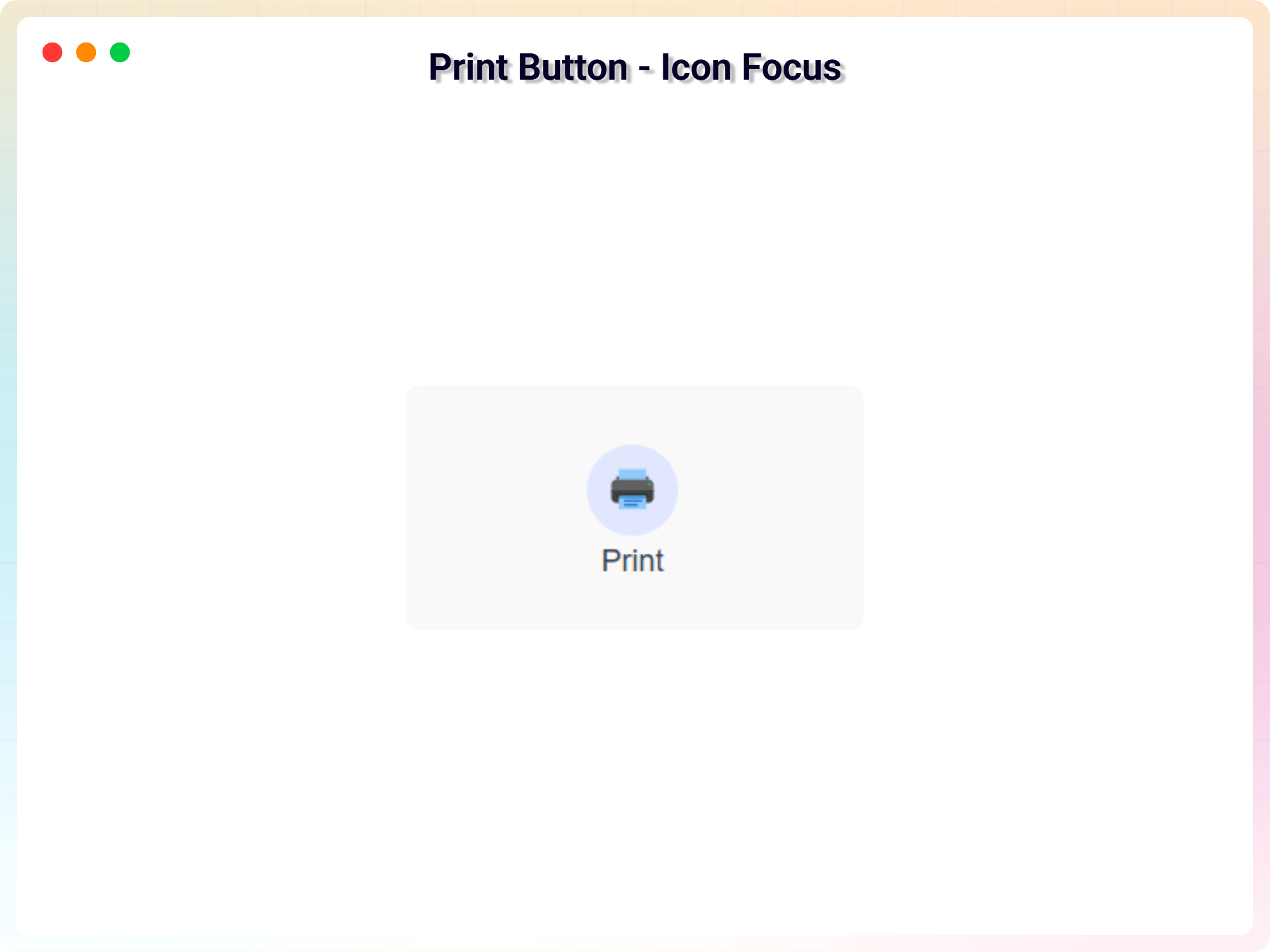
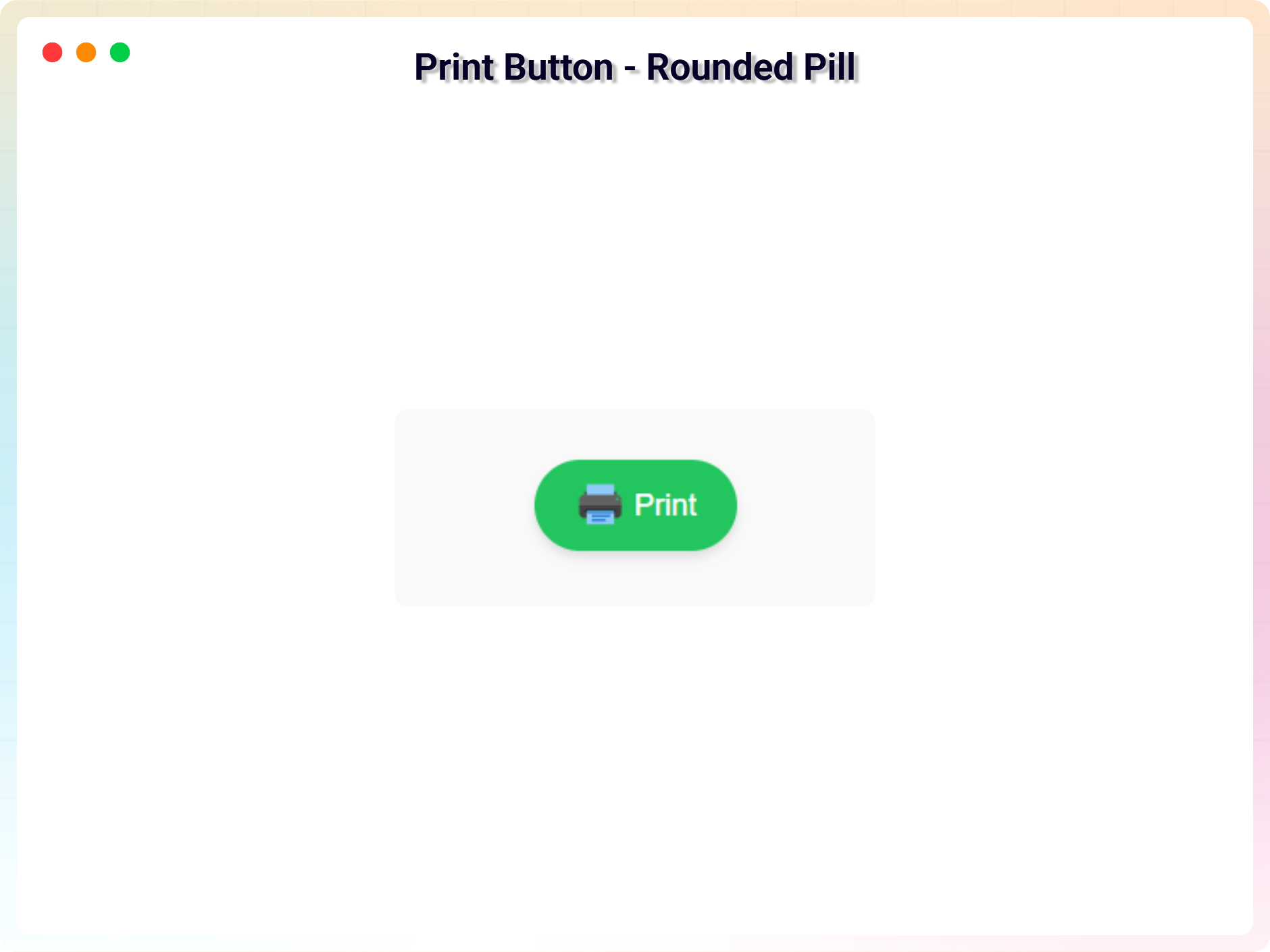
- Multiple Button Variants: Use beautifully designed default button styles.
- Print Full Page: Instantly print the entire webpage with a single click.
- Print Specific Section: Choose a specific HTML section using a CSS selector (e.g. #content, .article) and print only that part.
- Icon Support: Display a print icon with your button using built-in icon sets.
- Basic Button Colors: Customize text and background colors.
- Hover Color Support: Change colors on hover for better interaction.
- Lightweight & Fast: JavaScript-based printing with minimal performance impact.
- Beginner Friendly UI: No technical knowledge required.
Pro Version
Print Page Pro unlocks advanced print behaviors and design controls:
- Enhanced Print Controls: Modal print, page orientation, header & footer options and more.
- Custom Icon Upload: Upload and use your own print icon.
- Show / Hide Button Text: Toggle button text visibility (except Floating Action variant).
- Advanced Typography: Google Fonts, letter spacing, line height, and font weight.
- Responsive Padding & Spacing: Different padding for desktop, tablet, and mobile.
- Advanced Border Styles: Dashed, dotted, and double borders with custom radius per corner.
- Button Shadow & Hover Effects: Soft shadows, neon glows, or layered hover shadows.
How to Use
- Install and activate the Print Page plugin.
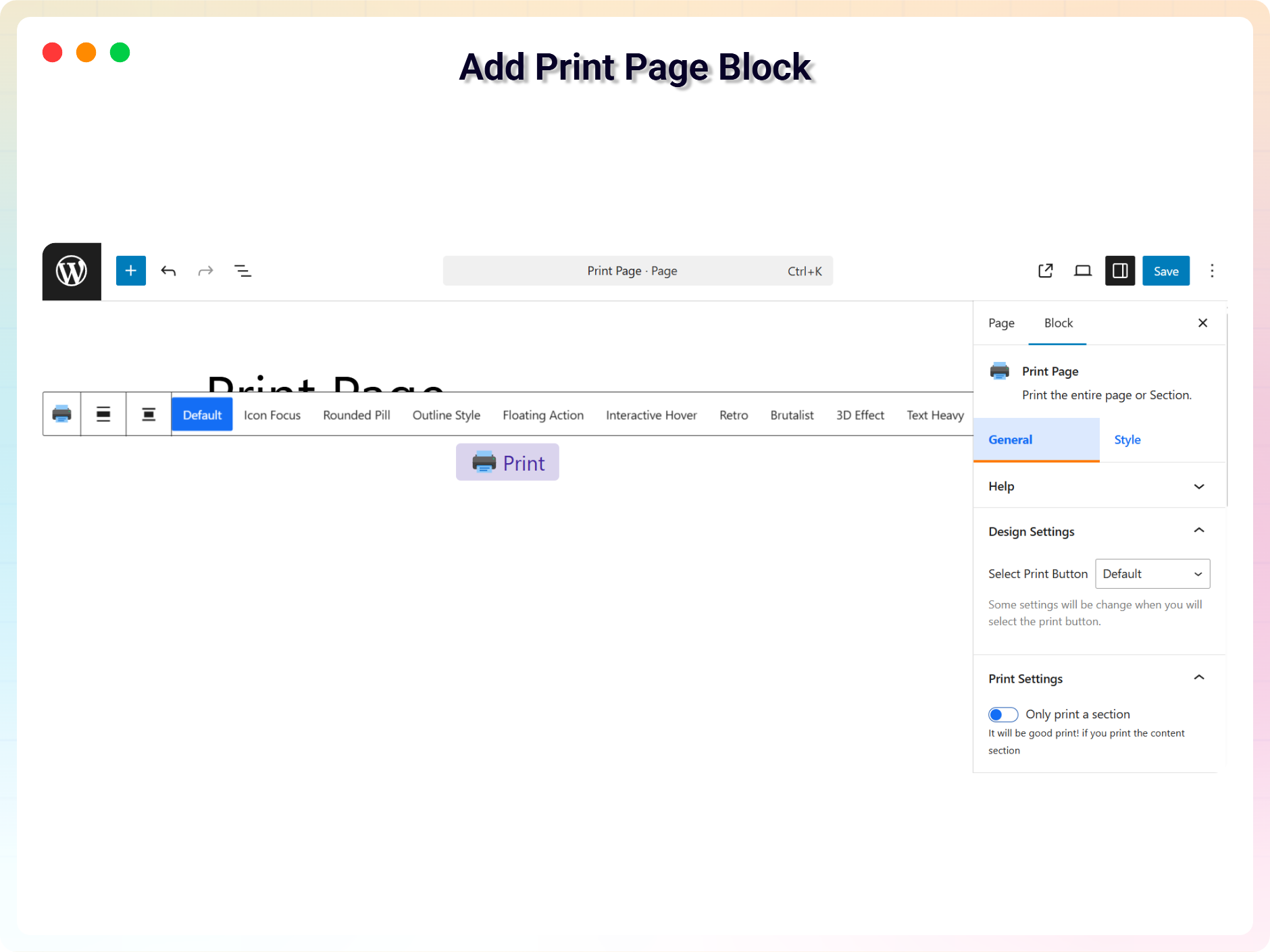
- In the Gutenberg editor, add the Print Page block from the “Widgets” block category.
- Choose full-page printing or enter a CSS selector for a specific section.
- Style the button from the right-side settings sidebar.
- Publish – your visitors can now print with one click.
Use Cases
- Recipes & How-To Guides: Let readers print instructions to follow offline.
- Documentation & Knowledge Bases: Offer printable articles and manuals.
- Invoices, Tickets & Certificates: Print only the relevant section of the page.
- Legal & Policy Pages: Give visitors easy hard-copy access to terms and policies.
Did you like this plugin? Do you have a feature request? Please share your feedback with us.
Check out the Parent Plugin of this plugin-
B Blocks – A blocks collection and page building tool for Gutenberg.
Check out our other WordPress Plugins-
Html5 Video Player – Display videos as single and playlist in multiple skins.
PDF Poster – Display/Embed PDF files with different styles.
Html5 Audio Player – Listen audios with awesome visuals.
Panorama Viewer – 360 Virtual Tour, Panoramic image viewer and More.
3D Viewer – Embed 3D models and 3D products with interaction.
Advanced Post Block – Show posts and custom posts in different layouts.
Source Code
You can find the source code, report bugs, and contribute to the development of this plugin on our GitHub repository:
Print Page on GitHub
Third-Party Libraries
bpl-tools
- Source / GitHub: https://github.com/bPlugins/bpl-tools
- License: GPL-2.0-or-later – https://www.gnu.org/licenses/gpl-2.0.html
- Purpose: Shared utility library providing admin dashboard components and common Gutenberg editor controls.
- External Services: The library may connect to bPlugins, WordPress.org, and Freemius services for product data and checkout functionality. See full details: https://github.com/bPlugins/bpl-tools#external-requests–why-they-are-made
From your WordPress dashboard (recommended):
- Go to Plugins Add New.
- Search for “Print Page”.
- Click Install Now, then Activate.
- Add the Print Page block to any post or page in the Gutenberg editor.
Manual installation:
- Download the Print Page plugin (.zip file).
- In your admin area, go to Plugins Add New and click Upload Plugin.
- Choose the
print-page.zipfile and click Install Now. - Activate the plugin through the Plugins menu in WordPress.
Screenshot Gallery
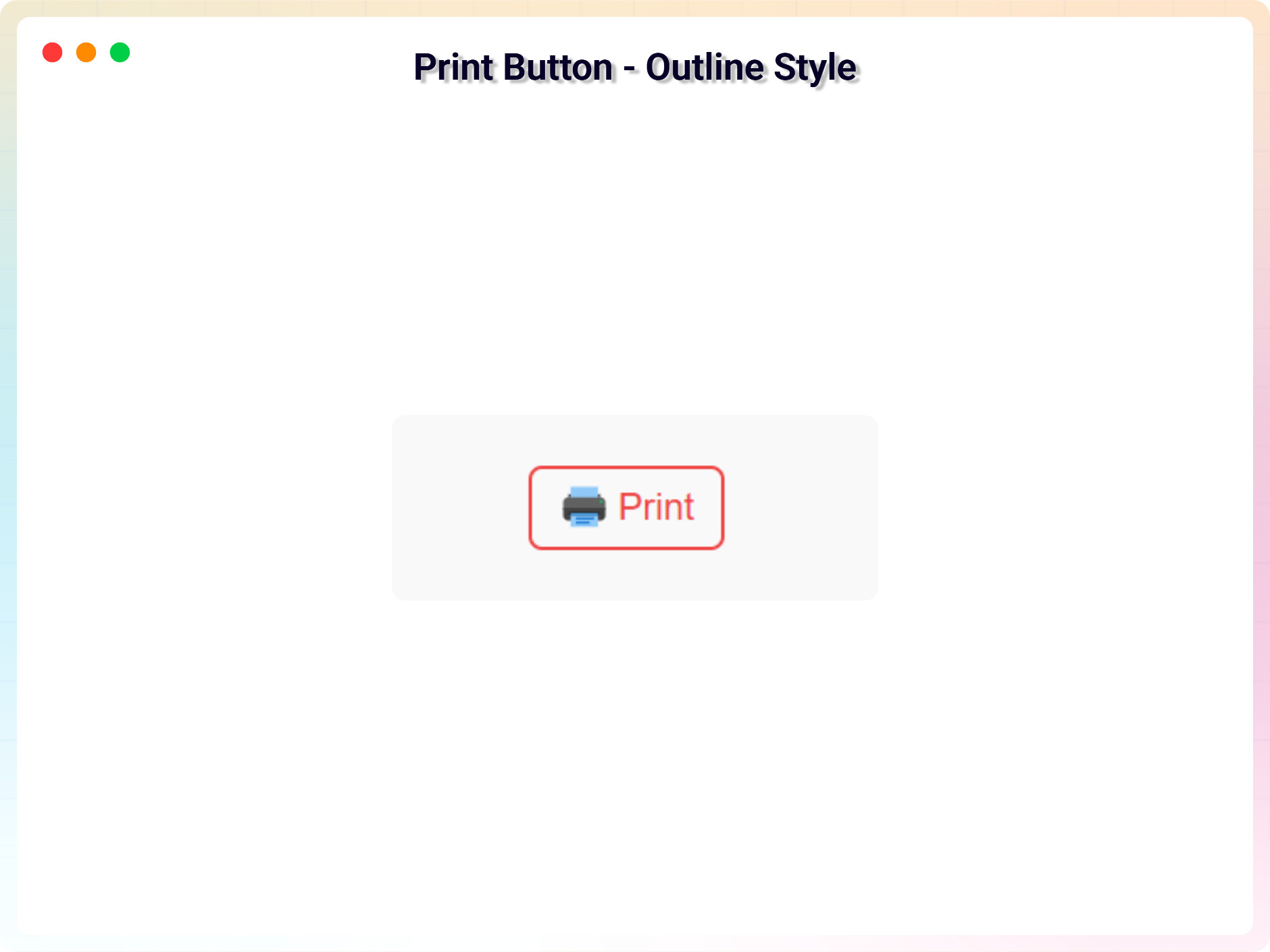
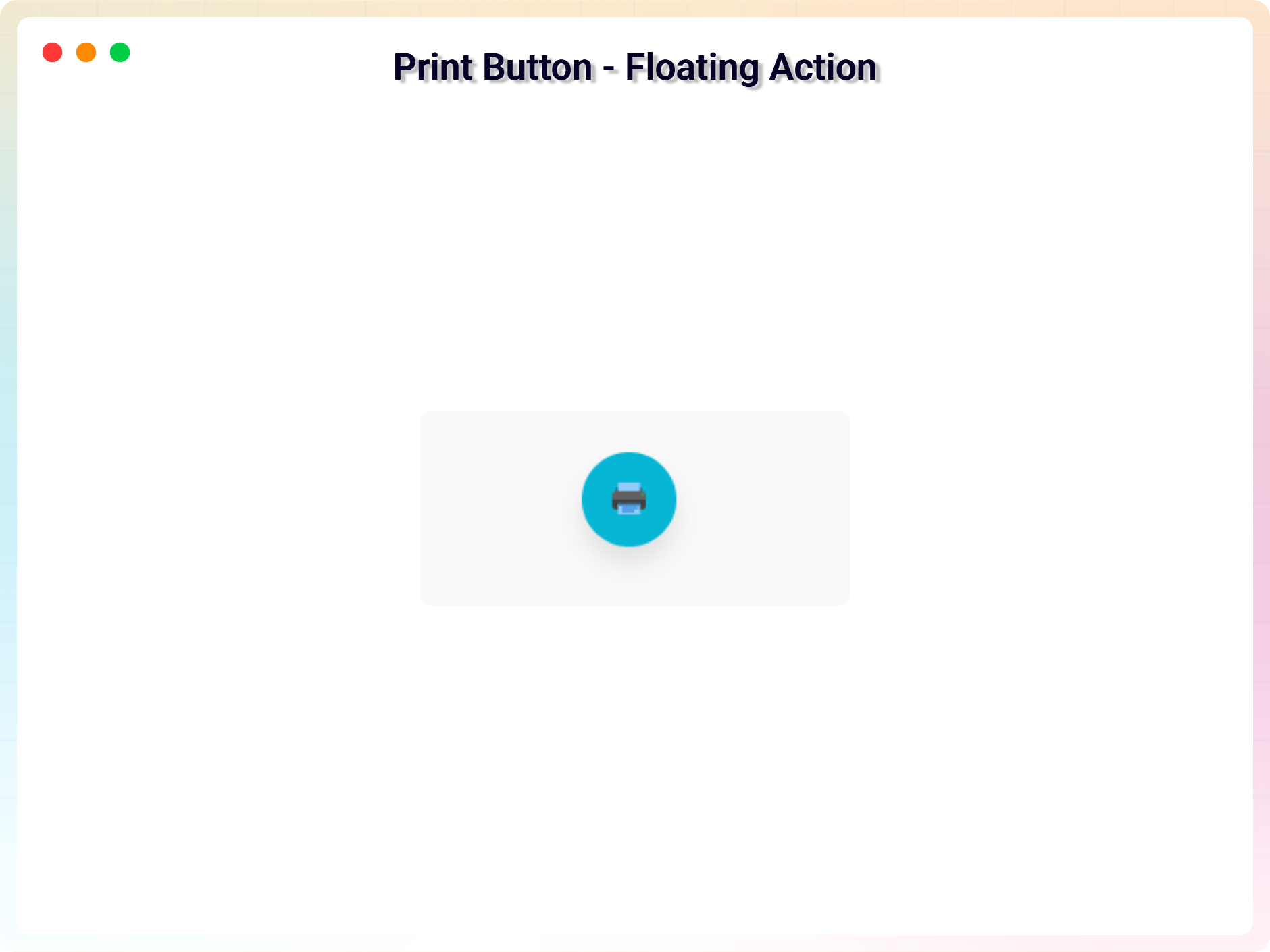
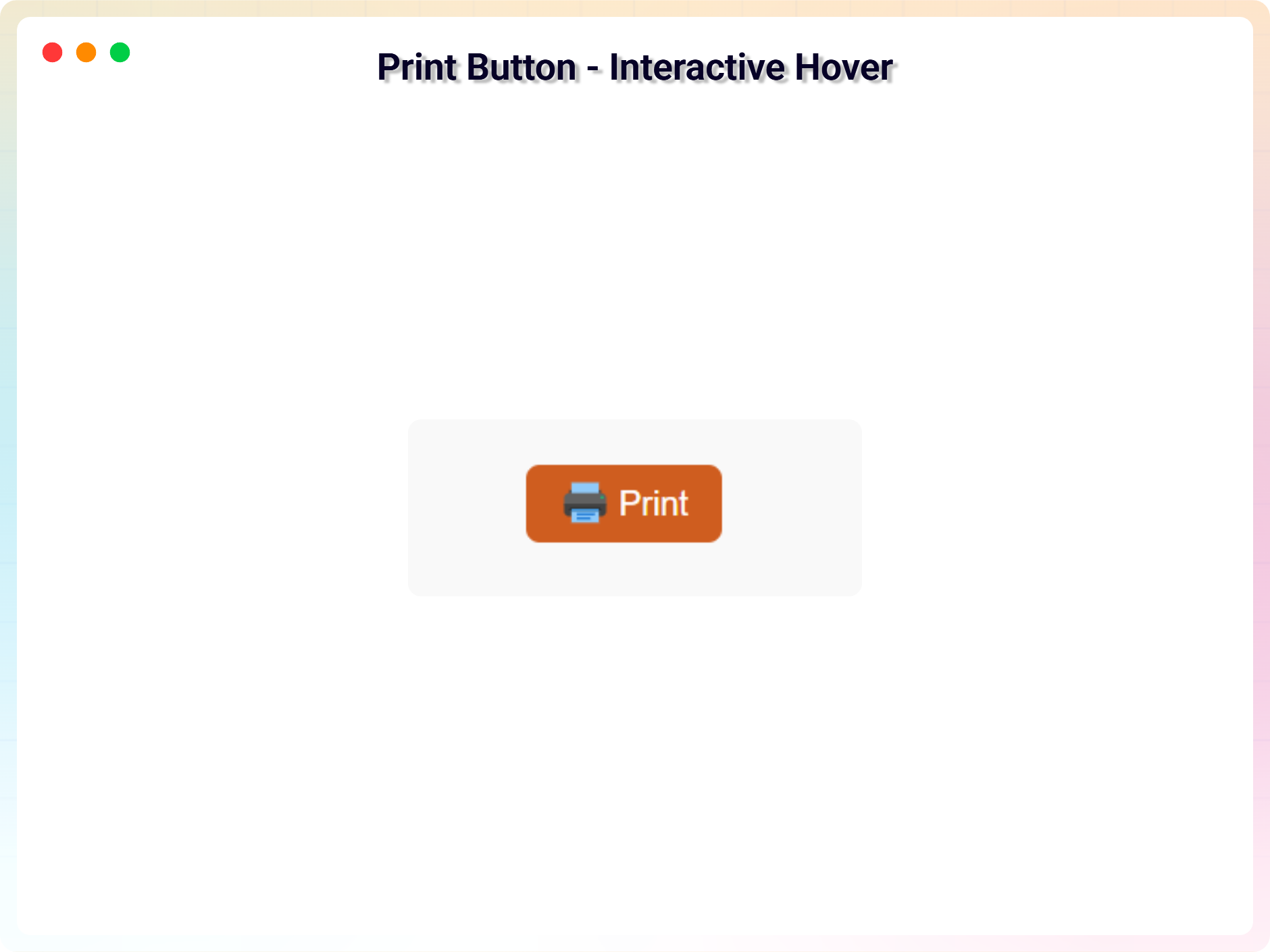
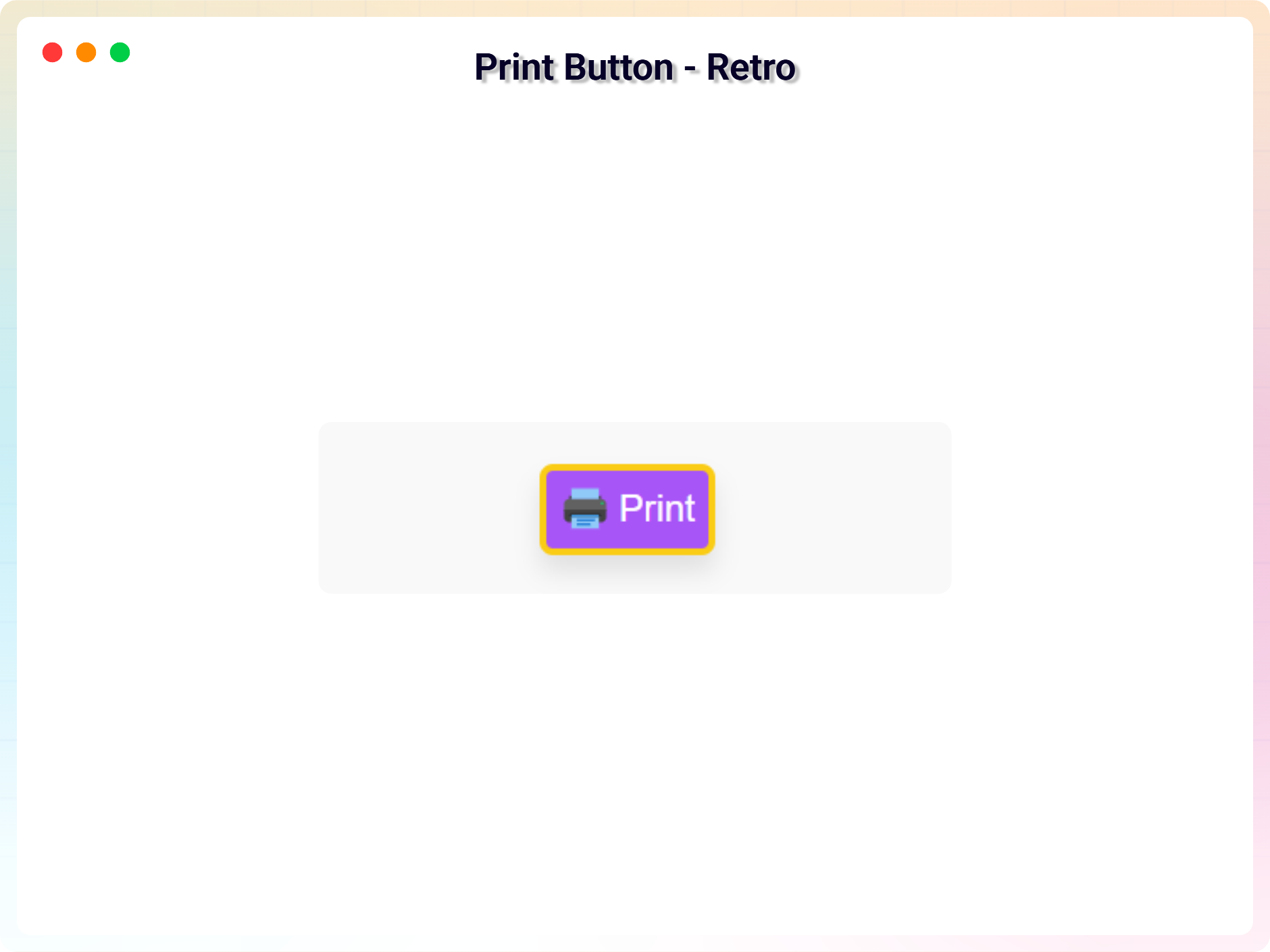
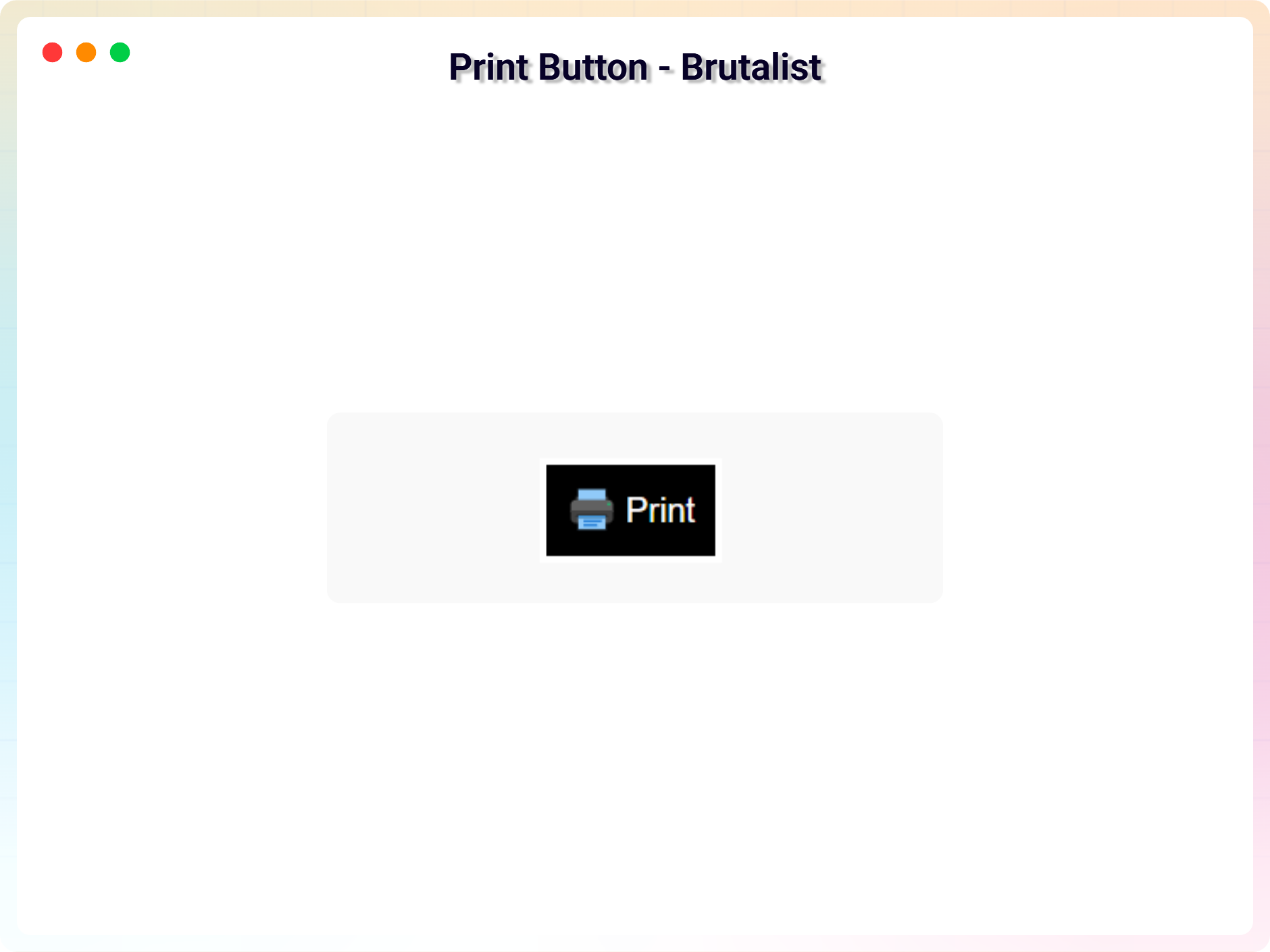
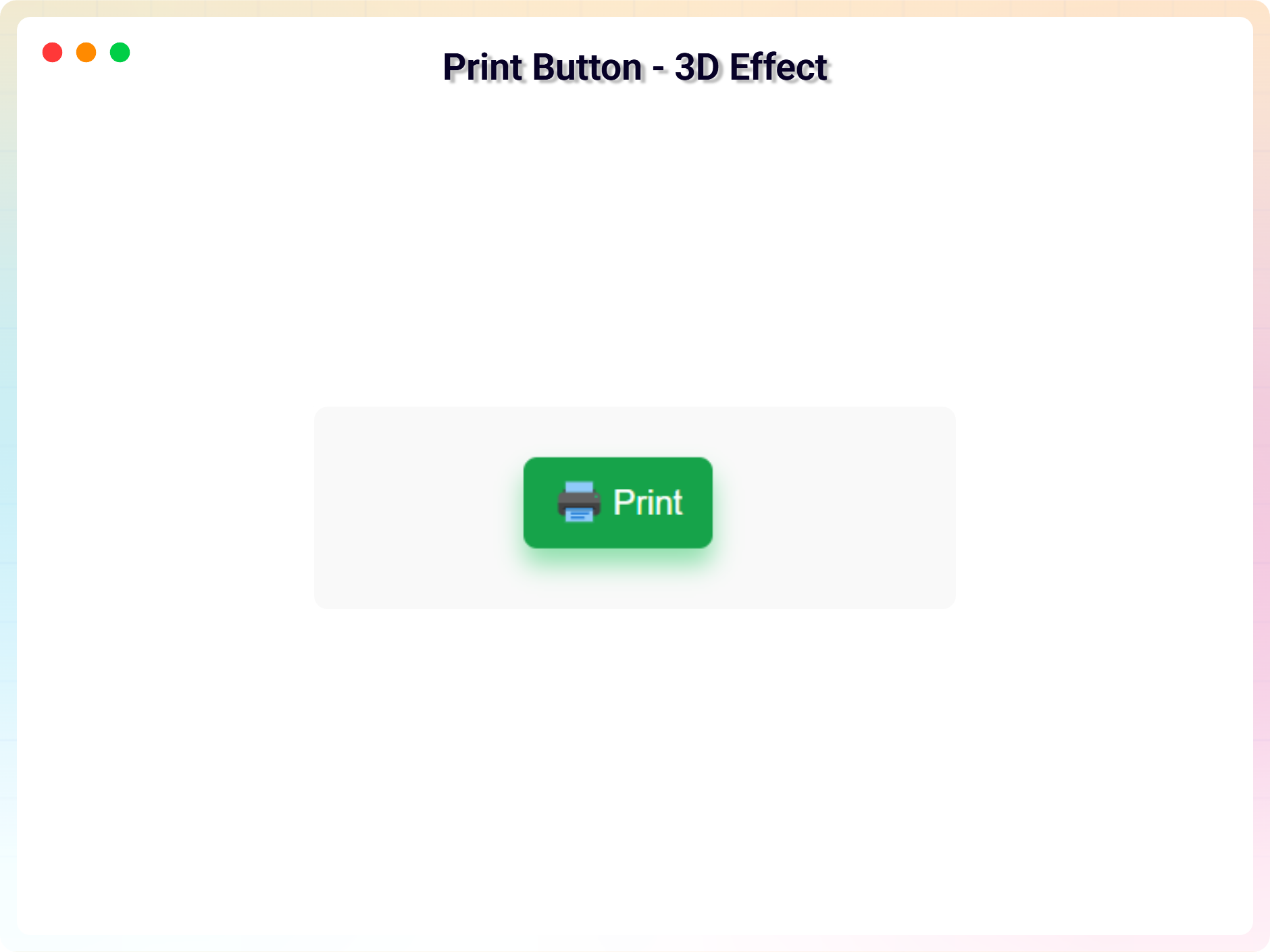
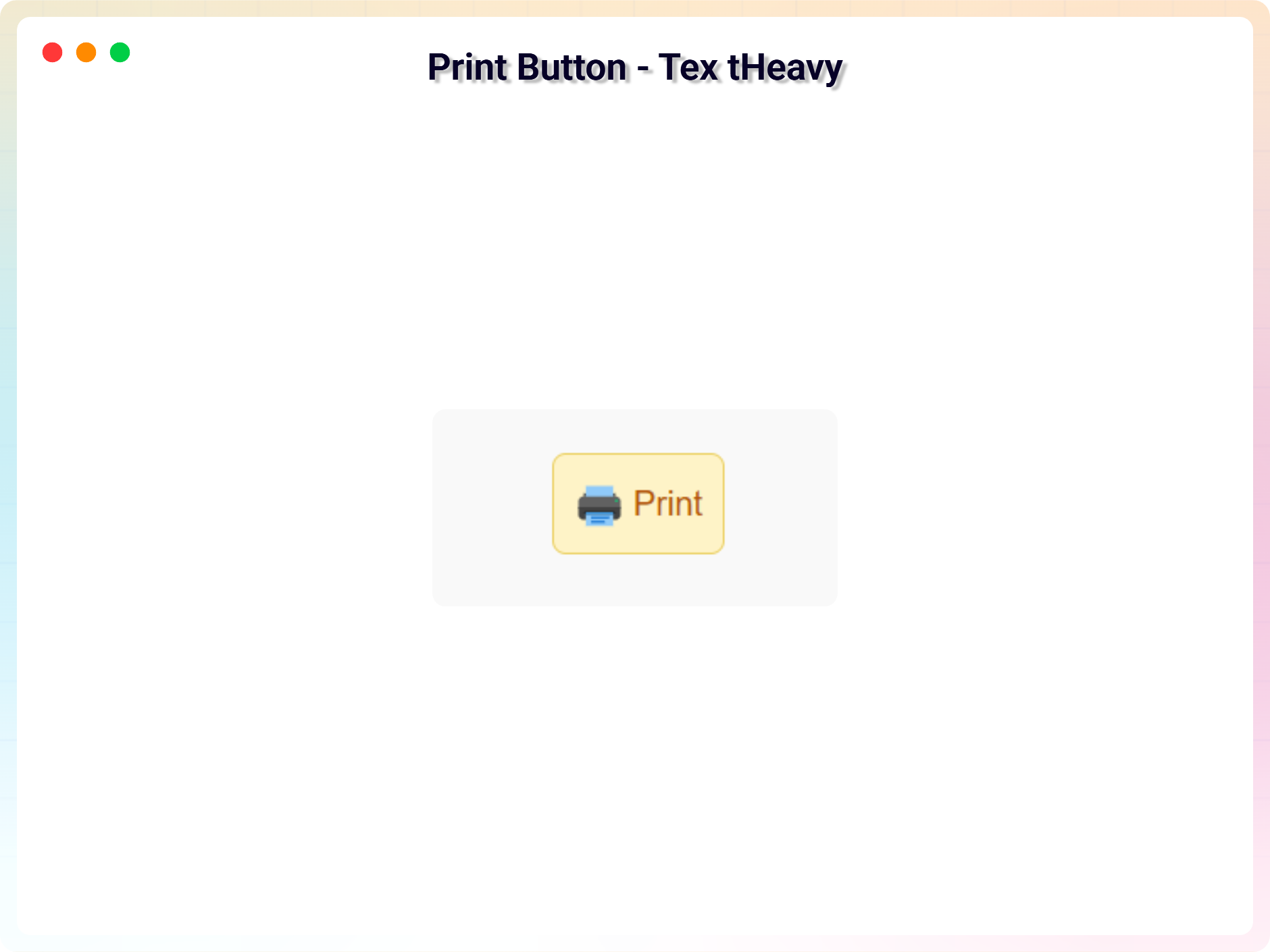
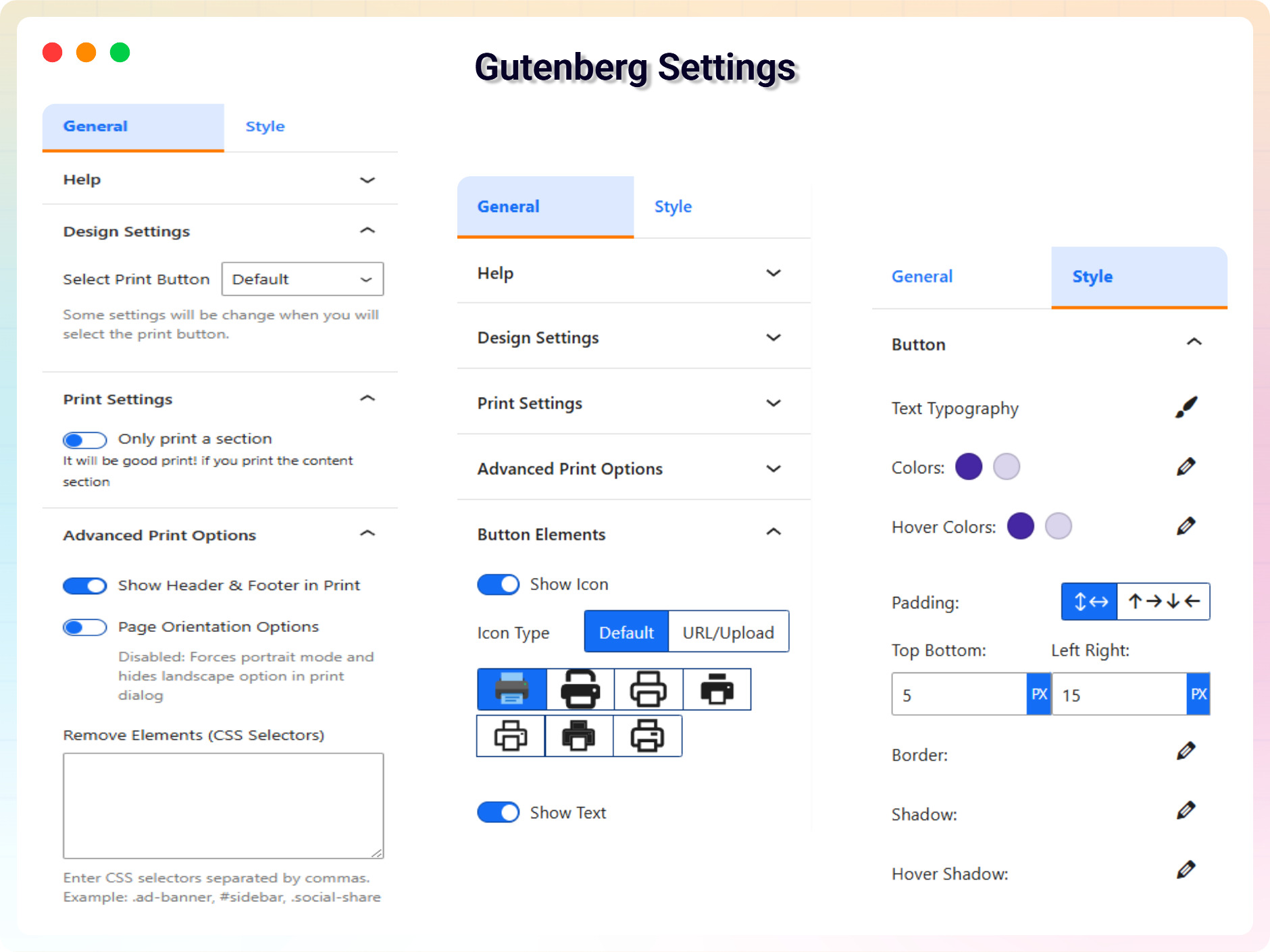
Yes, Print Page is a free Gutenberg block plugin. A Pro version with advanced print controls and design options is also available.
Yes, it will work with any standard WordPress theme.
Yes. Enter a CSS selector (e.g. #content or .article) in the block settings and the button will print only that section instead of the whole page.
Yes. The free version includes multiple button variants, icon support, and text, background, and hover color options. The Pro version adds typography, borders, shadows, and responsive spacing controls.
No. Printing is JavaScript-based and lightweight, with minimal performance impact.
Yes, you can change block settings from the Gutenberg block editor’s right sidebar.
You can use the block an unlimited number of times.
You can post your questions on the support forum here.
Changelog
1.3.2 – 13 Jul, 2026
- Added: Elementor getting started instructions.
1.3.1 – 14 Jun, 2026
- Updated: Modernized the admin settings dashboard layout.
1.3.0 – 02 Jun, 2026
- Added: Added uninstall data clean-up option in the admin settings dashboard to wipe plugin configurations on deletion.
- Added: Added uninstall.php script to securely remove all custom post types and options if the cleanup setting is enabled.
- Added: Added Gulp task configurations (gulpfile.js and package.json) to automate cross-platform release packaging.
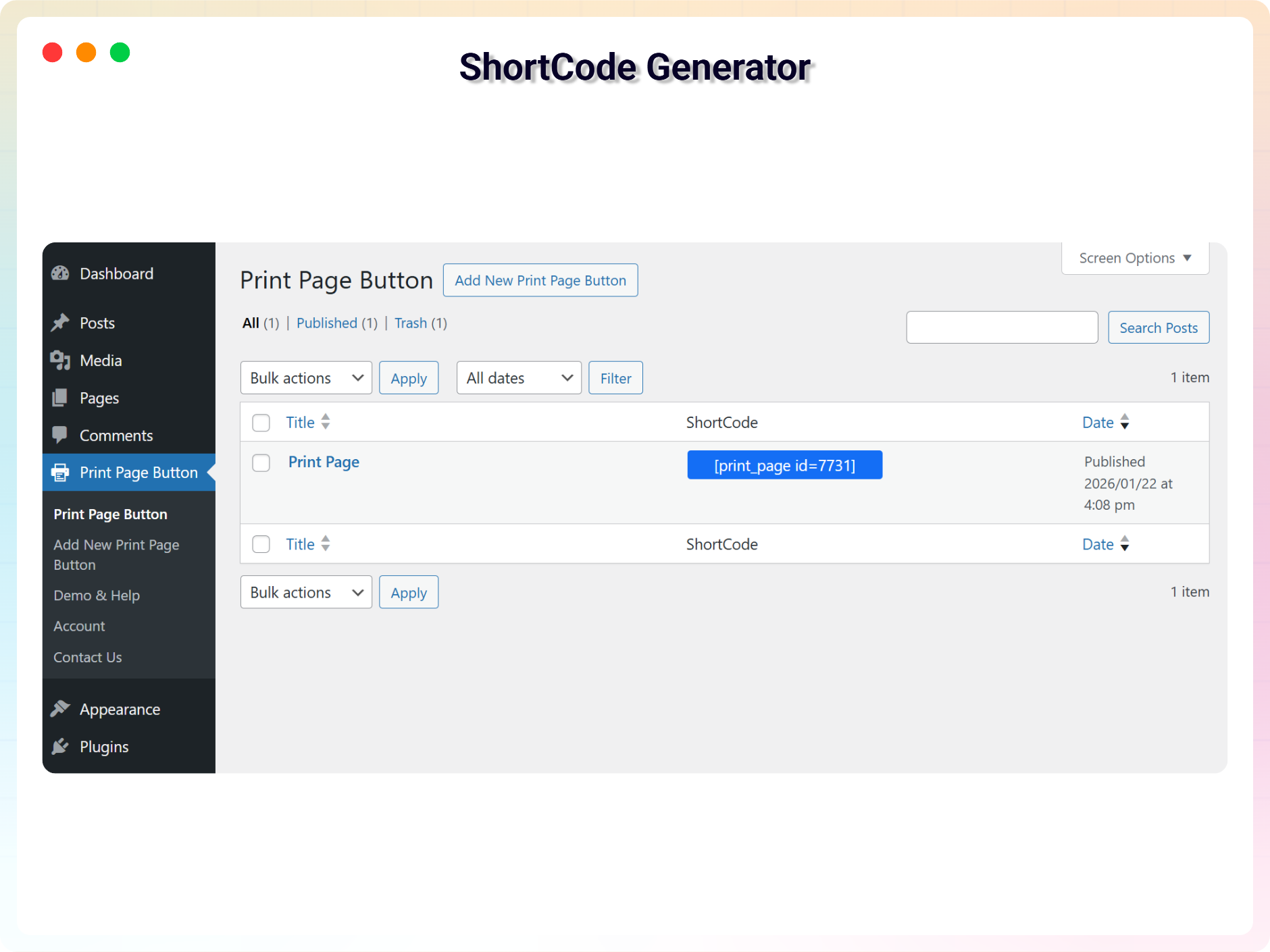
- Updated: Redesigned the shortcode copy-to-clipboard UI column in the print CPT admin table for a better user experience.
- Updated: Migrated PHP class controllers directly under the includes/ directory and refactored code to use namespace PrintPage to comply with standard coding guidelines.
- Improved: Unlocked previously locked pro fields in the Gutenberg editor and introduced a clean, non-intrusive notices UI to display premium feature requirements.
- Fixed: Fixed multiple security issues flagged by WordPress Plugin Check (PCP), including direct access checks (ABSPATH), wp_unslash sanitization for AJAX, and translation string escaping for wp_die.
1.2.8 – 03 May, 2026
- Fixed: Fixed shortcode rendering & print button disappearing issue.
1.2.7 – 09 April, 2026
- Fixed: Class naming conflict and namespace resolution issue in LicenseActivation.
1.2.6 – 26 Mar 26
- Improved print layout and margins for modal and section printing
1.2.5 – 26 Feb 26
- Update: Added brand new dashboard with license activation support
1.2.4 – 08 Feb 26
- Updated: Updated “Show browser header/footer option in print dialog” label and help text.
1.2.3 – 23 Jan 26
- Fix: Print styles now clean up properly after the print dialog closes (prevents removed elements from sometimes staying hidden).
- Improvement: Updated “Header & Footer” label and help text for clearer guidance (site header/footer vs browser print headers/footers).
1.2.2 – 04 Nov 25
- Updated SDK
1.2.1 – 31 October 25
- Updated label for the Print Page block post type.
1.2.0 – 29 October 25
- added more advanced print controls, 10 variants of print button.
1.1.2 – 8 Aug 24
- Fix not reloading issue after print.
1.1.1 – 4 Aug 24
- Fix section print issue.
1.1.0 – 5 Jun 24
- Added several default icons, including the upload options.
1.0.9 – 7 Mar 24
- Fix security issue
- Reduce JS dependency
1.0.8
- Add support for modal
1.0.7
- Add translate feature
1.0.6
- Fix HTML Render
1.0.5
- Reduce PHP Code
- Performance Improvement
1.0.4
- Reduce PHP Code
1.0.3
- Performance upgrade
1.0.2
- Performance upgrade
1.0.1
- Update theme and Colors
1.0.0
- Initial Release.
" width="120" height="120">
Available Versions
| Version | Download | Type |
|---|---|---|
| 1.3.2 | Download | Stable |
| 1.3.1 | Download | Stable |
| 1.3.0 | Download | Stable |
| 1.2.8 | Download | Stable |
| 1.2.7 | Download | Stable |
| 1.2.6 | Download | Stable |
| 1.2.5 | Download | Stable |
| 1.2.4 | Download | Stable |
| 1.2.3 | Download | Stable |
| 1.2.2 | Download | Stable |
| 1.2.1 | Download | Stable |
| 1.2.0 | Download | Stable |
| 1.1.2 | Download | Stable |
| 1.1.1 | Download | Stable |
| 1.1.0 | Download | Stable |
| 1.0.9 | Download | Stable |
| 1.0.8 | Download | Stable |
| 1.0.7 | Download | Stable |
| 1.0.6 | Download | Stable |
| 1.0.5 | Download | Stable |
| 1.0.4 | Download | Stable |
| 1.0.3 | Download | Stable |
| 1.0.2 | Download | Stable |
| 1.0.1 | Download | Stable |
| 1.0.0 | Download | Stable |
| Development | Download | Trunk |
