
Panorama – 360 Virtual Tour, Panoramic image viewer and More
Active Installs
3,000+
Last Updated
April 23, 2026
First Released
April 14, 2021
Download History (Last one month)
The plugin is very easy to use and anyone can use the plugin easily without any technical knowledge
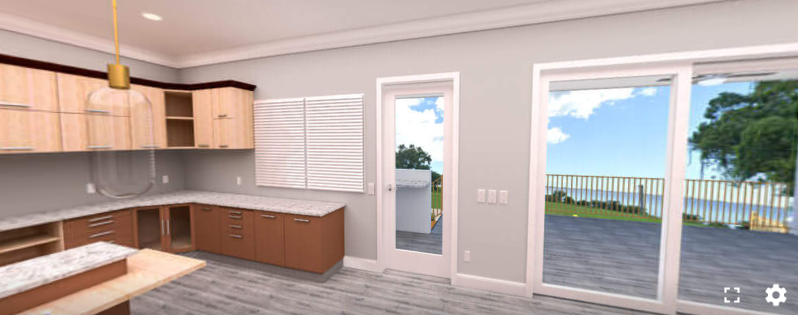
You can embed any panoramic photos, or videos in Posts, Pages, Widget areas and WooCommerce product pages. It comes with everything you need to make the most of your panoramic pictures.
This WordPress plugin enables seamless display of images, 360° images, and videos on your website. You can easily customize the layout of panorama images by adjusting width and height settings to suit your design preferences.
Control the auto-rotation feature, specifying the speed in degrees per second, and toggle default controls as needed.
Upgrade to the pro version to unlock additional features, including the ability to display galleries, 360° tours, and Google Street View. Choose a custom angle of view for initial viewing and show or hide custom controls for a tailored user experience.
Enable or disable auto-load functionality to load images without requiring user interaction.
Enhance user interaction by enabling or disabling mouse and touch dragging, and toggle the visibility of the compass for orientation. Additionally, display title and author name information to provide context for the content being viewed.
With these advanced features, you can create immersive and interactive experiences for your audience.
See Live Demos
Get Pro Version
Free Features
- Versatile: Embed your 360 Photos, Videos, and Google Street locations.
- 360 Image Gallery: Create a gallery of your 360° photos.
- Lightweight: Very lightweight plugin, does not affect site speed.
- Elementor Support: Works with Elementor page builder (simply copy the shortcode).
- User Friendly Interface: Clean and easy-to-use interface for a smooth experience.
- ShortCode API: Embed models anywhere on the site using shortcode.
- Embed URL: Share and view content on any website via direct URL.
- Multiple Source (Basic): Upload and use panoramic files from the WordPress media library (external links support limited in Pro).
Pro Features
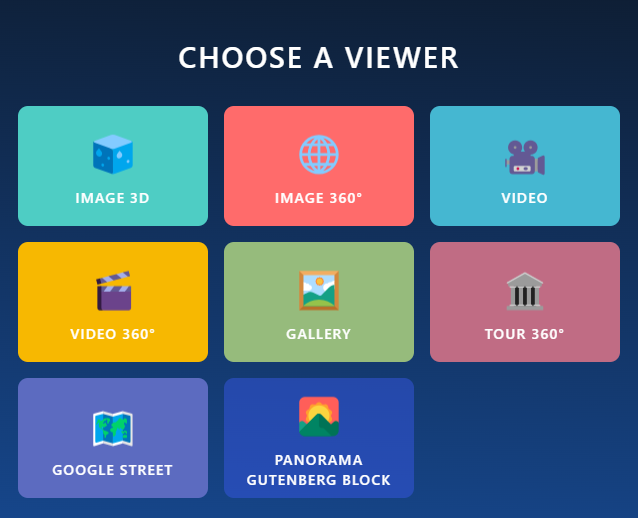
- Advanced Media Support: Supports Image 3D, Image 360°, Video, Video 360°, Gallery, Tour 360°, and Google Street Viewer.
- Auto Rotate: Smooth viewing with inactivity delay.
- Preview & Load Controls: Preview image and customize load button text before loading the full content.
- Initial View: Set the perfect starting angle for each panorama.
- Custom Navigation: Add and customize your own navigation controls.
- Fullscreen Mode: Enable or disable fullscreen for videos and 360° panoramas.
- Video Controls: Picture-in-Picture and Playback Speed Control for video viewers.
- Title & Author Display: Show/Hide Title and Author with customizable text options.
- Gallery Management: Manage and sort gallery items with image and video support.
- Gallery Layout: Customizable column layout, spacing, and item limits.
- Navigation Support: Draggable, Mouse Zoom, and Compass support for better navigation.
- Interaction Settings: Disable Keyboard Control and Double Click Zoom for refined interactions.
- Google Street Viewer: Panorama ID with interactive controls.
- Tour 360°: Hotspots, ID-based navigation, and default data control.
- Load More Button: Customize Load More button for an optimized gallery experience.
Who Should Use Panorama Viewer Plugin?
- Stores
- Schools
- Museums
- Car and other vehicle Showrooms
- Travel Agency
- Art Galleries
- Real Estate Agency
- Physical Products Stores
Video tutorial
User Feedback
⭐⭐⭐⭐⭐ Great even on iOS
❛❛Im Happy very happy with this Plug-in. The only one which works fine with iphone❜❜
– Did you like this plugin? Dislike it? Have a feature request? Please share your feedback with us
How to use
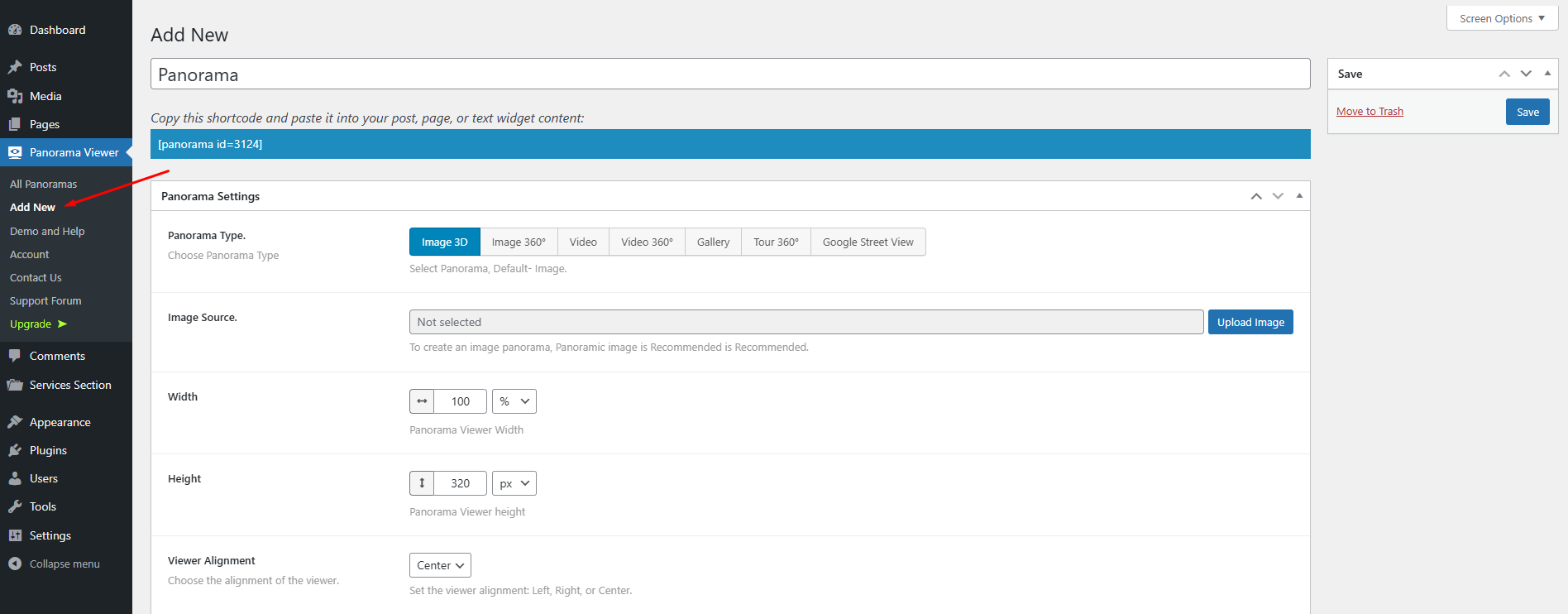
Follow the steps below to embed a panoramic image.
- Go to -> Panorama Viewer from Dashboard menu -> Add New Panorama.
- Configure the viewer from Panorama Settings with your preference.
- Click the Save button
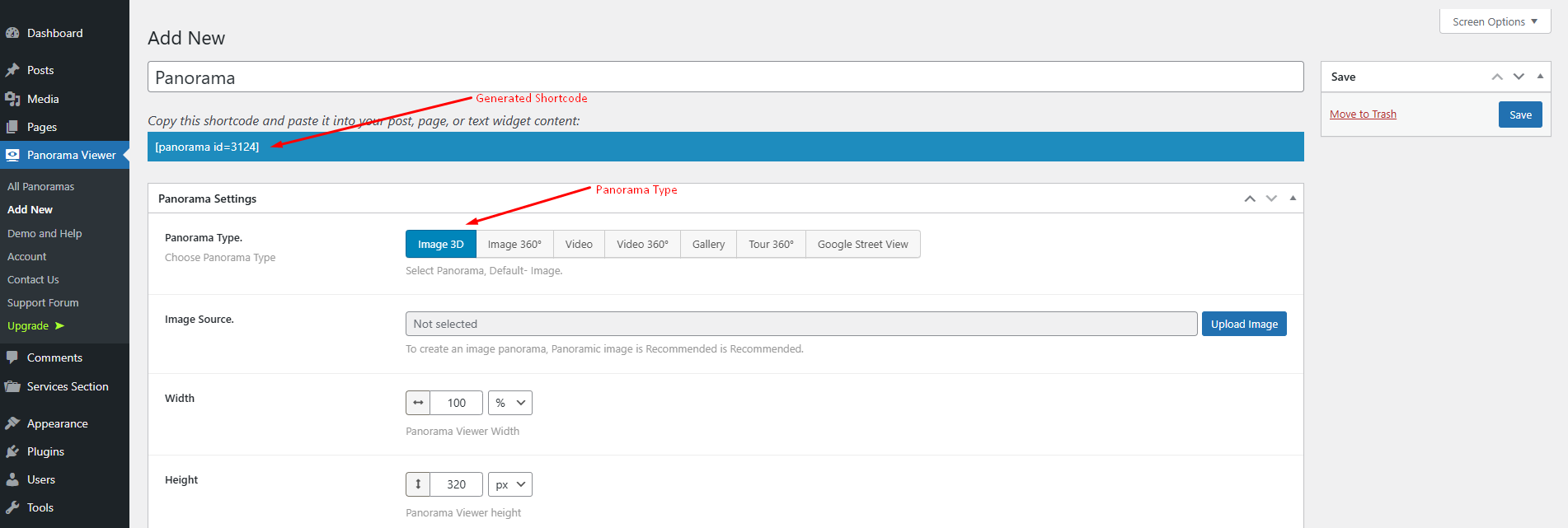
- Copy Generated ShortCode (See below the Panorama title ) and paste it where you like to embed the Panorama Viewer.
Where do I report security bugs found in this plugin?
Please report security bugs found in the source code of the Panorama Viewer – 360 Degree Image + Video Viewer plugin through the Patchstack Vulnerability Disclosure Program. The Patchstack team will assist you with verification, CVE assignment, and notify the developers of this plugin.
⭐ Checkout our other WordPress Plugins-
🔥 Html5 Audio Player – Best audio player plugin for WordPress.
🔥 Html5 Video Player – Best video player plugin for WordPress.
🔥 PDF Poster – A fully-featured PDF Viewer Plugin for WordPresss.
🔥 StreamCast – A fully-featured Radio Player Plugin for WordPresss.
🔥 3D Viewer – Display interactive 3D models on the webs.
This section describes how to install the plugin and get it working.
e.g.
- Upload
plugin-directoryto the/wp-content/plugins/directory - Activate the plugin through the ‘Plugins’ menu in WordPress
- Use shortcode in page, post or in widgets.
- If you want to show panorama in your theme php, Place
<?php echo do_shortcode('YOUR_SHORTCODE'); ?>in your templates
Screenshot Gallery
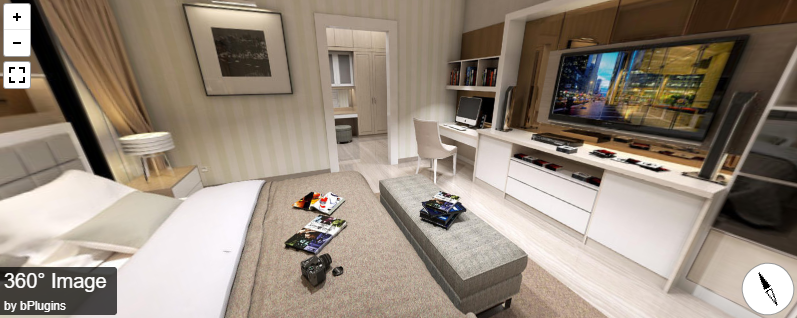
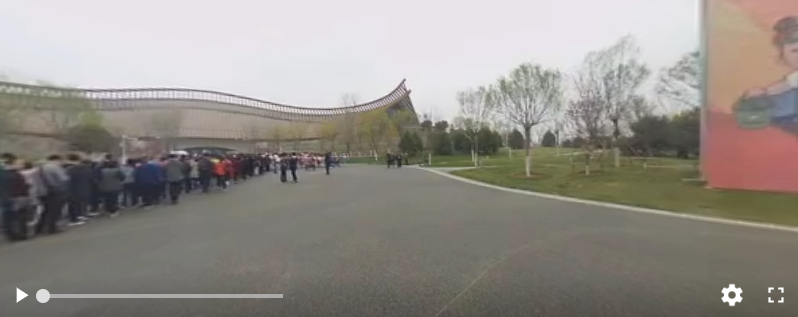
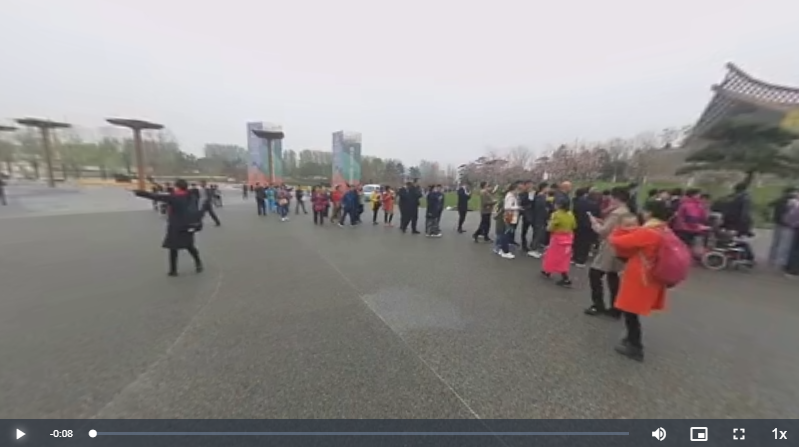
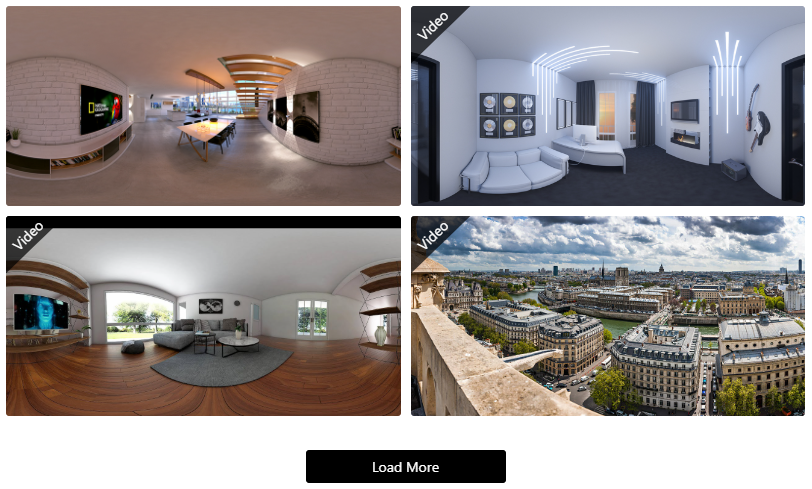
No FAQ provided.
Changelog
1.6.0 – 29 Mar, 2026
- New: Embed URL option added for 360 Virtual Tours and Product Spot (Gutenberg block + dashboard settings).
- Improved: Modernized shortcode clipboard UI with integrated embed URL support.
- New: Initial View Toggle, Position, and Zoom Level (FOV) controls added for Gallery items with per-item customization (Gutenberg block + dashboard settings).
1.5.1 – 14 Mar, 2026
- Fixed fullscreen display issue in 360° gallery.
1.5.0 – 12 Mar, 2026
- Added embed URL feature to allow sharing and viewing on any website via direct URL.
1.4.5 – 24 Jan, 2026
- Fixed multiple panorama editing, preview, and Gutenberg block issues.
- Improved viewer behavior and controls across all panorama types.
- Documentation improvements.
1.4.4 – 10 Dec, 2025
- Title & Author/credit fully removed when disabled; no hidden HTML or outbound links.
1.4.3 – 03 Dec, 2025
- Added new plugin banner.
1.4.2 – 21 Nov, 2025
- Added preview image and load button text controls.
1.4.1 – 12 October, 2025
- Update pricing plan, added buy now button in feature compare section and fixed the Initial view parameters in X,Y,Z.
1.4.0 – 10 Sep, 2025
- Added new product spot block and update dashboard.
1.3.4 – 17 August, 2025
- Added new toggle control “Show “by” Prefix” to enable/disable the “by” text before the author name.
1.3.3 – 28 July, 2025
- Updated freemius sdk and pricing link.
1.3.2 – 10 July, 2025
- Updated Shortcode clipboard area.
1.3.1 – 24 Jun, 2025
- solved the isssue of Media Placeholder (virtual tour).
1.3.0 – 19 Jun, 2025
- Added new viewer (virtual tour).
1.2.3 – 02 May, 2025
- Updated metabox fields.
1.2.2 – 28 April, 2025
- Updated admin dashboard.
1.2.1 – 20 April, 2025
- Fixed text-domain issue.
1.2.0 – 13 April, 2025
- Added: 7 blocks have been registered for the WordPress Gutenberg block editor.
1.1.6 – 25 Nov, 2024
- Update: WordPress SDK
- Initial view for video
1.1.5 – 13 Aug, 2024
- Update: WordPress SDK
1.1.4 – 03/07/2024
- Update: WordPress SDK
1.1.3
- Codestar Update
1.1.2
- Freemius SDK updated
- fix data-settings issue
1.1.1
- Freemius SDK updated
1.0.6
- Tour Feature Added
- Performance improved
- Fixed Mirror issues
1.0.5
- Fixed Mirror issues
1.0.4
- Gallery Feature Added
- Google Panoramic Street View
- Performance improved
- Fixed issues
1.0.3
- New Feature included
- Performance improved
- Fixed issues
1.0.2
- scripts updated
- New Feature included
- Performance improved
- Fixed issues
1.0.1
- Fixed mirror issues
1.0.0
- Initial Release
" width="120" height="120">
Available Versions
| Version | Download | Type |
|---|---|---|
| 1.6.0 | Download | Stable |
| 1.5.1 | Download | Stable |
| 1.5.0 | Download | Stable |
| 1.4.5 | Download | Stable |
| 1.4.4 | Download | Stable |
| 1.4.3 | Download | Stable |
| 1.4.2 | Download | Stable |
| 1.4.1 | Download | Stable |
| 1.4.0 | Download | Stable |
| 1.3.4 | Download | Stable |
| 1.3.3 | Download | Stable |
| 1.3.2 | Download | Stable |
| 1.3.1 | Download | Stable |
| 1.3.0 | Download | Stable |
| 1.2.3 | Download | Stable |
| 1.2.2 | Download | Stable |
| 1.2.1 | Download | Stable |
| 1.2.0 | Download | Stable |
| 1.1.6 | Download | Stable |
| 1.1.5 | Download | Stable |
| 1.1.4 | Download | Stable |
| 1.1.3 | Download | Stable |
| 1.0.10 | Download | Stable |
| 1.0.7 | Download | Stable |
| 1.0.6 | Download | Stable |
| 1.0.5 | Download | Stable |
| 1.0.4 | Download | Stable |
| 1.0.3 | Download | Stable |
| 1.0.1 | Download | Stable |
| 1.0.0 | Download | Stable |
| Development | Download | Trunk |
