
Ollie Menu Designer
Active Installs
3,000+
Last Updated
June 10, 2026
First Released
September 12, 2025
Download History (Last one month)
Contributors
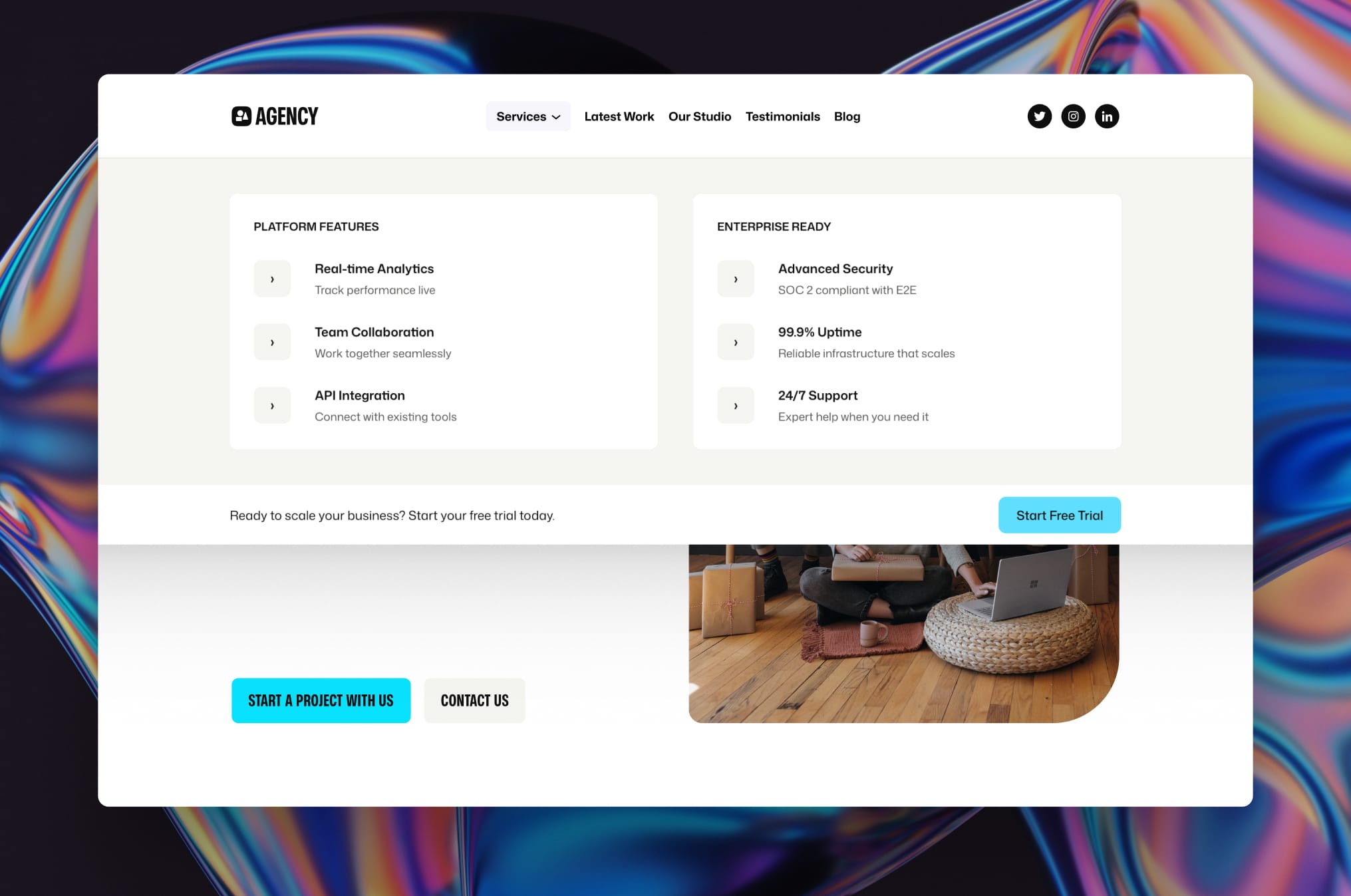
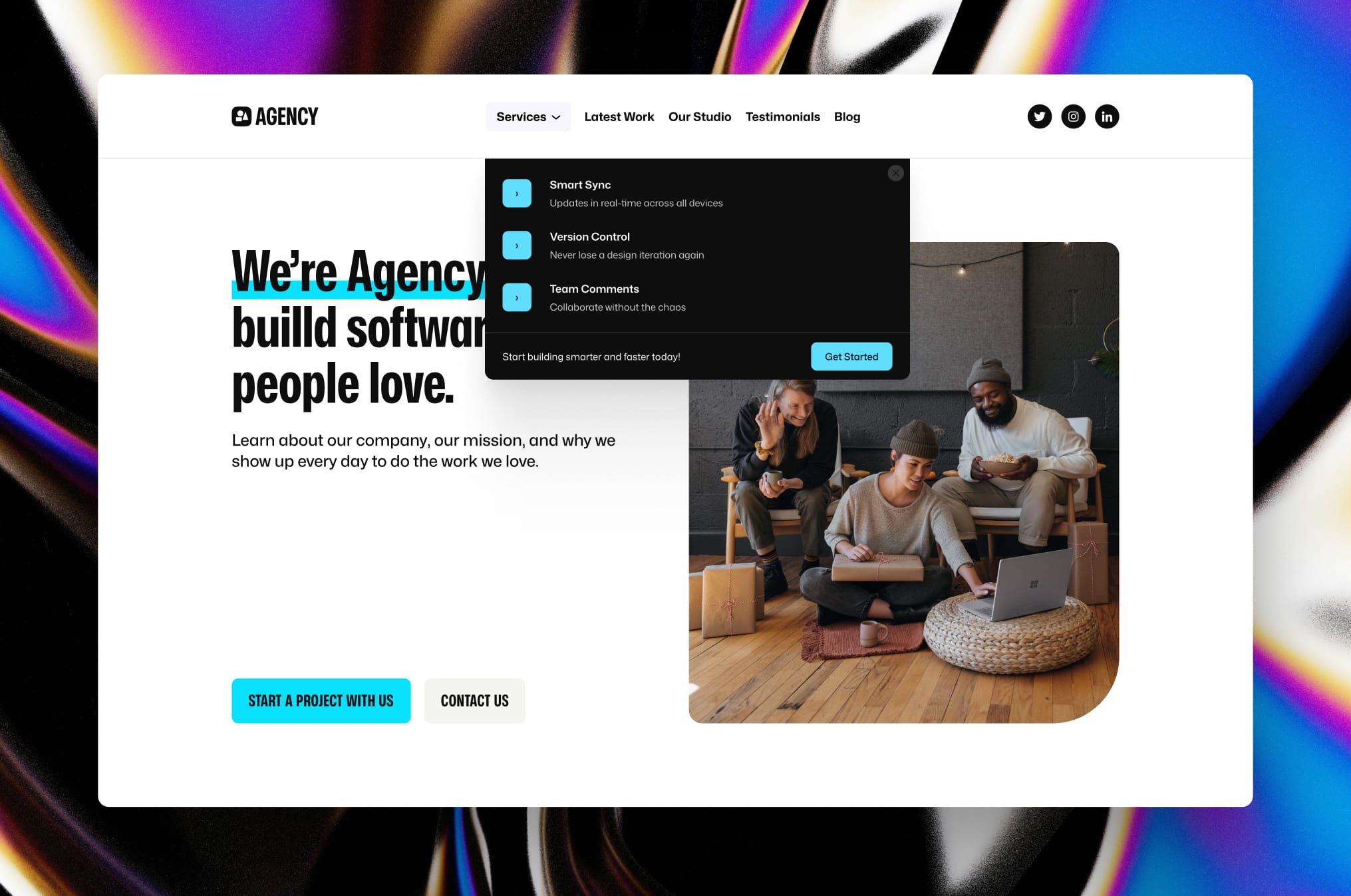
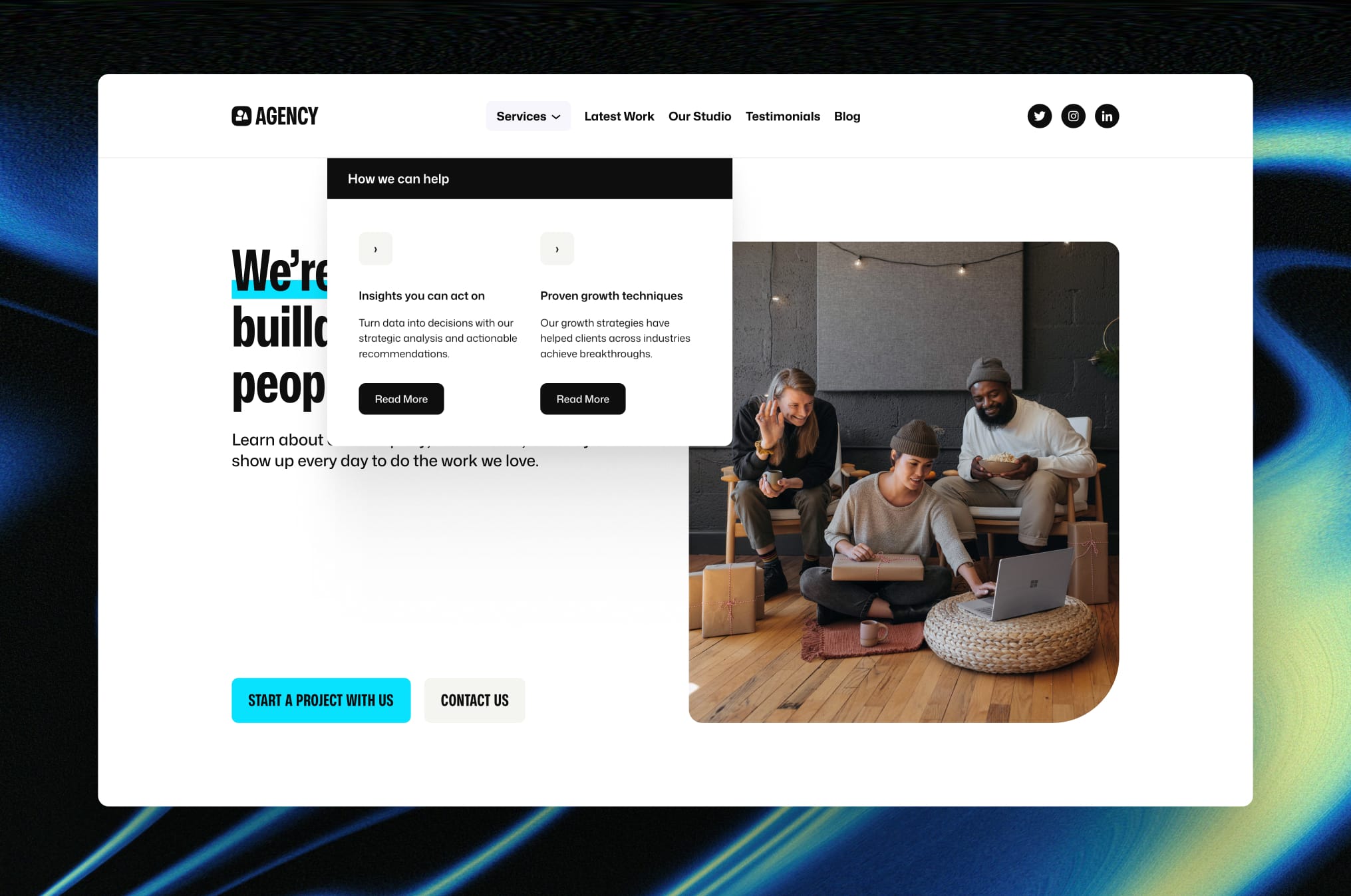
Create stunning, content-rich dropdown, mobile, and mega menus using the WordPress block editor and full site editing. Ollie Menu Designer lets you build beautiful dropdown menus and mobile navigation with images, buttons, call-to-actions, and any other blocks – giving you the same creative freedom you have when designing your pages.
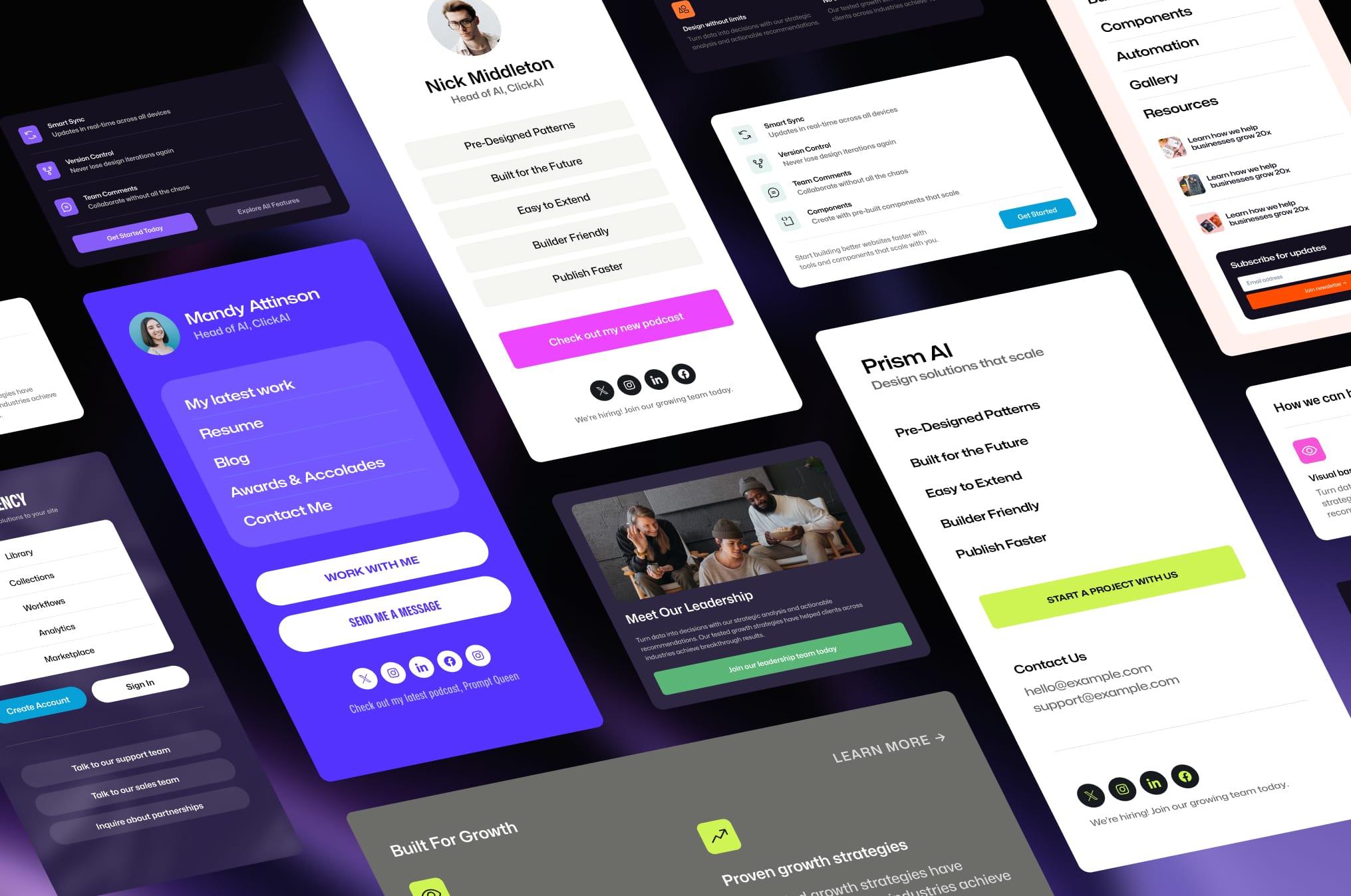
Menu Designer puts you in complete control of how your menus look and function. Best of all, if you’re using the free Ollie theme, you’ll get access to a collection of beautifully pre-designed menu templates to help you get started quickly.
Design Freedom
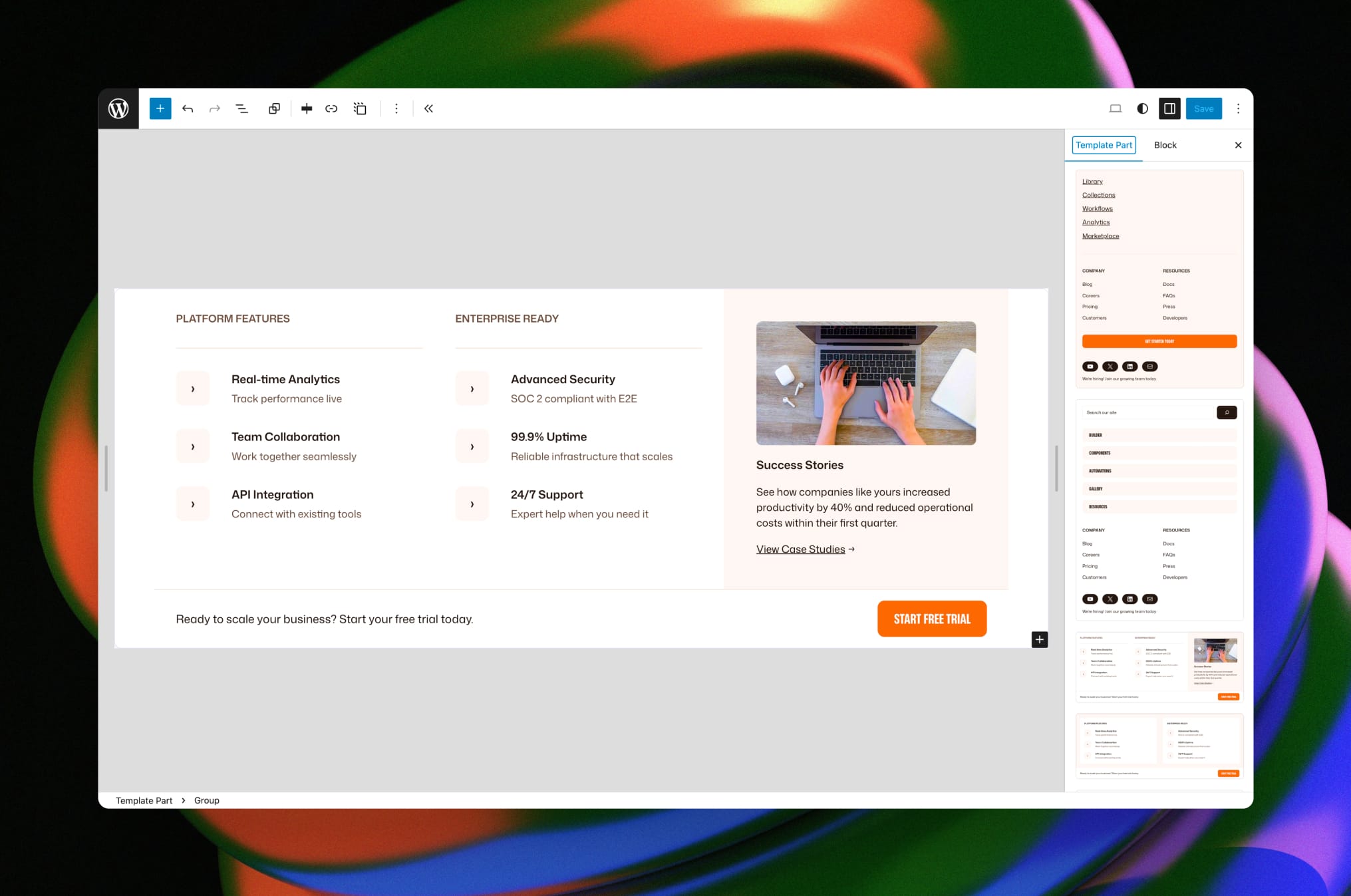
Create dropdown menus and mobile menus that match your vision using any WordPress block you can imagine. Whether you need multi-column layouts, featured images and galleries, rich text with custom typography, or buttons and call-to-action elements, Menu Designer gives you complete creative control. You can even include recent posts, product grids, search bars, forms, custom HTML, and literally any other block to build exactly the navigation experience your site needs.
- Multi-column layouts with images, text, and buttons
- Rich content like galleries, forms, and product grids
- Complete creative control with any WordPress block
Mobile-First Options
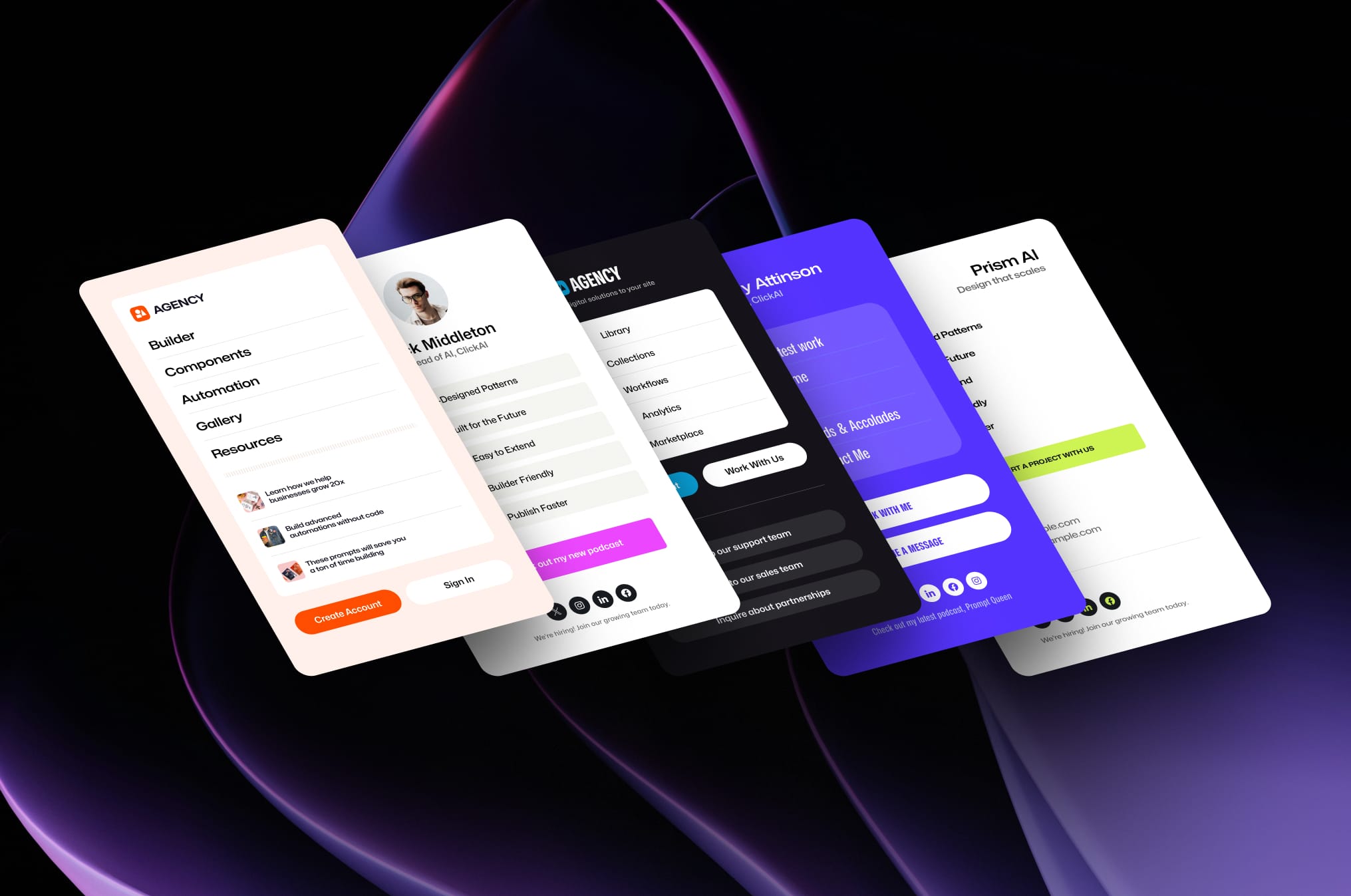
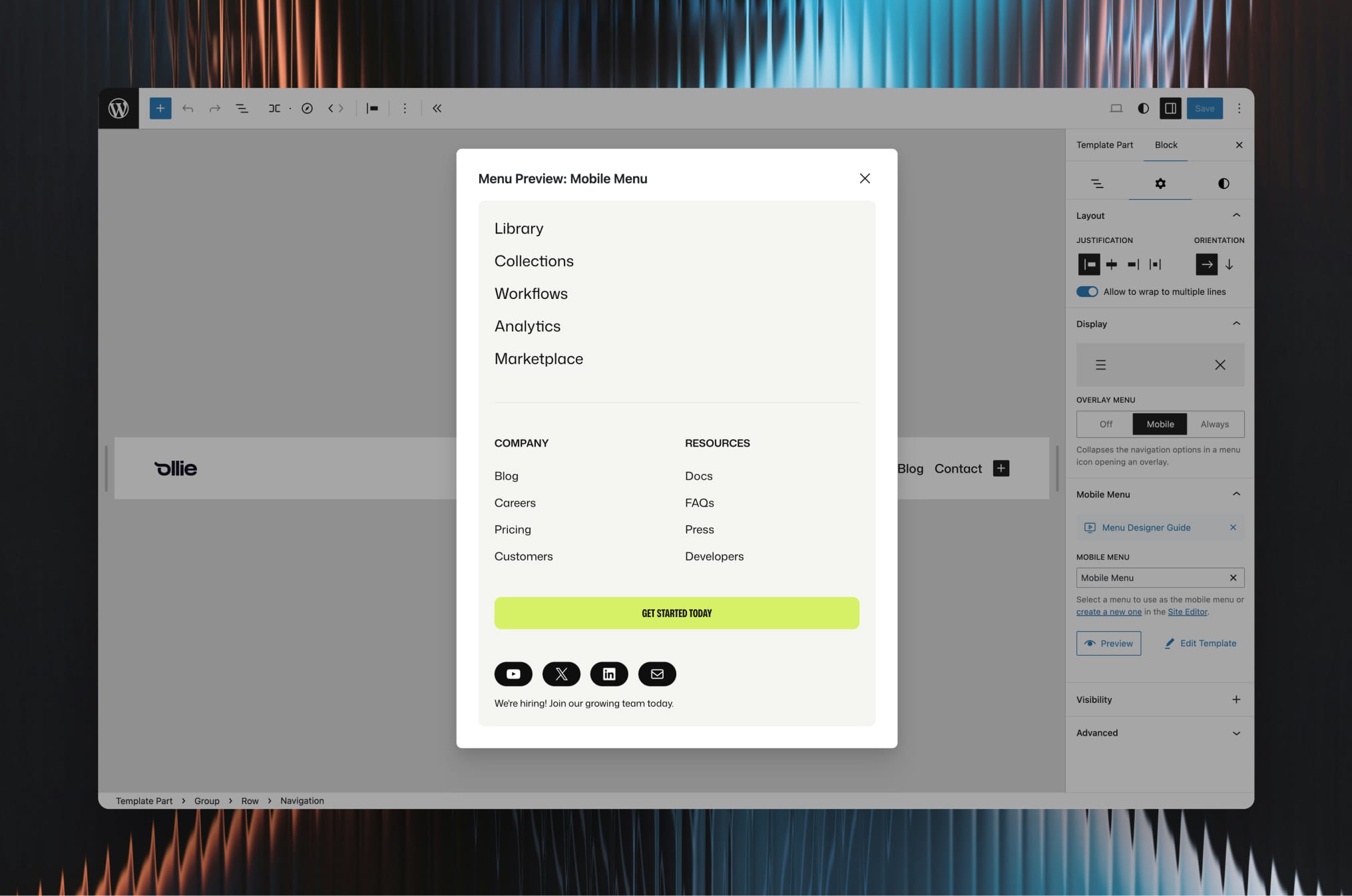
Your menus look great on every device with Ollie Menu Designer’s mobile-optimized approach. Design custom mobile menu experiences that replace default navigation with beautiful, touch-friendly interfaces. You have complete control over responsive behavior, including the ability to disable dropdowns on mobile with fallback URLs, set custom breakpoints, and ensure optimized performance across all devices.
- Fast, beautiful mobile menu designs with touch-friendly interactions
- Choose from several pre-designed menu patterns
- Optimized performance across all devices
Build faster with Ollie
Get started instantly with the free Ollie block theme, which comes packed with beautiful pre-designed menu templates and patterns built specifically for Ollie Menu Designer. Instead of starting from scratch, you’ll have access to professionally-crafted mobile menus, dropdown designs, and mega menu layouts that seamlessly integrate with Ollie’s design system. Simply install the theme, browse the menu pattern library, and customize the designs to match your brand – no design experience required.
- Pre-designed menu templates and patterns included
- Seamless integration with Ollie’s design system
- Professional designs ready to customize for your brand
Adding Mobile Menus with Ollie Menu Designer
We’ve created a full video tutorial on creating mobile menus.
- Navigate to Appearance Editor Patterns and edit your Header template part
- Click the Navigation block
- In the Navigation block Settings tab, find the Mobile Menu panel
- Click “Create a new one” or select from existing mobile menu templates
- Choose from pre-designed Ollie patterns or build custom with blocks
- Save your menu and select it in the Mobile Menu panel
- Customize background colors and menu icon in the mobile menu settings
Adding Dropdowns and Mega Menus with Ollie Menu Designer
We’ve created a full video tutorial on creating drop down and mega menus.
- Navigate to Appearance Editor Patterns and edit your Header template part
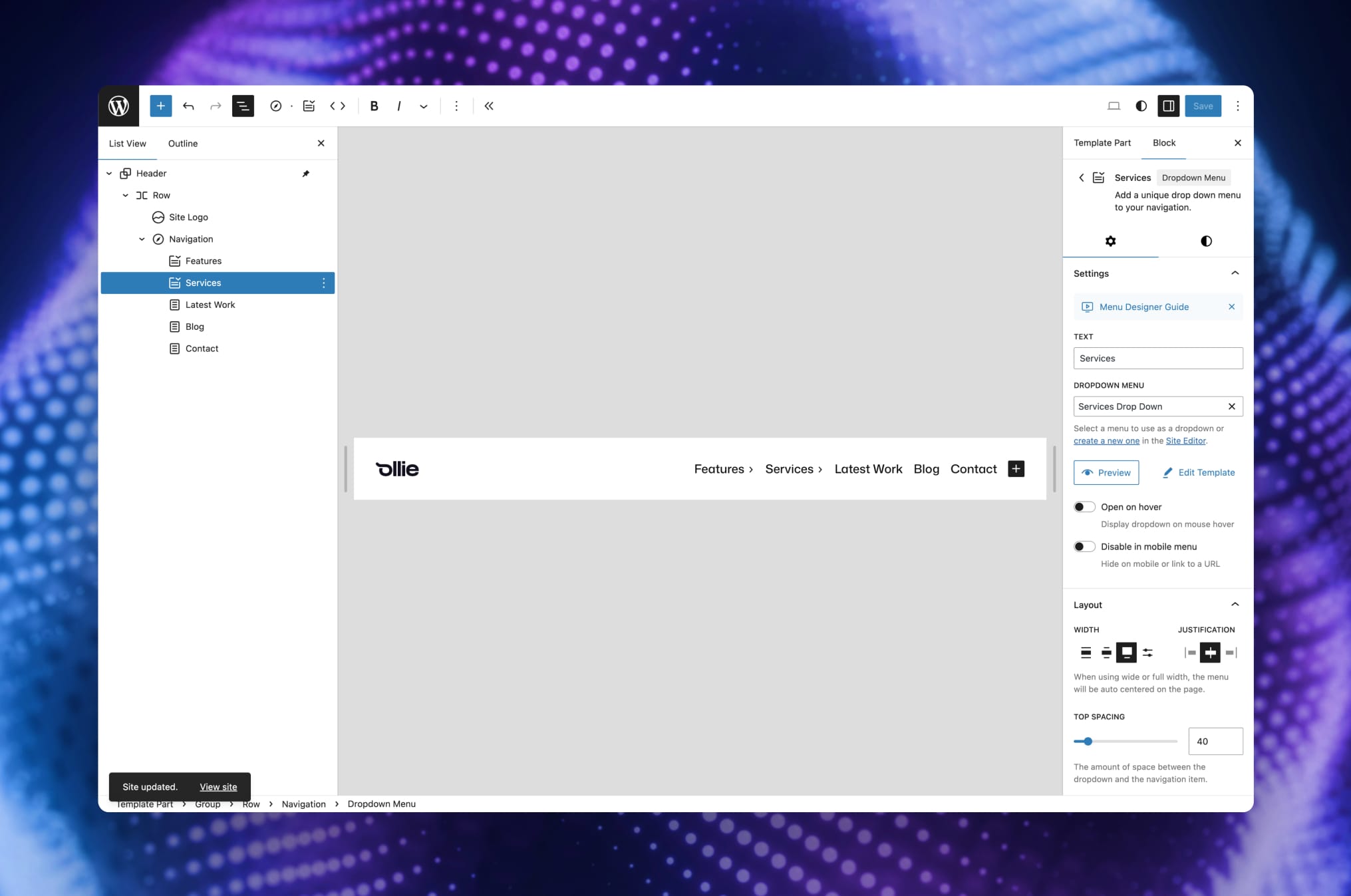
- Click Add Block and search for “Dropdown Menu”
- Name your dropdown and position it in your navigation
- In the Dropdown Menu block Settings tab, find the dropdown menu panel
- Click “Create a new one” or select from existing dropdown menu templates
- Choose from pre-designed Ollie patterns or build custom with blocks
- Save your menu and select it in the dropdown menu panel
- Configure additional customization settings
Adding Starter Patterns
You can create custom starter patterns for menu templates to give users quick starting points for their menus. This is especially useful for theme developers who want to provide pre-designed menu layouts.
How to Add Starter Patterns
- Create a
/patternsfolder in your theme or plugin directory - Add your pattern files (PHP format) to this folder
-
In each pattern file, ensure you include the following in your pattern header:
Block Types: core/template-part/menu
This ensures your pattern appears as an option when creating new menu template parts.
Requirements
- WordPress 6.5 or higher
- A WordPress block theme like Ollie that supports the WordPress navigation block
No installation instructions provided.
Screenshot Gallery
Yes! Ollie Menu Designer works with any theme that supports WordPress navigation blocks. This includes all block themes and many classic themes with navigation block support. For the best experience with pre-designed menu patterns, we recommend using the free Ollie theme. You can search for “Ollie” on your Themes page in the WordPress dashboard, or visit olliewp.com to download and learn more about the theme.
Ollie Menu Designer comes with several starter patterns, but for access to hundreds of professionally-designed menu templates and patterns, check out Ollie Pro. Ollie Pro includes an extensive pattern library with multiple menu collections, dropdown designs, and mobile menu layouts that work seamlessly with Menu Designer.
Unlike traditional menu plugins built for classic themes, Ollie Menu Designer is built specifically for the WordPress block editor. You design menus using the same blocks you use for pages – no separate interface or complex settings screens.
Absolutely! Since menus are saved as template parts, you can create multiple dropdown and mobile menu designs and use different ones throughout your site by adding them to different navigation blocks.
Your menu template parts remain in your site as regular template parts. However, the dropdown and mobile menu functionality will stop working until you reactivate the plugin.
Yes! Since menus are built with WordPress blocks, you can copy and paste menu designs between sites, or export them as part of your theme’s pattern library.
Ollie Menu Designer is designed to work alongside WordPress’s native navigation system. However, we recommend deactivating other menu plugins to avoid potential conflicts and ensure the best performance.
Yes! Ollie Menu Designer follows WordPress accessibility standards with proper ARIA attributes, keyboard navigation support, and screen reader compatibility.
No. Ollie Menu Designer uses modern performance techniques including efficient loading, optimized CSS delivery, and follows WordPress best practices.
While Ollie Menu Designer gives you extensive design control through blocks and Global Styles, you can also add custom CSS if needed. All menu elements use semantic HTML with proper CSS classes for easy targeting.
Changelog
0.3.0
- Fix mobile toggle color controls not applying in the block editor on WordPress 7.0+
- Resolve color slugs to proper CSS values for editor preview
0.2.9
- Allow imported and uncategorized template parts to be selected as menu templates
- Fix preview error with WordPress Interactivity API import map
- Edit and create menu templates inline in the Site Editor instead of opening a new tab
- Improve hover responsiveness for dropdown menus
- Fix fatal error when menu references missing navigation posts
0.2.8
- Fix close icon in mega menu
- Improve mega menu resizing
- Add default top spacing to mega menu
- Add current-menu-item class for active page highlighting
0.2.7
- Fix full-width dropdown menu overflow causing horizontal scrollbar
0.2.6
- Fix template creation redirect when WooCommerce is active
- Fix preview authentication in WordPress 7.0
- Hide Ollie Pro notice when Pro is already active
0.2.5
- Improve drop down carat icon
- Improve mobile close button
- Add dismissable Ollie notice
0.2.4
- Wait until page is loaded to calculate menu position
- Increase z-index to ensure drop menu overlays content
0.2.3
- Fix dropdown behavior in Safari
- Fix deprecated warning in PHP 8.2
0.2.2
- Make drop down arrows consistent with default drop downs
- Fix behavior when window loses focus
0.2.1
- Fix mega menu toggle on mobile
0.2.0
- Add overflow fixes for dropdown menus
- Add style reset to prevent cascading on dropdown menus
0.1.9
- Fix keyboard nav with open on hover
- Fix hardcoded /wp-admin/ paths for subdirectory WordPress installations
- Fix proper textdomain loading in main plugin file
- fail-safe init function for Git-based deployments
0.1.8
- Fix Safari bug where menu won’t toggle closed
- Fix console error for deprecated function
0.1.7
- Fix bug with missing package dependency
0.1.6
- Add pop up guide to settings panel to help with onboarding
0.1.5
- Fix hover stacking bug
- Update plugin name and text domain
0.1.4
- Add GitHub updater for short term updates
0.1.3
- Add menu item link when hover is in use
- Default hover behavior to click on mobile
- Make sure fallback url is hidden by default
0.1.0
- Initial release
" width="120" height="120">
Available Versions
| Version | Download | Type |
|---|---|---|
| 0.3.0 | Download | Stable |
| 0.2.9 | Download | Stable |
| 0.2.8 | Download | Stable |
| 0.2.7 | Download | Stable |
| 0.2.6 | Download | Stable |
| 0.2.5 | Download | Stable |
| 0.2.4 | Download | Stable |
| 0.2.3 | Download | Stable |
| 0.2.2 | Download | Stable |
| 0.2.1 | Download | Stable |
| 0.2.0 | Download | Stable |
| 0.1.9 | Download | Stable |
| 0.1.8 | Download | Stable |
| 0.1.7 | Download | Stable |
| Development | Download | Trunk |
