
MyWP Login Form
Active Installs
20+
Last Updated
July 19, 2023
First Released
December 6, 2021
Download History (Last one month)
Contributors
The easiest way to add a WordPress Login Form into your website
Create your own WordPress Login Page using MyWP Login Form and native Gutenberg Blocks.
With MyWP Login Form you can easily:
- add your login form with the provided Gutenberg Block or shortcode
- choose between vertical or horizontal layout
- define your URL redirection after loggin
- customize Fields and Button settings
You can also play with other Blocks Builders as Stackable, Coblocks, or Kadence to build a creative login page.
MyWP Login Form is compatible with All Themes: if you have any issue, you can use the support and we’ll fix it 🙂
To add you custom Login Form with the default options, all you need to do is use the shortcode:[mywp_login_form]
Check out all the shortcodes available in our documentation page.
About us
“MyWP Login Form” is one of the WordPress Plugins made by Whodunit Agency.
Whodunit is a full-remote French WordPress agency. Founded in 2009, we are deeply involved in open-source development. Whodunit is the biggest agency in France in terms of contribution to WordPress ecosystem.
We are building tailor-made editorial experiences for our clients and also providing high-level maintenance services. This activity is strongly dependent on our involvement in WordPress core development.
Next features
If you have some dreams, ideas, or suggestions, send here in the support forum your wishes.
Languages / Localization
MyWP Login Form is translated into English (UK) (English (UK)) and Français (French (France)).
If you would like to translate the form into your language, please click here.
- Go to ‘Plugins > Add New’ in your WordPress dashboard and search for “MyWP Login Form”. Install and activate the plugin.
- Add a page or a post, and use the + button to find MyWP Login Form Block


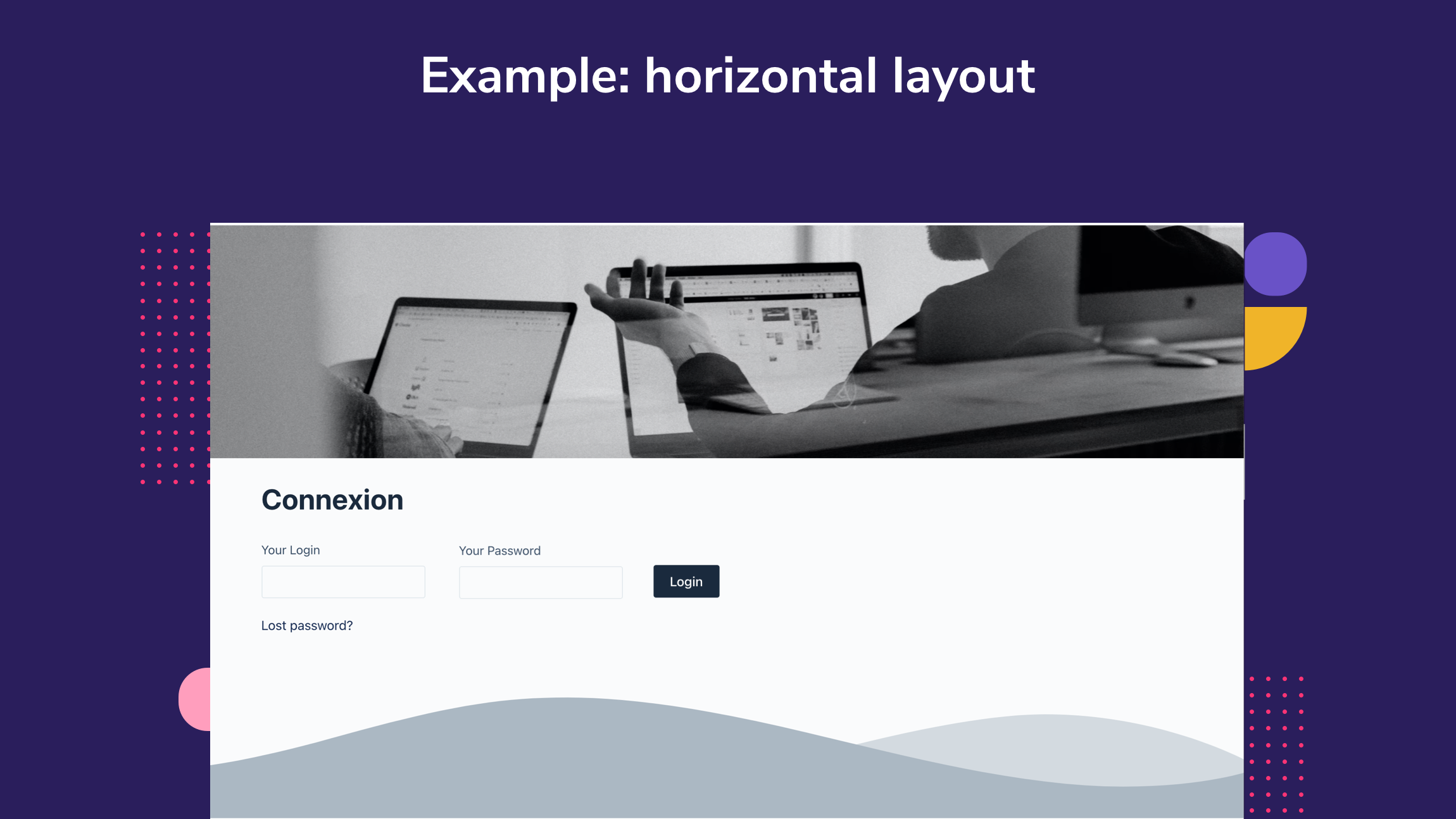
Yes. With your Gutenberg Block or a shortcode, you can add your form in a page, in a post, in a column, …
Changelog
1.0
Initial release.
1.1
add a block style toggle
fixe an incorrect block registration
