
Gravity Forms Block Email Domains
Active Installs
1,000+
Last Updated
November 5, 2024
First Released
May 9, 2019
Download History (Last one month)
Contributors
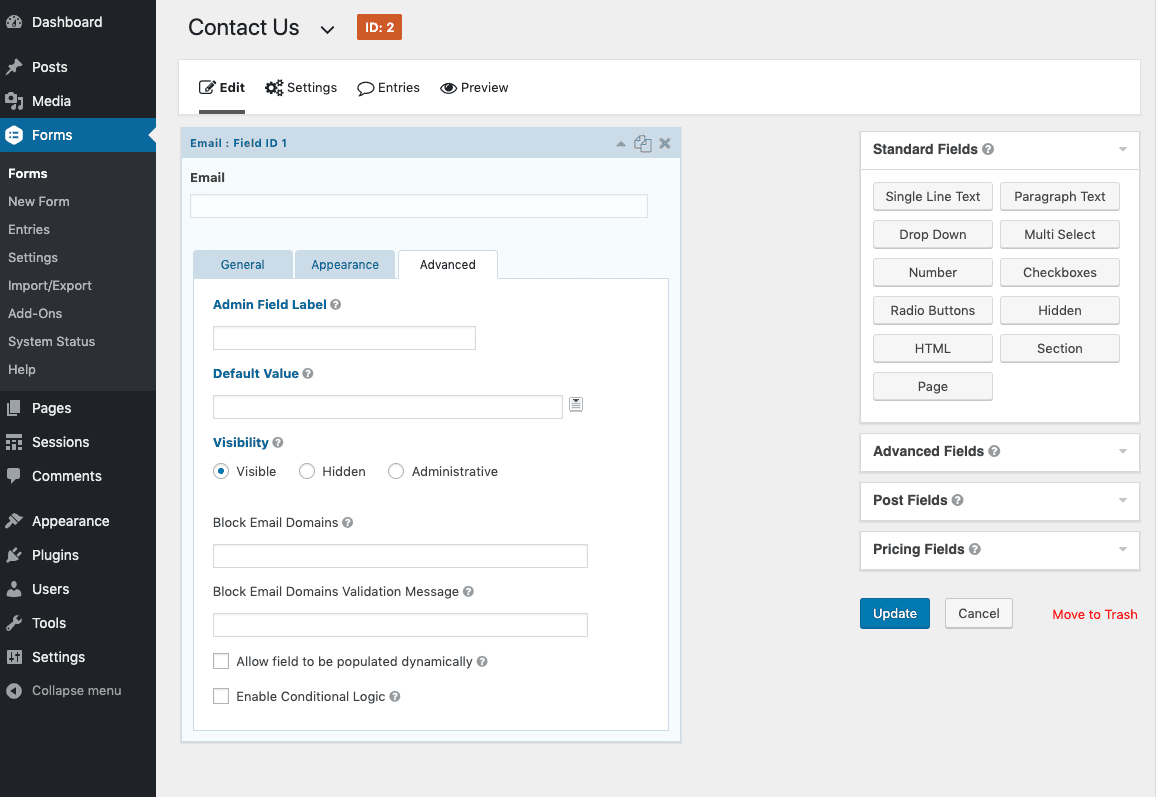
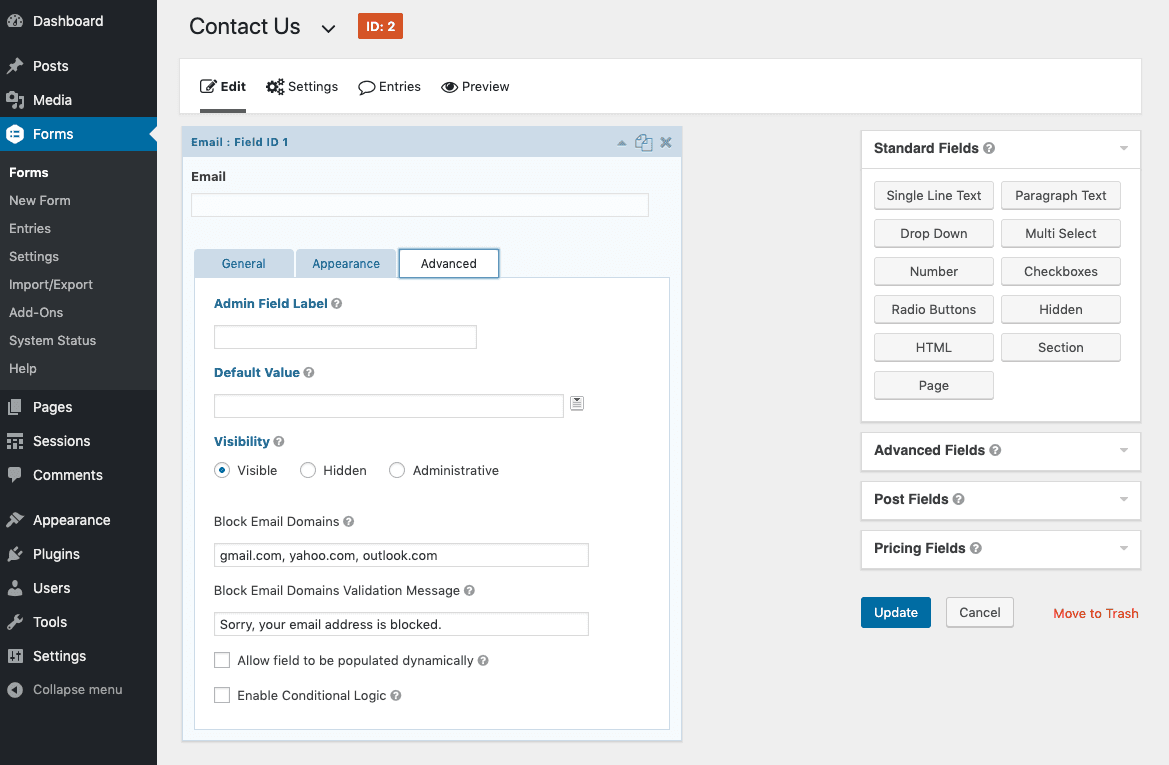
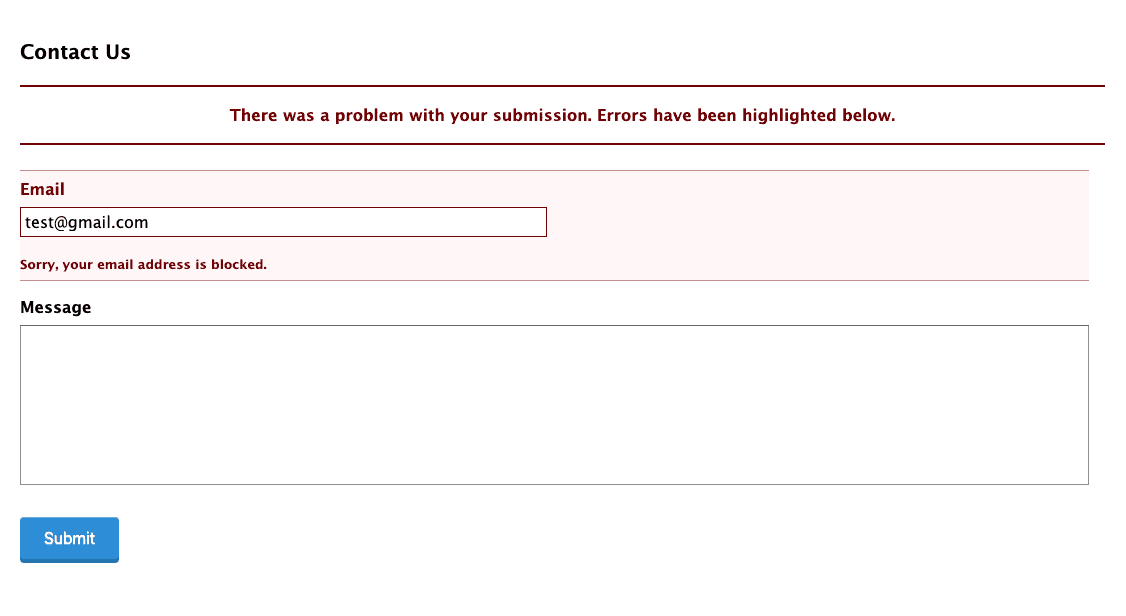
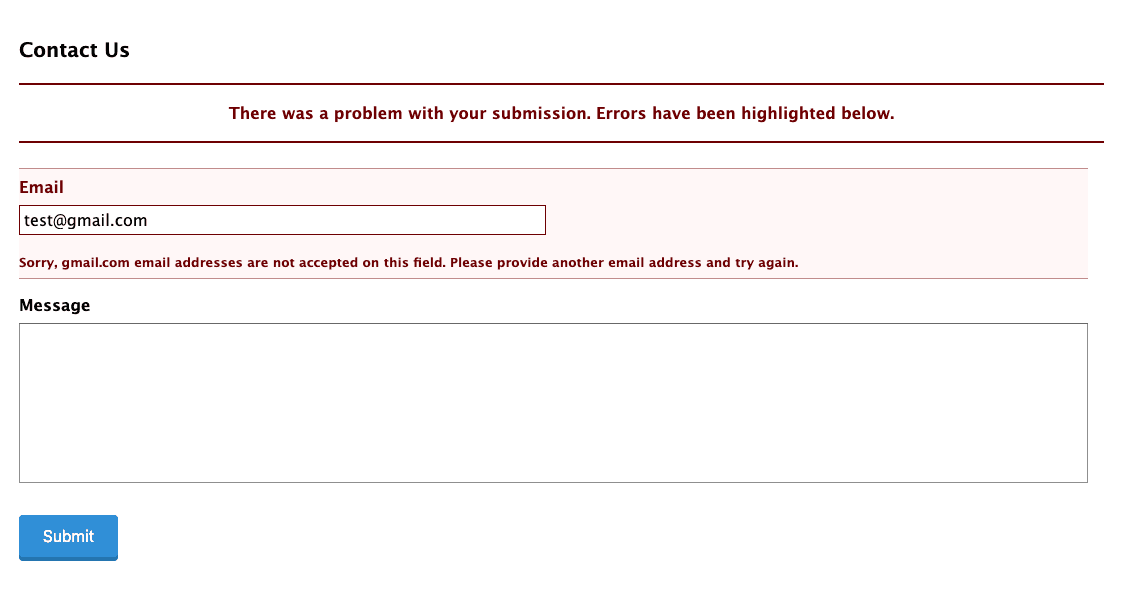
Gravity Forms Block Email Domains is an add-on plugin for Gravity Forms that allows you to define a comma separated list of email domains to block on each email field. Custom validation messages can be set as well. Blocked email domains will prevent the form from being submitted and prompt the user to enter a non-blocked email address.
- Visit Plugins > Add New in the WordPress admin dashboard
- Search for “Gravity Forms Block Email Domains”
- Install and then Activate Gravity Forms Block Email Domains from your Plugins page
- Navigate to your gravity form
- Set a comma separated list of blocked domains and a custom validation message on an email field in the advanced tab
Screenshot Gallery
No FAQ provided.
Changelog
1.0.2
- Add support for email fields with the confirmation field enabled
1.0.1
- Remove case sensitivity on domains
1.0.0
- This is version 1 – everything is new and shiny!
