
Navigation Block with Mega Menu
Active Installs
1,000+
Last Updated
July 16, 2025
First Released
July 31, 2020
Download History (Last one month)
Contributors
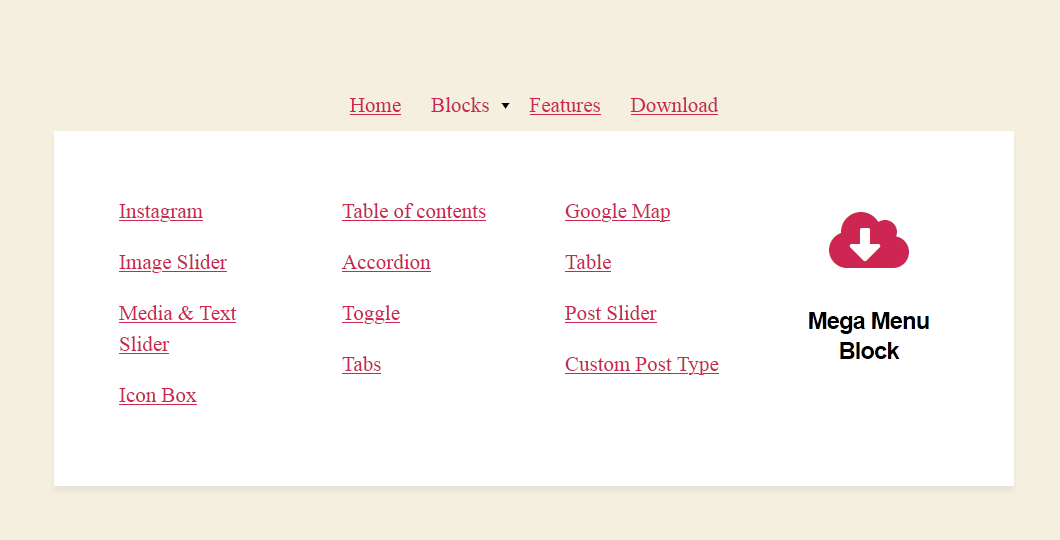
This WordPress mega menu plugin enables you to build tailor-made site navigation menus in Gutenberg.
Note: this WP navigation block is made for the full-site editing experiences in WordPress. Until full-site editing is available in Core, the plugin provides limited options since it can’t fully integrate with the navigation menu.
The WordPress navigation menu plugin adds a few free mega menu Gutenberg blocks for different purposes:
- Mega menu block.
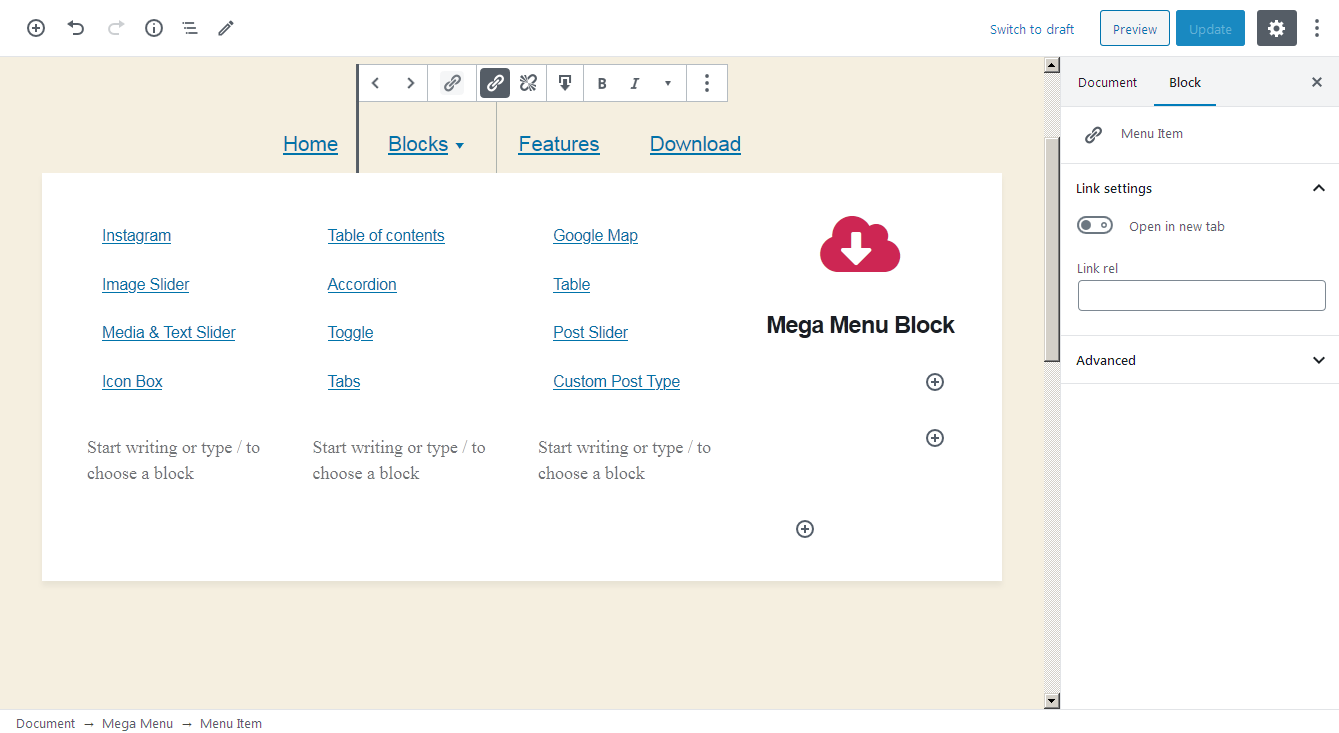
- Mega menu item block.
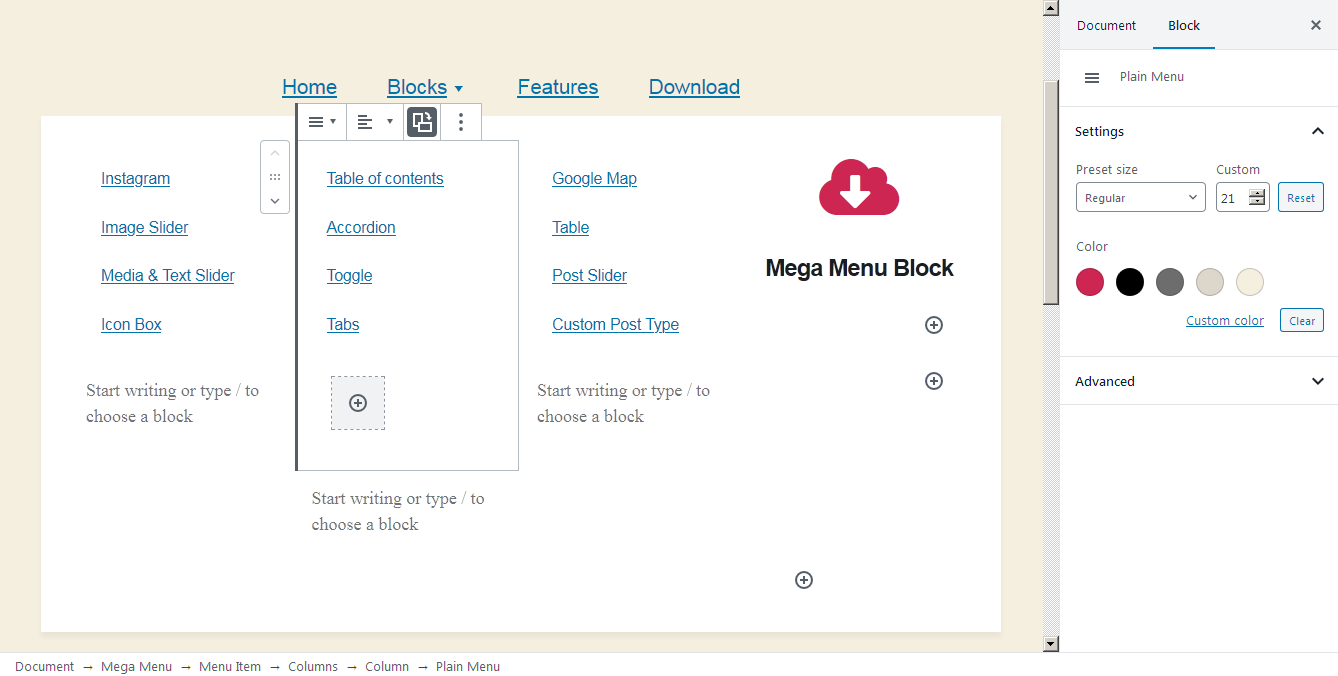
- Plain menu block.
- Plain menu item block.
The mega menu item block is very flexible – it allows you to add drop-down menus that can handle any WordPress block, giving you full control over the look and feel of your menus.
How you can approach the WordPress mega menu plugin:
- The mega menu block is a container that can handle only mega menu items, which, in their turn, can handle nested drop-downs, i.e. contain any other blocks.
- Plain menu blocks can contain plain menu items that can handle drop-downs with other plain menu items.
- The width, color, font size, layouts (horizontal and vertical) of some navigation blocks are fully customizable.
- You can optionally transform a WordPress navigation menu into the “hamburger button” for mobile devices.
Searching for the best Gutenberg addon?
Check out Getwid WordPress Blocks – a top-rated block & template library for the block editor.
Copyright
Navigation Block with Mega Menu, Copyright (C) 2020, MotoPress https://motopress.com/
Navigation Block with Mega Menu plugin is distributed under the terms of the GNU GPL.
Credits
- Upload the plugin to the /wp-content/plugins/ directory.
- Activate the plugin through the ‘Plugins’ menu in WordPress.
Screenshot Gallery
No FAQ provided.
Changelog
1.0.7, May 12 2025
- Minor bugfixes and improvements.
1.0.6, Nov 16 2023
- Improved compatibility with WordPress 6.4.
1.0.5, May 22 2023
- Added the ability to change the mobile menu toggle button markup via a filter.
- Fixed performance issues that can be caused by a large quantity of child blocks in the menu dropdown.
- Improved compatibility with PHP 8.
- Minor style improvements.
1.0.4, Sep 16 2022
- Fixed an issue when the submenu icon may not be shown if the user does not logged in.
1.0.3, Aug 04 2022
- Improved compatibility with FSE.
1.0.2, Apr 04 2022
- Improved compatibility with WordPress 5.9.
1.0.1, Mar 22 2022
- Fixed an issue with font sizes.
- Added the ‘is-current’ class for a current menu item.
- Added filers for menu item classes to the Menu Item and the Plain Menu Item blocks.
0.0.3, May 28 2021
- Fixed an issue with additional CSS class(es).
0.0.2, Aug 04 2020
- Minor bugfixes and improvements.
0.0.1, Jul 27 2020
- Initial release.
" width="120" height="120">
