
Gutenberg Essential Blocks – Page Builder for Gutenberg Blocks & Patterns
Active Installs
200,000+
Last Updated
July 28, 2026
First Released
December 9, 2018
Download History (Last one month)
Bring your creative visions to life with Essential Blocks for Gutenberg, the ultimate Gutenberg blocks library for the WordPress default editor!
Enhance your web-building experience with the essential Gutenberg extensions’ 70+ unique blocks and the brand‑new AI feature for image generating & content writing. Add power to the block editor using our easy-to-use blocks, which are designed to make your next WordPress page or post design easier and prettier than ever before. Plus, AI helps you generate rich, high‑quality content instantly with just a few keywords.
DESIGN OUTSTANDING WEB PAGES WITH ADVANCED & ESSENTIAL GUTENBERG BLOCKS LIBRARY!
See It In Action: Check out all the interactive block demos in one place.
🤖 WRITE WITH AI – POST/PAGE CONTENT INSTANTLY
Generate engaging content for pages and posts in seconds with the Write With AI feature of Essential Blocks. Simply enter a few keywords and submit your prompt. Our built‑in AI engine will create rich, high-quality content instantly.
✨ READY AI CONTENT FOR RICH TEXT INPUT
Get AI-generated content in one click for all your rich text input blocks. With this global AI feature, you can automatically create, modify, or personalize your text content fields for any Gutenberg block.
🦾 GENERATE IMAGE WITH AI IN WORDPRESS
Directly from your Gutenberg editor, generate AI images with your given prompt within a few seconds. To get the best output, customize options like AI model, image type, sizes, etc. Create AI images for Gutenberg blocks in one click.
🧱 BLOCK PLUGIN WITH FULL CUSTOMIZATION
Each Gutenberg block comes with a bunch of options to control every possible aspect of your website design on the block editor. You can design your page with endless customization options using this amazing Gutenberg blocks plugin.
🌐 GUTENBERG BLOCKS GLOBAL CONTROL, COLORS & TYPOGRAPHY
Now, any block can be saved with customized styling. You can also personalize the colors and typography throughout your entire website. This boosts efficiency, so you do not have to recreate the same styling repeatedly on all pages or posts.
⚡ LIGHT WEIGHT & INSTANT LOADING
No extra resources or messy code to slow down your website. Optimized for super-fast loading and instant live editing.
🈸 WPML CERTIFIED GUTENBERG PLUGIN
Translate Gutenberg blocks with WPML in your chosen language & offer a multilingual experience to your visitors.
⚙️ GUTENBERG BLOCKS MODULAR CONTROL
Enable and disable individual blocks to make your page load faster and smoother. You can deactivate unnecessary blocks to keep the site lightweight.
🚀 ASSET REGENERATION FOR FASTER GUTENBERG PAGES
Keep your website’s loading speed fast and secure against heavy scripts and CSS files with the Asset Regeneration feature.
🖊️ COMPATIBILITY WITH GOOGLE FONTS
Choose any Google Font you prefer from a collection of 1,000+ font families available using Essential Blocks. Now, you can give your websites a customized look with stunning typography.
👁️ CONTROL BLOCKS VISIBILITY WITH CONDITIONS, LOGICS (PRO)
Apply display conditions to the blocks you’ve selected based on a variety of factors, including date and time, query strings, user roles, and browsers. Easily create visibility restrictions for content using the Gutenberg editor.
🛡 UNFILTERED MEDIA FILE UPLOADS
Easily upload SVG and JSON files directly to your WordPress Media Library without hitting file type restrictions. This unlocks advanced customization possibilities, empowering you to seamlessly integrate custom animations, illustrations, and data-driven visuals into your Gutenberg experience.
💻 RESPONSIVE ON ALL DEVICES
Directly from your Gutenberg block editor, you can control each block’s responsiveness individually. With flexible, responsive customization options, make your website user-friendly for all devices.
💧 LIQUID GLASS EFFECT ON WORDPRESS
Add smooth, glossy liquid glassmorphism effects to your WordPress site; no coding is needed. Instantly bring modern and futuristic UI to Gutenberg designs.
💫 INTERACTIVE ANIMATION WITH GSAP FOR PAGE BUILDER (PRO)
With our latest exclusive feature, animation, you can design every block with a stunning animated appearance. Add smooth transitions, scroll effects and vibrant animations. Grab users’ attention instantly with eye-catching animations, transitions, and many more.
⚡ DYNAMIC TAGS & ACF SUPPORT (PRO)
Enhance the flexibility and customization options of your Gutenberg-built website and easily add custom fields to posts, pages, or custom post types with dynamic placeholders or variables generated from various parameters or data sources.
🔄 TRANSFORM BLOCKS WITH INTERACTIVE EFFECTS
Instantly add engaging transform effects to your Gutenberg blocks and create interactive experiences without any coding. Apply hover animations, dynamic transitions, and smooth visual transformations to make your website feel modern, responsive, and visually captivating.
🔒 PASSWORD PROTECT CONTENT & BLOCKS (PRO)
Secure any Gutenberg block, section, or content with password protection and control who gets access. Easily restrict premium resources, exclusive content, private pages, or client-only sections directly from the block editor without writing a single line of code.
🎨 IMAGE MASKING & MORPHING (FREEMIUM)
Transform ordinary images into captivating visual experiences with advanced masking and morphing effects. Easily apply creative shapes, seamless transitions, and dynamic image transformations to highlight products, showcase portfolios, or create engaging website sections—all directly within the Gutenberg editor without writing a single line of code.
🧭 ONE PAGE NAVIGATION (PRO)
Guide visitors through long pages with smooth, customizable one page navigation. Create sticky section menus that let users jump between content effortlessly, improve the browsing experience and keep readers engaged, all within the Gutenberg editor without writing a line of code.
📋 COPY/PASTE STYLE (FREE)
Build faster while keeping every page visually consistent. Copy the complete style of any Essential Blocks block and paste it onto another with a single click. Reuse your favorite designs, save time and eliminate repetitive customization, built directly into the Gutenberg editor with no coding required.
🖼️ READY GUTENBERG PATTERNS BUILT WITH BLOCKS
Get stunningly designed, ready-to-use Gutenberg block patterns for your WordPress website. Instantly add a block layout to Gutenberg or your site editor to make your website-building experience faster and more effective.
🎯 STUNNING GUTENBERG TEMPLATES FOR WORDPRESS
Explore and access Templately’s 3,000+ ready, AI-powered Gutenberg templates created with Essential Blocks. You can easily insert the entire site with a single click, customize the fully responsive templates to your liking, upload the designs to the Templately cloud solution for future use, and easily collaborate with your team.
You will find a wide variety of stunning Gutenberg website or web page templates in any niche:
– Blog & Magazine
– Celebration
– Creative
– eCommerce
– Education
– Entertainment
– Fashion & Lifestyle
– Food & Restaurant
– Health & Medical
– Multipurpose
– NFT & Crypto Currency
– Non-profit
– Portfolio & Consultancy
– Technology
– Travel… and many more.
👨💻 EXPERT SUPPORT
We have a very friendly support team ready to help you out. Ask your questions in the support forum; we will get back to you immediately.
70+ FREE GUTENBERG BLOCKS AND COUNTING
Design without limits in WordPress block editor, using 70+ of the most useful Essential Blocks for Gutenberg.
- Accordion – Add beautiful accordions in your pages, posts, anywhere & reduce scrolling
- Button – Quickly add modern buttons with hover effect in your post or page
- Call To Action – Design call-to-action buttons quicker than a blink
- Countdown – Include a countdown timer to boost your click-through rates
- Flipbox – Use animated Flip Boxes to highlight any content inside your page in a great way
- Infobox – Design a beautiful info box from predefined styles
- Notice – Inform your users with specific Notice information and let them stay well aware of what’s important
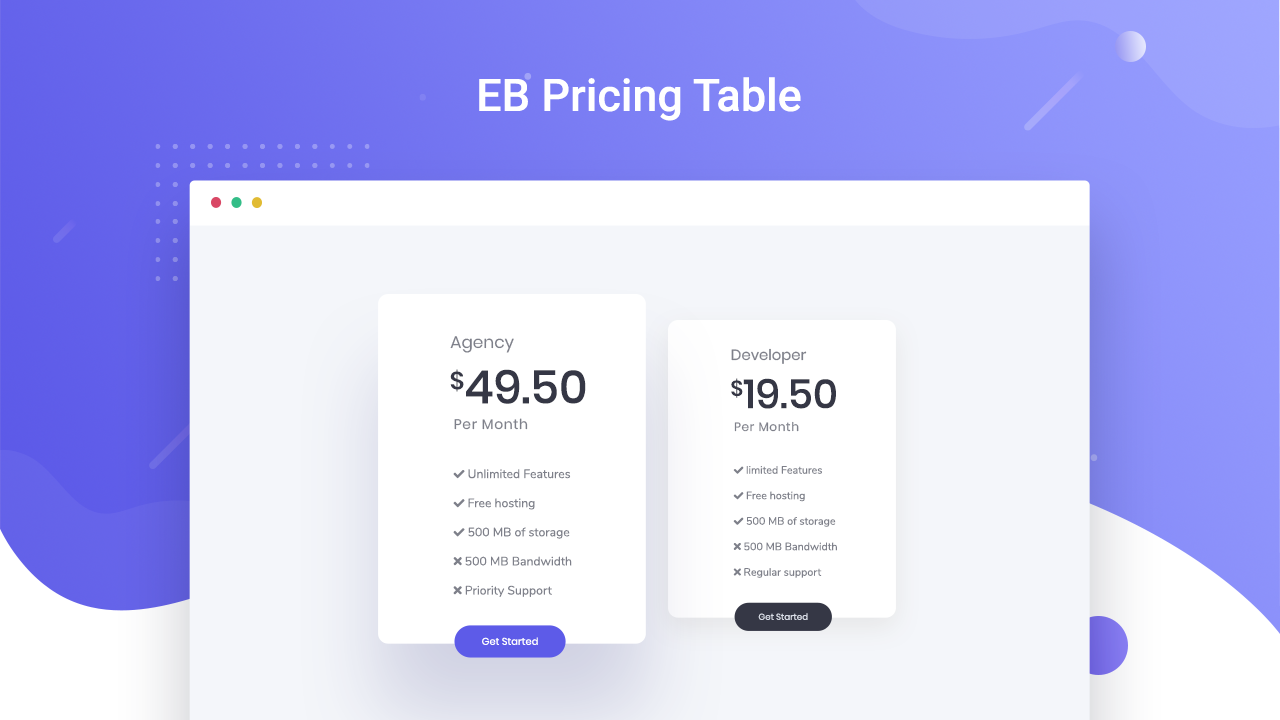
- Pricing Table – Create Pricing Tables within minutes that convert
- Social Icons – Let them share your content with different social media platforms
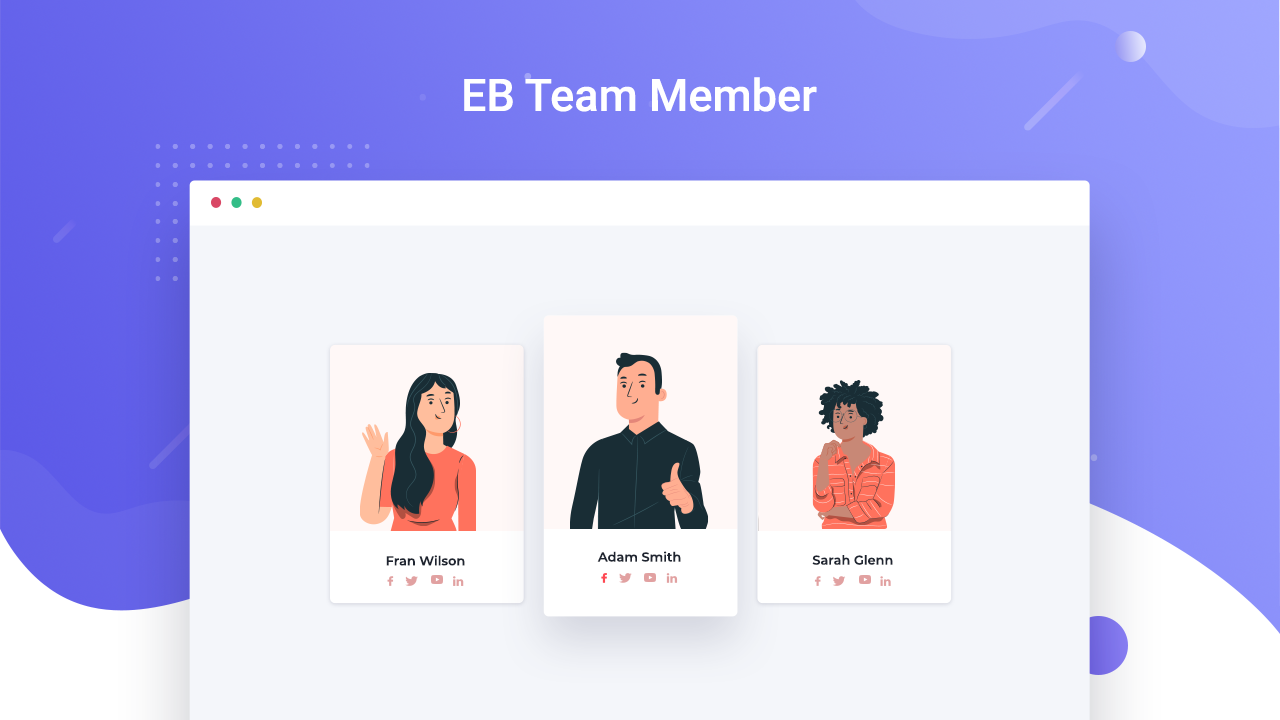
- Team Member – Feature your team members with a few clicks
- Testimonial – Showcase what others said about your brand & Increase Your Credibility
- Progress Bar – Display how far the specific task or still is in the process
- Interactive Promo – Showcase your content heading in an amazing way
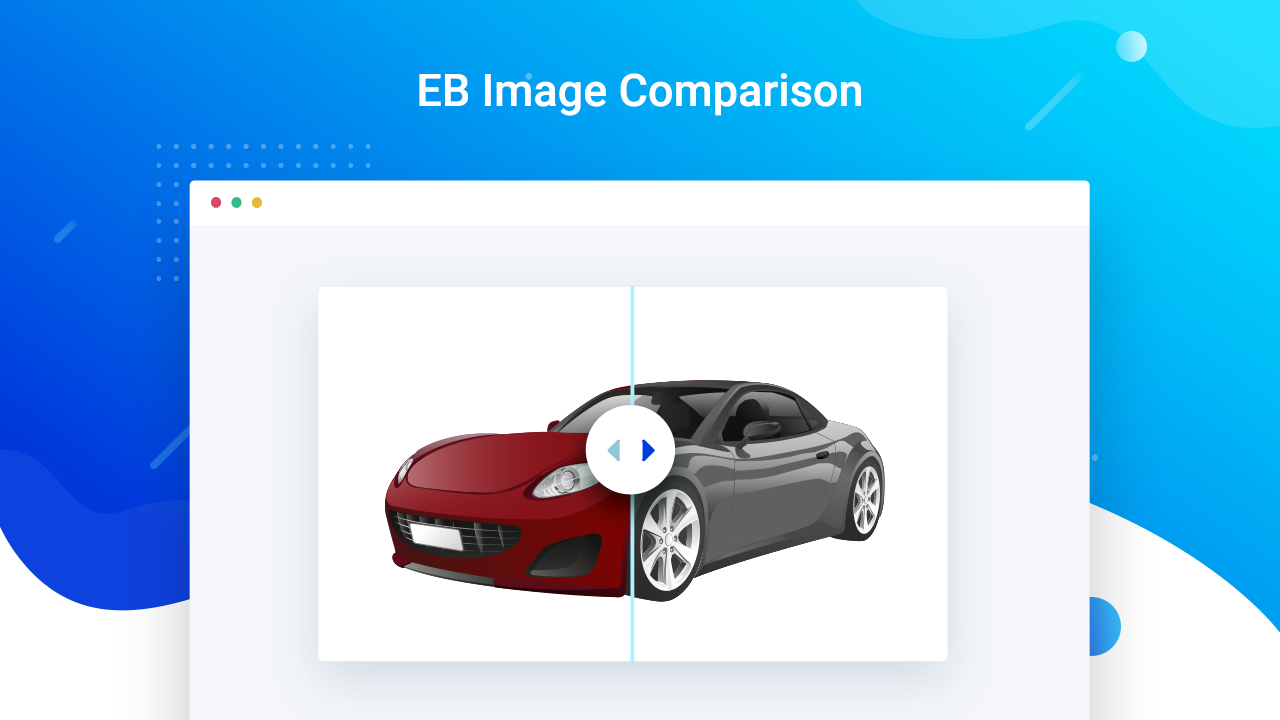
- Image Comparison – Let your viewers compare two images interactively
- Wrapper – Place any block within the wrapper and style the wrapper
- Instagram Feed – Display your Instagram posts beautifully
- Filterable Gallery – Show your image gallery with a beautiful grid and lightbox
- Advanced Heading – Advanced Heading block with lots of customization options
- Dual Button – Show dual button with nice text or icon separator
- Parallax Slider – Create a fancy slider to showcase your team or any image gallery
- Typing Text – Design your page using Typing text with an eye-catching typing effect
- Toggle Content – Switch content or blocks with a beautiful switcher
- Number Counter – Put the spotlight on important statistics to attract visitors
- Row – Create complex Row layouts with plenty of styling controls & responsive options
- Post grid – Create a stunning and interactive visualization for your blogs in a grid layout with Post Grid block
- Table of Contents – Insert Table of Contents (TOC) on your posts/pages and enhance user experience on your WordPress website
- Feature List – Display information interactively with the feature list
- Slider – Display all your beautiful images in the slider with motion effects and dazzle your audiences
- Advanced Tab – Display nested tabs to display key information on an instance in an interactive manner
- Fluent Forms – Design your Forms container and fields and choose your preferred form layout to style Fluent Forms
- Advanced Image – Customize images in Gutenberg to fit your exact needs
- WPForms – Design stunning WPForms in minutes with plenty of controls & styling options
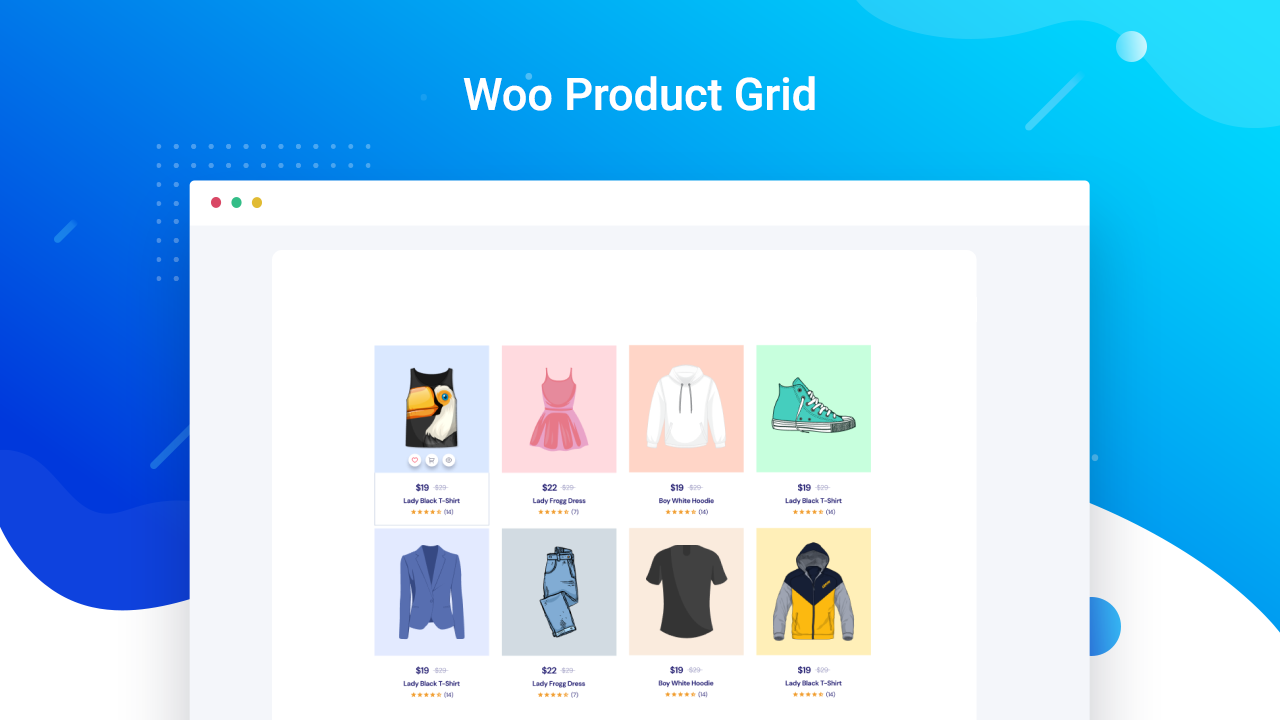
- Woo Product Grid – Display WooCommerce products with stunning layouts, buttons, x, ratings, and more
- Post Carousel – Showcase your posts creatively with an animated, dynamic carousel
- Advanced Video – Add extra styling and unique customization to your videos and amaze site visitors
- Advanced Navigation – Display pages & posts with easy navigation on your website with a stunning & organized appearance
- Popup – Showcase your videos, images, or other content with popup & trigger actions
- NFT Gallery – Display your NFT items & collections in a stunning gallery view without any coding
- Social Share – Share your posts & pages instantly on popular social platforms in one click from your website
- Openverse – Easily search & use royalty free images, stock photos, etc CC-licensed images from Openverse for your website
- Google Maps – Present a fully responsive map on your website with your preferred configurations, styles, etc.
- Shape Divider – Make your website designs stand out by showcasing different sections with stunning shape dividers
- Form – Create responsive forms of any type – contact forms, RSVP forms, multi-step forms or subscription forms – in Gutenberg and manage them easily from your WordPress dashboard.
- Timeline Slider (PRO) – Showcase your posts & pages in an attractive timeline slider and design with stunning presets & styling options
- Advanced Search (PRO) – Let visitors find any content on your website easily with a customizable, dynamic search bar
- Data Table (PRO) – Insert an advanced data table on your website without any code and display information in an eye-catching way
- Woo Product Carousel (PRO) – Display your WooCommerce products with dynamic Product Carousels and designs using limitless styling options
- News Ticker (PRO) – Show the latest news or highlights on your website with a dynamic ticker in an engaging way that instantly drives attention
- Fancy Chart (PRO) – Design visually stunning & interactive charts to bring life to dull datasets
- Multicolumn Pricing Table (PRO) – Use a variety of layouts to impact your customers to choose the pricing best plan by showcasing comparison table by mentioning features, displaying icons, and so on
- Stacked Cards (PRO) – Display your content in a unique style with the EB Stacked Cards block. With this block, you can easily make your stacked cards sticky in place and provide users an interactive experience when they scroll through your website
- Testimonial Slider (PRO) – Display engaging and credible customer testimonials, reviews and ratings in a sleek slider format to build trust and encourage conversions
- Offcanvas (PRO) – Showcase a sidebar menu on your Gutenberg site using the Offcanvas block and grab visitors’ attention with various stunning transitions & effects
- Breadcrumbs – Make smooth navigation for your posts or pages by adding a Breadcrumbs block.
- Taxonomy – Display and organize content by categories, tags, product SKUs, etc. to make it easy for users to navigate.
- Woo Product Details – Display WooCommerce product details with an organized layout that helps grab customers’ attention.
- Woo Product Price – Display the price of the WooCommerce product and style it using custom colors and typography.
- Woo Product Rating – Display WooCommerce product ratings to build credibility among visitors and customers.
- Woo Product Images – Showcase eye-catching WooCommerce product images that draw in customers and are easy to customize.
- Woo Add to Cart – Display the ‘add to cart’ option for all your WooCommerce products to ensure easy navigation for customers.
- Post Meta – Attractively showcase your current post metadata like author, date, excerpt & more.
- Text – Add and customize text content on your website that catches the attention of the visitors.
- Lottie Animation – Add LottiFiles Animations to your Gutenberg site seamlessly and customize how you want it to appear.
- Mega Menu (PRO) – Create fully customized & mobile-friendly menu with grid, nested, dropdown, etc. dynamic layouts; add icons, badges, multimedia, etc.
- Query Loop Builder (PRO) – Easily create advanced, filterable post layouts in Gutenberg with the Query Loop Builder block. Display dynamic content stunningly and hook visitors, no coding required.
- Business Hours (PRO) – Showcase available opening times in a stylish and interactive table view. Highlight closing days, special days, multi-shift, etc.
- Flex Container – Create outstanding, complex design layouts in Gutenberg editor and easily handle responsive layouts without coding.
- Animated Wrapper (PRO) – Design interactive layouts & containers in Gutenberg with dynamic animation effects.
- Image Hotspots – This block enables you to pin items, products, etc into images with detailed pricing, URL, and description and make them interactive.
- Timeline – Create an interactive timeline in WordPress to showcase your story or company’s history, achievements, events, and roadmaps.
- One Page Navigation (PRO) – Create smooth scrolling navigation menus for single page Gutenberg websites.
More Gutenberg blocks and demos coming soon for the block visual editor (weekly update)
📄 SUPPORT & DOCUMENTATION
- If you have any more questions, visit our support on the Plugin’s Forum.
- Find out how to use each Gutenberg block with our detailed documentation.
- For information about our features, FAQs and more, check out our website at Essential Blocks for Gutenberg.
🏆 GET ACCESS TO EASY & ESSENTIAL GUTENBERG TUTORIALS
Learn from our video tutorials available on our Youtube Channel.
LIKED ESSENTIAL BLOCKS?
Join our Facebook Group.
Or rate us on WordPress. 😊
CONTRIBUTE
The full source code is available on GitHub Repository. Feel free to contribute or report an issue.
🔥 WHAT’S NEXT?
If you like Essential Blocks, then consider checking out our other WordPress Plugins:
🎨 Templately – Ultimate …
Note: Since Essential Blocks is a Gutenberg library, you must activate Gutenberg editor to use it.
- Go to your WordPress Dashboard and navigate to wp-admin -> Plugins -> Add New. Search for Essential Blocks for Gutenberg. Then simply click on the Install Now button.
- Now click on Activate button to activate the plugin.
- That’s it. You can access all blocks easily from Gutenberg editor.
Or,
- You can download the plugin by clicking the Download button from Essential Blocks for Gutenberg
- Then go to wp-admin -> Plugins -> Add New and click on the Upload Plugin.
- The plugin will be instantly installed & activated on your website.
For more detailed instructions, visit Essential Blocks Installation Guideline. Also, check out a quick video tutorial from Essential Blocks YouTube.
Screenshot Gallery

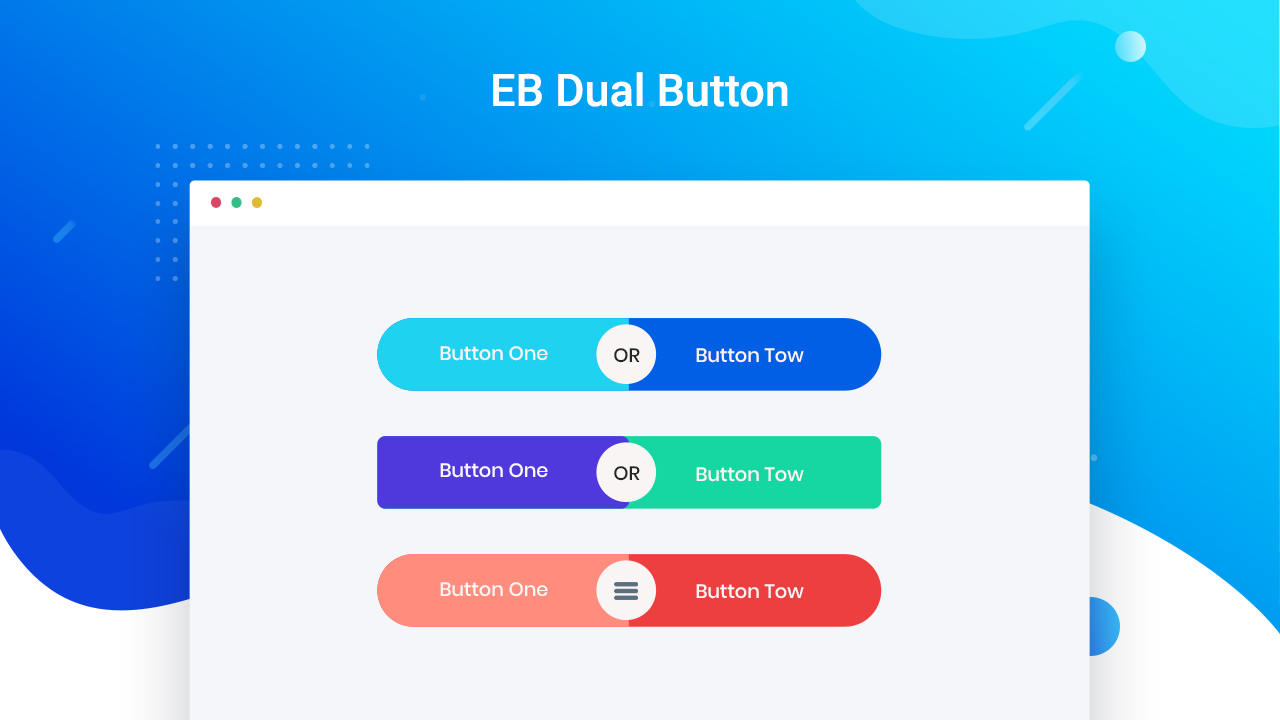
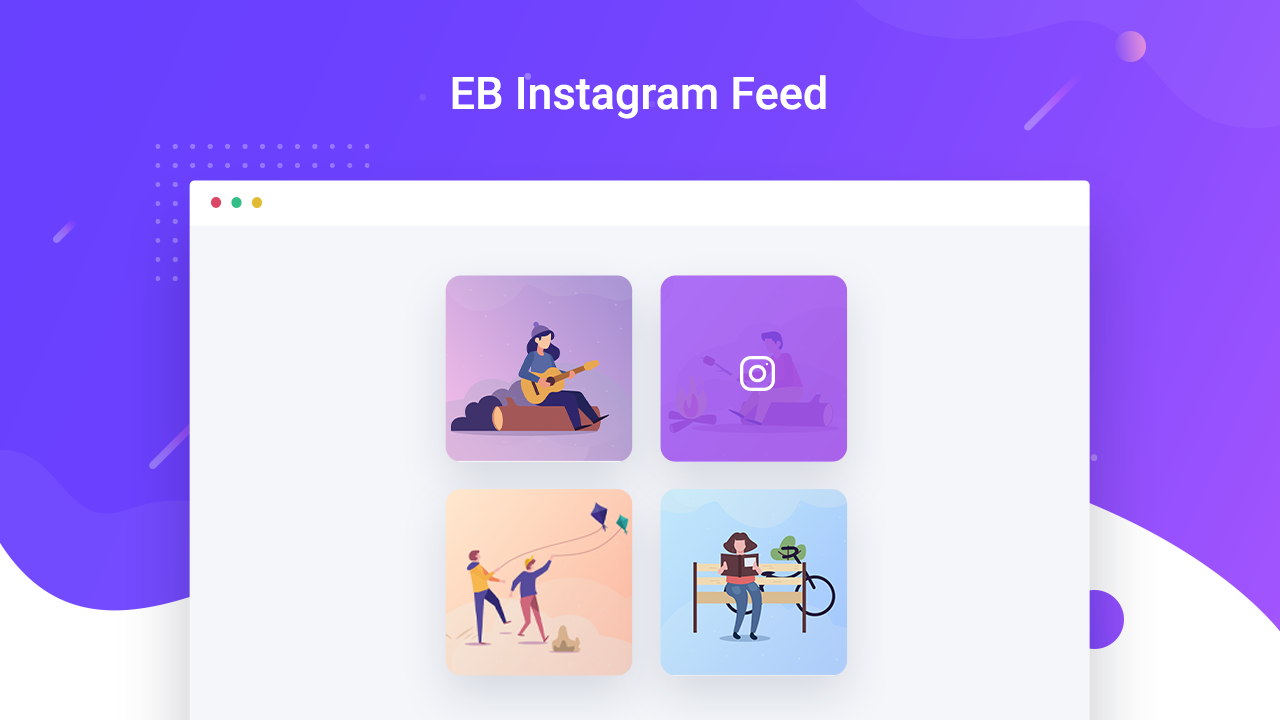
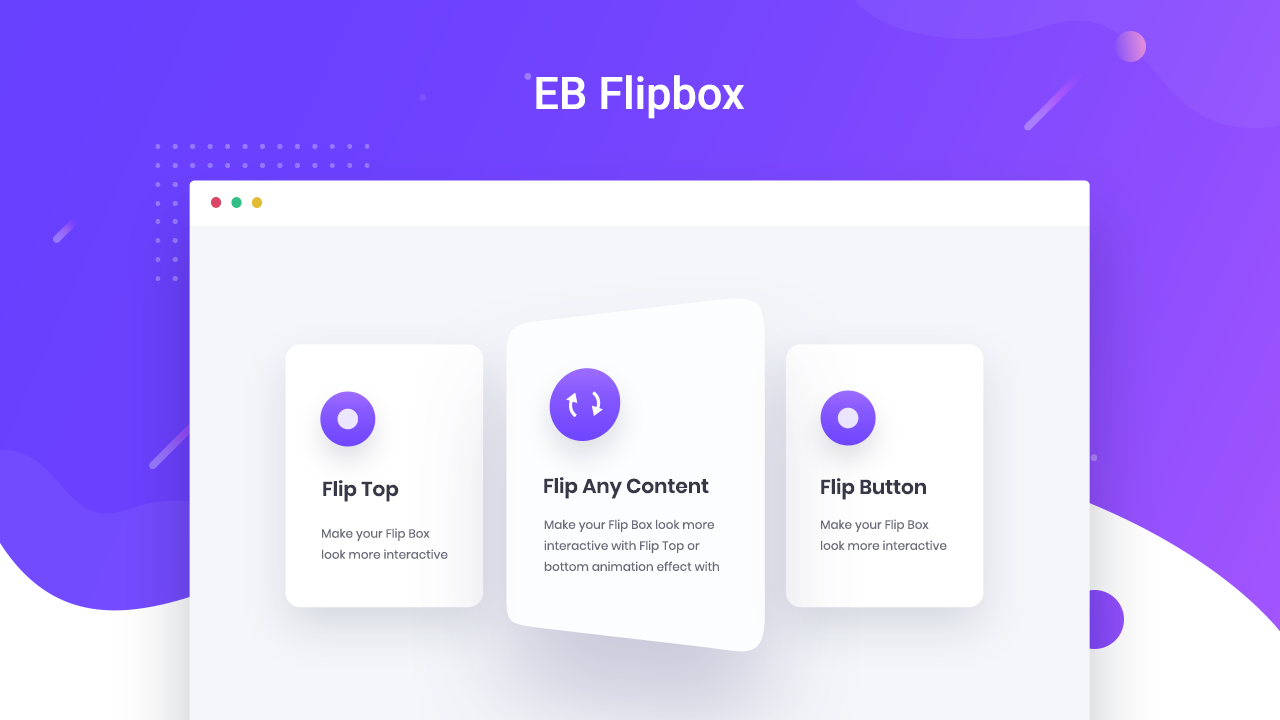
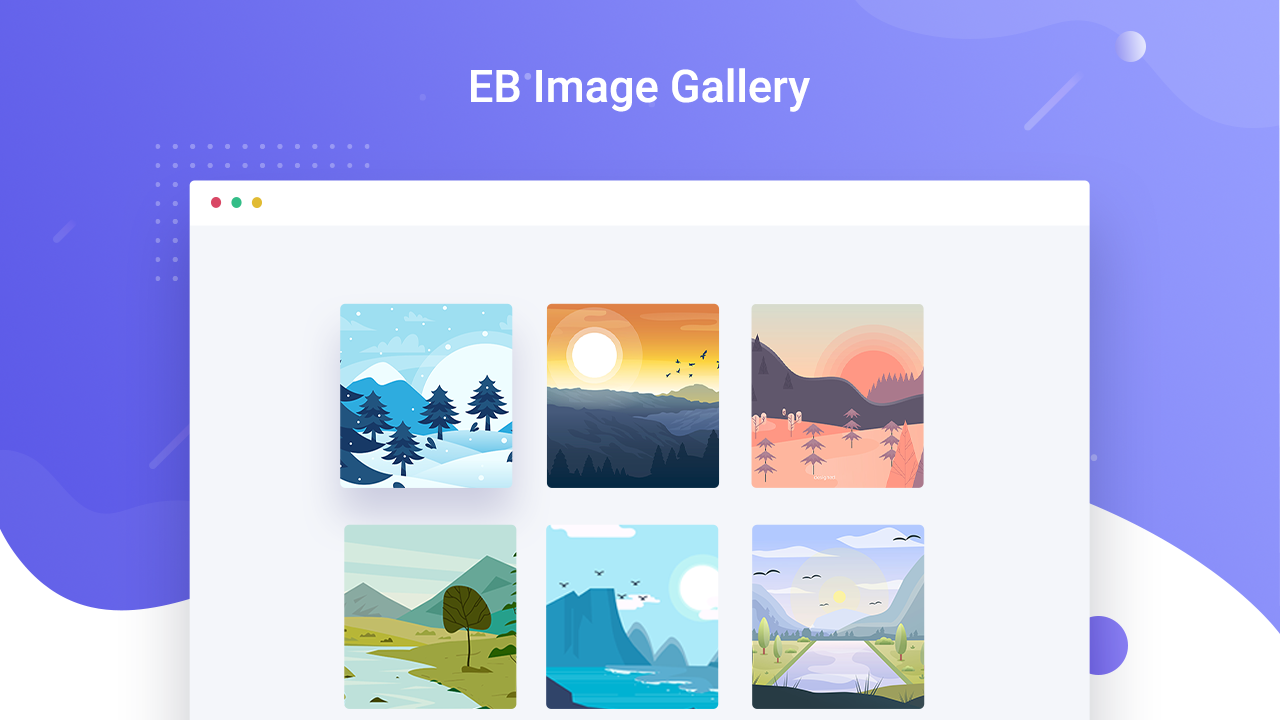
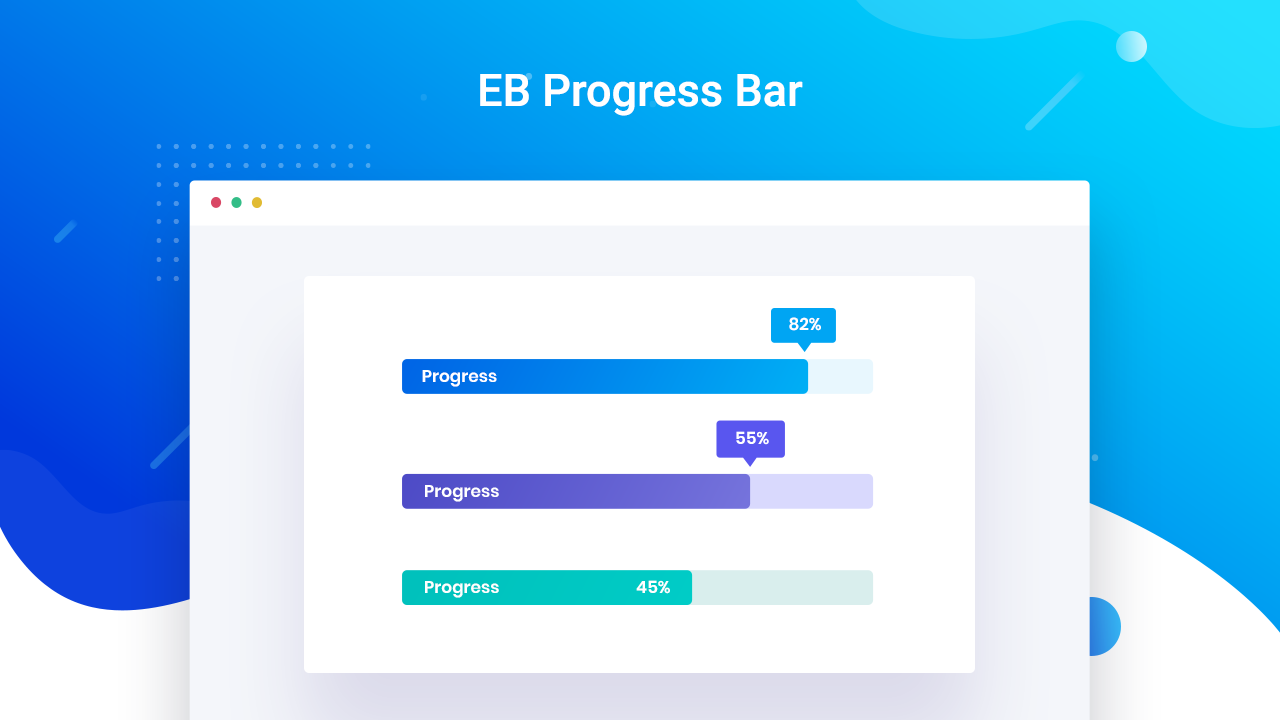
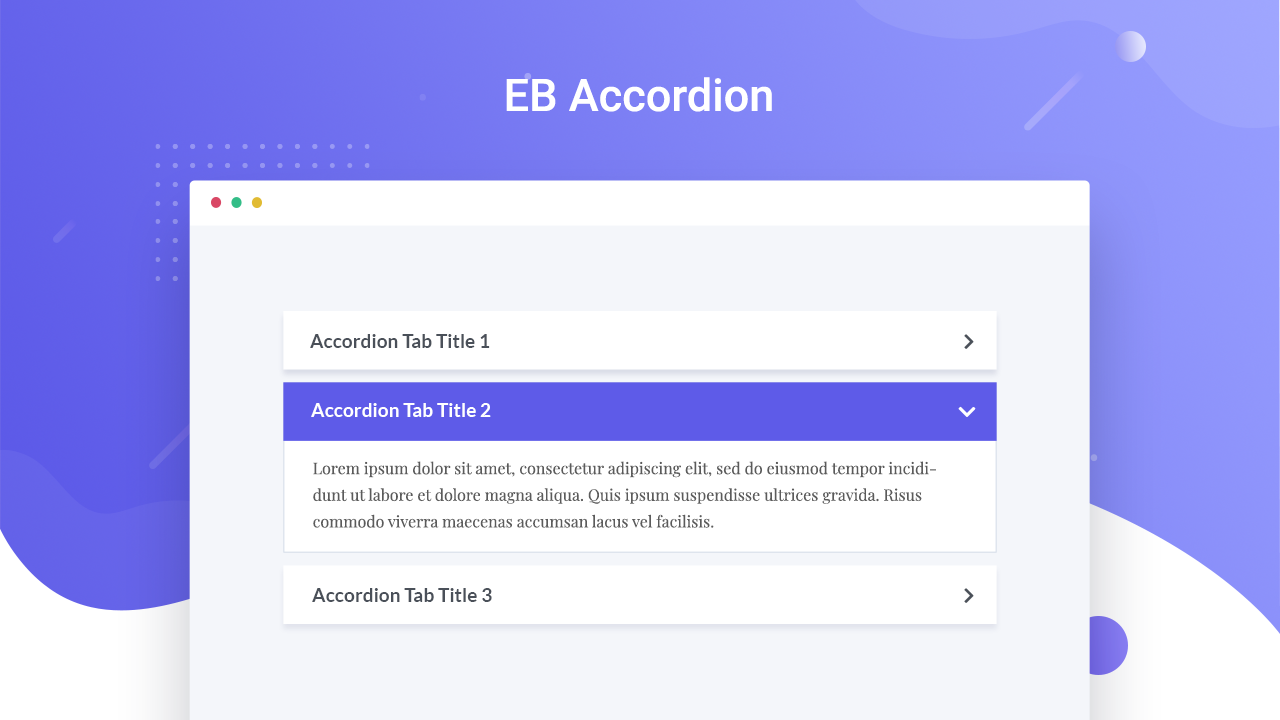

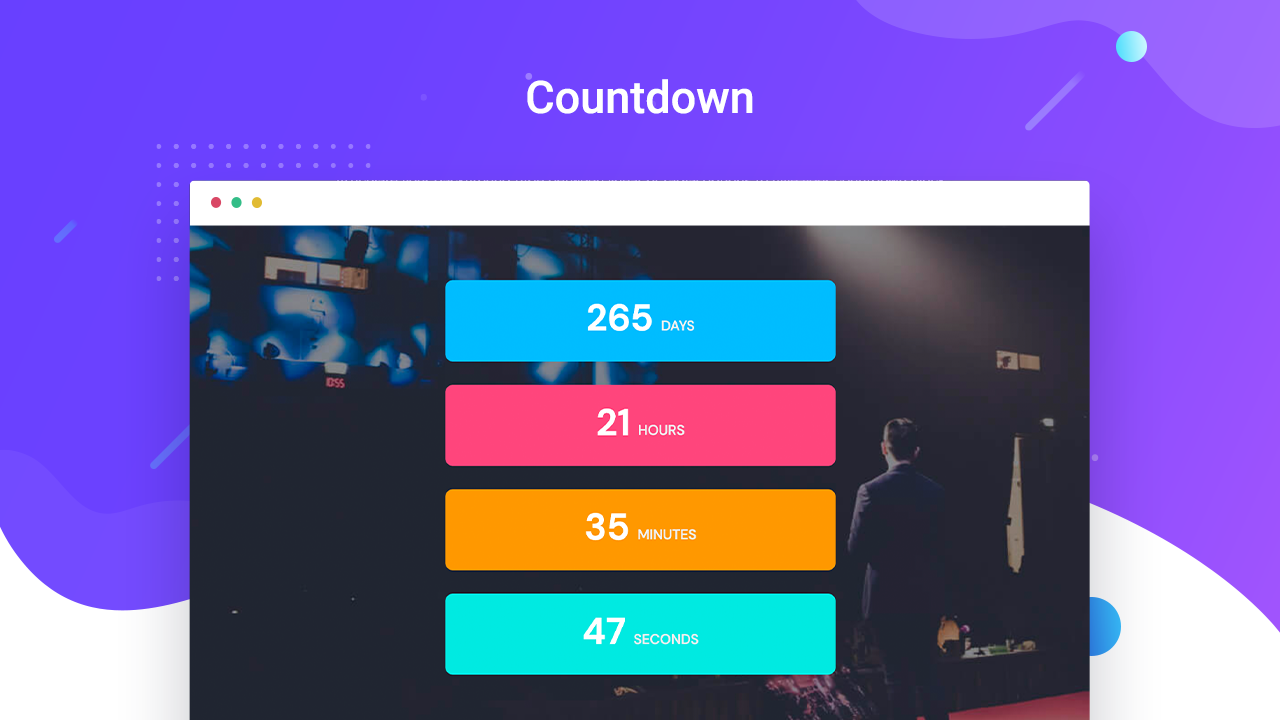
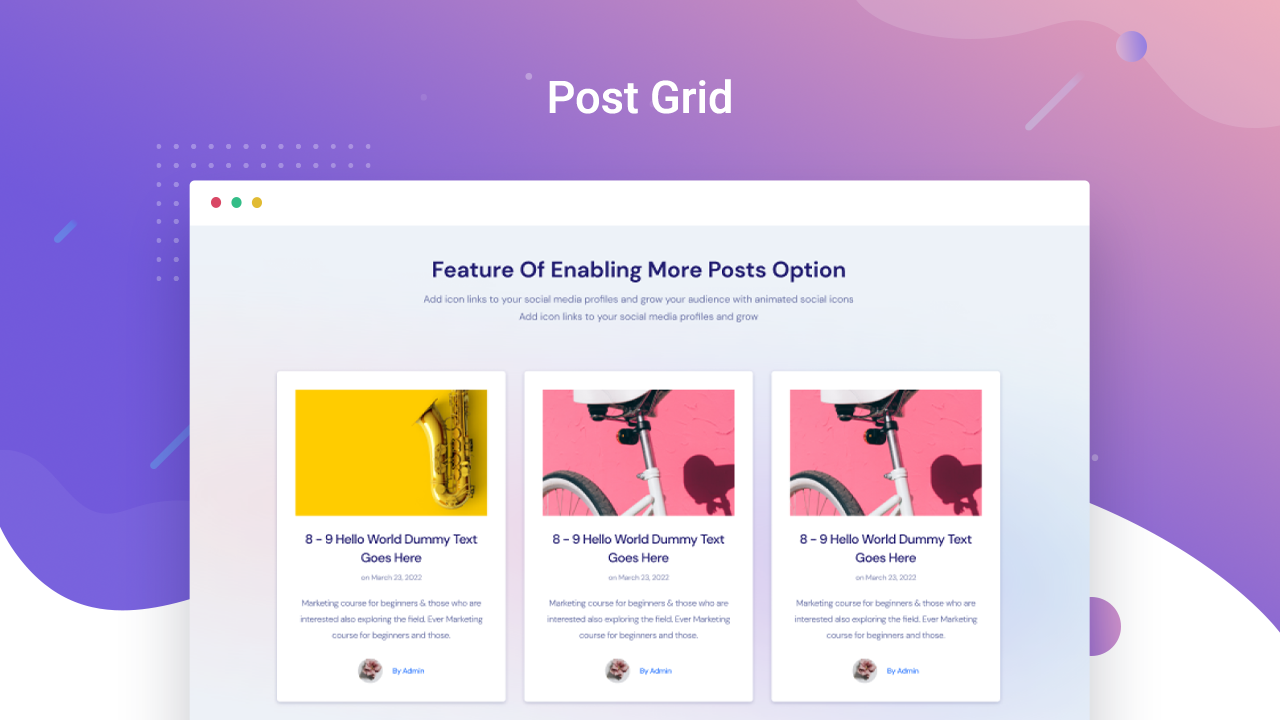
Install and activate Essential Blocks for Gutenberg on your website. Create a new page and click the ‘+’ sign, and you will find all the creative Gutenberg blocks there. Now click on the block you want to insert in your page and create amazing pages.
Essential Blocks allows you to create as many AI images and text as you want. And the feature is entirely free. All you have to do is integrate ChatGPT Pro with the plugin to use all of the AI features.
You can save any block from Essential Blocks for Gutenberg as a reusable block easily. Click on any block you want to save as reusable, then click on the ‘Add to reusable blocks,’ and instantly, that block will be converted into a reusable block.
Essential Blocks for Gutenberg has no theme dependency. This Gutenberg blocks plugin is compatible with any updated WordPress theme.
No, Essential Blocks will not slow down your website. This Gutenberg blocks plugin brings you the outstanding facility of complete modular control over the activation of each block. We have also used optimized codes for this plugin, which helps to load only the resources that are currently used.
Yes, you can still use Essential Blocks. These Gutenberg blocks are created in such a way that you can use and customize them without code.
You can only use Essential Blocks with the Gutenberg editor. It does not support any other website builder or editor.
Also, the Gutenberg blocks available with Essential Blocks plugin are 100% responsive and have cross-browser compatibility. So it is responsive on smaller devices as well.
Uninstall all plugins on your website except Essential Blocks for Gutenberg. Then check if any conflict is still occurring or not. If you encounter conflicts, then contact our support team.
If you want to apply custom CSS with Essential Blocks for Gutenberg, then click on the specific block you want to add CSS code to. Then navigate to the ‘Advanced’ tab and add your custom CSS code. You have to create a class first and then add your custom CSS.
If you want to skip customizing each essential block on your own, you can use ready templates to create stunning blocks. You will receive access to elegant and sleek, ready templates for Essential Blocks and Gutenberg with the Templately plugin.
Yes, Essential Blocks provides you with a ready, professionally designed Gutenberg pattern.
You only need the Gutenberg block editor to use Essential Blocks plugin on your WordPress website. Then you can use Essential Blocks and create stunning pages.
Yes, you can effortlessly create stunning WooCommerce stores and display your products using Woo blocks from Essential Blocks. More blocks are coming soon.
If you found the recent version of Essential Blocks isn’t working or conflicting with other plugins, then you can use earlier versions of the plugin.
Changelog
6.4.0 – 28/07/2026
- Added: New Feature | Copy/Paste EB Styles
- Fixed: Filterable Gallery initial height issue
- Fixed: Facebook Feed overflow inside Wrapper
- Improved: Security enhancements
- Improved: Minor bug fixes & enhancements
6.3.0 – 24/06/2026
- New Block | Facebook Feed
- Fixed: Table of Contents block issue with the latest WordPress version
- Few minor bug fixes & improvements
6.2.1 – 18/06/2026
- Improved: Liquid Glass in Individual Blocks
- Improved: Improved Free block rendering and frontend stability (infobox)
- Improved : Image Masking Hover Clip-Path & Clip Morphing
- Fixed: AI popup not showing Edit with AI option in Image component
- Fixed: Advanced Menu interactivity module issue in Gutenberg
- Few minor bug fixes & improvements
6.2.0 – 08/06/2026
- Added: New Feature | Image Masking and Morphing
- Improved: Security enhancements
- Few minor bug fixes & improvements
6.1.4 – 04/06/2026
- Improved: Enhanced compatibility with WordPress 7.0.
- Improved: Security enhancements.
- Fixed: Advanced Video editor UI issues.
- Fixed: Advanced Image Site Logo issue.
- Fixed: Remove Image button issue.
- Few minor bug fixes & improvements
6.1.3 – 20/05/2026
- Added: WordPress 7.0 Compatibility
- Fixed: Advanced Image | Caption Styles and Alignment Issues
- Few minor bug fixes & improvements
6.1.2 – 13/05/2026
- Added: Icon Library update
- Few minor bug fixes & improvements
6.1.1 – 11/05/2026
- Added: Post Meta | ACF Field support
- Added: Flex Container option to inherit theme content width
- Fixed: Advanced Navigation interactivity issue
- Fixed: Advanced Image block alignment issue
- Fixed: Post Grid sticky post editor ‘post per page’ count off-by-one
- Fixed: Row block column not rendering
- Fixed: Advanced Accordion | Focus state issue
- Few minor bug fixes & improvements
6.1.0 – 27/04/2026
- Added: Compatibility with WordPress 7.0
- Improved: Security Enhancement
- Improved: Modernize Gutenberg blocks to block.json (API v3)
- Few minor bug fixes & improvements
6.0.8 – 16/04/2026
- Added: Post Grid block | Featured post options & layout
- Improved: Image Hotspot block | Tooltip positioning & styling options
- Few minor bug fixes & improvements
6.0.7 – 02/04/2026
- Improved: WPML compatibility
- Improved: Compatibility with Loco Translate
- Fixed: Resolved CSS asset loading issues for content rendered via Blocksy and Blocksy Pro custom hooks/templates.
- Few minor bug fixes & improvements
6.0.6 – 25/03/2026
- Improved: WPML compatibility
- Few minor bug fixes & improvements
6.0.5 – 09/03/2026
- Improved: WPML compatibility
- Fixed: Advanced Image | Caption style issue
- Few minor bug fixes & improvements
6.0.4 – 26/02/2026
- Added: Slider Block | Marquee Slider Layout
- Added: Woo Product Grid | Product image size option
- Added: Advanced Image | Image alt text settings for better SEO
- Fixed: Table of Contents | Duplicate ID issue
- Few minor bug fixes & improvements
6.0.3 – 10/02/2026
- Added: Pricing Table | Individual feature color and customization options
- Fixed: Team Member | Avatar image can’t be deleted
- Fixed: Pricing Table | Feature alignment issue
- Few minor bug fixes & improvements
6.0.1 – 26/01/2026
- Fixed: Accordion | Attempt recovery issue for non admin users
- Fixed: Accordion | Preset with image not working properly
- Fixed: Advanced Heading | Enabling link option gets unwanted font size
- Fixed: Call To Action | Overlap issue with advanced navigation
- Fixed: Using Broken HTML tags in rich text input crashes some blocks
- Few minor bug fixes & improvements
6.0.0 – 15/01/2026
- Added: New Block | Timeline
- Improved: Typing Text | Dynamic Tag Support
- Fixed: Advanced Navigation | Submenu not displaying properly in frontend
- Fixed: Advanced Tabs | Vertical mode conflict in Inner Blocks
- Fixed: Flex Container | Height not working properly
- Few minor bug fixes & improvements
5.9.1 – 24/12/2025
- Fixed: Quick Setup showing blank page
- Fixed: Slider | Images getting cropped for Custom Height
- Fixed: Interactive Animation | Animation fails to trigger in frontend
- Few minor bug fixes & improvements
5.9.0 – 17/12/2025
- Added: New Block | Image Hotspots
- Added: SVG icon support in All icon picker
- Fixed: Flex Container | Content width and alignment not working
- Fixed: Advanced Tabs | Title alignment not working
- Fixed: Product Image | Zoom not working
- Fixed: Advanced Video | Overlay image conflict in frontend
- Fixed: Image Control multiple conflicts
- Few minor bug fixes & improvements
5.8.2 – 08/12/2025
- Improved: Asset Generation optimization
- Fixed: Advanced Video | Sticky video height width not working
- Fixed: Instagram Feed | Disabling Square thumbnail not working
- Fixed: Form | Alignment and Button inline issue
- Fixed: Filterable Gallery | Images remained clickable when Lightbox is disabled
- Few minor bug fixes & improvements
5.8.1 – 27/11/2025
- Few minor bug fixes & improvements
5.8.0 – 17/11/2025
- Added: New Block | Flex Container
- Added: Block Defaults for all missing blocks
- Fixed: Popup | Exit Intent not working in Firefox and Safari
- Fixed: Advanced Heading | Line height issue
- Fixed: Social Share | Changing icon hides the icon
- Fixed: Default Typography not inherited from Theme
- Fixed: Style not generating in Astra Theme Builder
- Fixed: Compatibility issue with WPFunnel Pro
- Few minor bug fixes & improvements
5.7.4 – 30/10/2025
- Added: AI Image Editing feature
- Fixed: Post Grid | Custom Post Types not appearing in Taxonomy Filter
- Fixed: Post Grid | PHP warning fix
- Few minor bug fixes & improvements
5.7.3 – 23/10/2025
- Fixed: Advanced Video | Video ratio issue
- Fixed: Post Grid | Pagination conflict with Filter
- Fixed: Slider | JQuery dependency issue
- Improved: Security enhancements
- Few minor bug fixes & improvements
5.7.2 – 12/10/2025
- Fixed: Editor not working with the last update
- Improved: Security enhancements
- Few minor bug fixes & improvements
5.7.1 – 07/10/2025
- Improved: Loop Builder | Added support for more blocks
- Improved: Slider | Added more image styling options and images clickable option
- Improved: Post Grid | Added additional styling options for Title and Taxonomy
- Fixed: Custom Fonts | Fonts were not loading properly
- Fixed: Post Grid | Certain strings were not translatable
- Fixed: Filterable Gallery | ‘Add More Images’ cleared URLs of existing items
- Fixed: Advanced Navigation | Menu items geting extra spacing in dropdowns
- Fixed: Advanced Image | Custom height resetting issue
- Fixed: Advanced Image | Site logo not displaying properly
- Fixed: Animation conflict with Twentig plugin
- Few minor bug fixes and improvements
5.7.0 – 21/09/2025
- Added: Liquid Glass Effect
- Added: Block Patterns | 70+ block patterns
- Added: Text | Spacing options
- Fixed: Filterable Gallery | Showing pre-selected image on blank gallery
- Fixed: Image Comparison | Compatibility issue in vertical mode
- Improved: Security enhancements
- Few minor bug fixes & improvements
5.6.4 – 14/09/2025
- Few minor bug fixes & improvements
5.6.3 – 01/09/2025
- Fixed: Color Control | Color automatically reset to default color
- Fixed: Accordion | Performance improvements
- Few minor bug fixes & improvements
5.6.2 – 20/08/2025
- Minor bug fixes and improvements
5.6.1 – 20/08/2025
- Added: AI Content Generation | Added support for input fields
- Improved: Link Control | Added validation and security enhancements
- Fixed: Form | Email input field background color issue
- Fixed: Infobox | Image src issue
- Fixed: Slider | Full-width layout issue
- Fixed: Slider | Error when changing the arrow icon
- Fixed: Column | Editor performance improvements
- Fixed: Table of Contents | PHP fatal error
- Improved: Security enhancements
- Minor bug fixes and improvements
5.6.0 – 27/07/2025
- Added: New Feature | AI Image Generation
- Fixed: Infobox | Image border appearing rounded
- Fixed: Filterable Gallery | Missing image alt attribute
- Fixed: Accordion | Animation not smooth on first click
- Fixed: Slider | Image size issue in “Image with Content” layout
- Fixed: Post Grid | API request blocked on servers with 8G firewall enabled
- Fixed: Popup | Not Triggering in External Element
- Fixed: Animation | FadeInLeft not working correctly on initial viewport
- Improved: Accordion | Title editing experience enhanced
- Few minor bug fixes & improvements
5.5.3 – 29/06/2025
- Fixed: Google Map | Map Becomes Unresponsive When Entering Diacritic Characters
- Fixed: Row Column | Column gap issues with responsive device
- Few minor bug fixes & improvements
5.5.2 – 20/06/2025
- Few minor bug fixes & improvements
5.5.1 – 19/06/2025
- Fixed: AI Content Generation | Popup was closing upon clicking the generate button in Firefox
- Few minor bug fixes & improvements
" width="120" height="120">
Available Versions
| Version | Download | Type |
|---|---|---|
| 6.4.0 | Download | Stable |
| 6.3.0 | Download | Stable |
| 6.2.1 | Download | Stable |
| 6.2.0 | Download | Stable |
| 6.1.4 | Download | Stable |
| 6.1.3 | Download | Stable |
| 6.1.2 | Download | Stable |
| 6.1.1 | Download | Stable |
| 6.1.0 | Download | Stable |
| 6.0.8 | Download | Stable |
| 6.0.7 | Download | Stable |
| 6.0.6 | Download | Stable |
| 6.0.5 | Download | Stable |
| 6.0.4 | Download | Stable |
| 6.0.3 | Download | Stable |
| 6.0.2 | Download | Stable |
| 6.0.1 | Download | Stable |
| 6.0.0 | Download | Stable |
| 5.9.1 | Download | Stable |
| 5.9.0 | Download | Stable |
| 5.8.2 | Download | Stable |
| 5.8.1 | Download | Stable |
| 5.8.0 | Download | Stable |
| 5.7.4 | Download | Stable |
| 5.7.3 | Download | Stable |
| 5.7.2 | Download | Stable |
| 5.7.1 | Download | Stable |
| 5.7.0 | Download | Stable |
| 5.6.4 | Download | Stable |
| 5.6.3 | Download | Stable |
| 5.6.2 | Download | Stable |
| 5.6.1 | Download | Stable |
| 5.6.0 | Download | Stable |
| 5.5.3 | Download | Stable |
| 5.5.2 | Download | Stable |
| 5.5.1 | Download | Stable |
| 5.5.0 | Download | Stable |
| 5.4.2 | Download | Stable |
| 5.4.1 | Download | Stable |
| 5.4.0 | Download | Stable |
| 5.3.5 | Download | Stable |
| 5.3.4 | Download | Stable |
| 5.3.3 | Download | Stable |
| 5.3.2 | Download | Stable |
| 5.3.1 | Download | Stable |
| 5.3.0 | Download | Stable |
| 5.2.3 | Download | Stable |
| 5.2.2 | Download | Stable |
| 5.2.1 | Download | Stable |
| 5.2.0 | Download | Stable |
| 5.1.1 | Download | Stable |
| 5.1.0 | Download | Stable |
| 5.0.9 | Download | Stable |
| 5.0.8 | Download | Stable |
| 5.0.7 | Download | Stable |
| 5.0.6 | Download | Stable |
| 5.0.5 | Download | Stable |
| 5.0.4 | Download | Stable |
| 5.0.3 | Download | Stable |
| 5.0.2 | Download | Stable |
| 5.0.1 | Download | Stable |
| 5.0.0 | Download | Stable |
| 4.9.1 | Download | Stable |
| 4.9.0 | Download | Stable |
| 4.8.4 | Download | Stable |
| 4.8.3 | Download | Stable |
| 4.8.2 | Download | Stable |
| 4.8.1 | Download | Stable |
| 4.8.0 | Download | Stable |
| 4.7.4 | Download | Stable |
| 4.7.3 | Download | Stable |
| 4.7.2 | Download | Stable |
| 4.7.1 | Download | Stable |
| 4.7.0 | Download | Stable |
| 4.6.1 | Download | Stable |
| 4.6.0 | Download | Stable |
| 4.5.13 | Download | Stable |
| 4.5.12 | Download | Stable |
| 4.5.11 | Download | Stable |
| 4.5.10 | Download | Stable |
| 4.5.9 | Download | Stable |
| 4.5.8 | Download | Stable |
| 4.5.7 | Download | Stable |
| 4.5.6 | Download | Stable |
| 4.5.5 | Download | Stable |
| 4.5.4 | Download | Stable |
| 4.5.3 | Download | Stable |
| 4.5.2 | Download | Stable |
| 4.5.1 | Download | Stable |
| 4.5.0 | Download | Stable |
| 4.4.12 | Download | Stable |
| 4.4.11 | Download | Stable |
| 4.4.10 | Download | Stable |
| 4.4.9 | Download | Stable |
| 4.4.8 | Download | Stable |
| 4.4.7 | Download | Stable |
| 4.4.6 | Download | Stable |
| 4.4.5 | Download | Stable |
| 4.4.4 | Download | Stable |
| 4.4.3 | Download | Stable |
| 4.4.2 | Download | Stable |
| 4.4.1 | Download | Stable |
| 4.4.0 | Download | Stable |
| 4.3.10 | Download | Stable |
| 4.3.9 | Download | Stable |
| 4.3.8 | Download | Stable |
| 4.3.7 | Download | Stable |
| 4.3.6 | Download | Stable |
| 4.3.5 | Download | Stable |
| 4.3.4 | Download | Stable |
| 4.3.3 | Download | Stable |
| 4.3.2 | Download | Stable |
| 4.3.1 | Download | Stable |
| 4.3.0 | Download | Stable |
| 4.2.6 | Download | Stable |
| 4.2.5 | Download | Stable |
| 4.2.4 | Download | Stable |
| 4.2.3 | Download | Stable |
| 4.2.2 | Download | Stable |
| 4.2.1 | Download | Stable |
| 4.2.0 | Download | Stable |
| 4.1.6 | Download | Stable |
| 4.1.5 | Download | Stable |
| 4.1.4 | Download | Stable |
| 4.1.3 | Download | Stable |
| 4.1.2 | Download | Stable |
| 4.1.1 | Download | Stable |
| 4.1.0 | Download | Stable |
| 4.0.8 | Download | Stable |
| 4.0.7 | Download | Stable |
| 4.0.6 | Download | Stable |
| 4.0.5 | Download | Stable |
| 4.0.4 | Download | Stable |
| 4.0.3 | Download | Stable |
| 4.0.2 | Download | Stable |
| 4.0.1 | Download | Stable |
| 4.0.0 | Download | Stable |
| 3.8.7 | Download | Stable |
| 3.8.6 | Download | Stable |
| 3.8.5 | Download | Stable |
| 3.8.4 | Download | Stable |
| 3.8.3 | Download | Stable |
| 3.8.2 | Download | Stable |
| 3.8.1 | Download | Stable |
| 3.8.0 | Download | Stable |
| 3.7.2 | Download | Stable |
| 3.7.1 | Download | Stable |
| 3.7.0 | Download | Stable |
| 3.6.3 | Download | Stable |
| 3.6.2 | Download | Stable |
| 3.6.1 | Download | Stable |
| 3.6.0 | Download | Stable |
| 3.5.5 | Download | Stable |
| 3.5.4 | Download | Stable |
| 3.5.3 | Download | Stable |
| 3.5.2 | Download | Stable |
| 3.5.1 | Download | Stable |
| 3.5.0 | Download | Stable |
| 3.4.0 | Download | Stable |
| 3.3.3 | Download | Stable |
| 3.3.2 | Download | Stable |
| 3.3.1 | Download | Stable |
| 3.3.0 | Download | Stable |
| 3.2.4 | Download | Stable |
| 3.2.3 | Download | Stable |
| 3.2.2 | Download | Stable |
| 3.2.1 | Download | Stable |
| 3.2.0 | Download | Stable |
| 3.1.1 | Download | Stable |
| 3.1.0 | Download | Stable |
| 3.0.4 | Download | Stable |
| 3.0.3 | Download | Stable |
| 3.0.2 | Download | Stable |
| 3.0.1 | Download | Stable |
| 3.0.0 | Download | Stable |
| 2.4.3 | Download | Stable |
| 2.4.2 | Download | Stable |
| 2.4.1 | Download | Stable |
| 2.4.0 | Download | Stable |
| 2.3.0 | Download | Stable |
| 2.2.2 | Download | Stable |
| 2.2.1 | Download | Stable |
| 2.2.0 | Download | Stable |
| 2.1.0 | Download | Stable |
| 2.0.2 | Download | Stable |
| 2.0.1 | Download | Stable |
| 2.0.0 | Download | Stable |
| 1.3.1 | Download | Stable |
| 1.3.0 | Download | Stable |
| 1.2.0 | Download | Stable |
| 1.1.2 | Download | Stable |
| 1.1.1 | Download | Stable |
| 1.1.0 | Download | Stable |
| 1.0.0 | Download | Stable |
| Development | Download | Trunk |
