
Download Media File
Active Installs
400+
Last Updated
May 20, 2026
First Released
October 6, 2018
Download History (Last one month)
Contributors
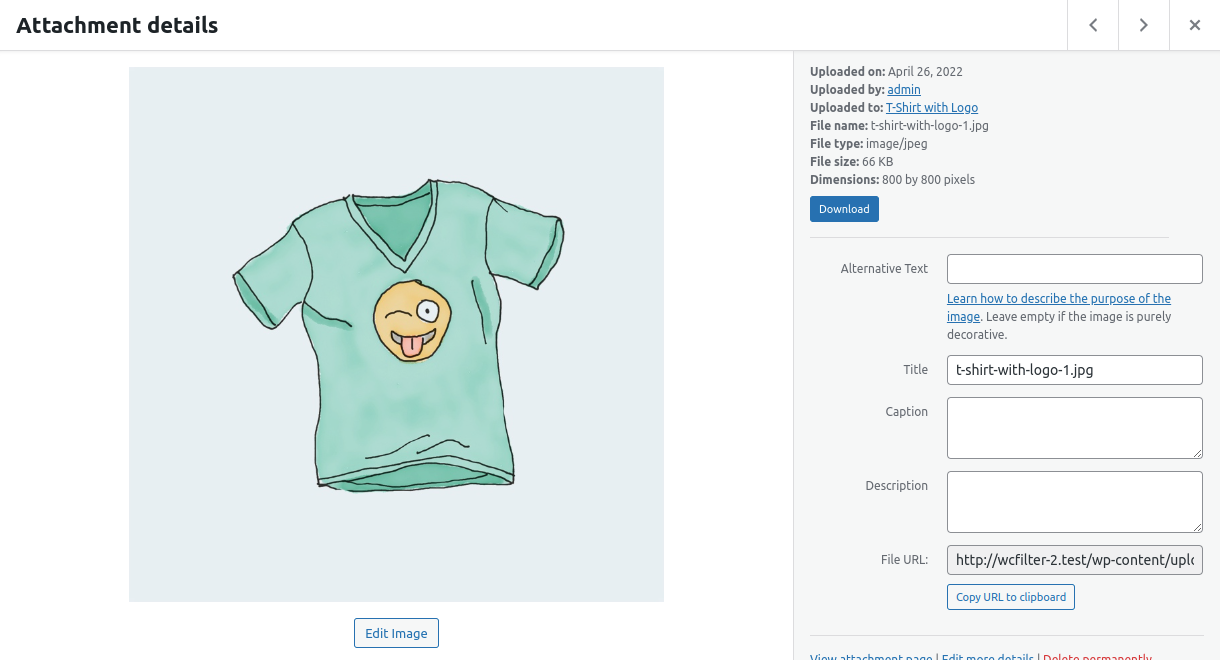
Download Media File is a lightweight plugin that adds a Download button to the media modal. It lets you download files from the dashboard without opening them in a new tab.
No settings needed. Activate the plugin, and the button will appear automatically in the media modal.
Automatic installation
Automatic installation is the easiest option as WordPress handles the file transfers itself and you don’t even need to leave your web browser. To do an automatic install, log in to your WordPress admin panel, navigate to the Plugins menu and click Add New.
In the search field type Download Media File and click Search Plugins. Once you’ve found the plugin you can view details about it such as the point release, rating, and description. Most importantly, of course, you can install it by clicking Install Now.
Manual installation
The manual installation method involves downloading the plugin and uploading it to your web server via your favorite FTP application.
- Download the plugin file to your computer and unzip it
- Using an FTP program, or your hosting control panel, upload the unzipped plugin folder to your WordPress installation’s
wp-content/plugins/directory. - Activate the plugin from the Plugins menu within the WordPress admin
Screenshot Gallery
No. The plugin doesn’t offer this feature.
Changelog
1.0.2
- Update author name, URL, and contributors.
- Update descriptions and “Tested up to” version compatibility.
- Align stable tag with repository structure.
- Improve download handling for large files and different file types.
- Fallback to attachment URL when the local file is not available (offloaded media).
- Add safer download headers and better permission checks.
1.0.1
- Refactor the plugin
1.0.0
- Initial release.
" width="120" height="120">
