
Chat Room
Active Installs
80+
Last Updated
March 11, 2017
First Released
October 5, 2012
Download History (Last one month)
Contributors
The Chat Room plugin allows administrators to easily create chat rooms for their users to participate in. Chat rooms are created via the WordPress administrative interface. After creation, users can access it via the permalink for the chat room.
The plugin currently will only support servers that have direct PHP filesystem access, which may not be available on all hosting environments.
All official development on this plugin is on GitHub. Version bumps will still be published here on WordPress.org. You can find the repo at https://github.com/WebDevStudios/Chat-Room. Please file issues, bugs, and enhancement ideas there, when possible.
Pluginize was launched in 2016 by WebDevStudios to promote, support, and house all of their WordPress products. Pluginize is not only creating new products for WordPress all the time, but also provides ongoing support and development for WordPress community favorites like CPTUI, CMB2, and more.
- Upload
chat-roomfolder to the/wp-content/plugins/directory - Activate the plugin through the ‘Plugins’ menu in WordPress
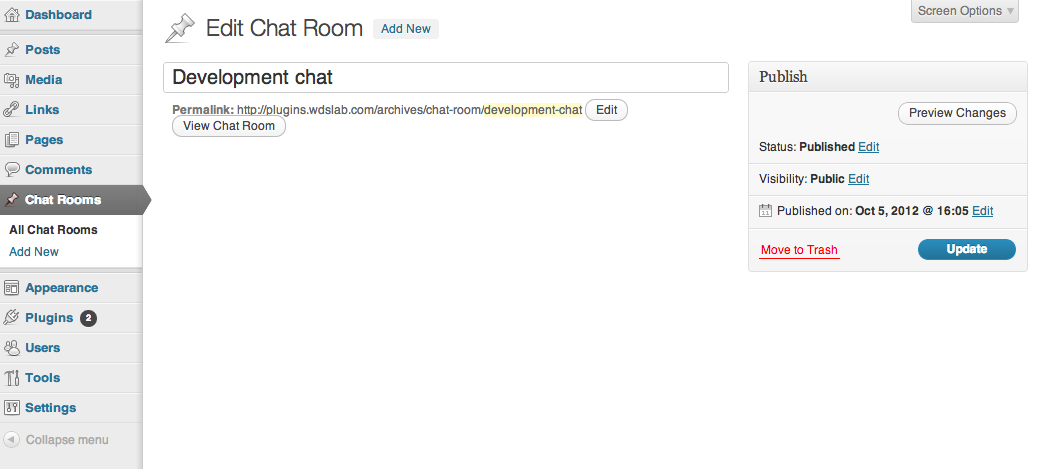
- Create chat rooms via newly added menu item.


No FAQ provided.
Changelog
0.1.3
- Touch up on some security/sanitization.
0.1.2
- Fix auto-scroll of the div down to new messages for Windows FF.
0.1.1
- Fix bug that hid display of contents of non-chat room post types.
0.1
- Initial release
" width="120" height="120">
No previous versions available.
