
Social Share Block – Social Sharing Buttons for Posts and Pages
Active Installs
2,000+
Last Updated
June 28, 2026
First Released
December 11, 2021
Download History (Last one month)
Contributors
Share your website or pages on social networks and messaging apps. Social Share Block is a lightweight, Gutenberg-native solution designed to boost your social signals without slowing down your site.
Forget bulky scripts that bloat your page. Our block is built specifically for the modern WordPress editor, giving you full control over how your share buttons look—from colors and sizes to layouts and shadows. Whether you need a simple row of icons or a vertical sidebar, you can set it up in seconds.
Live Demos | Pricing | Support | Social Share
Features
- Fully Customizable: All the options you need to arrange the showcase to your liking are available here.
⭐ Key Features
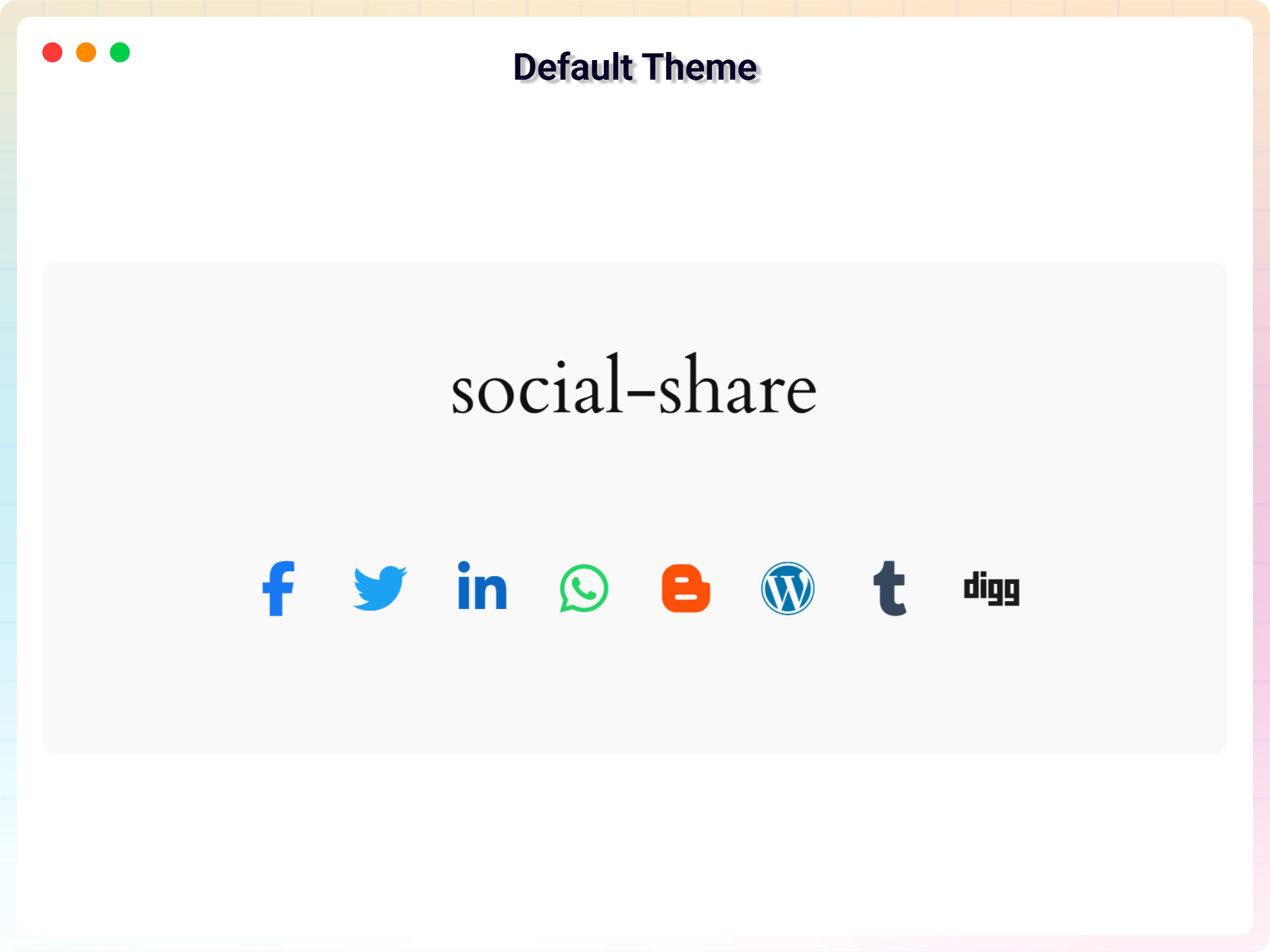
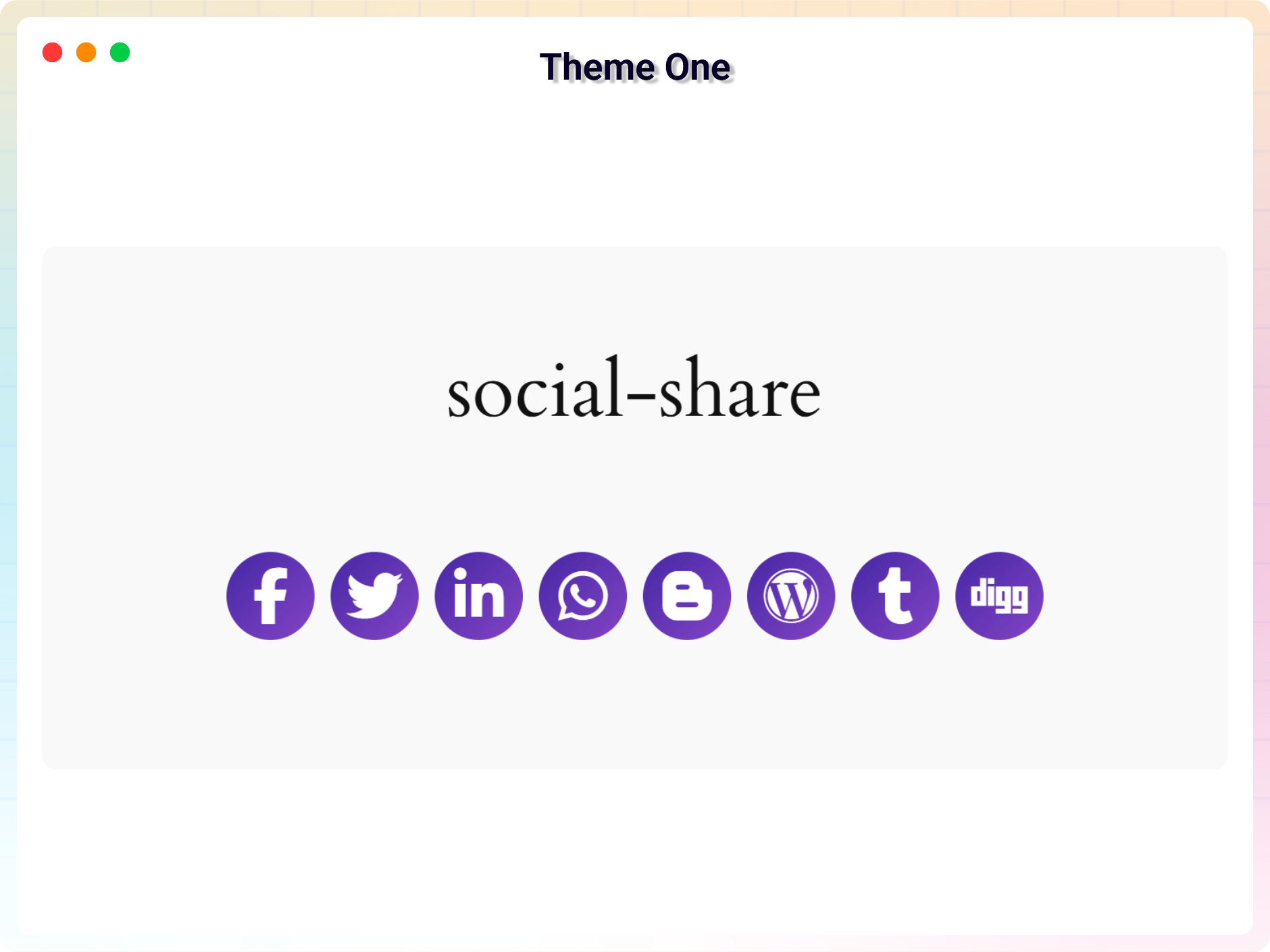
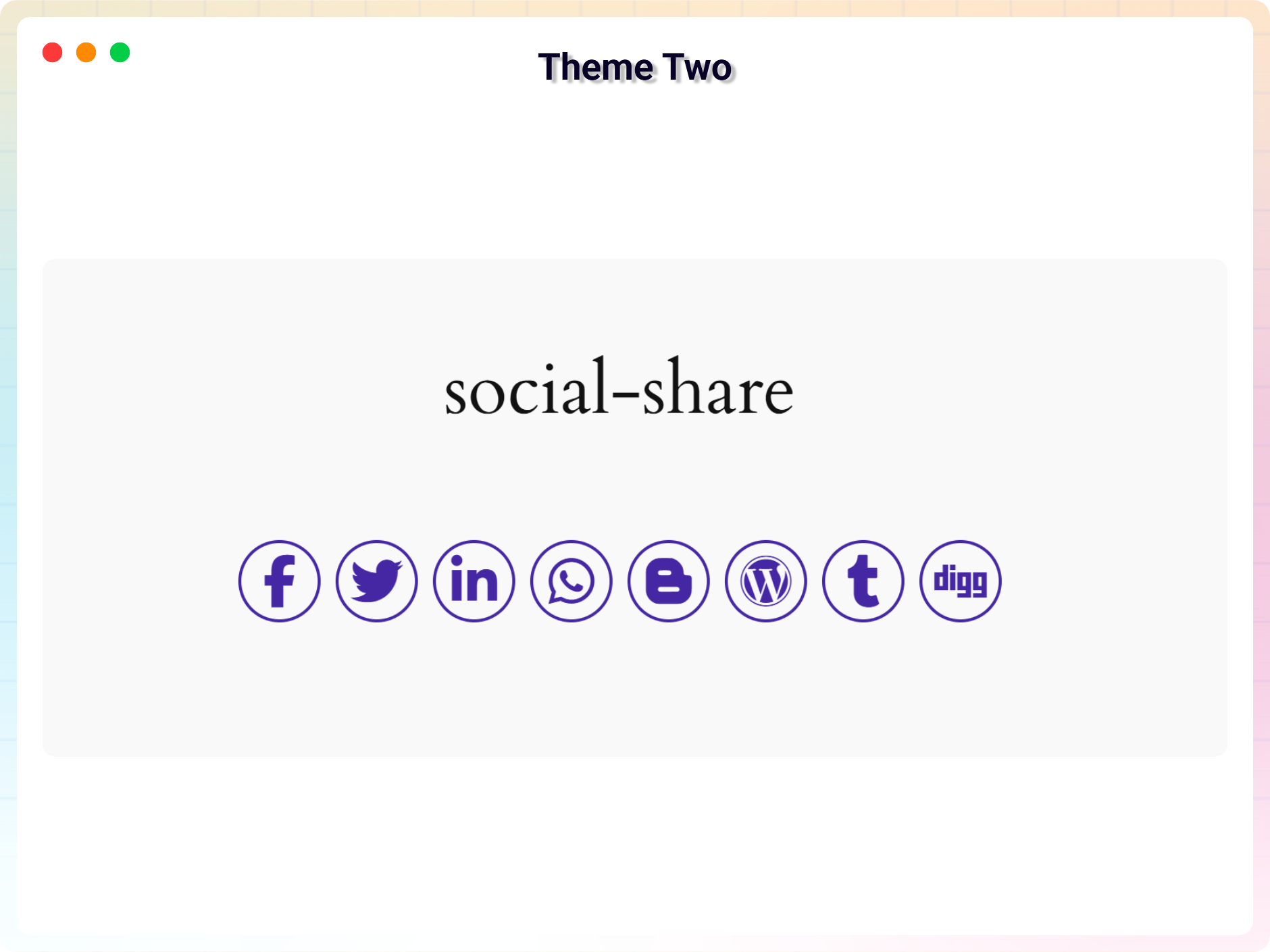
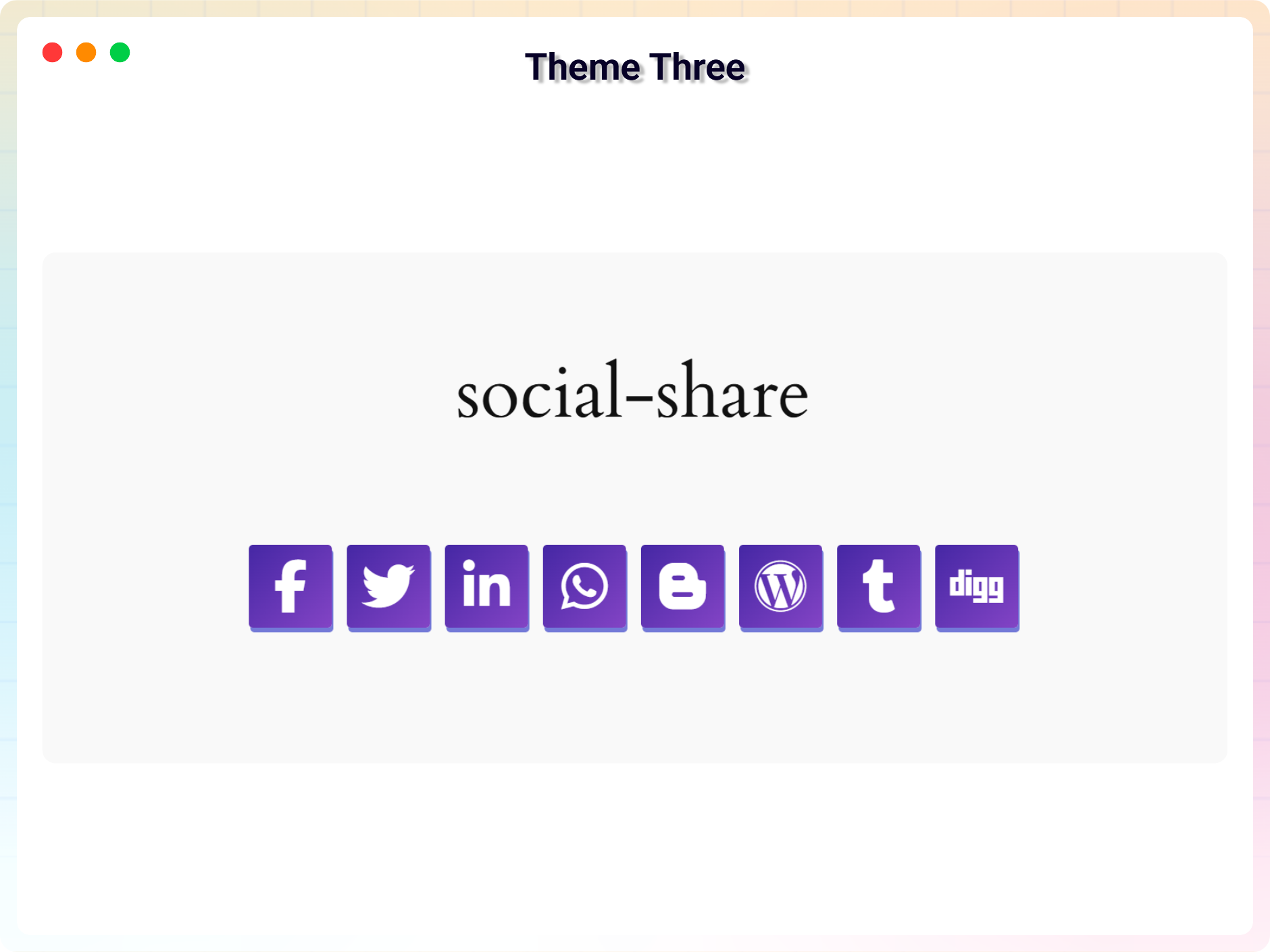
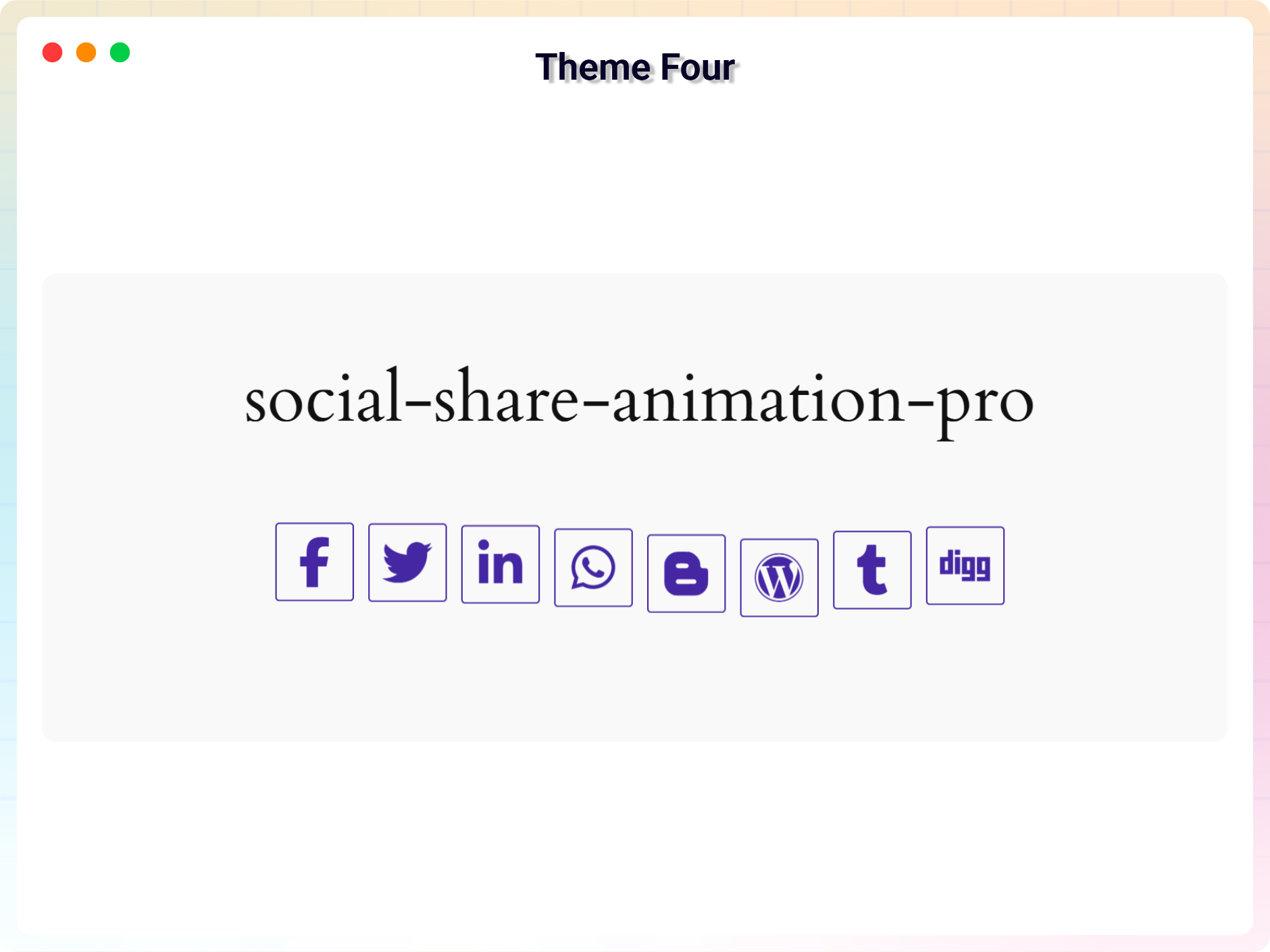
- 4 Free Social Share themes
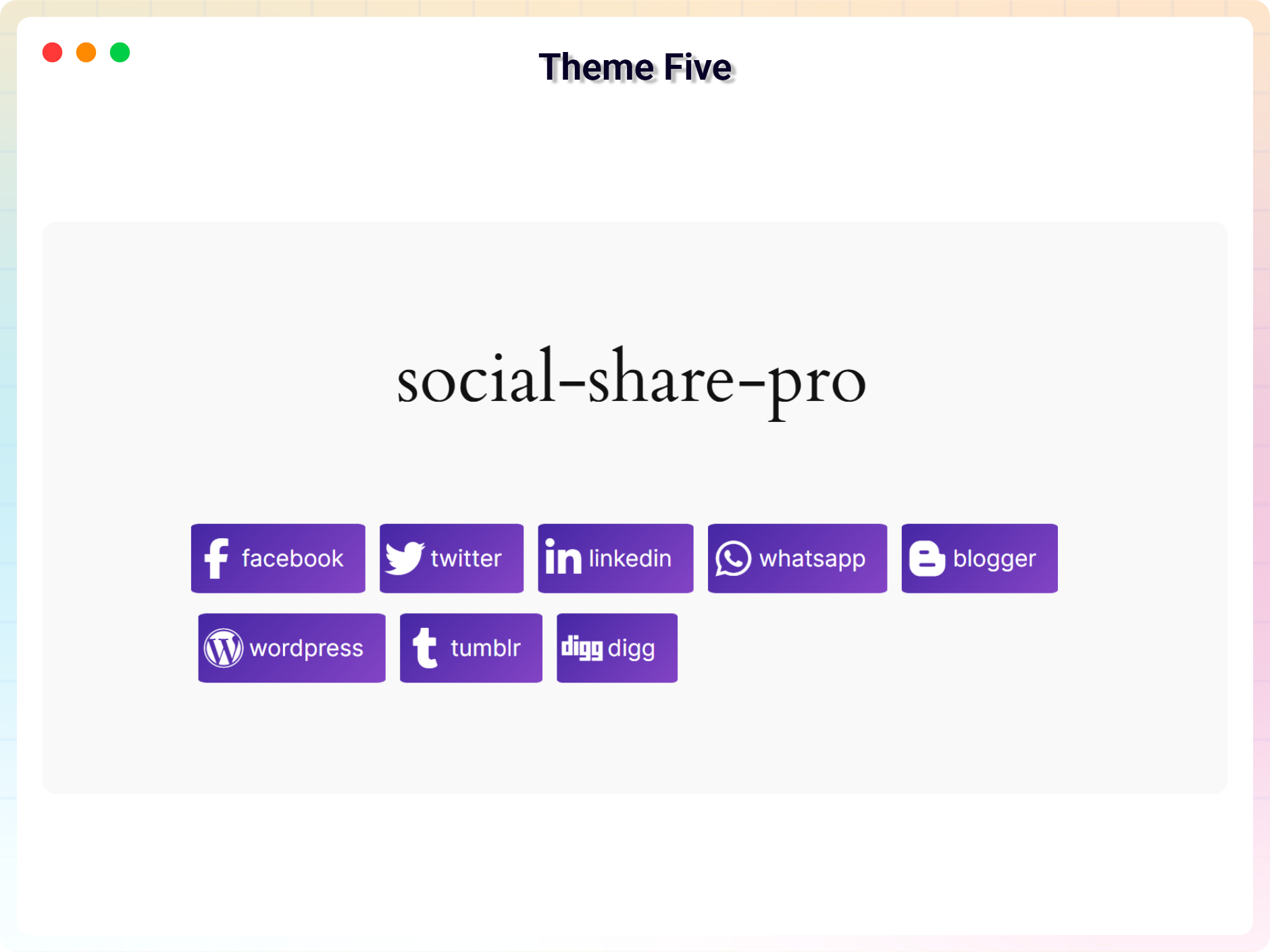
- 2 Premium Social Share themes in Pro
- Popular Social Networks Support
- Layout Direction – Row , Column
- Lightweight & Fast – Optimized for speed and performance
- Gutenberg Block support
- Icon Size , Color , background-color customization option
- Box-shadow & border customization
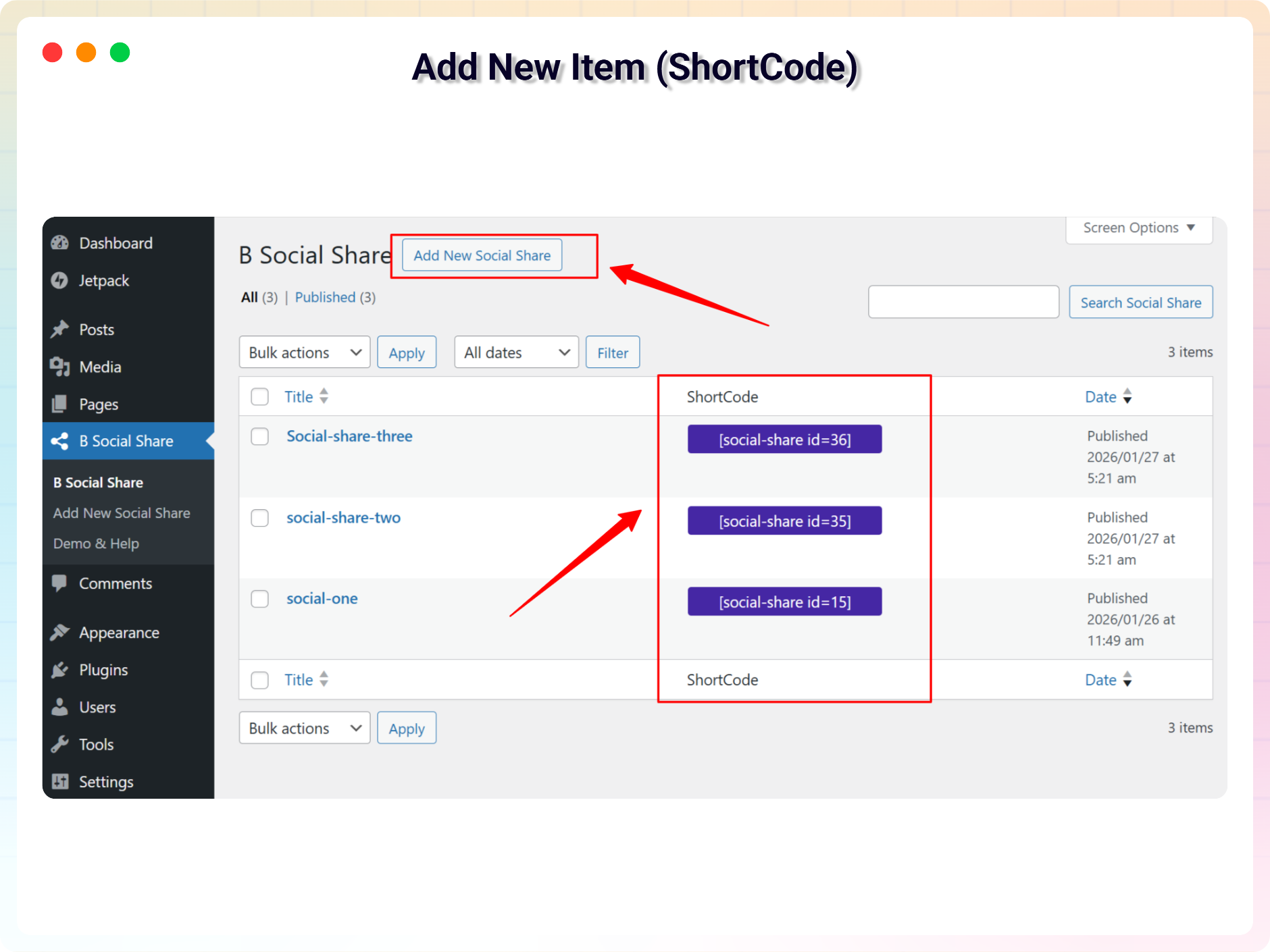
- Shortcode support for any page or widget
Available in the Premium Features
Upgrade to the Pro version for advanced social sharing features:
- Premium Share Themes: Access animated icons and button styles with text labels.
- Interactive Hover Animations: Add professional hover effects to improve user engagement.
- Social Network Labels: Display network names like “Share on Facebook” to improve click-through rates.
- Floating Social Share Bar: Create sticky social sharing buttons with fixed or absolute positioning.
- One-Click Copy URL Button: Let users quickly copy page links for easy sharing.
How to use
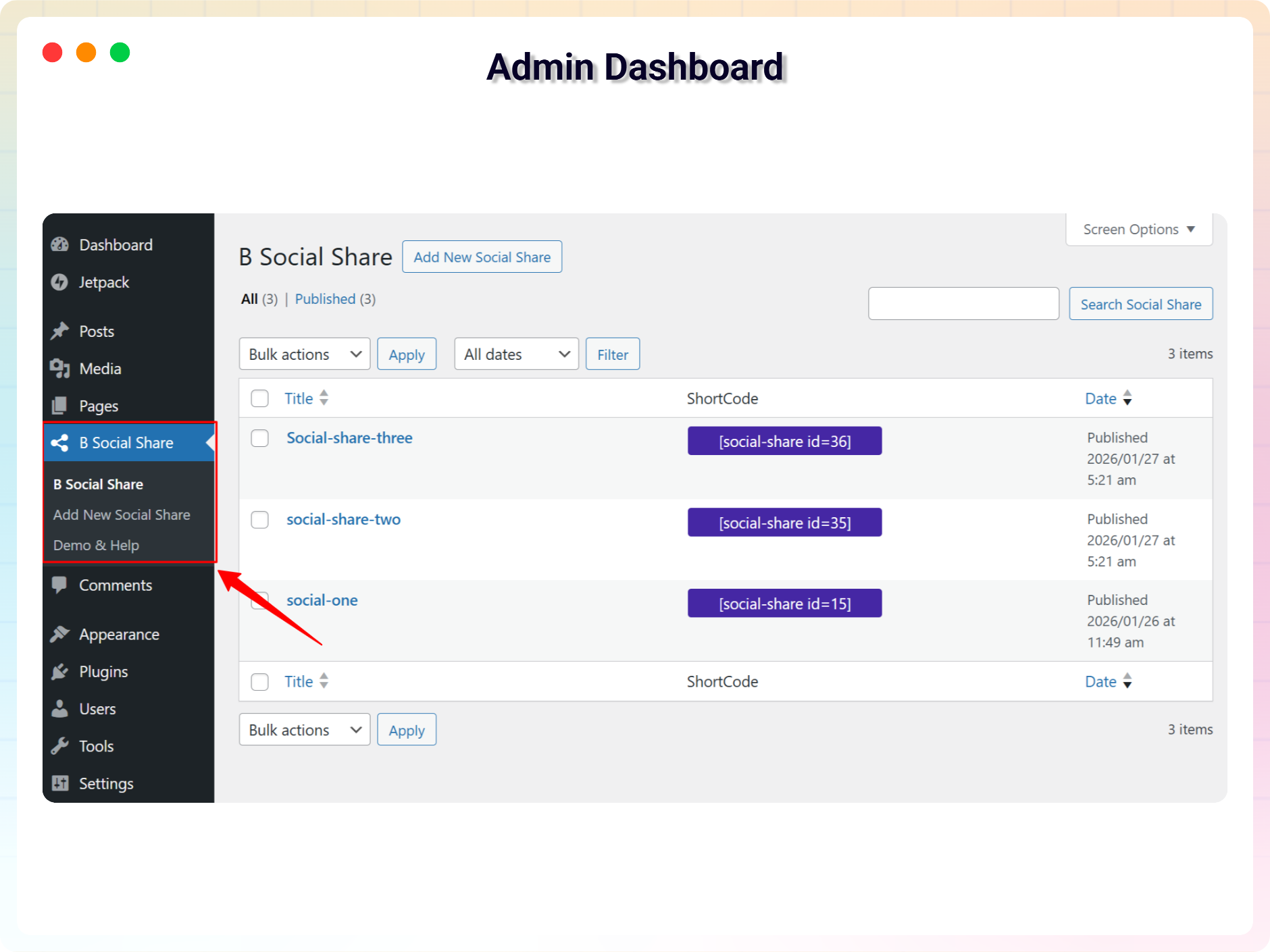
- First, install the B Social Share plugin
- Add the Social Share block from the block category called “Widgets” in the Gutenberg editor.
- You can change block settings from the right-side settings sidebar.
-
Enjoy!
-
For installation help click on Installation Tab.
Why Use Social Share Block?
- Easily add social sharing buttons to WordPress posts and pages.
- Increase social engagement and encourage visitors to share your content.
- Improve content visibility across social media platforms.
- Customize social share buttons without writing any code.
- Lightweight Gutenberg block designed for better website performance.
Common Use Cases
The Social Share Block is perfect for a wide range of WordPress websites:
- Blogs and news websites to encourage article sharing
- Business websites to increase social reach
- Portfolio or personal websites to showcase content
- Educational sites and tutorials for students
- eCommerce stores to share product pages on social media
Feedback
Love the plugin? Want new features? Need support?
We’d love to hear from you:
📩 Send your feedback
Check out the Parent Plugin of this plugin-
B Blocks – A blocks collection and page building tool for Gutenberg.
Check out our other WordPress Plugins-
Html5 Video Player – Display videos as single and playlist in multiple skins.
PDF Poster – Display/Embed PDF files with different styles.
Html5 Audio Player – Listen audios with awesome visuals.
StreamCast – Customizable radio player with different skins.
3D Viewer – Embed 3D models and 3D products with interaction.
Advanced Post Block – Show posts and custom posts in different layouts.
Source Code
You can find the source code, report bugs, and contribute to the development of this plugin on our GitHub repository:
Social Share Block on GitHub
Build Instructions
To build the plugin from source, follow these steps:
1. Clone the repository or download the source code.
2. Navigate to the plugin directory.
3. Run npm install to install dependencies.
4. Run npm run build to build the production assets.
File Mapping
To understand how the source code maps to the compiled assets, see the list below:
– src/ – Source code for the Gutenberg block and admin interface.
– src/index.js build/index.js (Main block script)
– src/view.js build/view.js (Frontend script)
– src/shortcode/shortcode.js build/shortcode.js (Shortcode script)
– src/Admin/Dashboard.js build/admin-dashboard.js (Admin dashboard script)
– build/ – Compiled and minified assets generated by the build process.
– inc/ – PHP files for plugin functionality.
– assets/ – Static assets like images and fonts.
External Services
This plugin bundles the following third-party JavaScript/PHP libraries.
YouTube
- Source: https://www.youtube.com/
- Purpose: Used to display documentation and tutorial videos in the admin dashboard.
- Privacy: Loading or interacting with the video player connects to YouTube servers and is subject to YouTube’s privacy policy.
WeChat (Google APIs)
- Source: https://chart.apis.google.com/
- Purpose: Generates sharing QR codes via
chart.apis.google.comfor mobile scanning when WeChat sharing is clicked. - Privacy: Subject to Google’s privacy policy: https://policies.google.com/privacy.
Third-Party Libraries
Immer
- Version: 11.1.8
- Source: https://immerjs.github.io/immer/
- GitHub: https://github.com/immerjs/immer
- License: MIT
- Purpose: Used for managing immutable state in a more convenient way.
Font Awesome
- Source: https://fontawesome.com/
- License: SIL OFL 1.1 (Icons) / MIT (CSS)
- Purpose: Used for social icons.
- Note: The Font Awesome Free webfont files are licensed under the SIL OFL 1.1, which is GPL-incompatible. They are bundled as static design assets rather than linked software. All PHP/JS code in this plugin is under GPLv3+.
react-router-dom
- Source: https://github.com/remix-run/react-router
- License: MIT
- Purpose: Used for managing navigation routing inside the admin dashboard.
bpl-tools
- Source / GitHub: https://github.com/bPlugins/bpl-tools
- License: GPL-2.0-or-later – https://www.gnu.org/licenses/gpl-2.0.html
- Purpose: Shared utility library providing admin dashboard components and common Gutenberg editor controls.
- External Services: The library may connect to bPlugins, WordPress.org, and Freemius services for product data and checkout functionality. See full details: https://github.com/bPlugins/bpl-tools#external-requests–why-they-are-made.
Freemius Lite SDK
- Version: 2.2.0
- Source: https://bplugins.com/
- GitHub: https://github.com/bPlugins/freemius-lite-sdk
- License: GPL-2.0-or-later – https://www.gnu.org/licenses/gpl-2.0.html
- Purpose: Provides an opt-in consent form for usage tracking and analytics to help improve the plugin. No data is sent before explicit user consent.
- External Services: Communicates with
api.bplugins.com(activation events) andwp.freemius.com(opt-in processing) only after user opt-in. See bPlugins Privacy Policy and Freemius Privacy Policy.
From Gutenberg Editor:
- Go to the WordPress Block/Gutenberg Editor
- Search For B Social Share
- Click on the Social Share to add the block
Download & Upload:
- Download the B Social Share plugin (.zip file)
- In your admin area, go to the Plugins menu and click on Add New
- Click on Upload Plugin and choose the
b-social-share.zipfile and click on Install Now - Activate the plugin and Enjoy!
Manually:
- Download and upload the B Social Share plugin to the
/wp-content/plugins/directory - Activate the plugin through the Plugins menu in WordPress
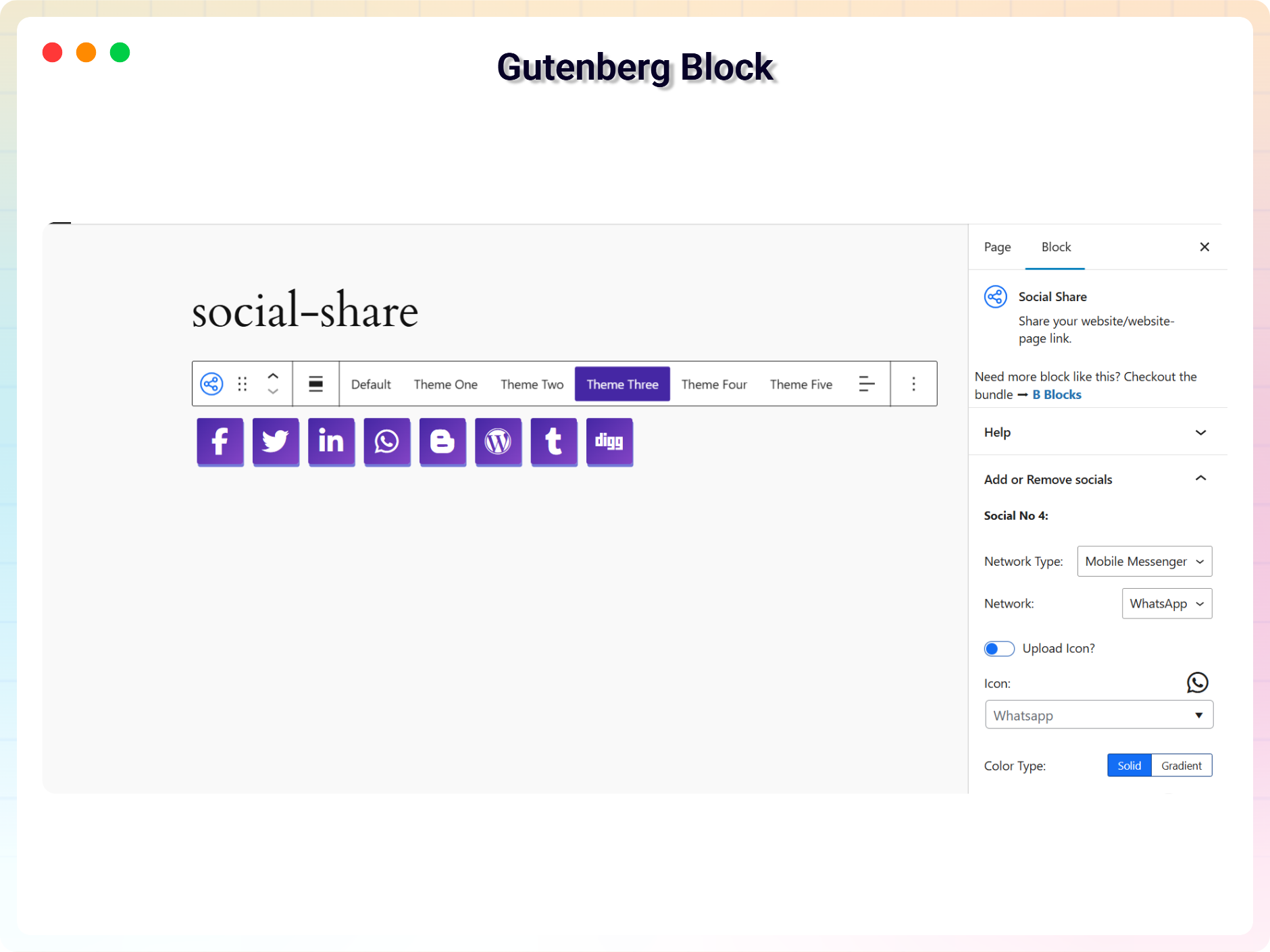
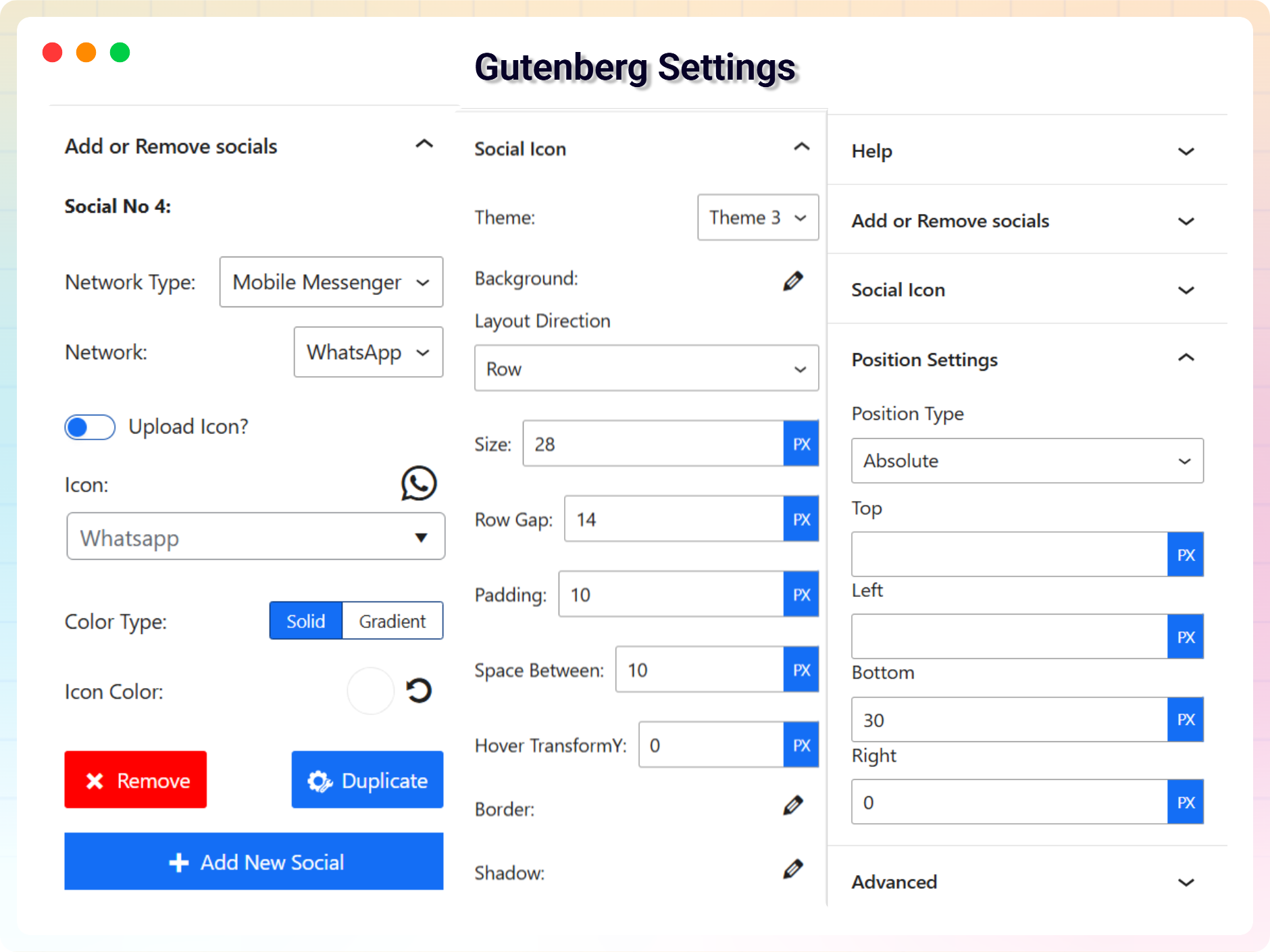
Yes, B Social Share Block is a free Gutenberg block plugin.
Yes, it will work with any standard WordPress theme.
Yes, you can change block settings from the Gutenberg block editor’s right sidebar.
You can use unlimited times as you want.
You can post your questions on the support forum here
Changelog
2.2.2 – 2026-05-20
- Fix: Removed all premium/trialware feature gating
- Fix: Added source code repository link in readme
- Fix: Corrected “Requires at least” version formatting to use major version numbers
- Fix: Removed disallowed remote external script dependencies and loaded them locally
- Fix: Added proper output escaping to shortcode callback return values for better security
- Fix: Added
ABSPATHchecks to prevent direct file access in executable PHP files
2.2.0 – 2026-03-29
- Update: Improved block sidebar user interface for better usability
- Update: Added new style customization options
- Update: Minor UI improvements and code optimization
2.0.1
- Add New Dashboard
2.0.0 – 2026-02-05
- Updated with new a lot features and major updates of the plugin
1.0.6 – 4 Aug 24
- Add translate feature
1.0.5
- Add translate feature
1.0.4
- Social Item Overflow fix
1.0.3
- Reduce PHP Code
- Performance improvement
1.0.2
- Reduce PHP Code.
1.0.1
- Performance improvement.
1.0.0
- Initial Release.
" width="120" height="120">
