
Feeds for Pinterest – Showcase Boards and Pins on Your Site
Active Installs
300+
Last Updated
March 30, 2026
First Released
May 12, 2020
Download History (Last one month)
Contributors
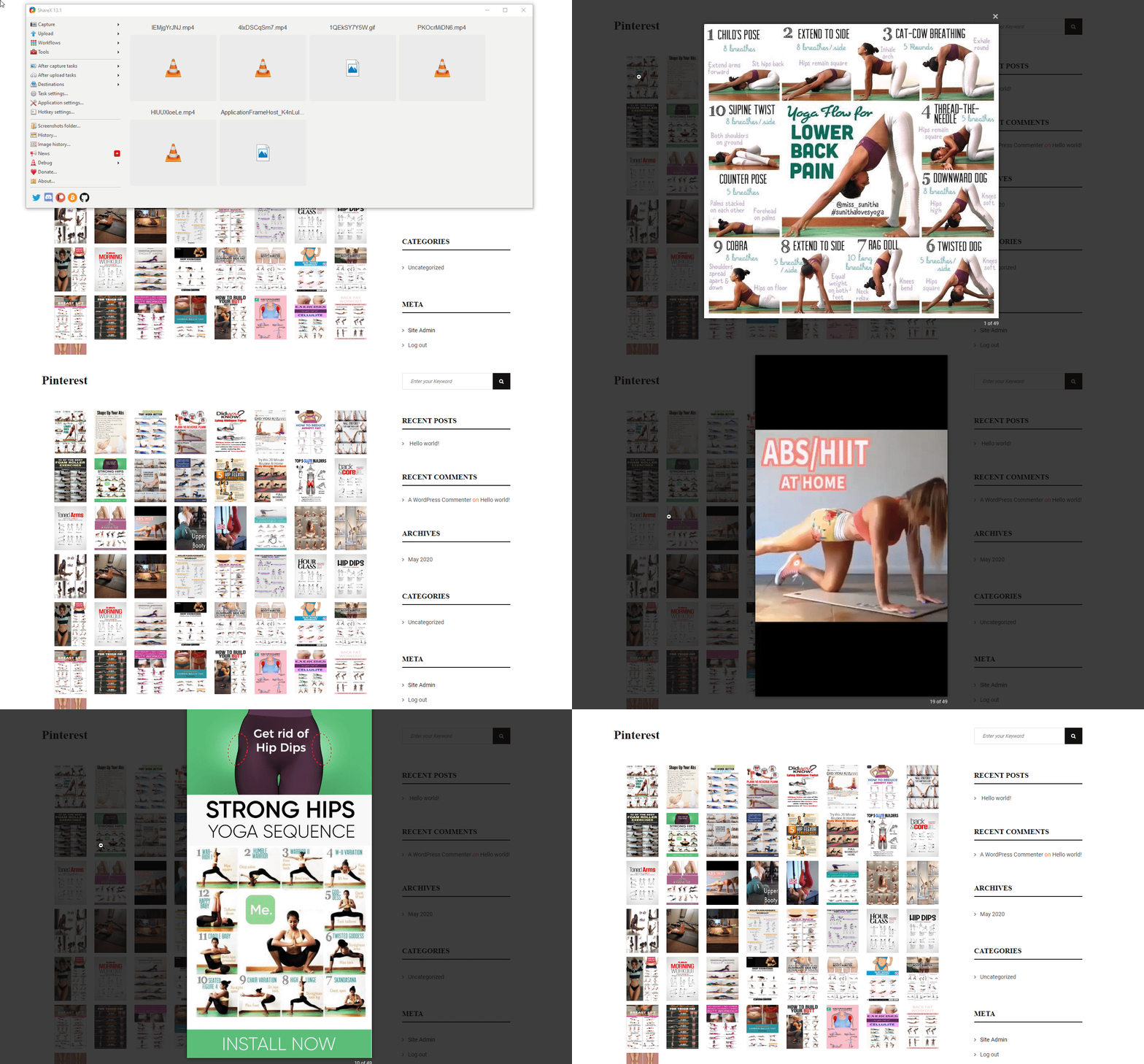
B Pinterest Feed is a lightweight WordPress plugin that retrieves and displays the latest pins of a specified Pinterest board as a photo gallery on your webpage.
How to use ?
Watch the quick tutorial.
Overview
B Pinterest Feed is the Pinterest Plugin for WordPress built to display pinterest feed in multiple ways on any page or widget! The plugin comes with the easiest configuration panel that can help you build awesome and unique pinterest feed with responsive layouts and customizable styles on your website.
Since Pinterest are so important to your potential customers, it is important that you showcase them effectively on your website and that you are regularly collecting fresh pinterest feed. Pinterest Pro helps you do both.
Basic Input Fields
- Pinterest username
- BoardName
- Template
B Pinterest Feed Features
- Fully Responsive and Mobile friendly.
- Shortcode Generator through an intuitive admin UI.
- Beautiful, minimalist & light-weight.
- Add unlimited Pinterest feed.
- Easy to customize and stylize.
- Extremely user-friendly settings panel for coders and non-coders alike.
- RTL Ready.
- Compatible with any theme.
- Schema.org compliant JSON-LD markup & optimized for speed.
- Support all modern browsers: Firefox, Chrome, IE, Safari etc.
- And much more options.
B Pinterest Feed Pro Features
- Show/Hide Pins.
- There are four types of layout: Default, Masonry, Slider, and Justified.
- Change image ratio.
- Popup options for show/hide: Zoom In, Zoom Out, Toggle 1:1, etc.
- Set image overlay, transform, and overlay color.
- Set typography for Name, About, Count, and button.
DONATE or BUY PREMIUM
Please Donate or Buy Premium version for this awesome plugin to continue it’s development to bring more awesome features.
SUPPORT
If you find any issue or need help, please ask us. We are active in WordPress.org Support Forum.
Feedback
This plugin is actively being developed & improved. We’re far from done and are adding new features, functionality, and fixes daily. If there’s a feature you want but we don’t have yet, please let us know.
⭐ Check out the Parent Plugin of this plugin-
🔥 b Blocks – Best gutenberg blocks collections for WordPress.
⭐ Check out our other WordPress Plugins-
🔥 Html5 Audio Player – Best audio player plugin for WordPress.
🔥 Html5 Video Player – Best video player plugin for WordPress.
🔥 PDF Poster – A fully-featured PDF Viewer Plugin for WordPress.
🔥 Document Embedder – Best WordPress Document Embeder Plugin.
🔥 3D Viewer – Display interactive 3D models on the webs.
🔥 Advanced Post Block – Best Post Display Plugin for WordPress.
MINIMUM REQUIREMENTS
- PHP 5.6 or later
- MySQL 5.6 or later
- WordPress 4.0 or later
This section describes how to install the plugin and get it working
MANUAL INSTALLATION
Uploading in WordPress Dashboard
- Download b-pinterest-feed.zip
- Navigate to the ‘Add New’ in the plugins dashboard
- Navigate to the ‘Upload’ area
- Select b-pinterest-feed.zip from your computer
- Click ‘Install Now’
- Activate the plugin in the Plugin dashboard
Using FTP
- Download b-pinterest-feed.zip
- Extract the b-pinterest-feed directory to your computer
- Upload the b-pinterest-feed directory to the /wp-content/plugins/ directory
- Activate the plugin in the Plugin dashboard
You will now see the Pinterest menu in your WordPress admin panel.
The WordPress codex contains instructions on how to install a WordPress plugin.
Screenshot Gallery


No FAQ provided.
Changelog
= 1.1.4 – 1 Dec, 2025=
* condition added;
1.1.3 – 23 Nov, 2025
- MiniMasonry and justifiedGallery issues solved;
1.1.1 – 3 Oct, 2024
- Good news! The pro features are now available on Freemius.
1.0
- First Release
" width="120" height="120">
