
Awesome Support – WordPress HelpDesk & Support Plugin
Active Installs
6,000+
Last Updated
September 29, 2026
First Released
December 19, 2014
Download History (Last one month)
Contributors
Awesome Support is the most versatile and feature-rich support plugin for WordPress. It is the only helpdesk & support ticketing plugin that can match the feature set of an SAAS solution such as Zendesk or Helpscout.
And your customers can be using it in just 5 mins! After installing and activating the plugin, just answer a few questions in the startup wizard and your helpdesk will be ready for your customers.
Take a product tour in the video below where you can see the extensive list of free and premium features that will be available on your new helpdesk! You can also go hands-on with the Live Demo or scroll down to the bottom of this page for screen shots.
Product Tour
For premium one-on-one support or pre-sales questions please visit the official site.
What does it do?
Check out the user-friendly features of this awesome plugin:
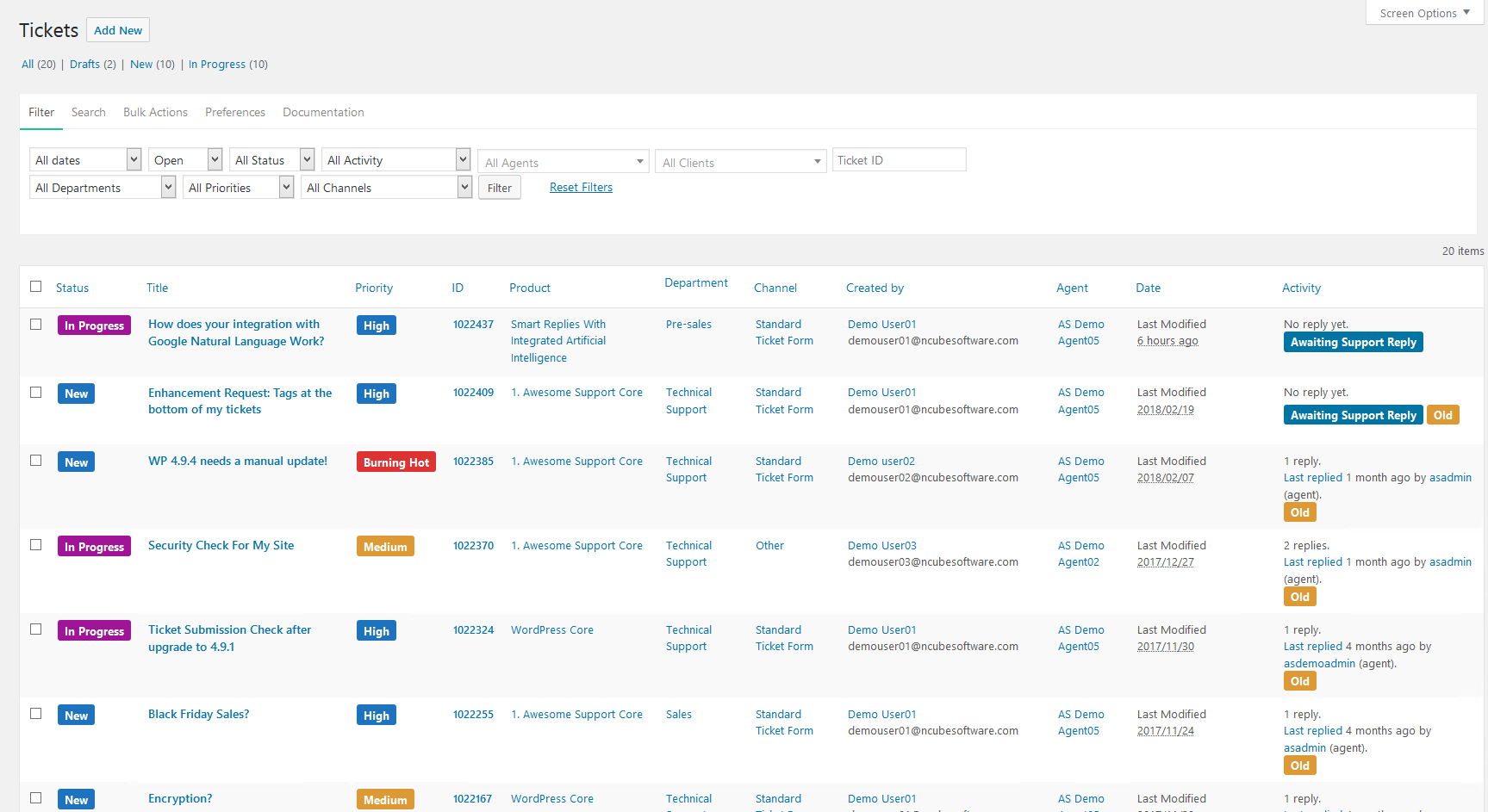
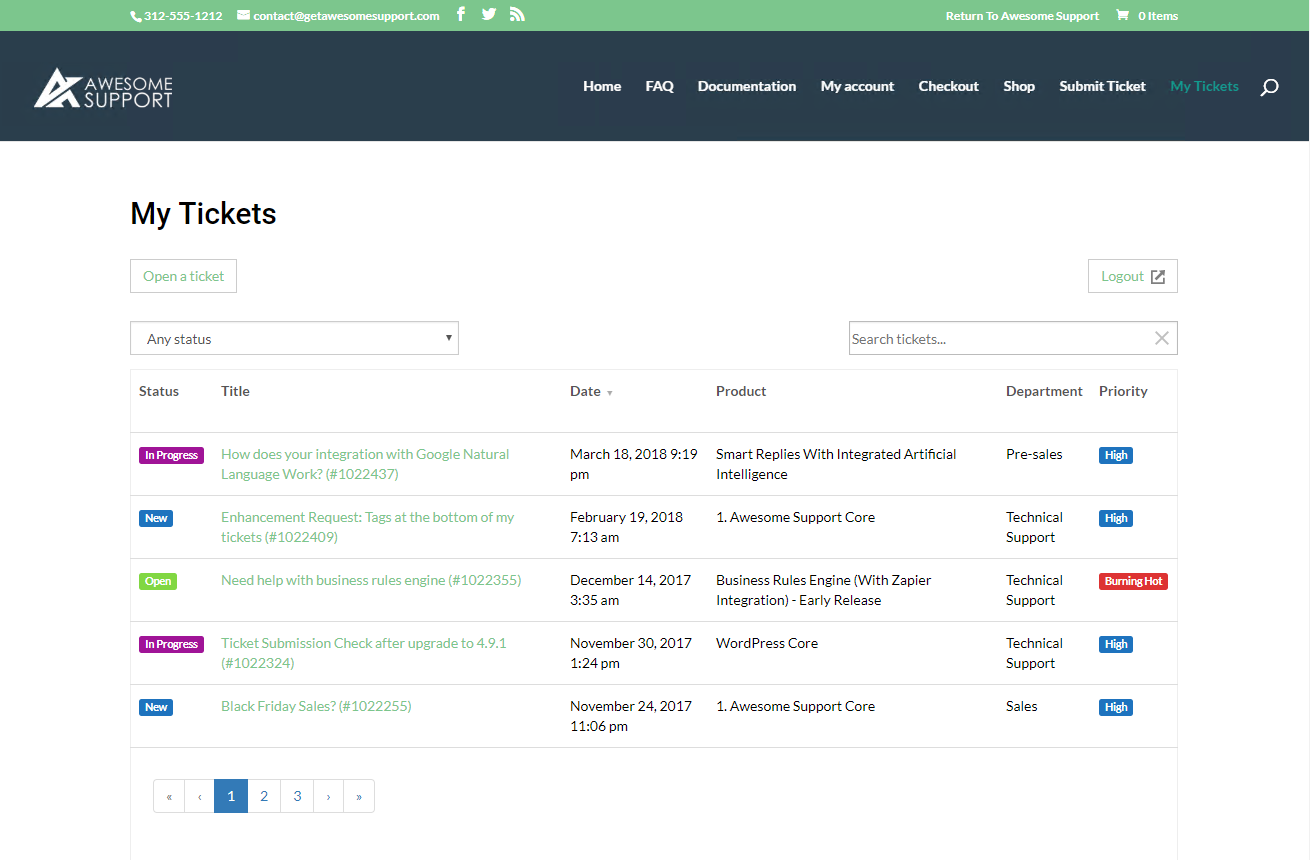
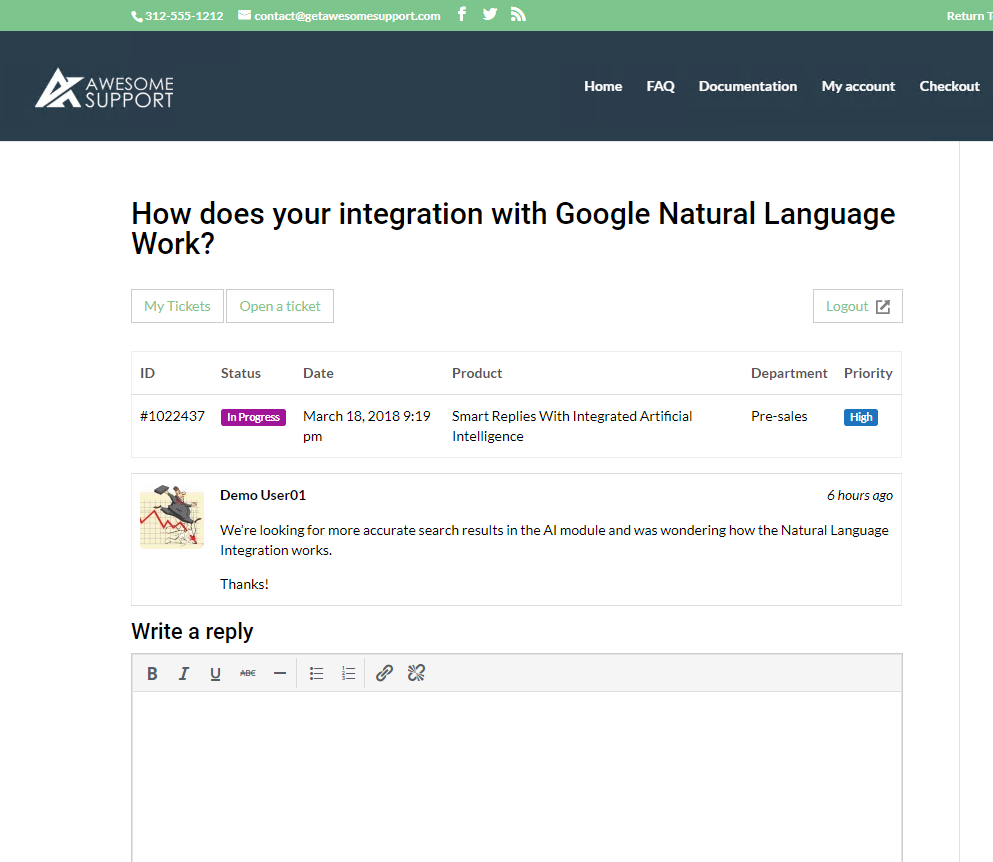
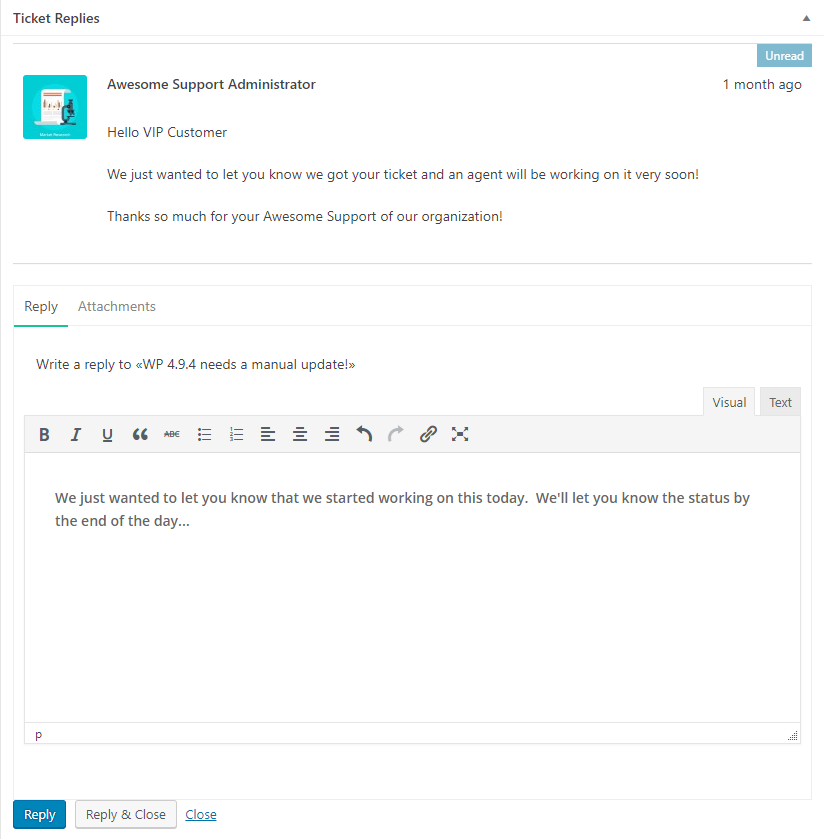
- Ticketing: users can submit tickets from the front-end, and your agents respond to them from the WordPress back-end
- Import: Import tickets from Zendesk, Helpscout and Ticksy using our free importer add-on – makes for a seamless transition to your new helpdesk
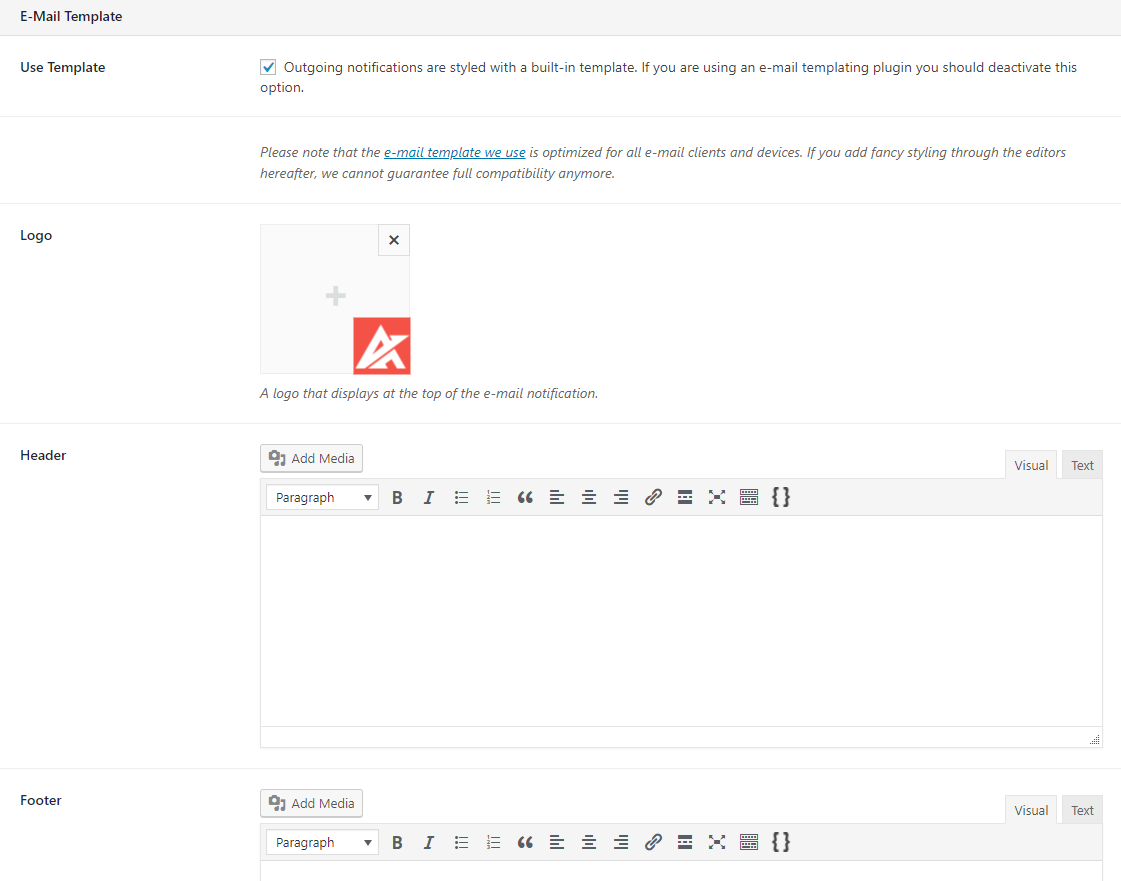
- E-mail notifications: relevant parties are notified of certain actions by e-mail, and all e-mails are customizable
- Restricted access: all correspondence is private between the client and the agents (unless the PUBLIC TICKETS premium add-on is installed and configured)
- File upload: you control when files can be uploaded, how many files, and how large they are
- Multiple products: provide support for as many products as you want; synchronize product lists with popular e-commerce platforms such as WooCommerce and Easy Digital Downloads (EDD)
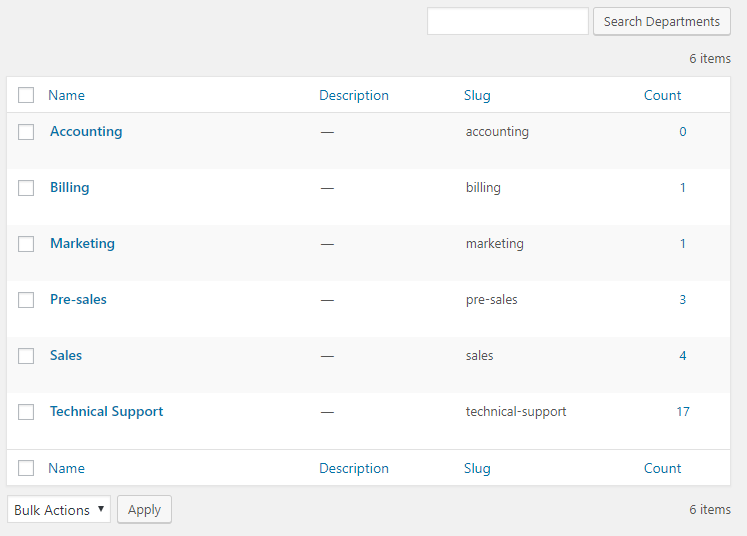
- Multiple departments: provide support for multiple departments
- Custom fields: easily set up additional custom fields on your ticket forms (and our premium Custom Fields add-on offers even more convenience)
- Terms & conditions: ask users to agree to your your terms and conditions before they open a ticket
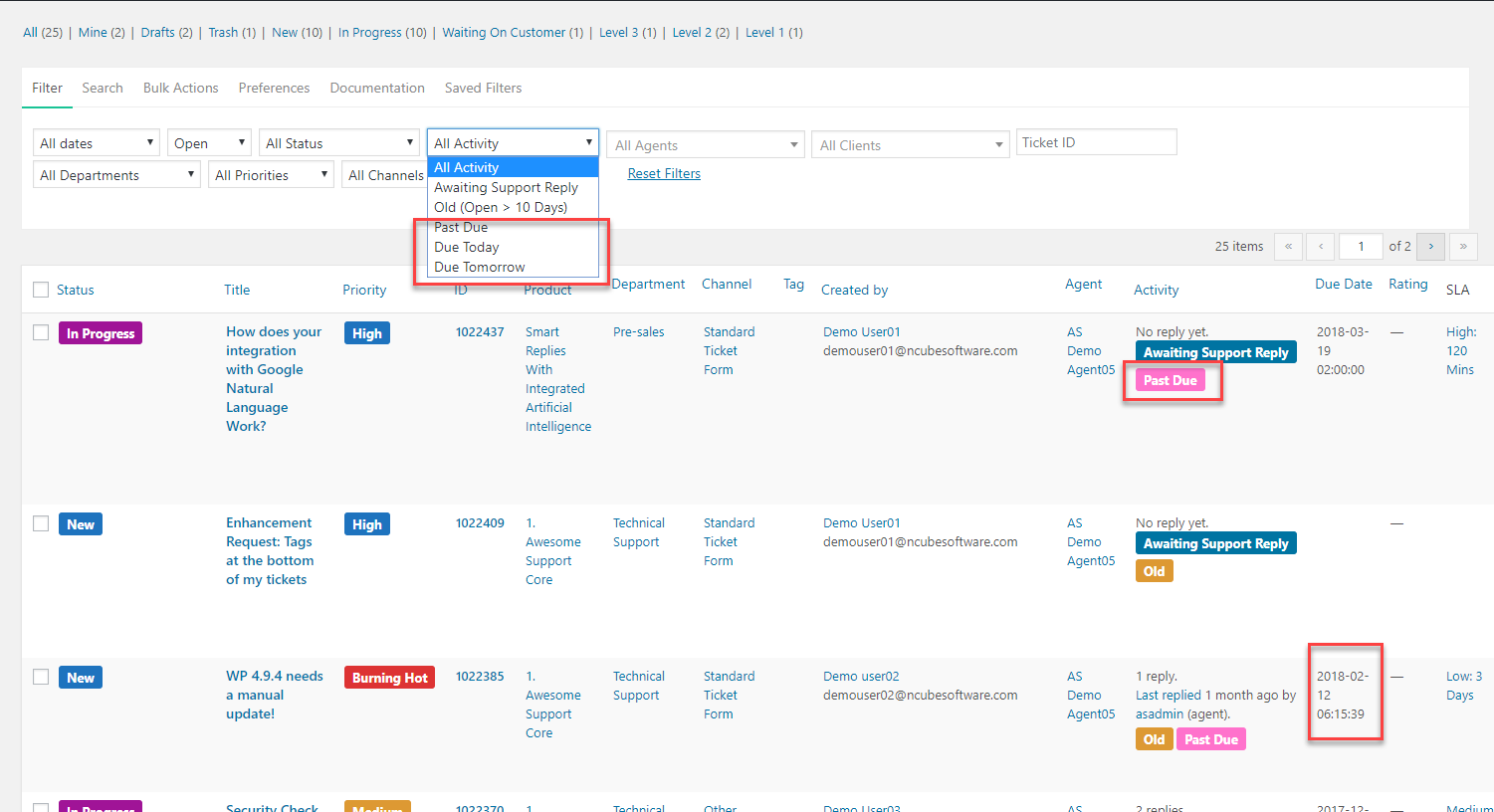
- Old tickets: identify old tickets quickly with tags; limit your viewable ticket list to only show old tickets
- Tickets waiting on you: Quickly see all tickets still waiting for a reply
- Agent Collaboration: multiple agents can work on the same ticket and tickets can be transferred between agents; assign primary, secondary and tertiary agents to tickets while retaining the flexibility to transfer a ticket to any other agent.
- Sorting And Filtering: includes an amazing flexible sorting, filtering and tagging system for your tickets
- Security: assign just the right capabilities to each of your agents including just the ability to see their own tickets or expand to see everyone’s tickets – your choice!
- Tracking: easily track where a ticket originated (support form, email, facebook, phone call etc.)
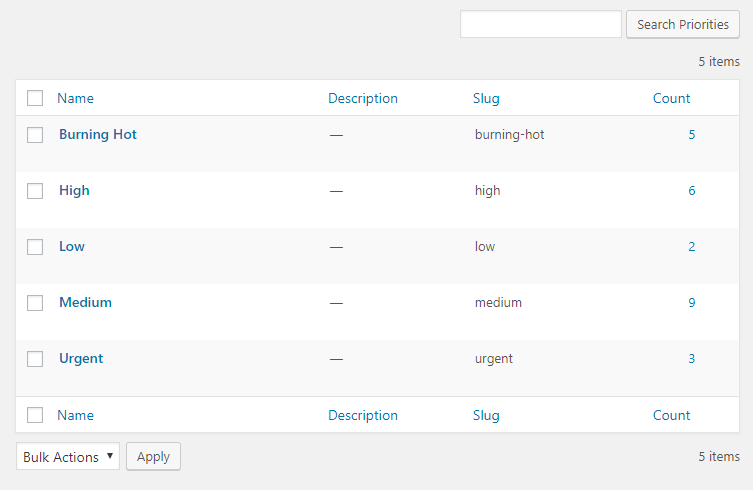
- Prioritize your way: create your own priority scheme – you don’t have to get locked into a 1-5 priority scheme!
- Time Tracking: basic time tracking is included! Admins can even adjust time and all time changes are logged directly in the ticket.
- Custom Labels: sign up for our email newsletter and get our Custom Status plugin for free – unlimited color coded, customized statuses and ticket labels at your fingertips!
- WordPress UI: Uses the familiar WordPress administration user interface so there is almost no learning curve!
- REST API: We love it when developers use our products. The REST API is very developer friendly – push and pull Awesome Support ticket data with ease!
- GDPR READY: Our registration screen can be easily configured to show GDPR related information
- GUTENBERG AWARE: Compatible with the new WordPress editor known as Gutenberg
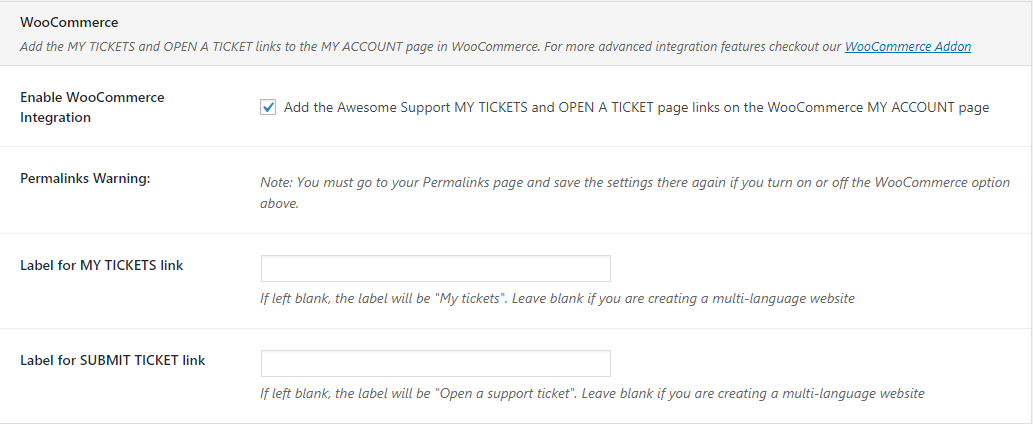
- WOOCOMMERCE INTEGRATION: Includes integration into the WooCommerce dashboard along with a premium option for advanced integration
Features
Awesome Support is the result of three+ years of work, research, and improvement. It is probably the most powerful helpdesk and support ticketing plugin on the planet. Whether you’re a startup that needs just the basics or a major corporation with multiple departments requiring service level agreements and sophisticated ticket routing, we have the functions you need! Seriously – just take a look at all the features you can get (some free, some premium)
View the full list of features on our website
Premium Extensions
Now that you’ve seen our list of awesome features above, you already know that Awesome Support is packed with features; so if you want to supercharge your support and make it even more awesome, make sure you pick up our premium add-ons so you can extend the plugin’s functionality even further! All of our add-ons are extremely affordable (they’re a fraction of the cost of a web-based application). To check them out, visit our official site at getawesomesupport.com.
Extensions
- E-Mail Piping – reply to tickets and collaborate on tickets using just e-mail. Includes built-in options to control how to handle unrecognized email addresses, responses to closed tickets and much more!
- Custom Fields – a visual helper for adding custom fields to your tickets. Add unlimited fields and choose from 13 different field types!
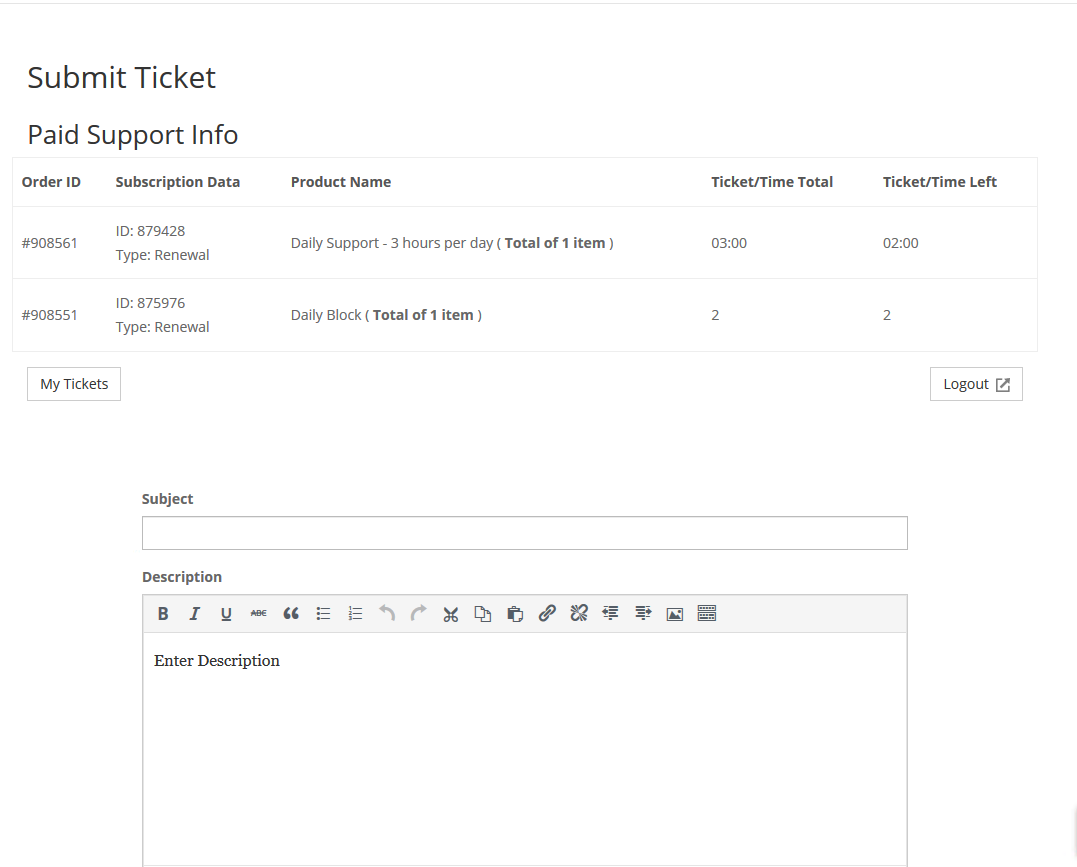
- Paid Support – charge users for using your support services. Create subscriptions by time (monthly for example) or number of tickets or bill for every individual ticket.
- WooCommerce – this is a must-have bridge between your WooCommerce store and Awesome Support
- Powerpack – Adds 30+ powerful additional functions to Awesome Support. Merge/split/lock tickets. Use new template tags in your outgoing emails. Add private notes for each customer. Fine tune your security and so much more!
- Canned Responses – preconfigure replies to common questions, and access them in one click when replying to a ticket
- Gravity Forms – create custom ticket forms with this very popular WordPress forms builder
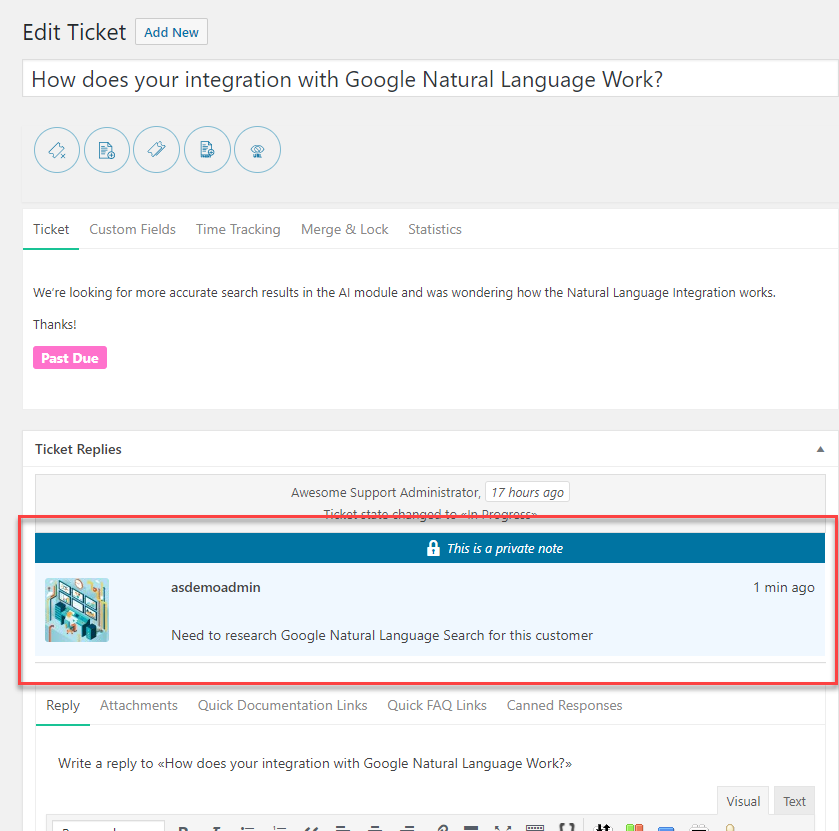
- Private Notes – insert notes into tickets that only agents and admins can view
- FAQs – Powerful FAQ management make your agents more productive
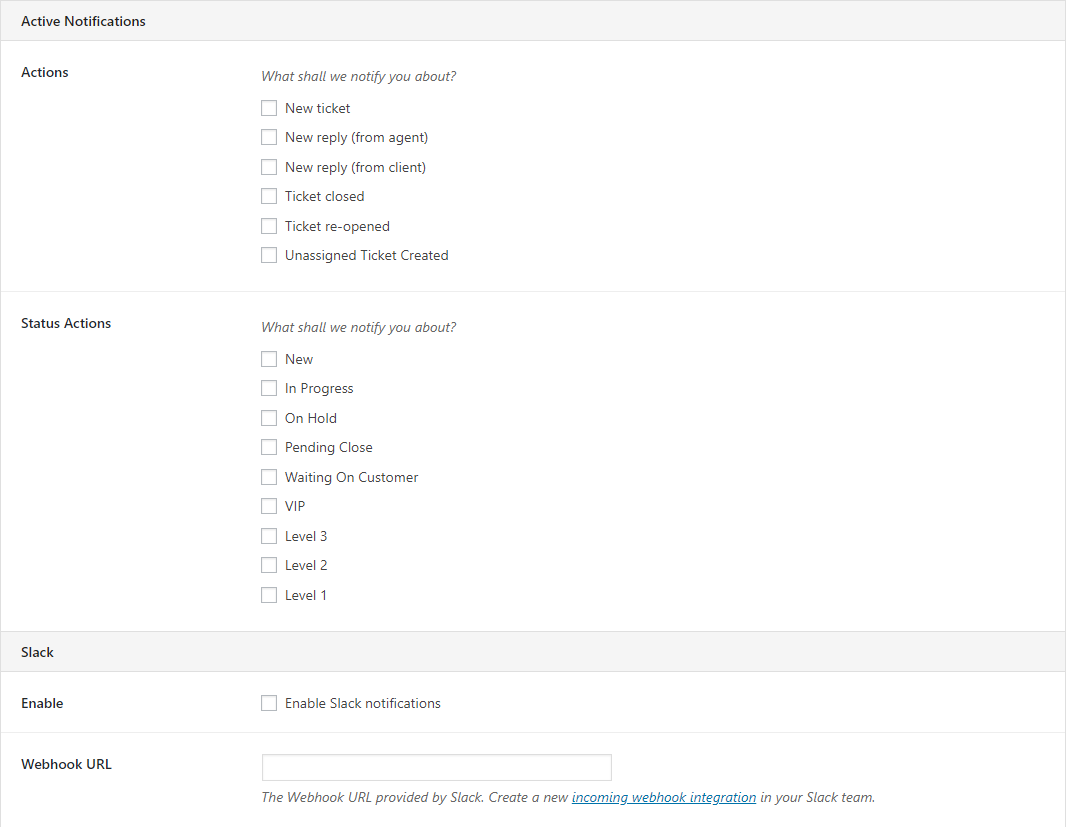
- Notifications – get notified of important events in slack and via pushbullet. Notify third parties of important ticket events via email.
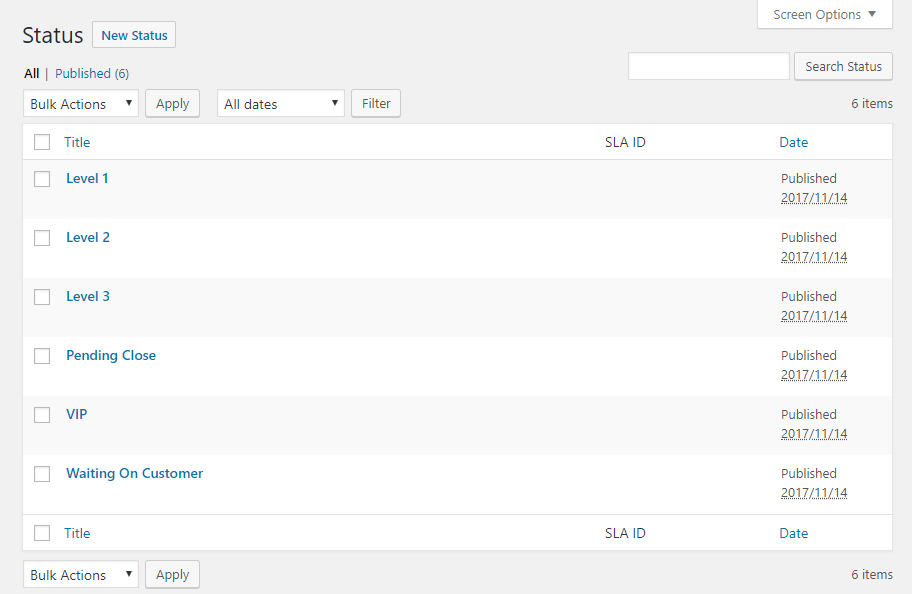
- Custom Status and Labels – create unlimited custom labels that give you new levels of organization for your tickets
- Advanced Reports and Statistics – create hundreds of custom charts and tables from a base of 6 core reports
- Admin Report Widgets – More than a dozen customizable widgets with key statistics on your WordPress dashboard!
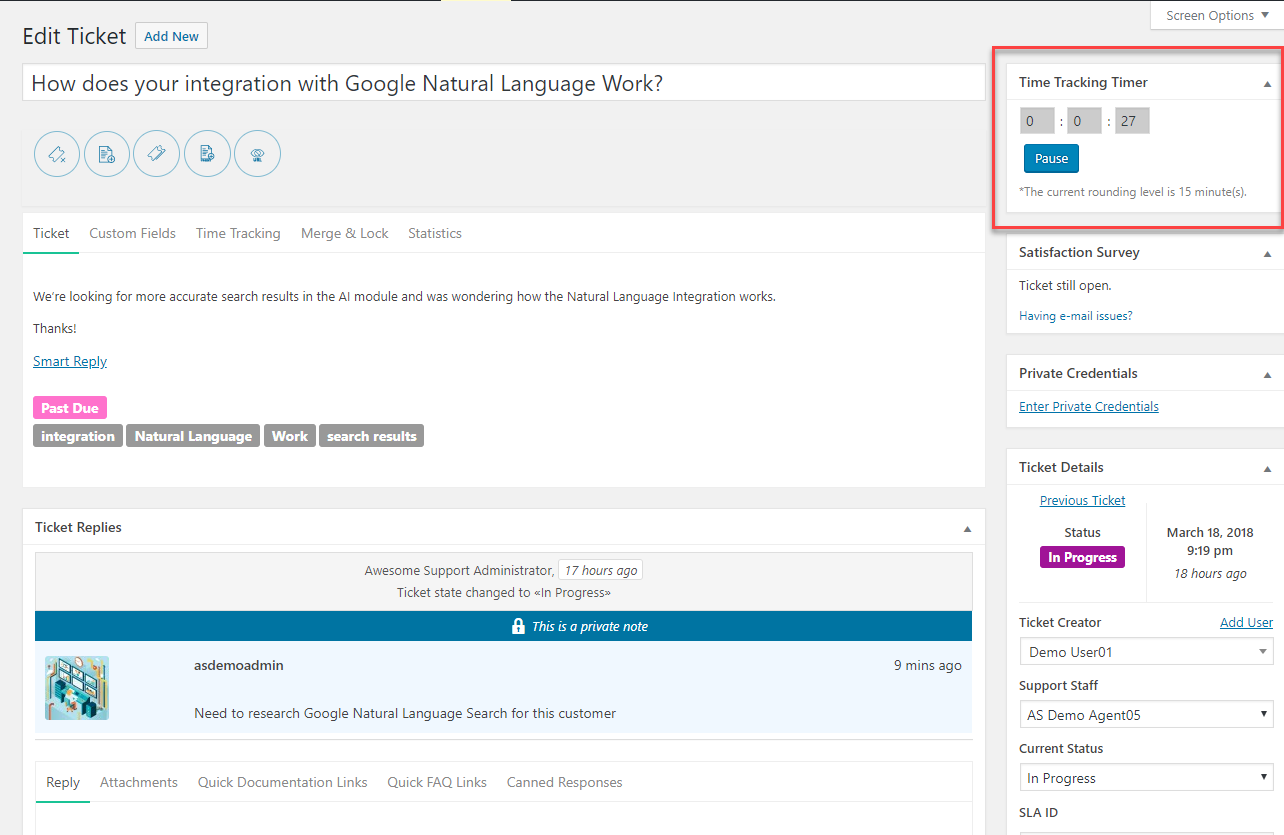
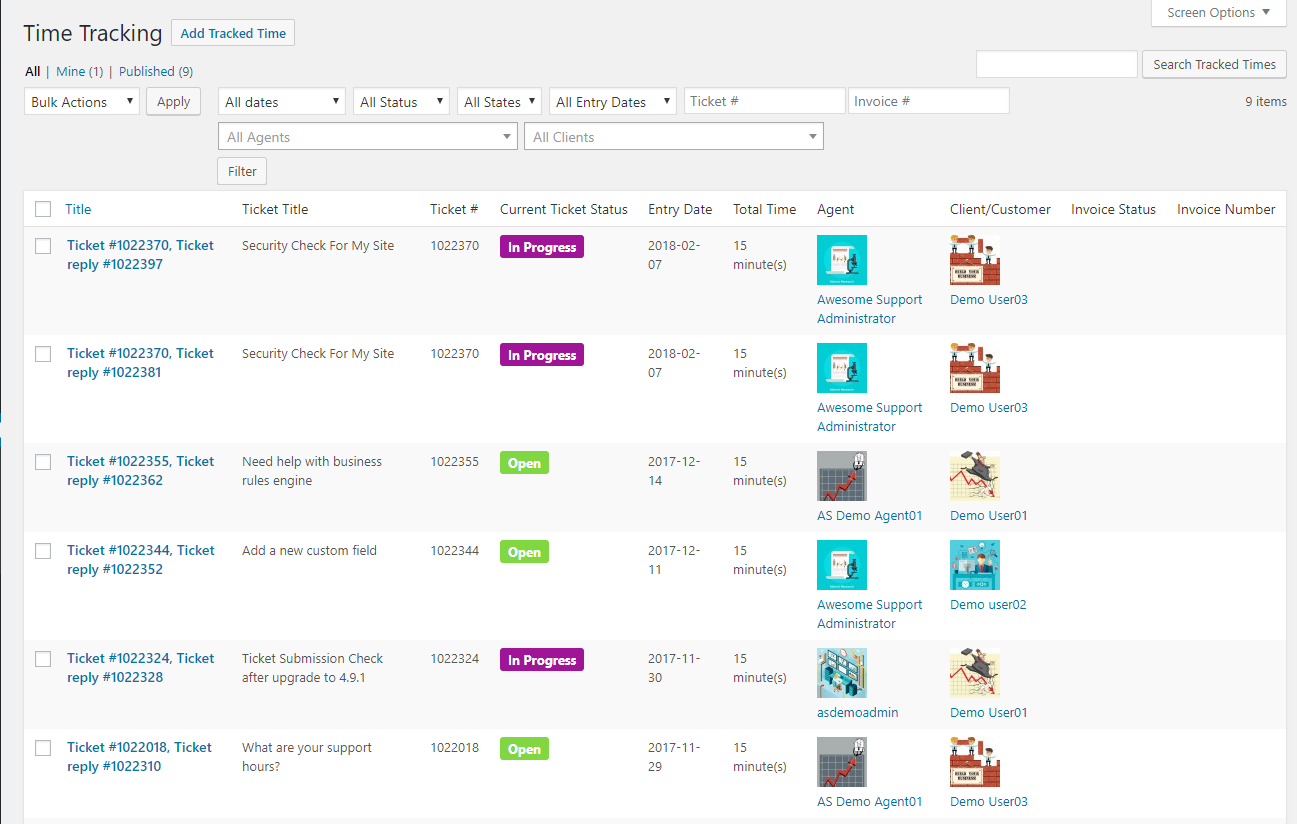
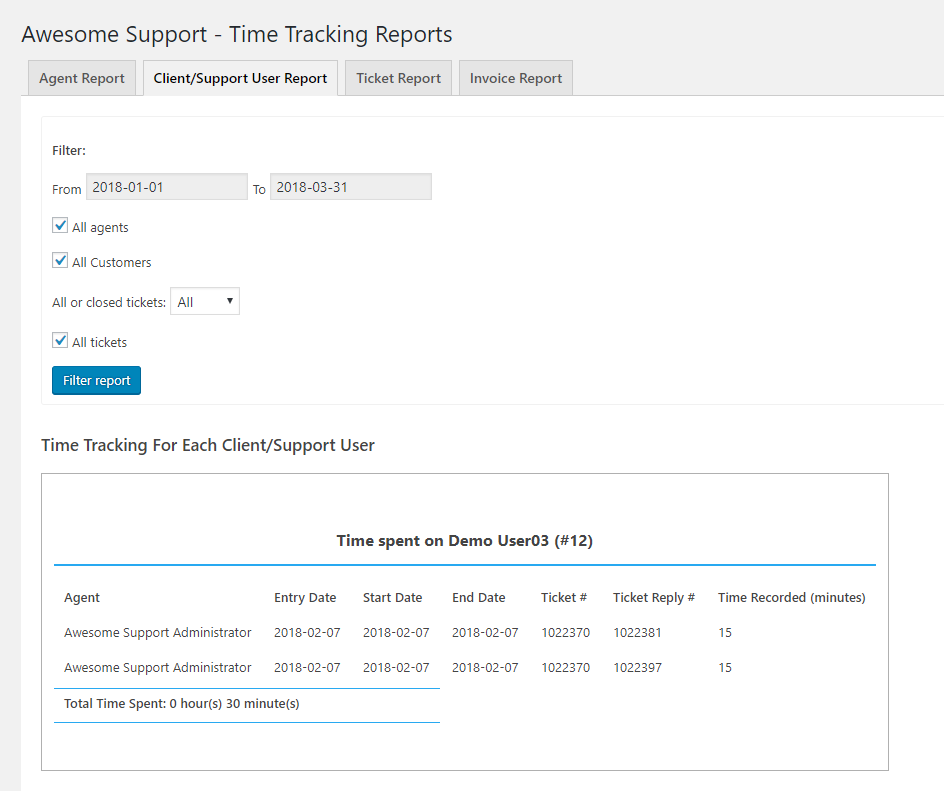
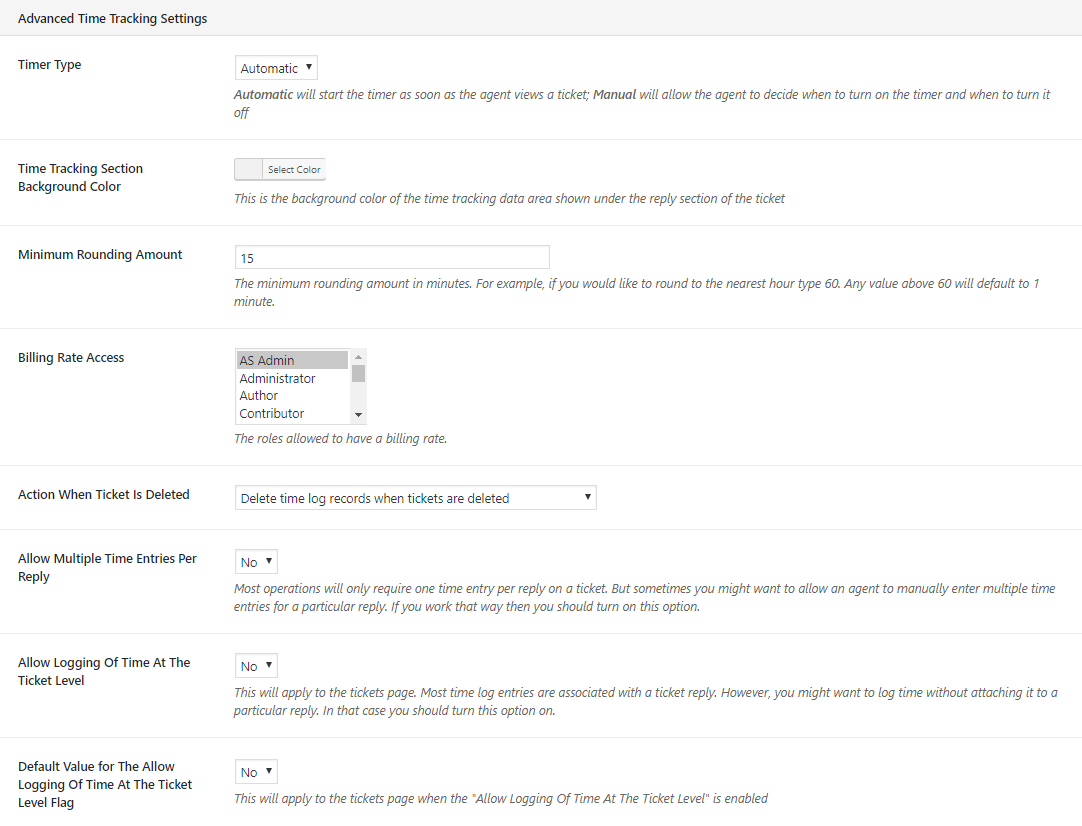
- Advanced Time Tracking – Track and record time down to the reply level using automatic or manual timers. Export data for invoicing. View critical time and billing reports.
- Auto Close – Close tickets automatically based on defined rules. This is especially useful in managing abandoned tickets.
- Private Credentials – Adds another security layer to your tickets so that users can securely enter passwords and other sensitive credentials onto a ticket
- Satisfaction Survey – Conduct suveys to see how your agents are performing. Extremely customizable with multiple survey types and methods!
- Public Tickets – Use your tickets to create a searchable archive of solutions. Assign public/private control over tickets and replies to customers, agents!
- Guest Tickets – Allow new users to enter their first ticket without the separate step of creating an account. Combine this with Email Support, Powerpack and Satisfaction Survey to create a solution where customers never have to log into your ticket system!
- Smart Agent Assignment – Have multiple agents with multiple departments and/or multiple products? Use this to automatically route new tickets to the correct agent using a choice of 5 sophisticated algorithms!
- Documentation – A powerful documentation add-on that integrates tightly with your Awesome Support ticketing system. Includes a beautiful layout and automatically suggests relevant topcis as users fill out a new ticket!
- Remote Tickets – Adds a pop-up ticket form to one or more remote websites. Quickly and easily funnel tickets from all your websites to one core support site!
- Smart Replies – Automatically respond to messages received from Facebook Messenger, Custom Site Chat and New Tickets.
- Service Level Agreements – Calculate ticket due dates automatically using rules set for each customer. This will take into account holidays, weekends, working hours and more.
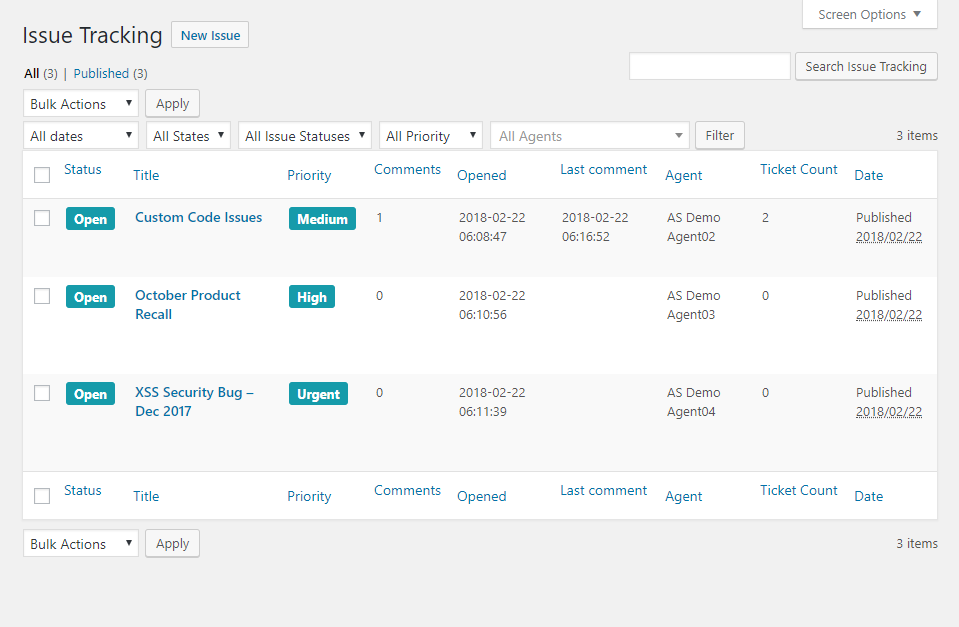
- Issue Tracking – Easily manage multiple related tickets. Very useful for product recalls, bug tracking, system-down situations and more.
- Custom FAQ – Use any WordPress custom post type as your FAQ source. Tightly integrates your selected CPT with Awesome Support and uses it to automatically offer topic suggestions to users as they fill out a new ticket form.
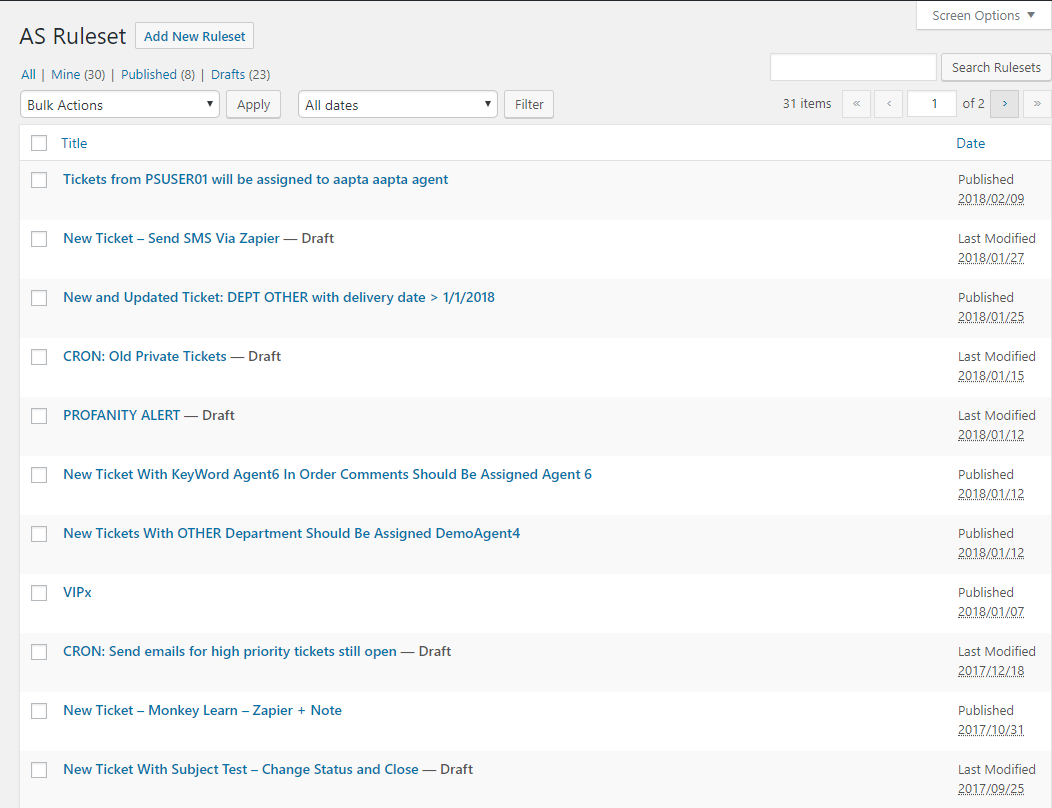
- Business Rules Engine With Zapier Integration – Powerful rules engine for your tickets. Automatically respond to tickets, change status, close tickets and more!
- Company Profiles – Allow multiple users from the same company to manage a single pool of tickets.
- Scheduled Tickets – Create recurring tickets on daily/weekly/monthly/annual schedules
- Agent Front End – Allow untrusted agents to manage their tickets without access to wp-admin
Bundles
Purchase one of our bundles and get up to an 80% discount compared to purchasing individual add-ons.
- Startup Bundle – A 50% discount on the 5 most common add-ons for unlimited sites
- Standard Bundle – A discount of 20%-60% on the 8 most common add-ons
- Professional Bundle – A discount of 45%-70% on the add-ons most useful for e-commerce sites
- Enterprise Bundle – A discount of 50%-70% on the most common add-ons used in larger businesses.
- Agency Bundle – A discount of 55%-80% on a bundle of almost all our add-ons. You get an even bigger discount if you purchase this package without the option for technical support!
Roadmap
Want to know what’s next for Awesome Support? Check out the roadmap. You can also vote for the ideas you like best!
Add-Ons
Need to extend Awesome Support’s features? We have lots of add-ons to help you setup the perfect support site. Check out our add-ons page.
Team
Even though the plugin has been developed and is maintained by the Awesome Support development team, we’ve had help from various developers around the world. You can see all the contributors on the team page. Many thanks to them all!
Our key core developers on the Awesome Support Development Team in 2018 include:
- Ante Laca
- Muhammad Tahir Nazir
- Nigel Bahadur
With contributions from customers such as:
- Rolly Bueno
- Naveen Giri
- Nathan Moinvaziri
Translators
Here is a list of users who voluntarily contributed the most translations to our POEDITOR project in 2017/2021:
- Miquel Martínez – Catalan
- Samer Haddad – Arabic
- Paul Hecko – Portuguese
- Thiago Rocon Kuwabara – Portuguese
- Denison Carlos – Portuguese (Brazil)
- Davey Hurkmans – Dutch
We had over 25 users contribute to the various language projects but these were the top 6 with the most translation activity. On behalf of all our users we would like to publicly offer a heart-felt Thank You for their hard work and contribution to the Free Awesome Support core project!
Related Companies Disclosure
Awesome Support now manages the newly released Simple-Press Forums Plugin as well.
Using The WordPress Dashboard
- Navigate to the ‘Add New’ in the plugins dashboard
- Search for ‘Awesome Support’
- Click ‘Install Now’
- Activate the plugin on the Plugin dashboard
Uploading in WordPress Dashboard
- Download
awesome-support.zipfrom this page - Navigate to the ‘Add New’ in the plugins dashboard
- Navigate to the ‘Upload’ area
- Select
awesome-support.zipfrom your computer - Click ‘Install Now’
- Activate the plugin in the Plugin dashboard
Using FTP
- Download
awesome-support.zipfrom this page - Extract the
awesome-supportdirectory to your computer - Upload the
awesome-supportdirectory to the/wp-content/plugins/directory - Activate the plugin in the Plugin dashboard
Setup
Whatever the method you used, after you activated the plugin through the plugins dashboard, the setup is done silently in the background.
Two new pages will be added to your site:
- My Tickets
- Submit ticket
Add those two pages to your menu in order to give your users easy access to their support area.
Screenshot Gallery
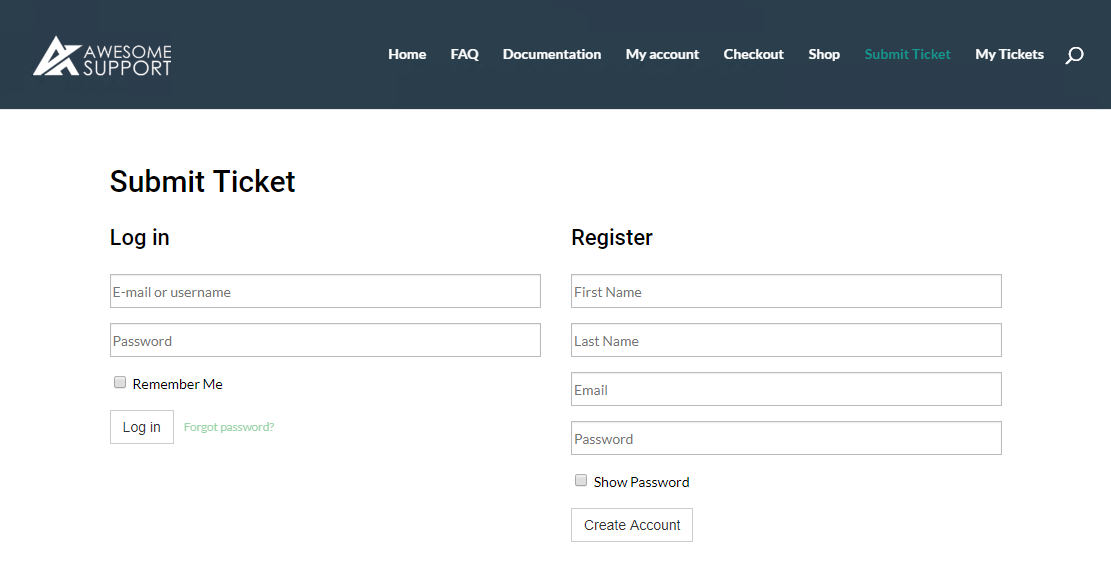
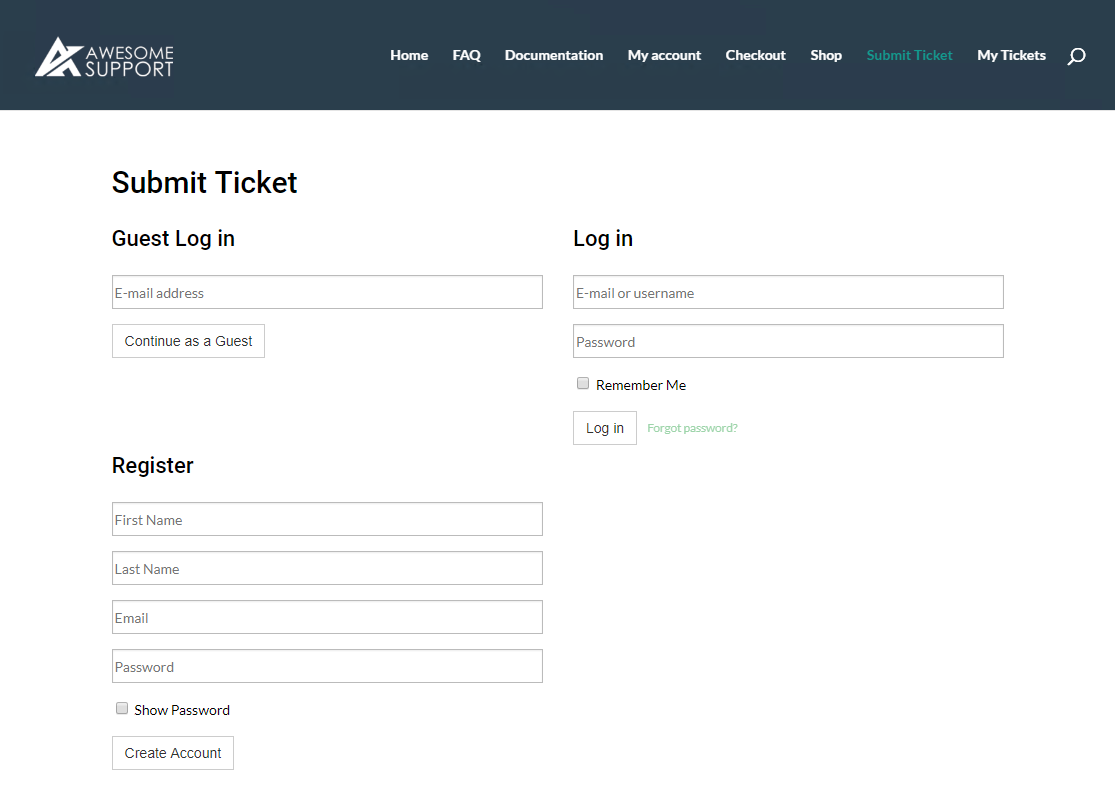

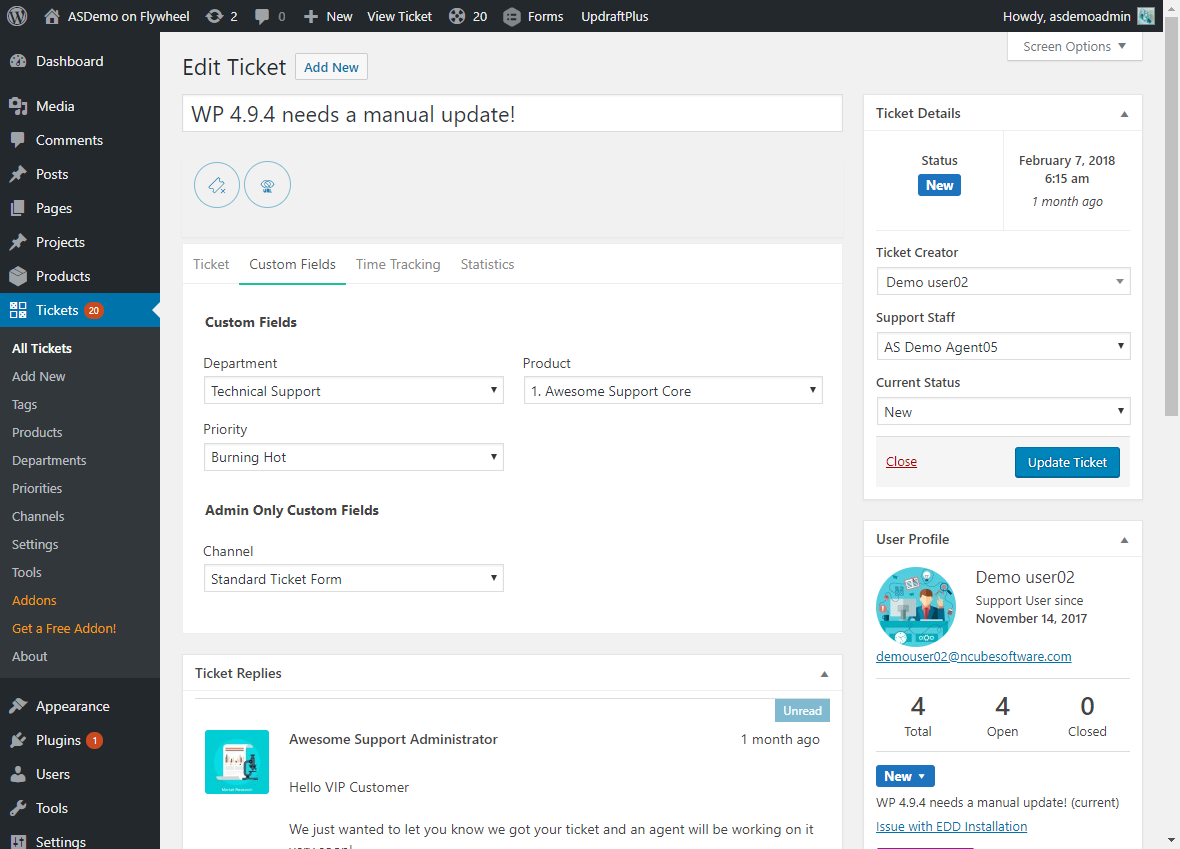
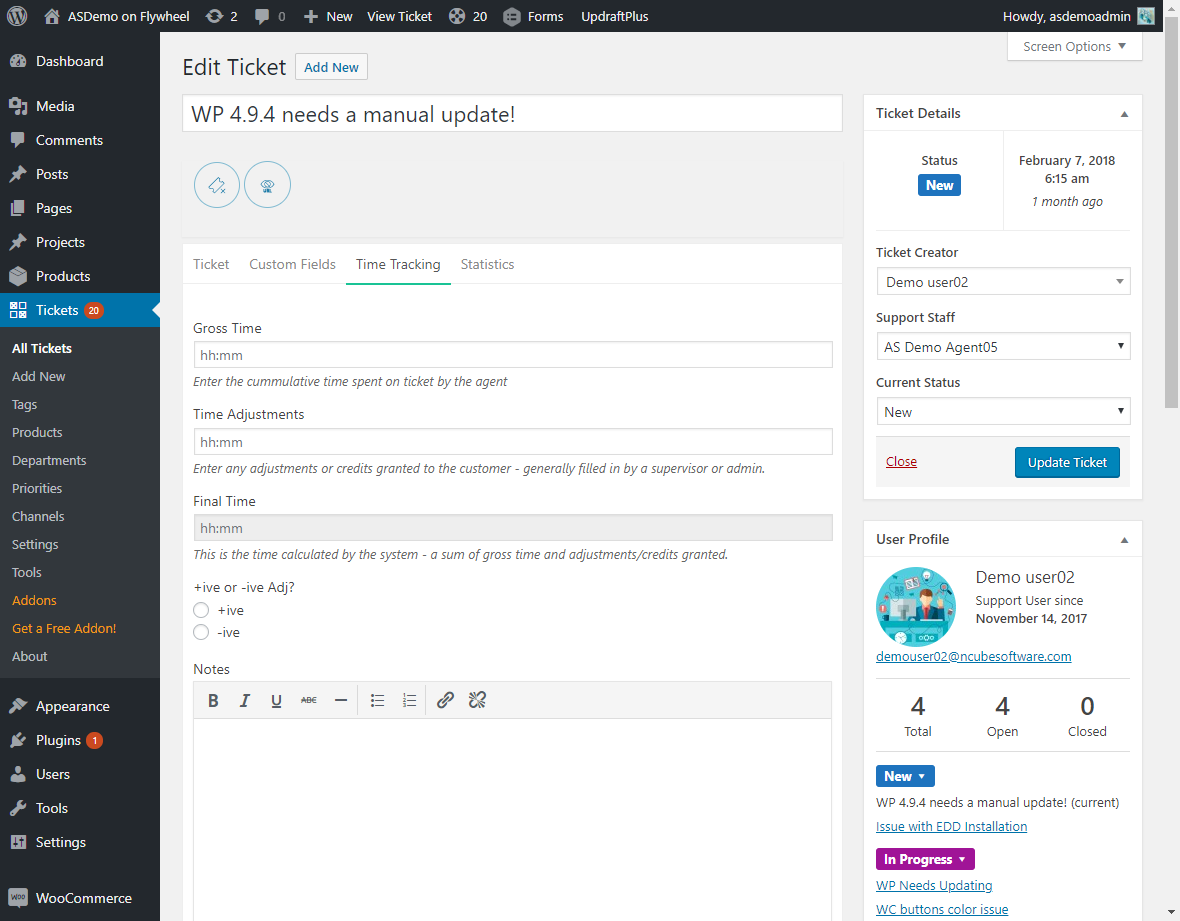
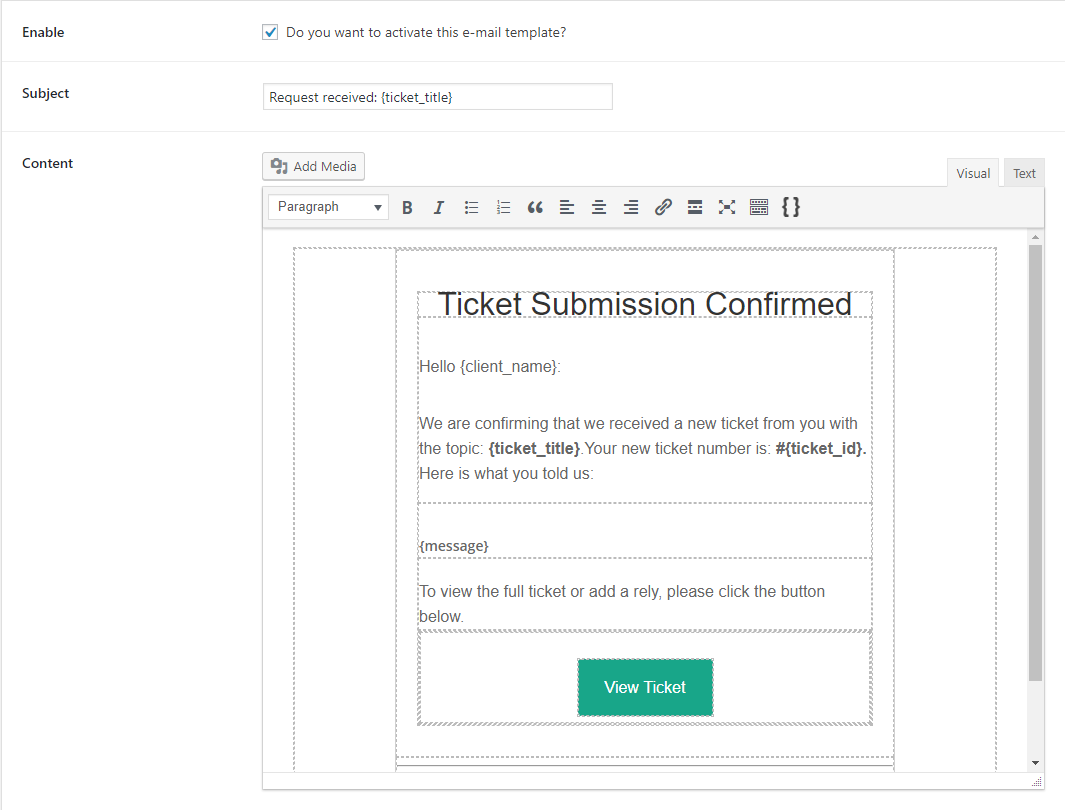
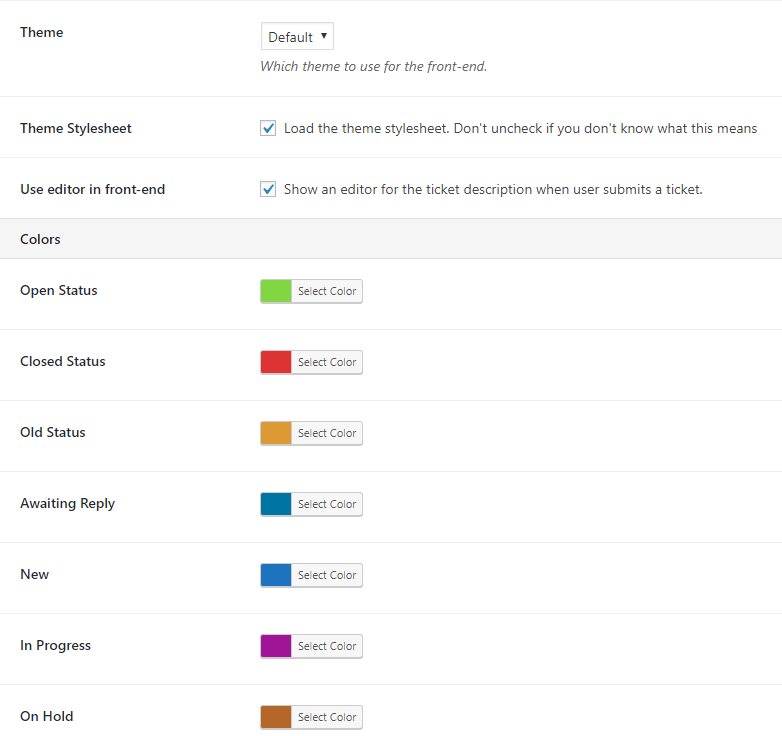

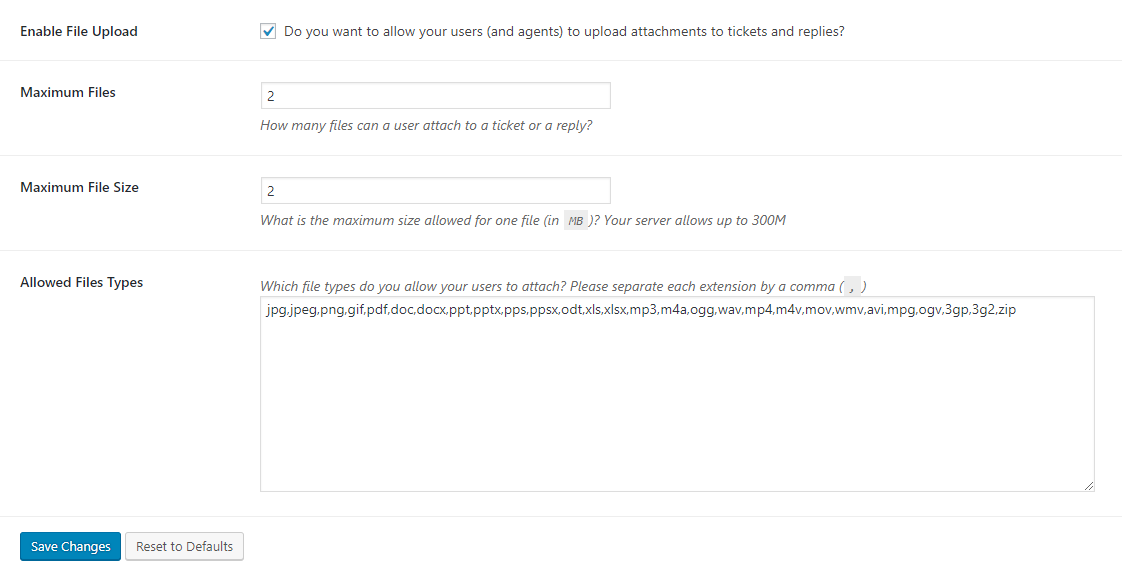
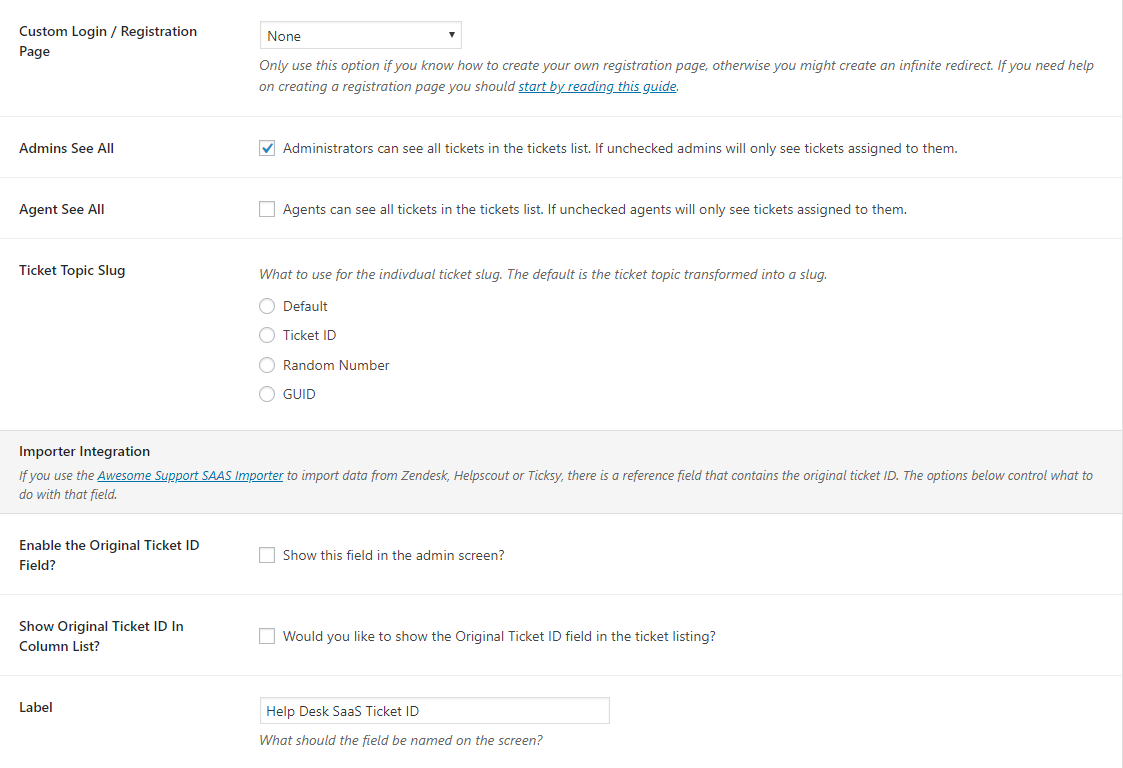
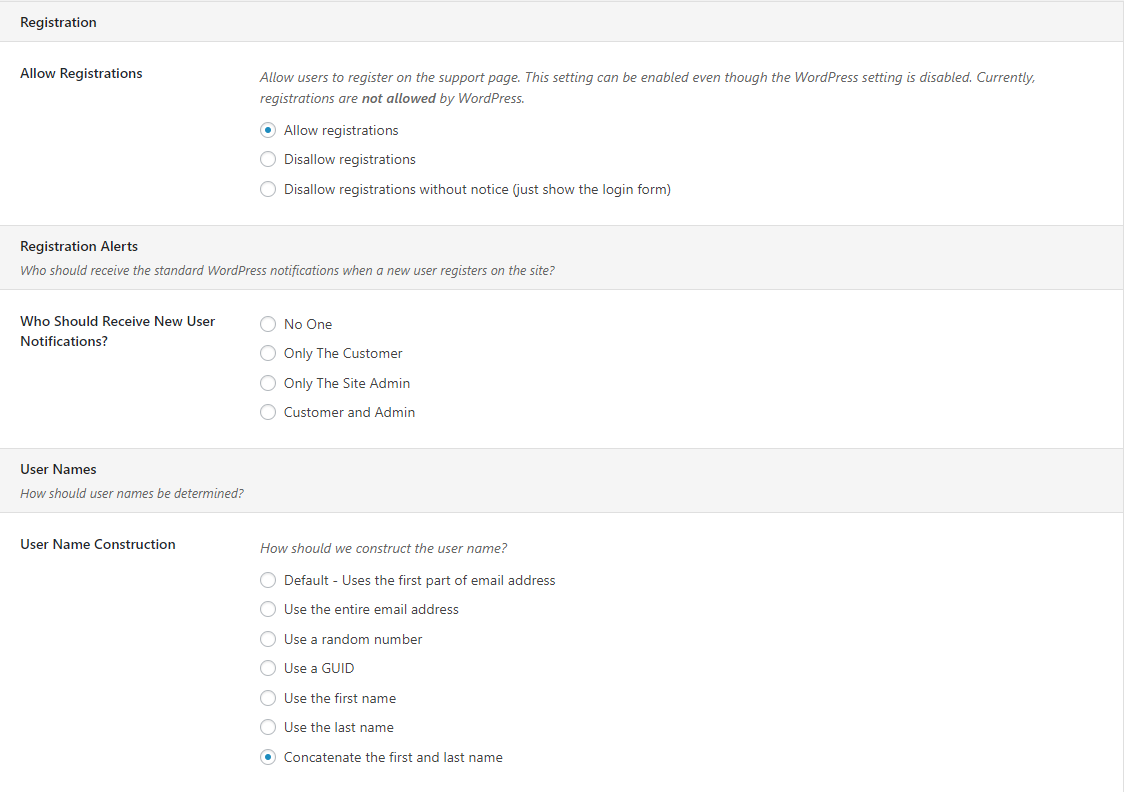
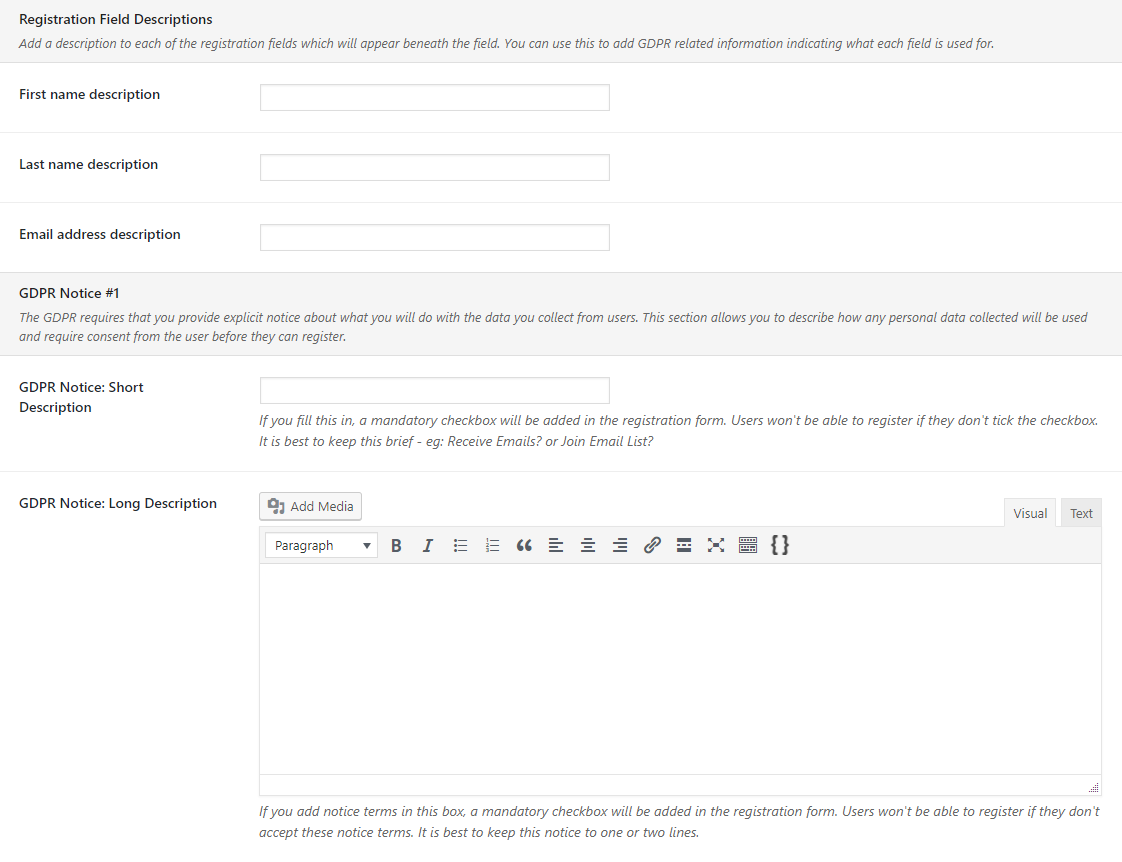
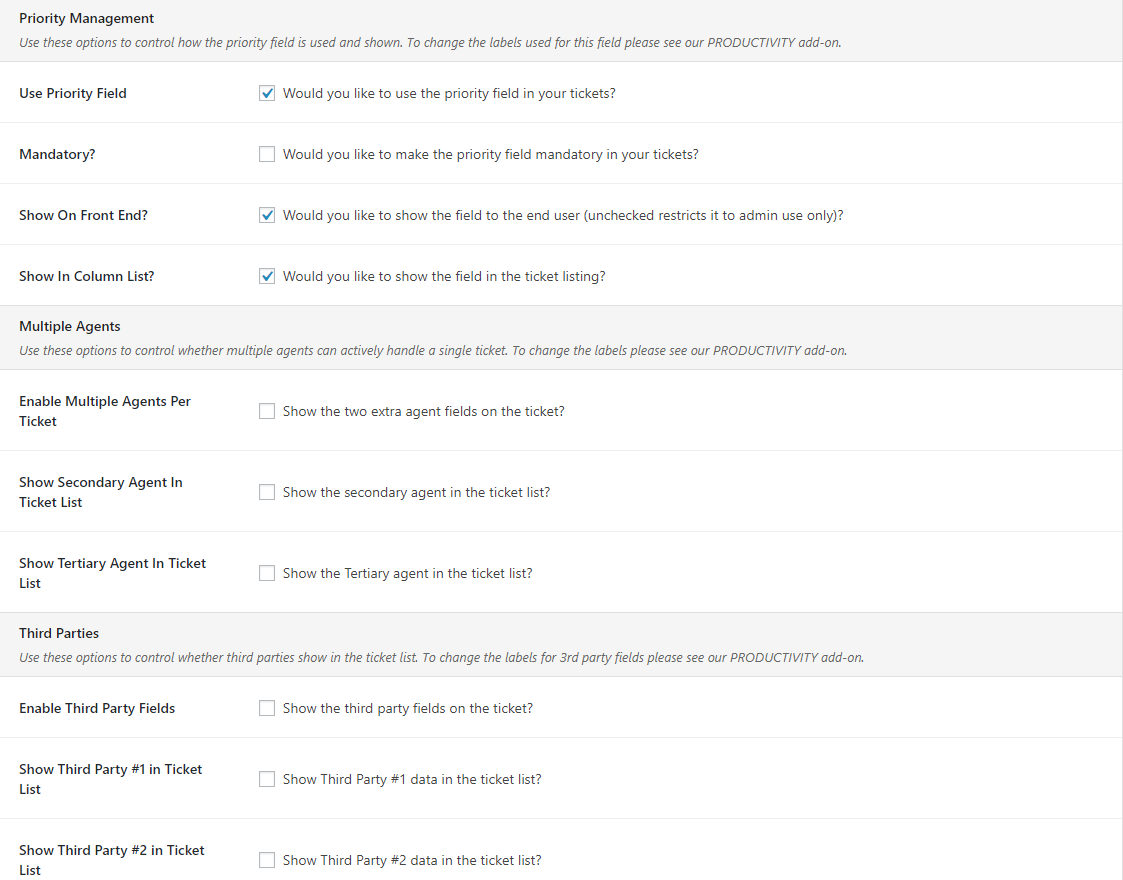
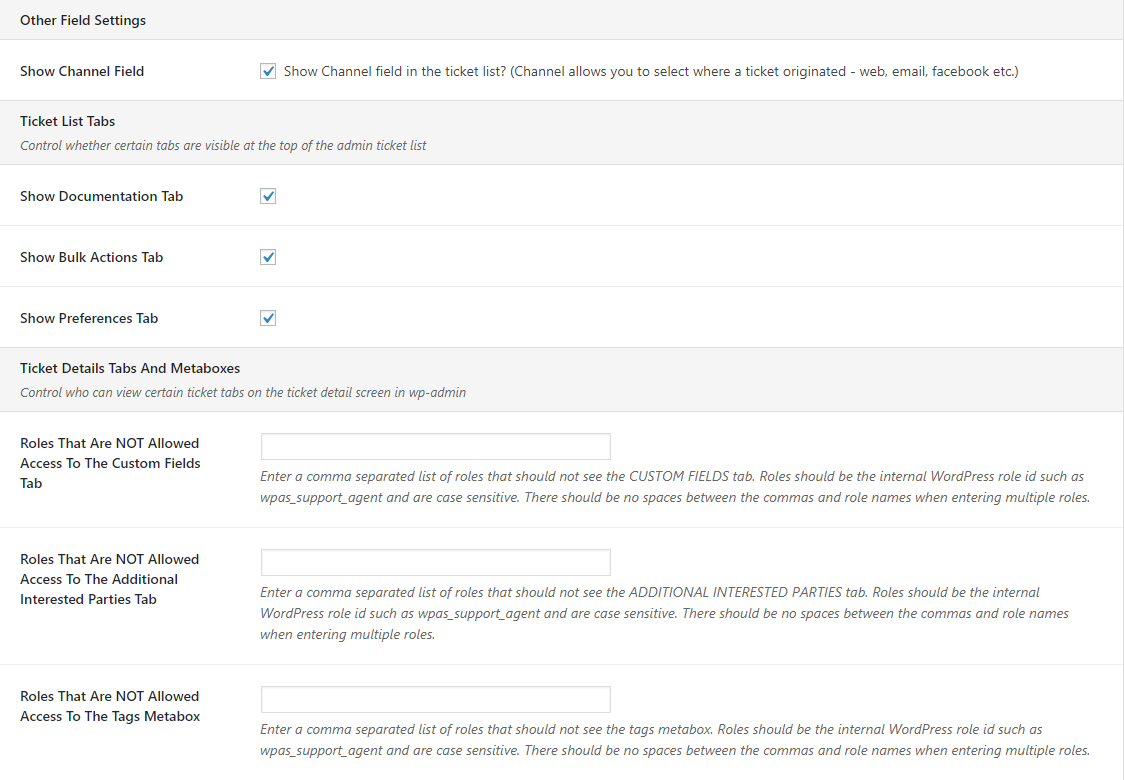
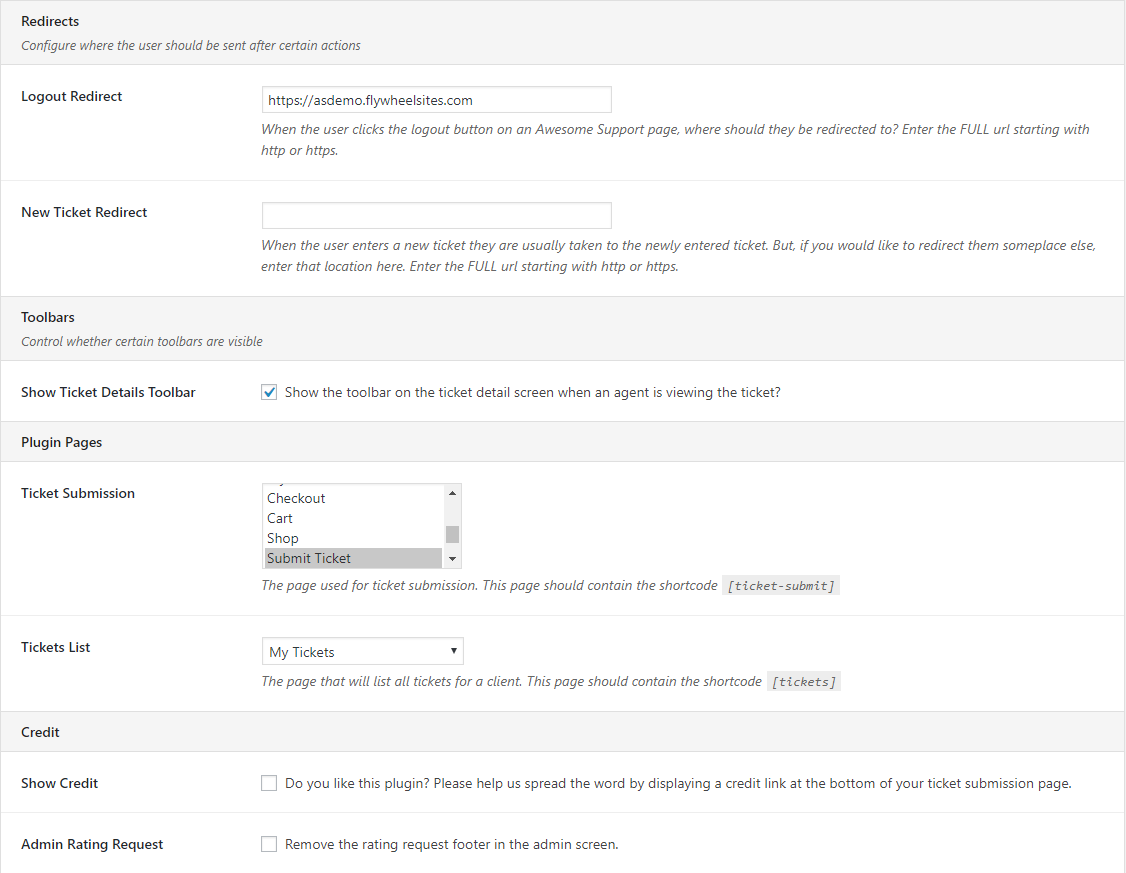
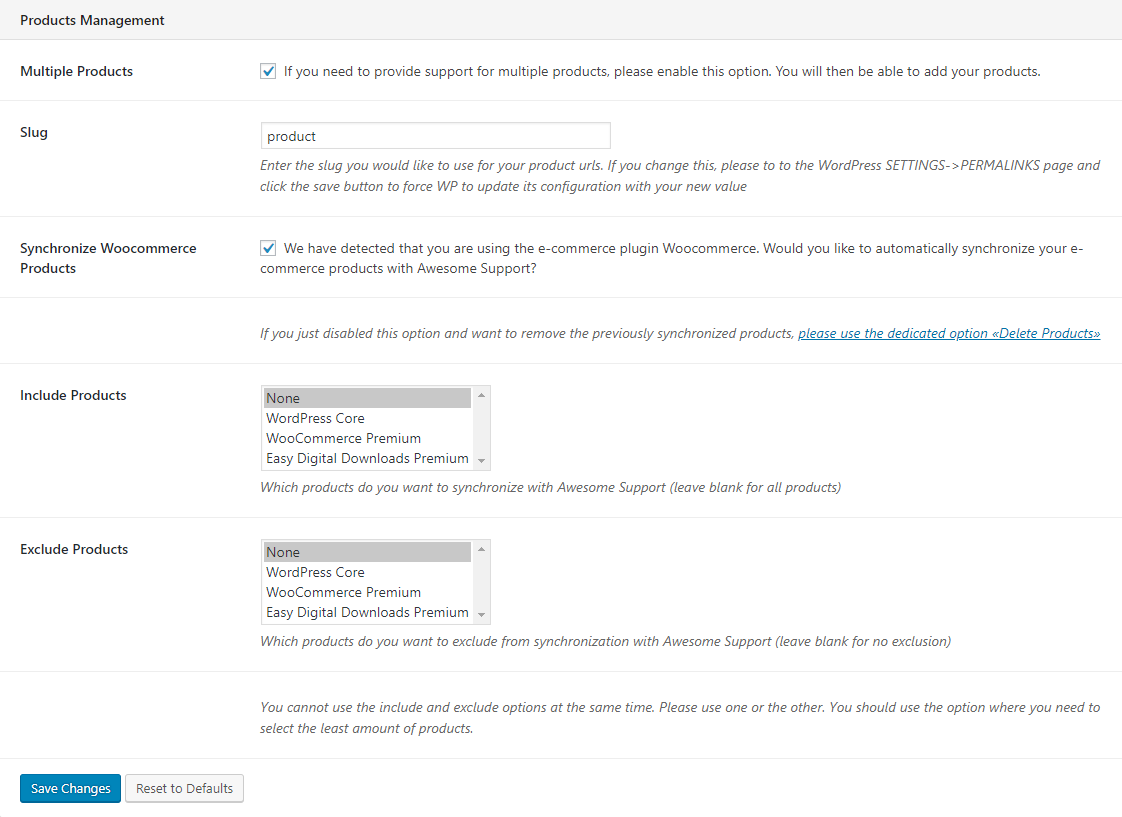
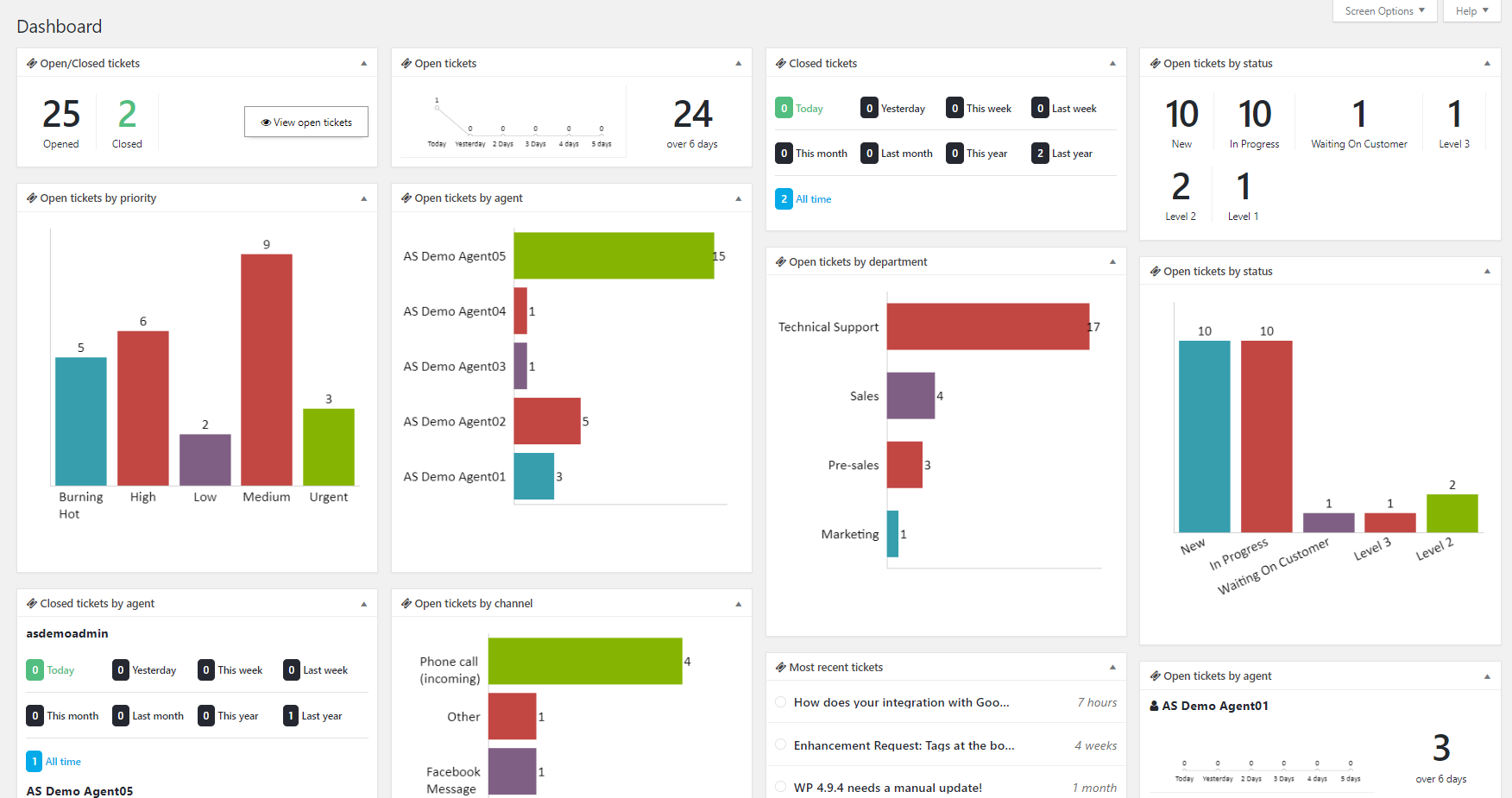
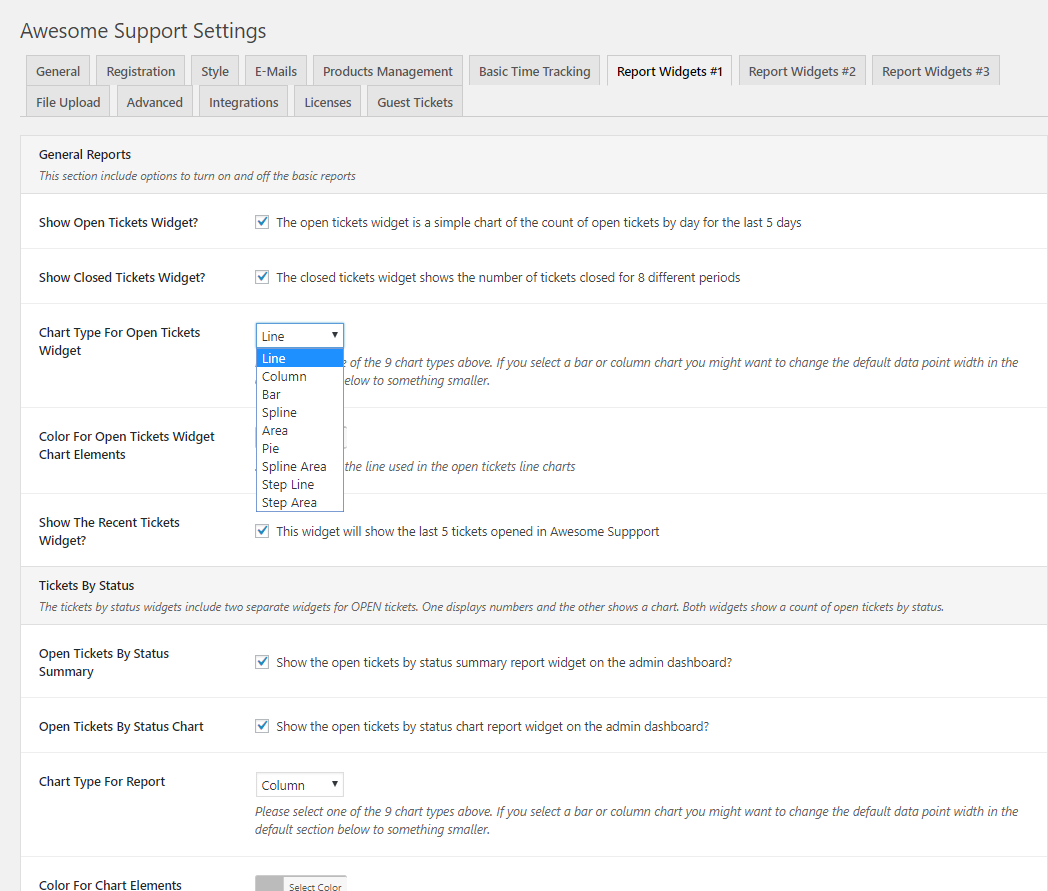

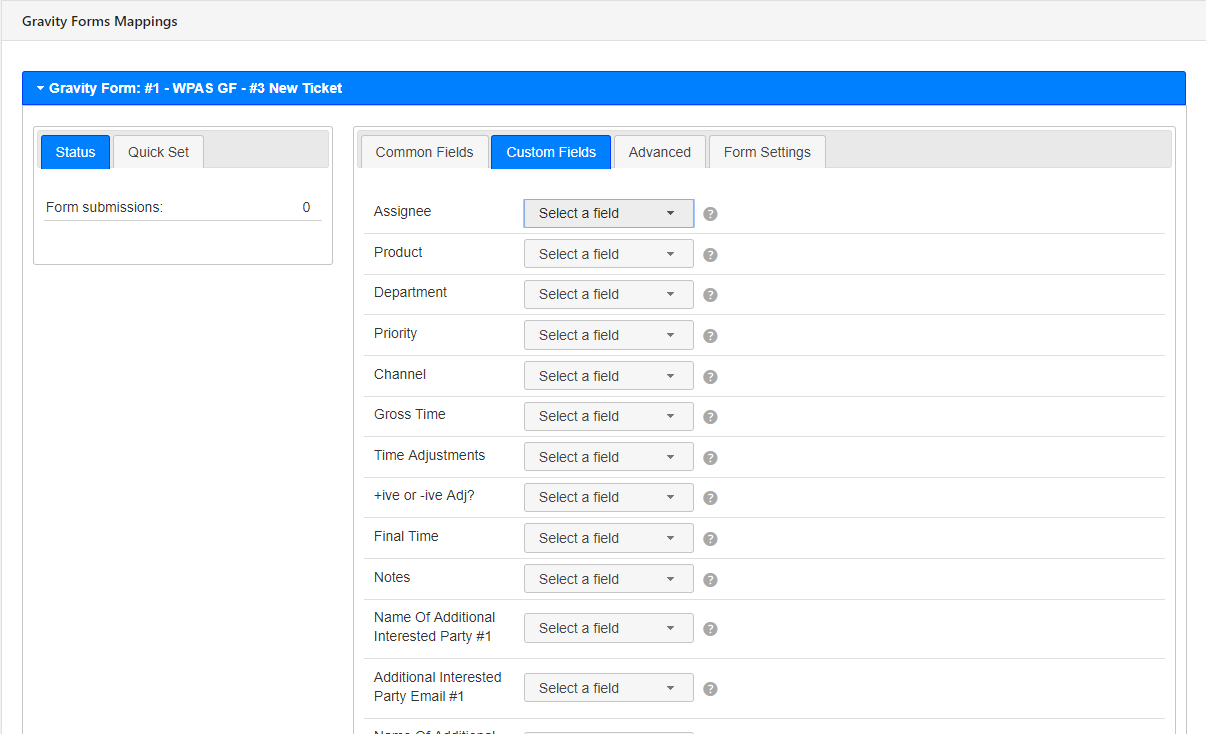
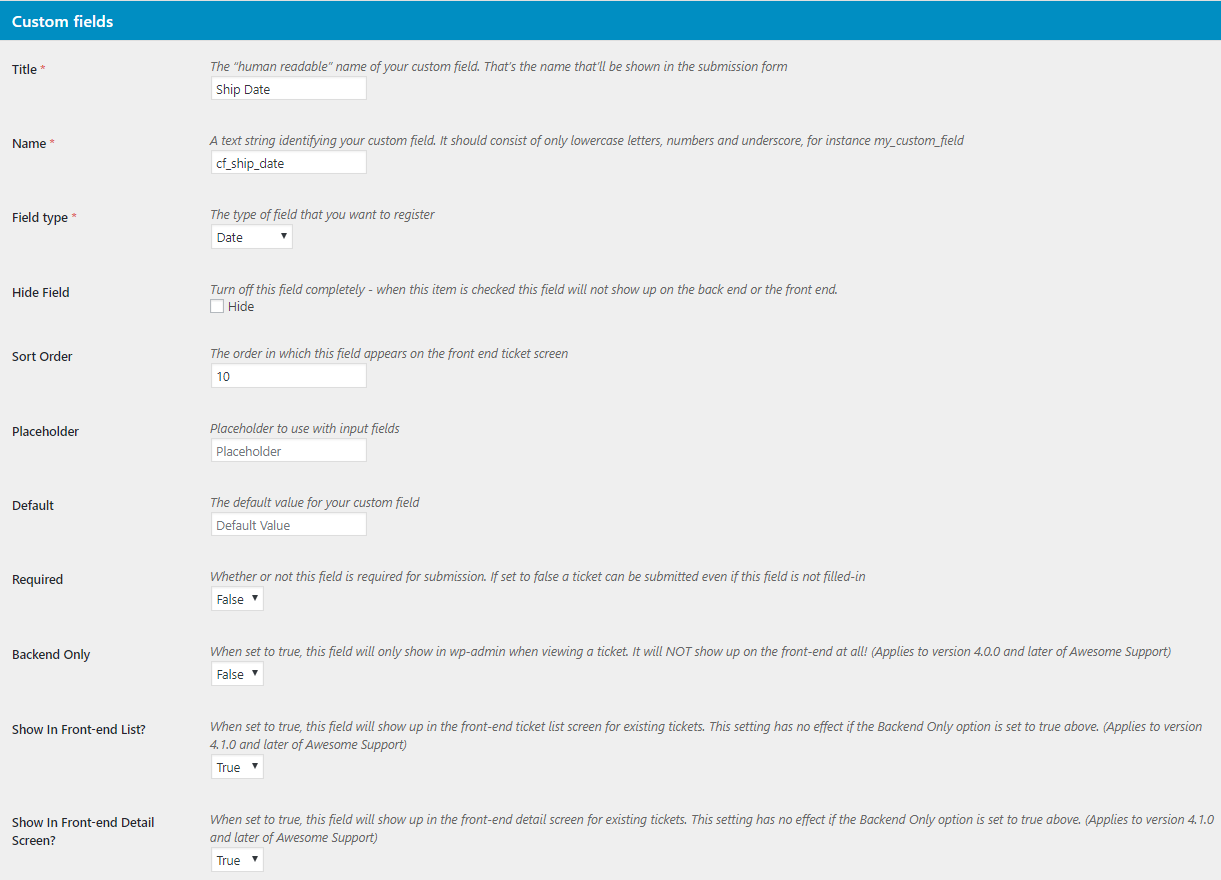
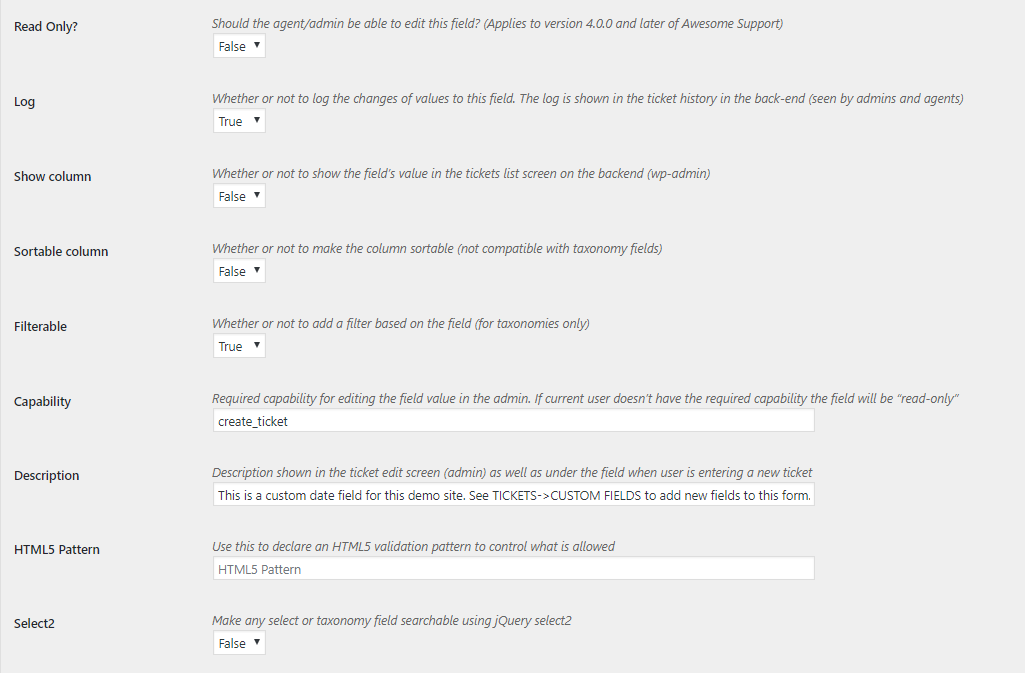
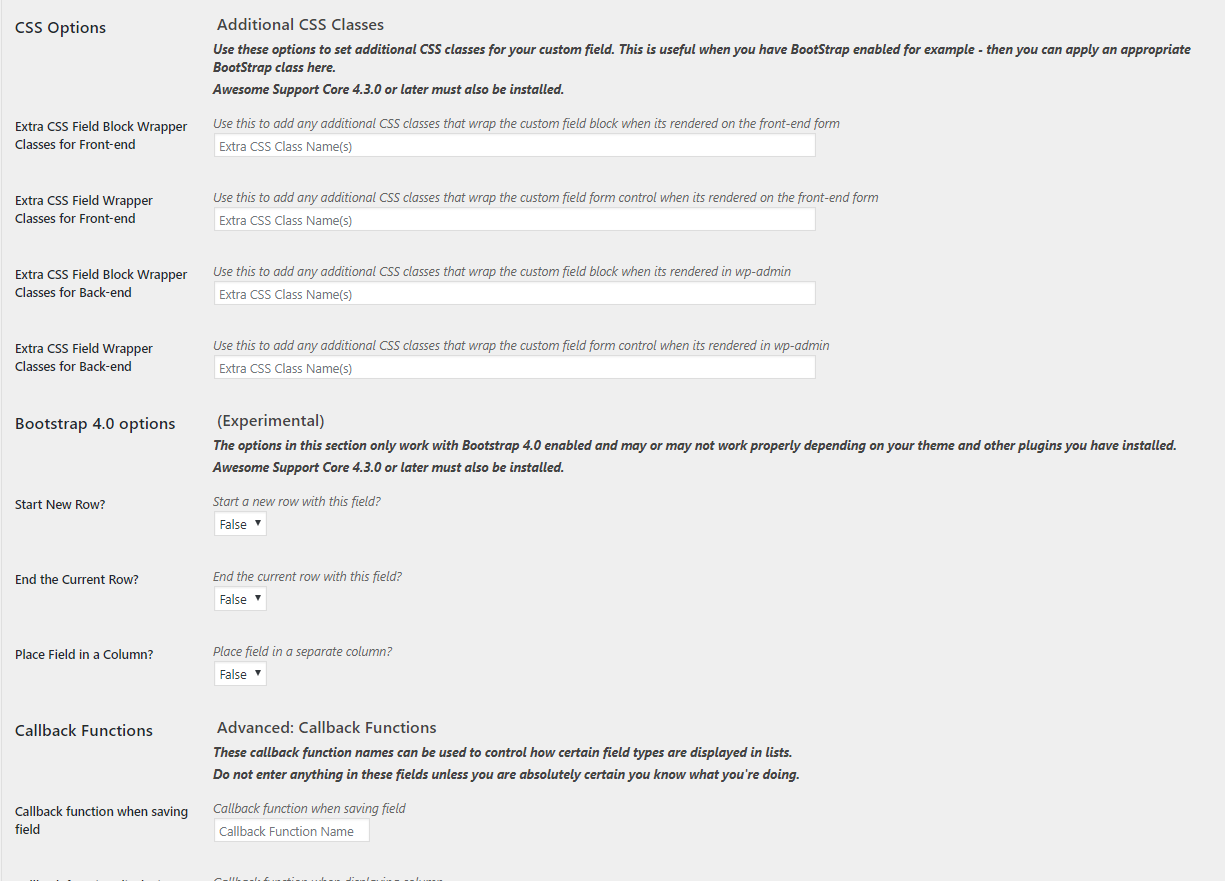

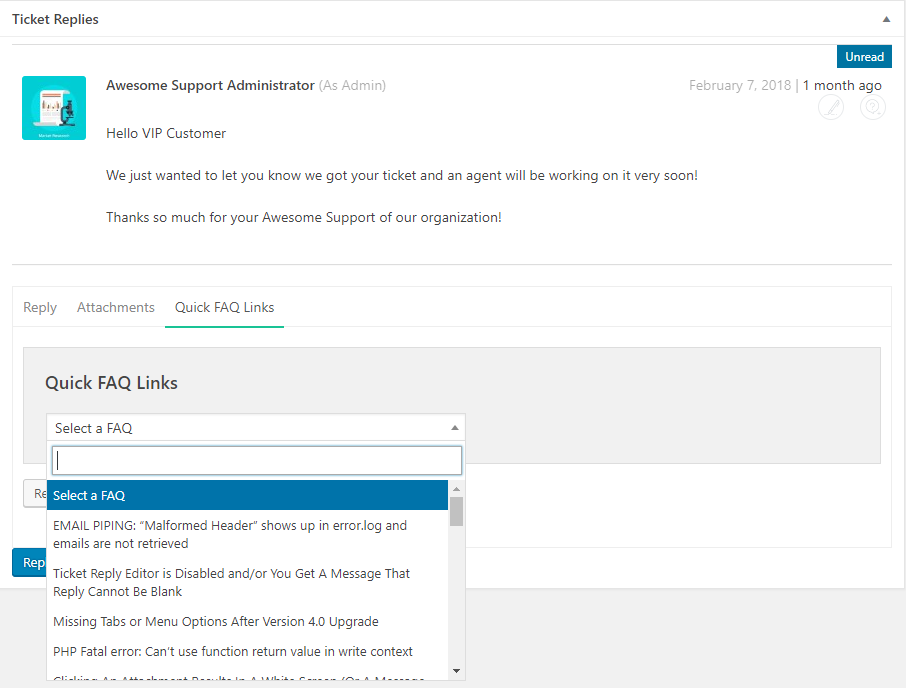
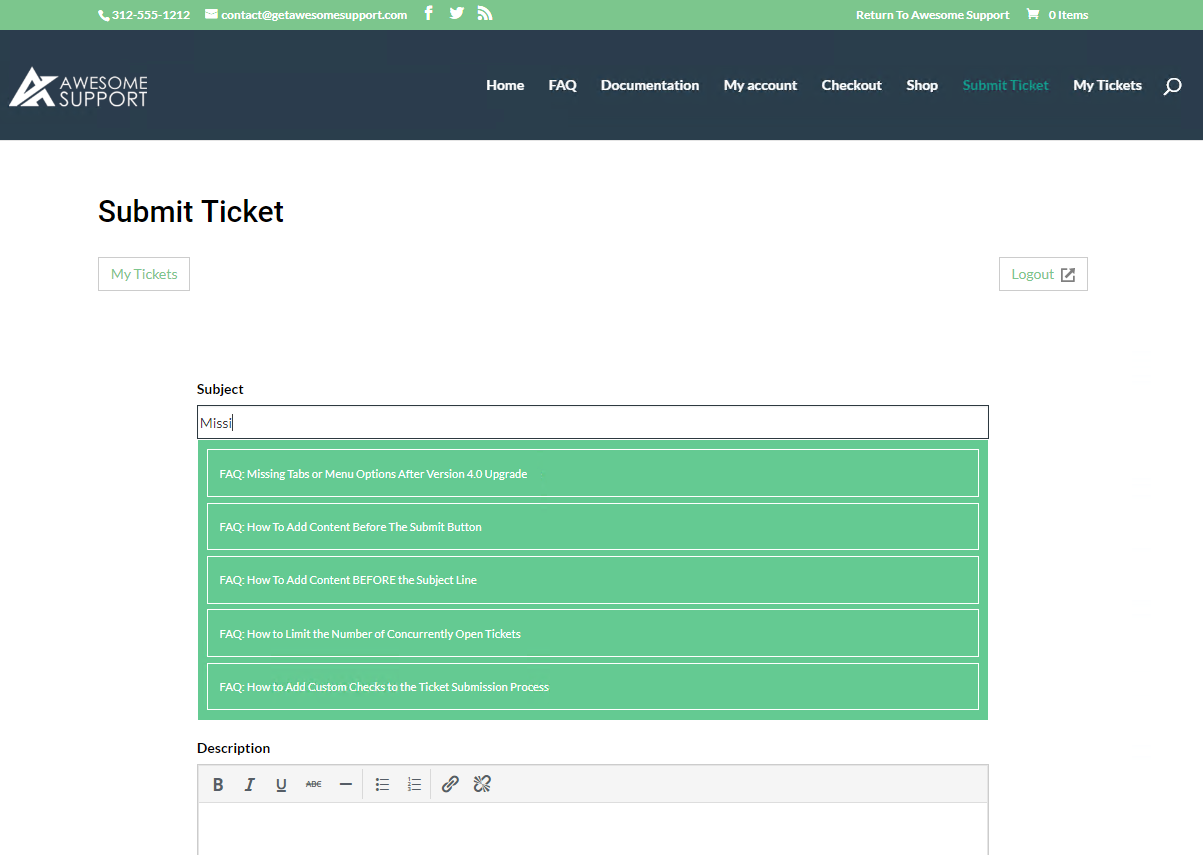
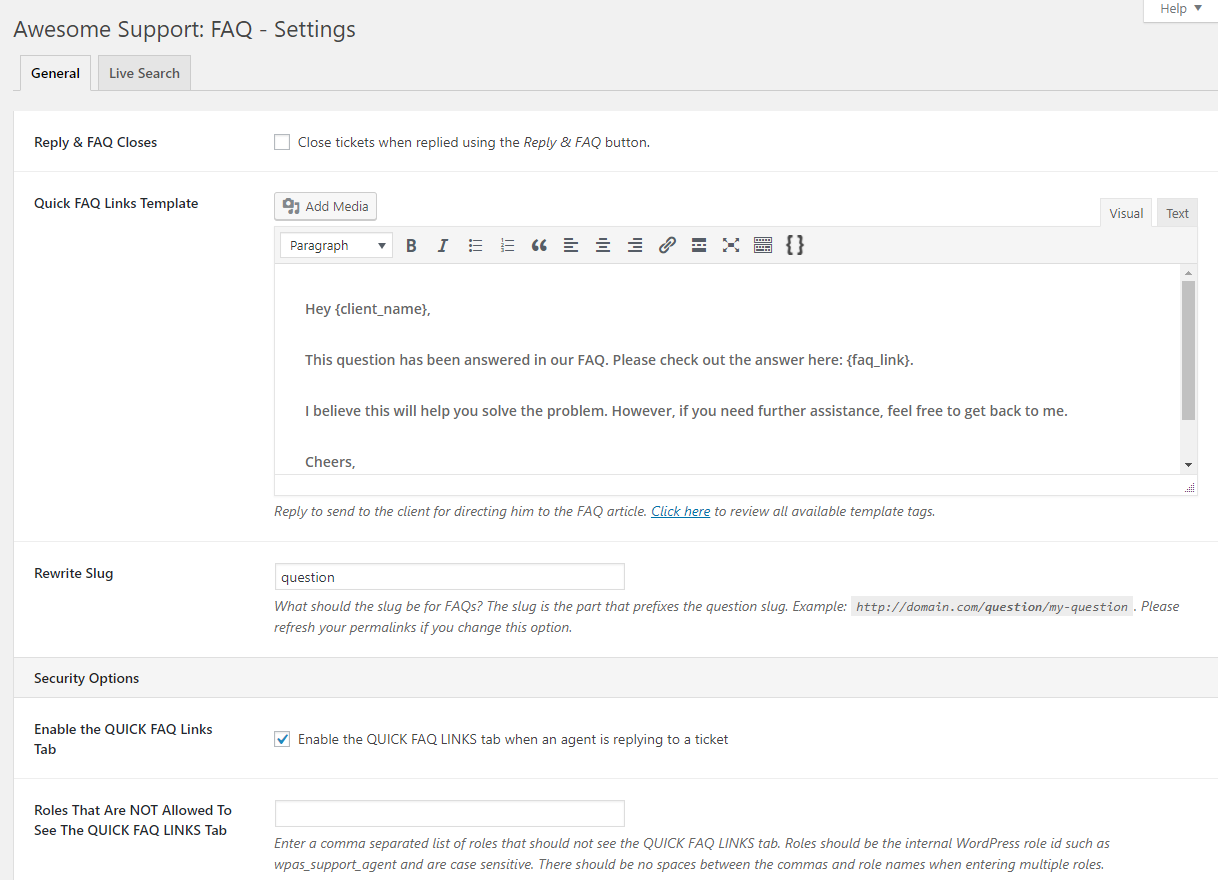
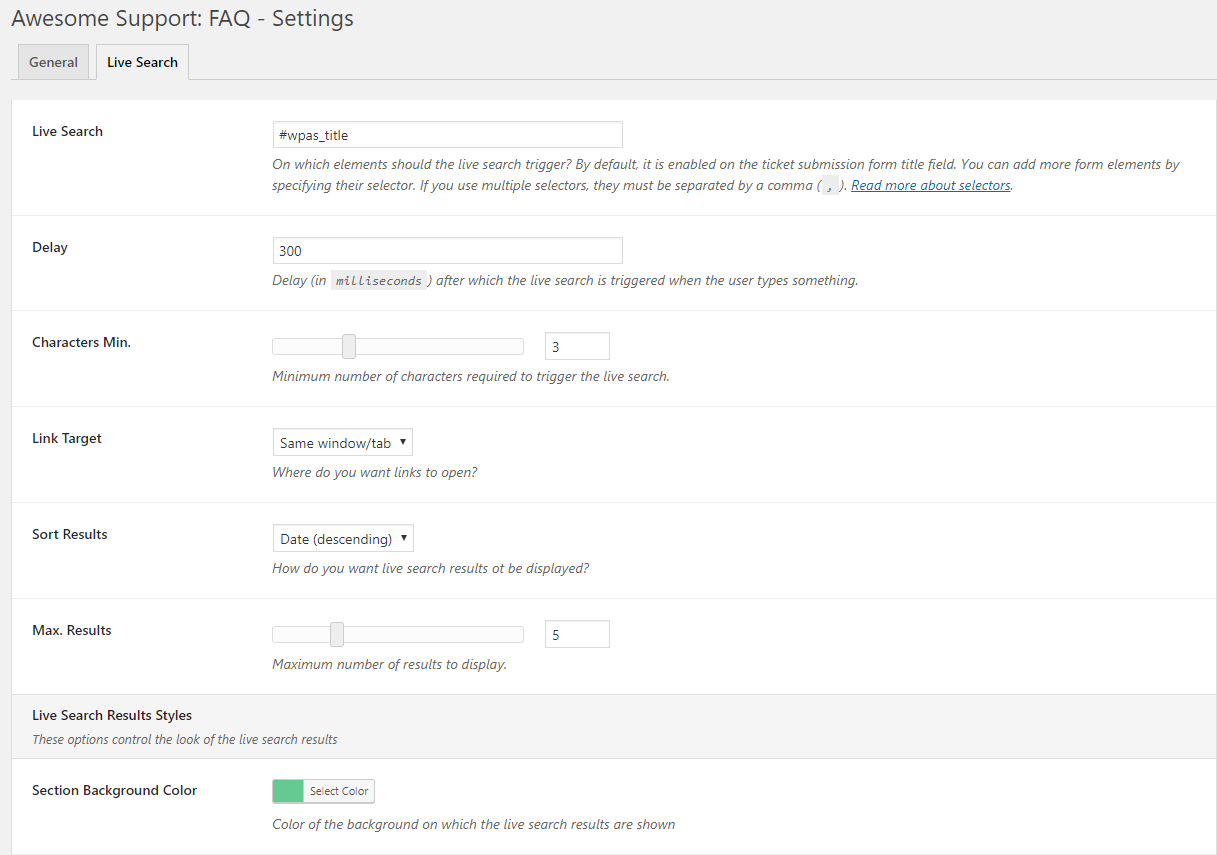
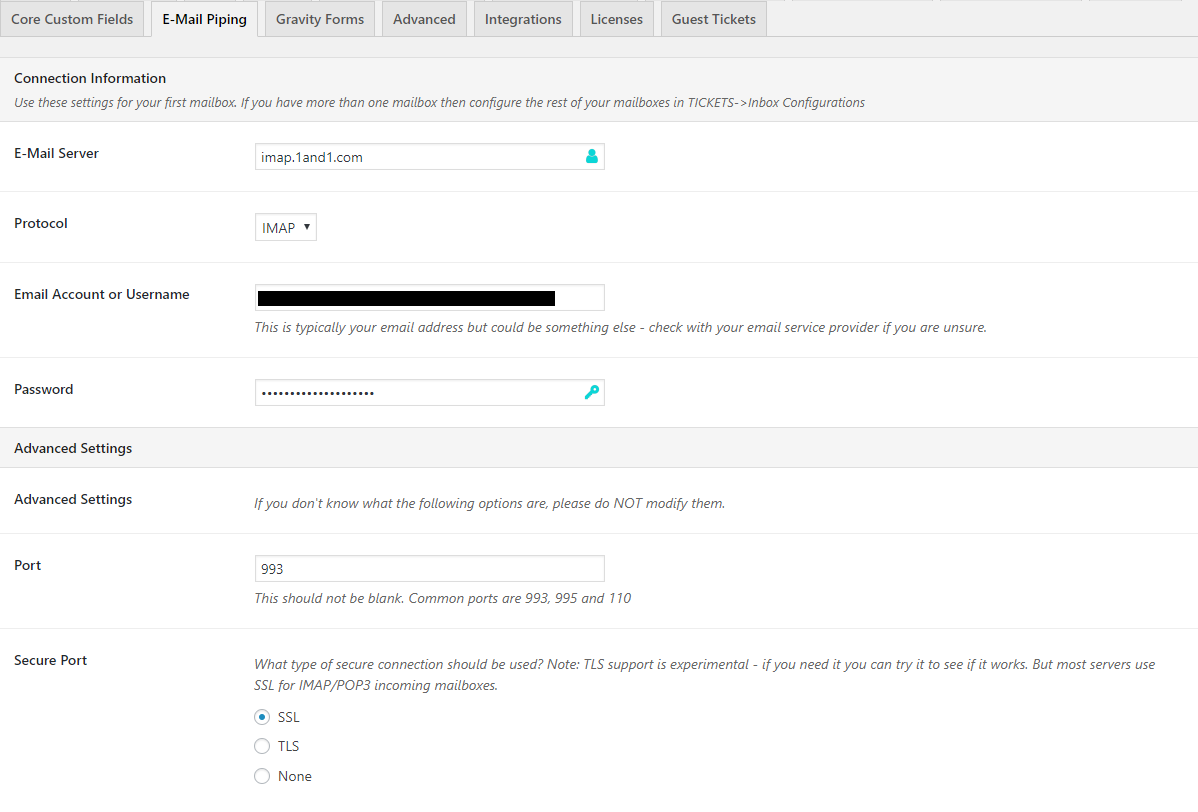
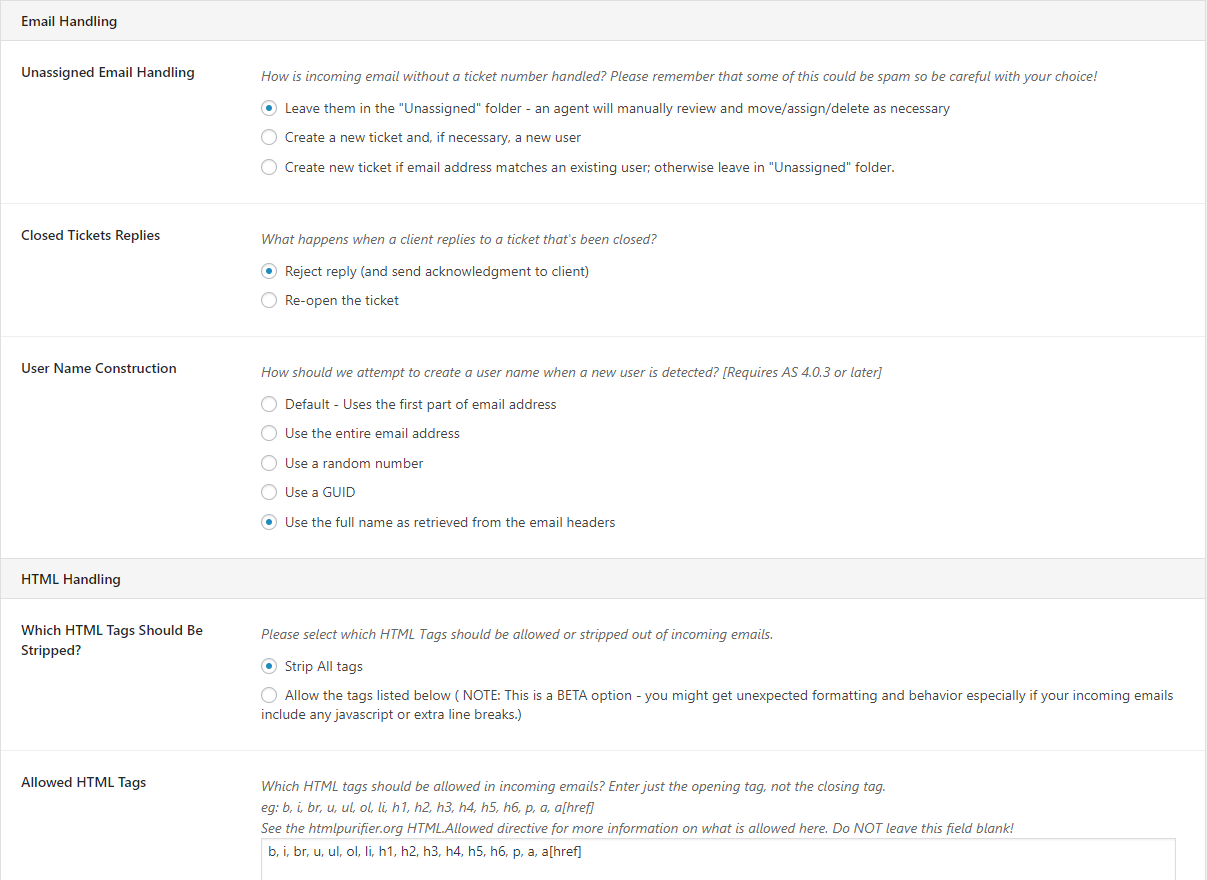
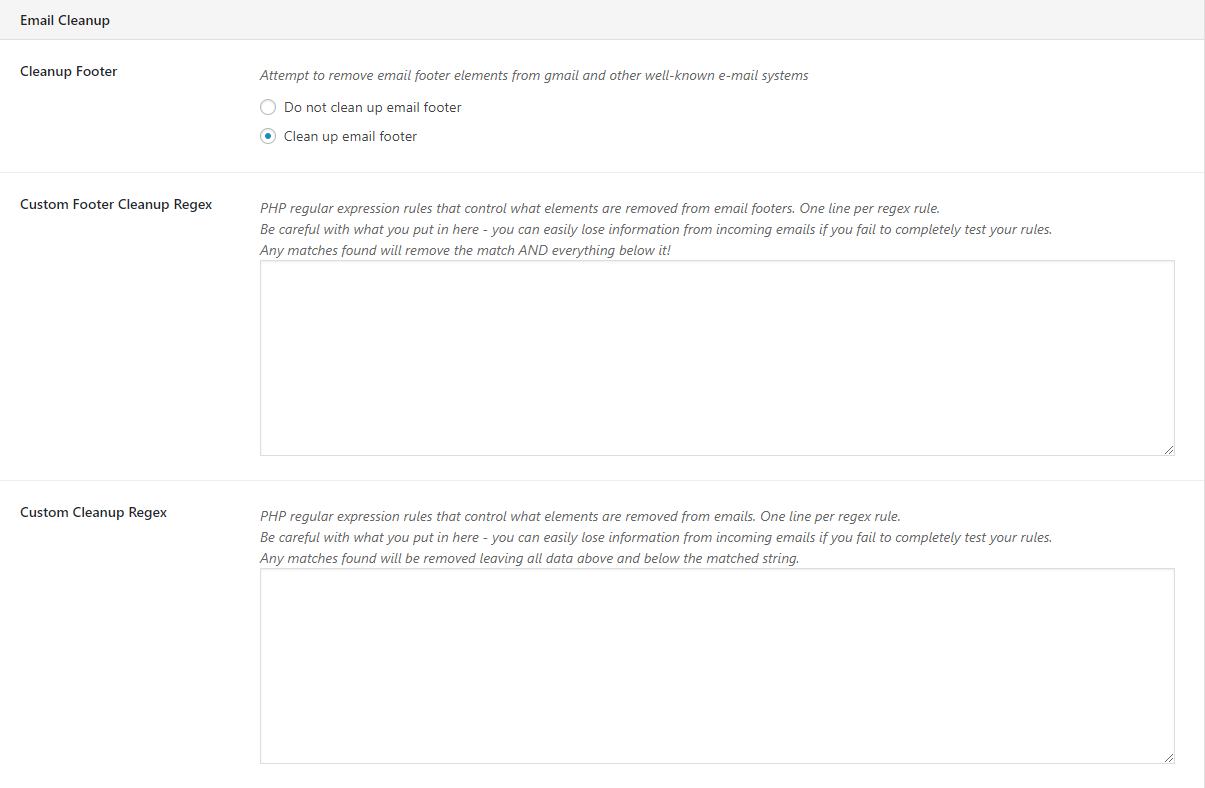
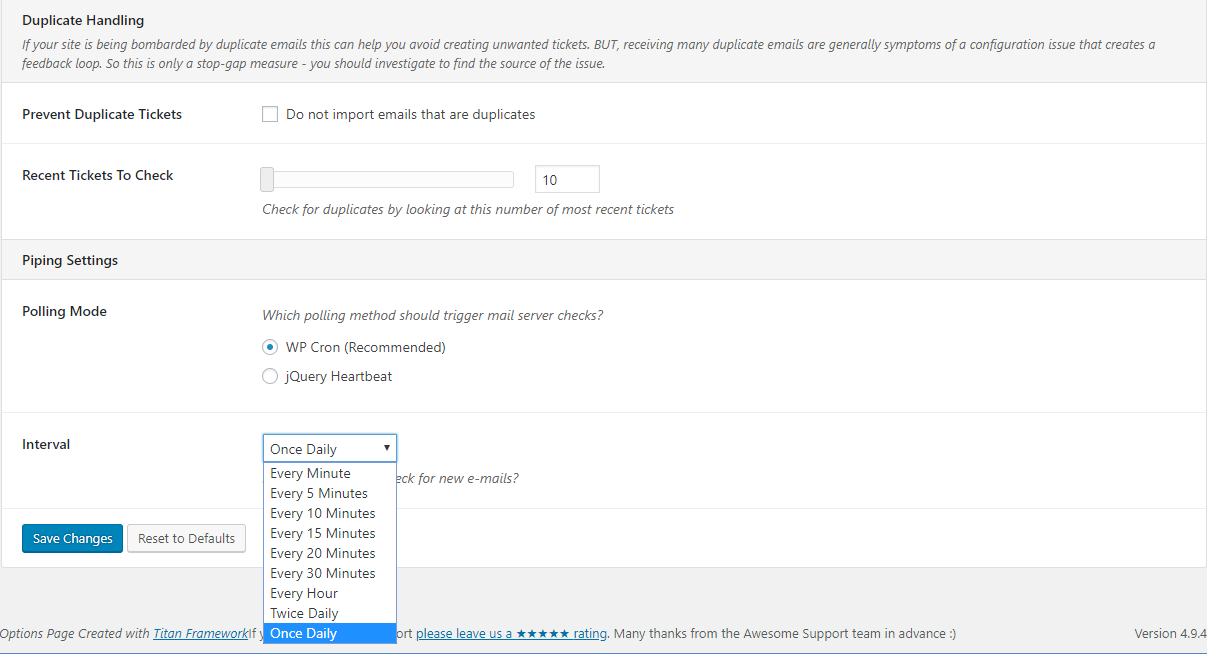
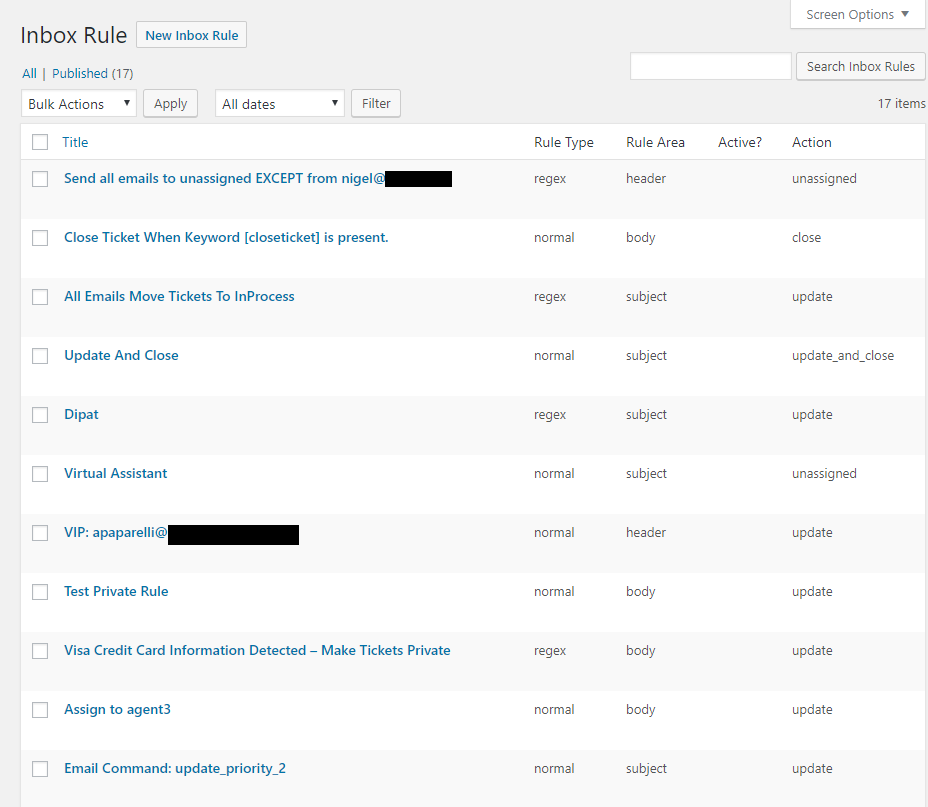
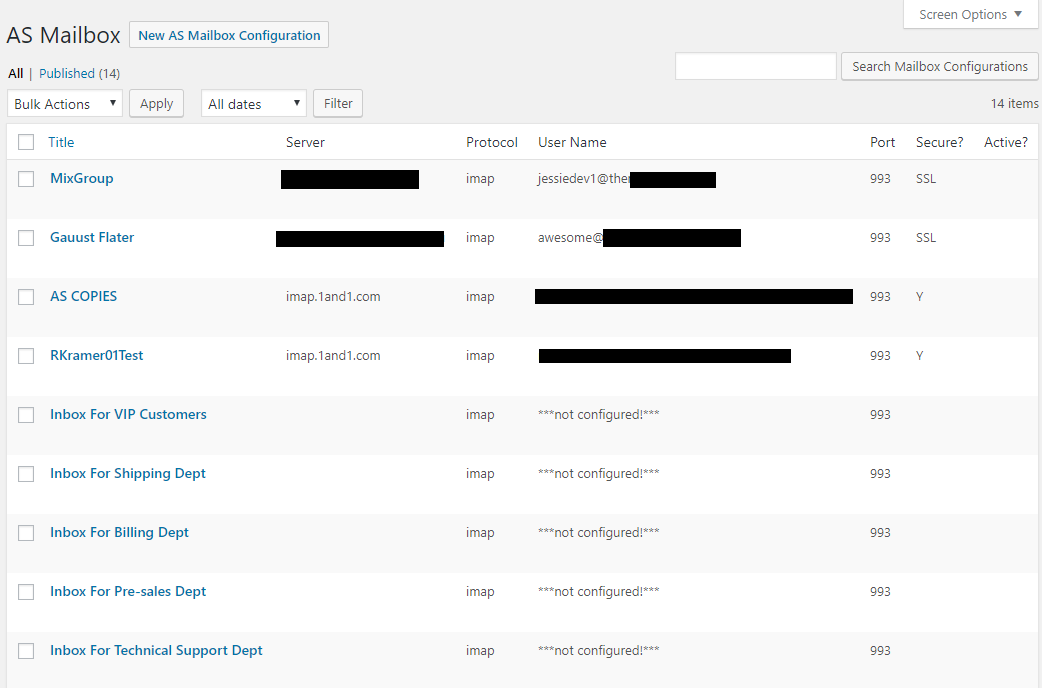
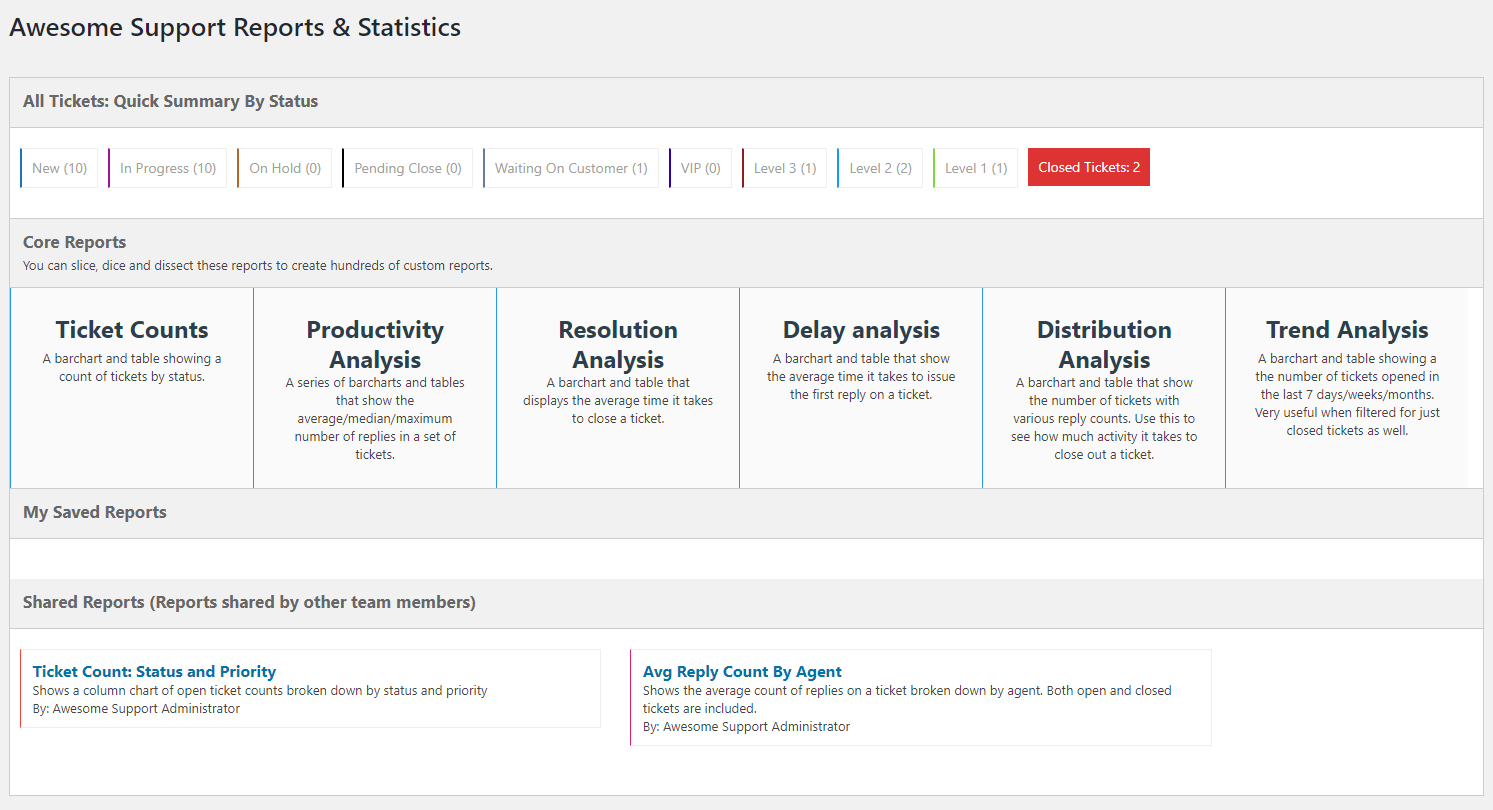
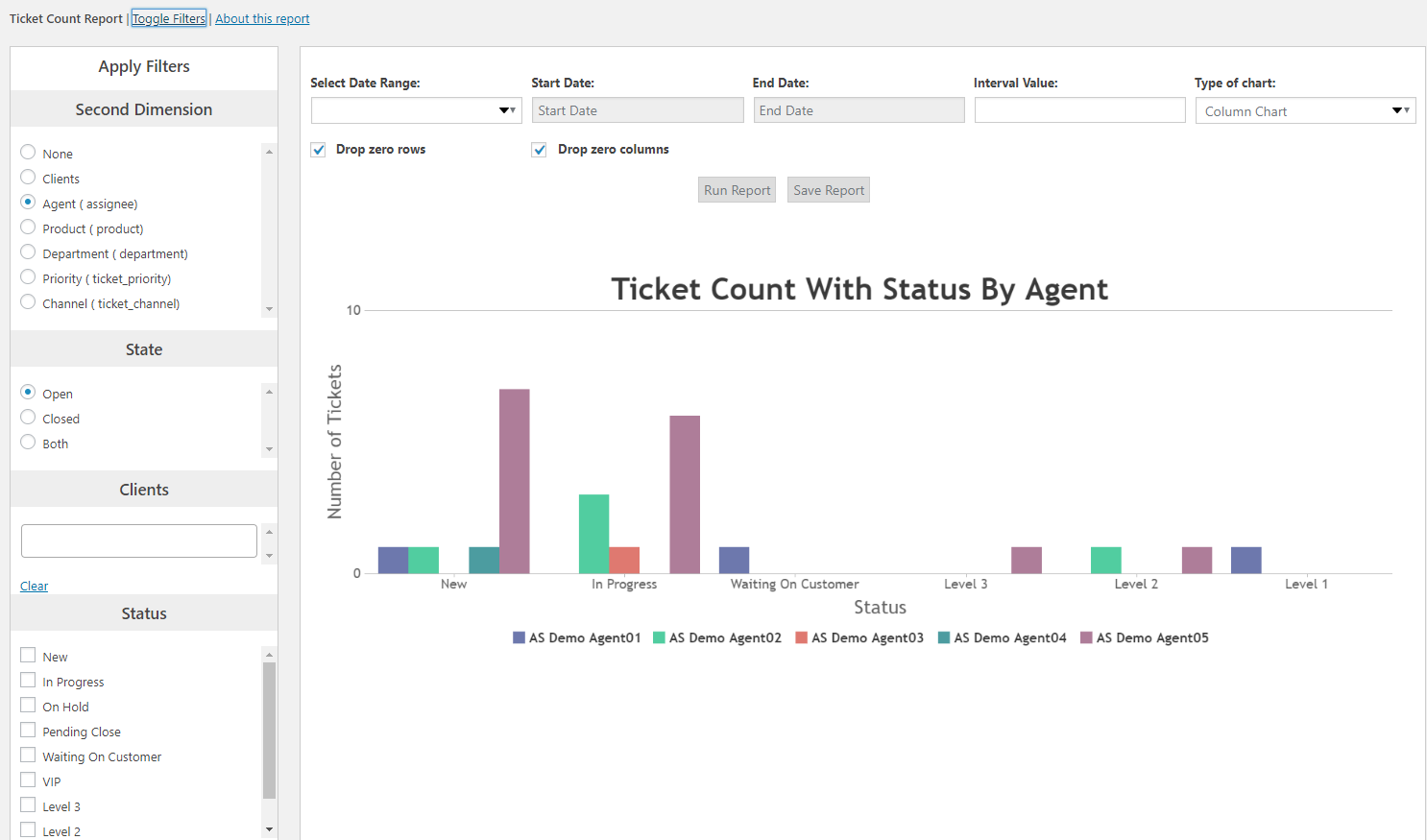
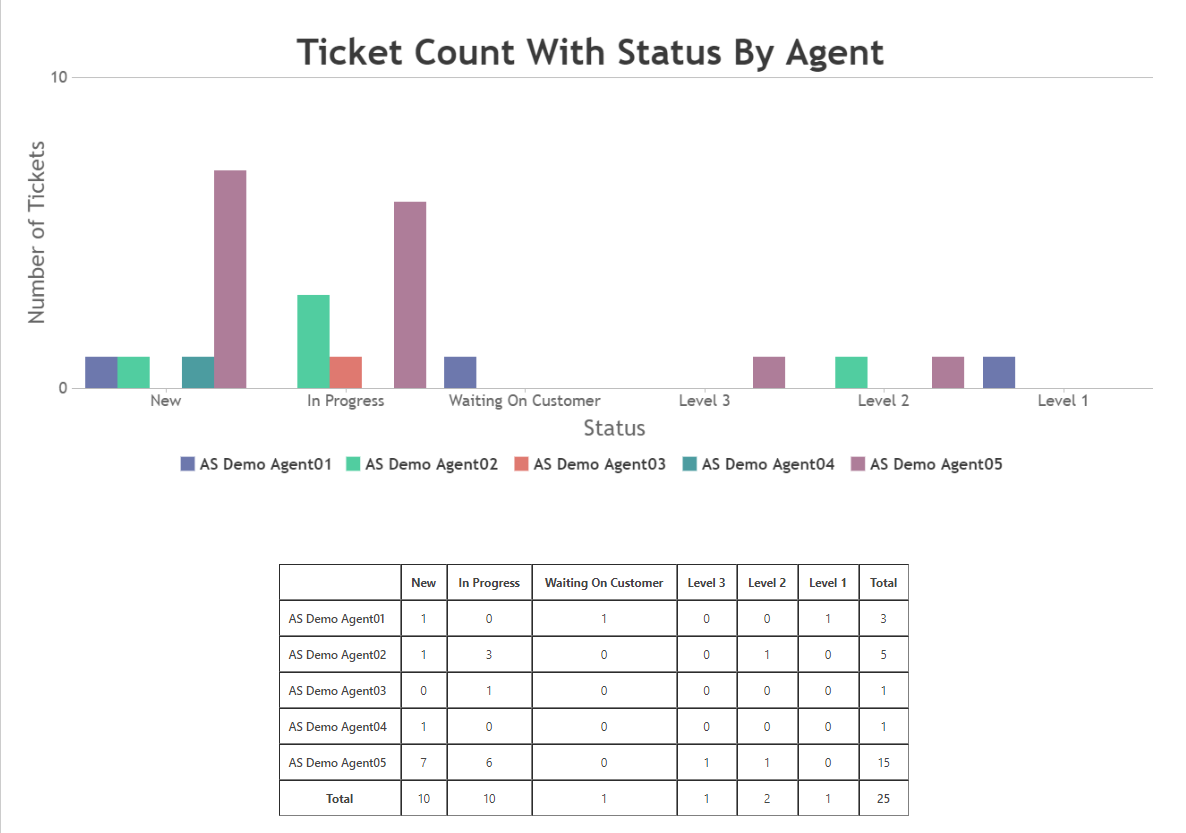
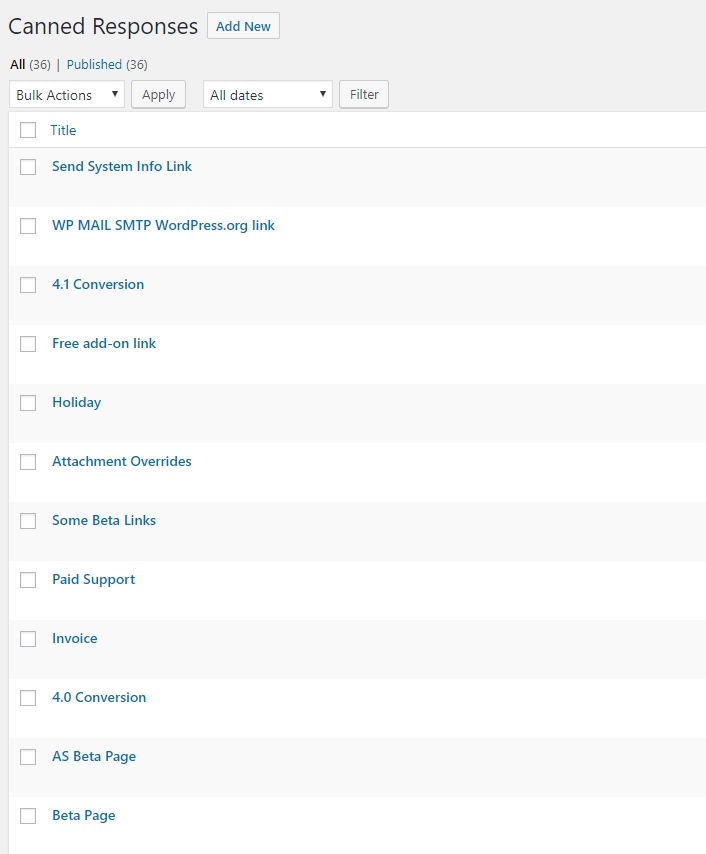
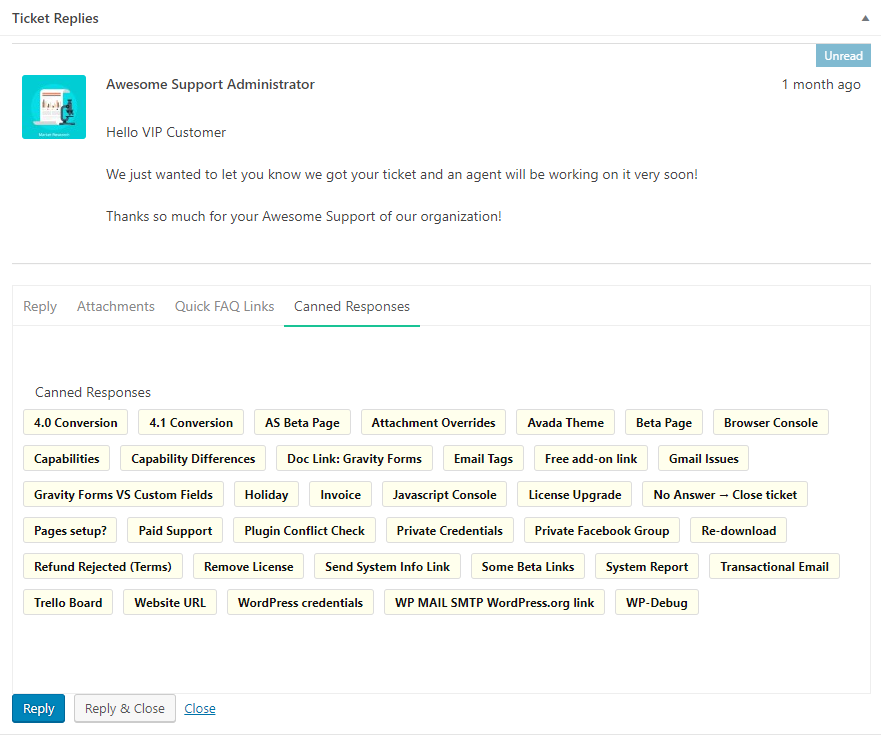
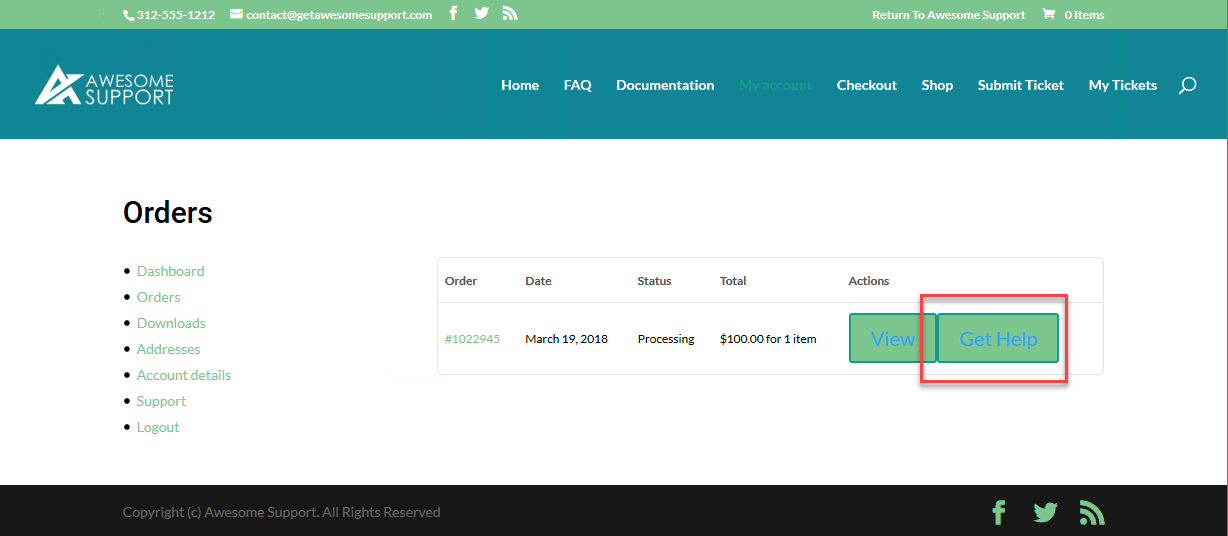
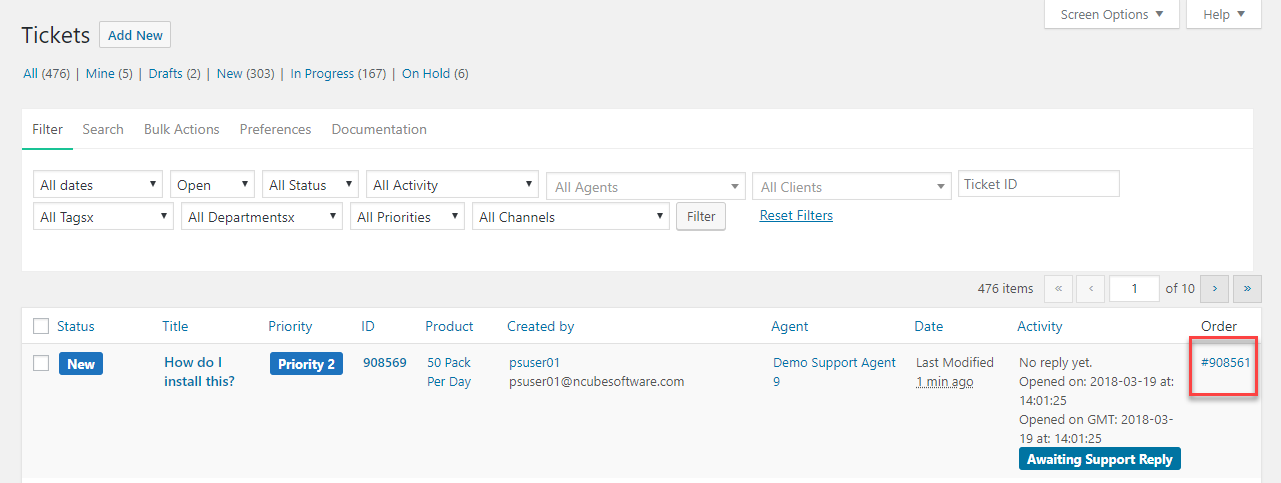
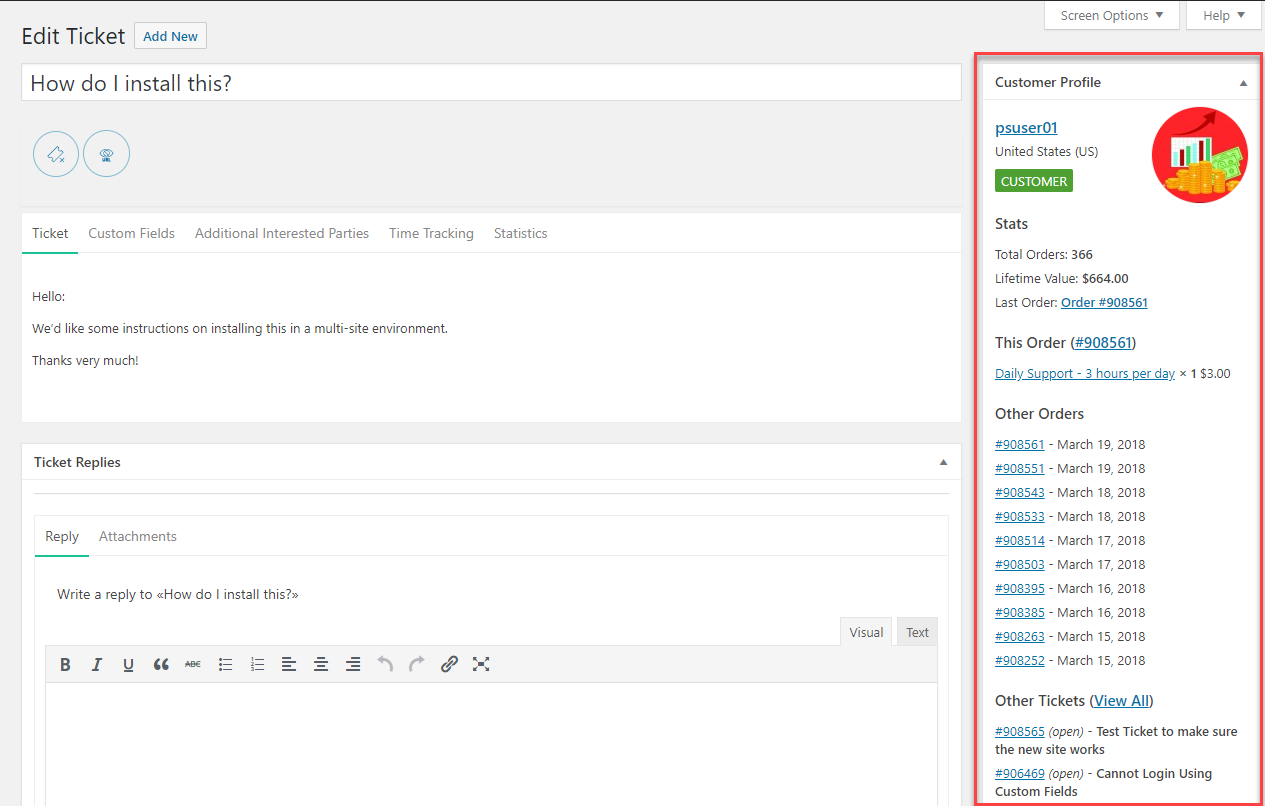
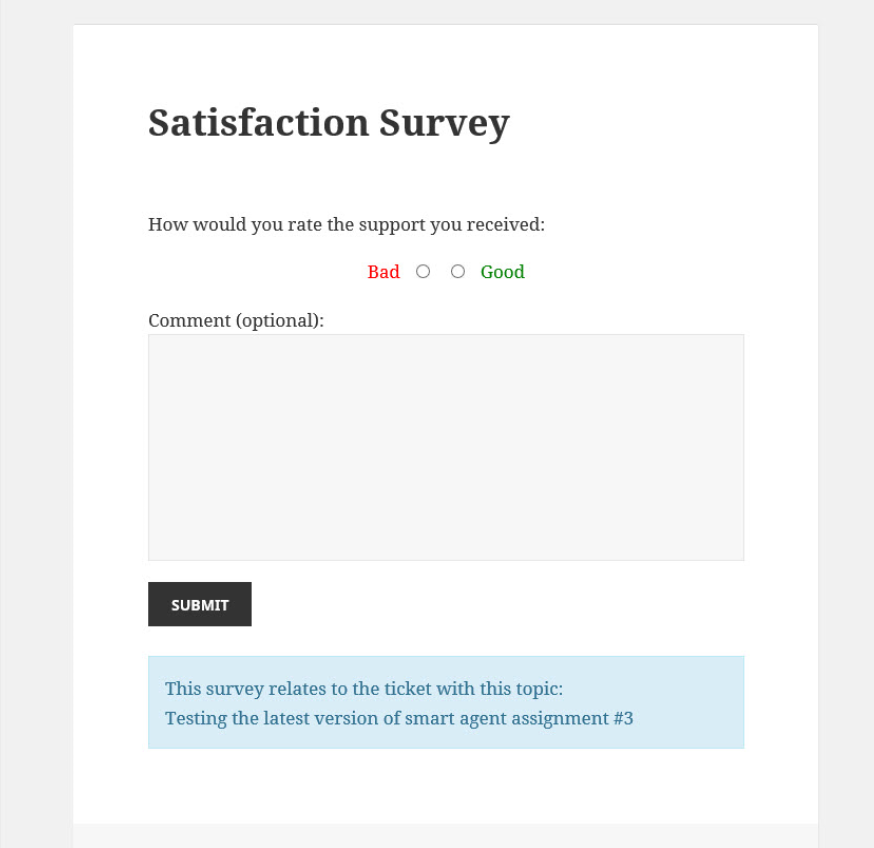


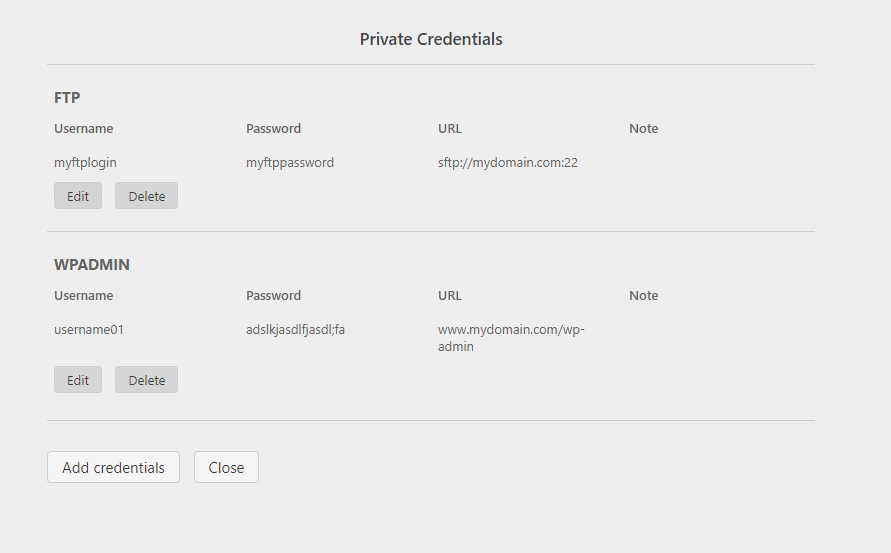
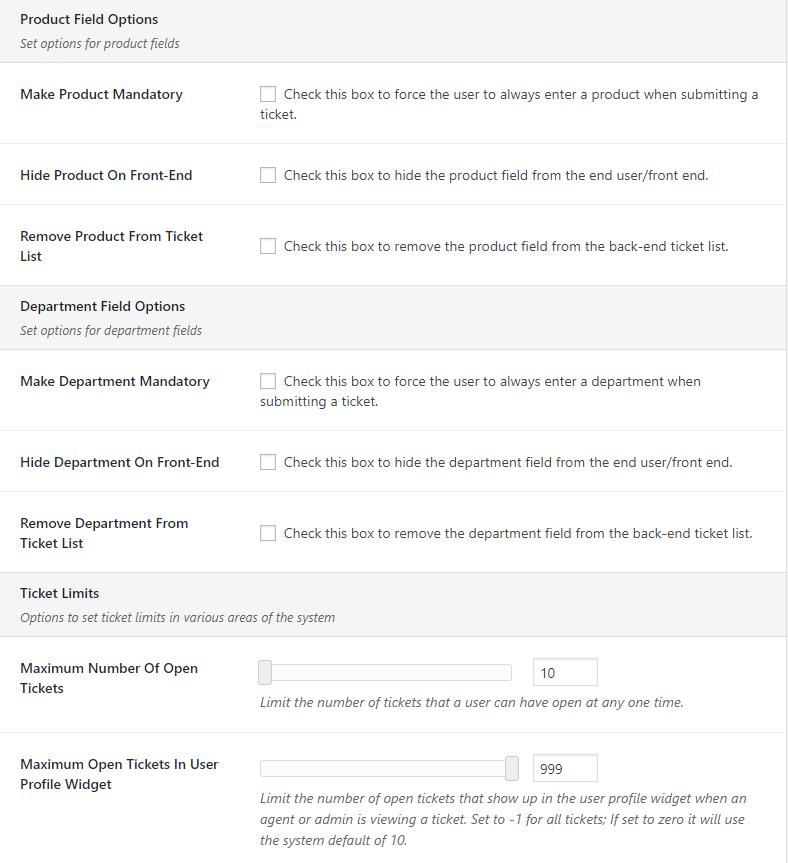

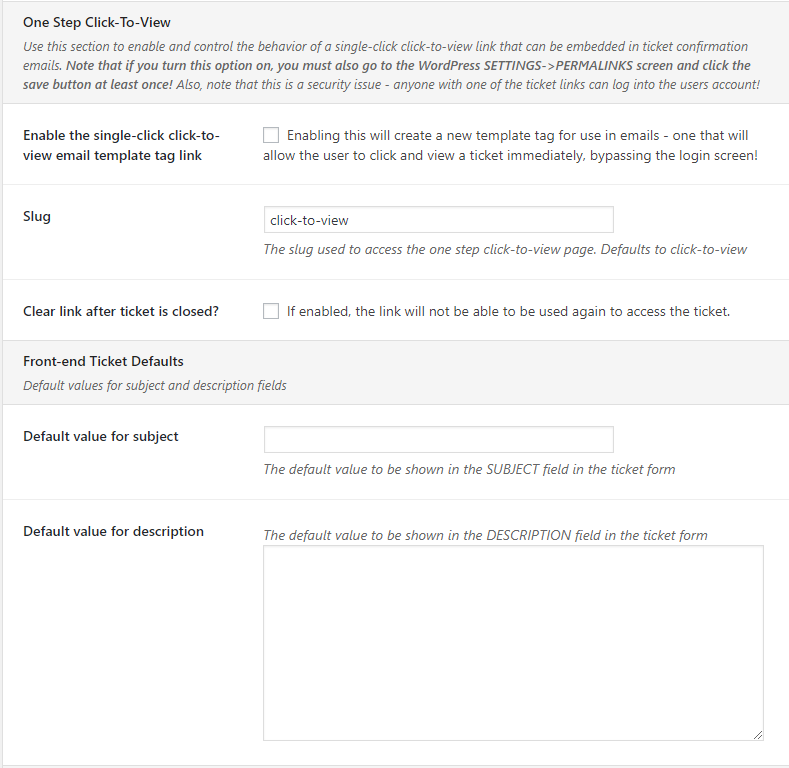
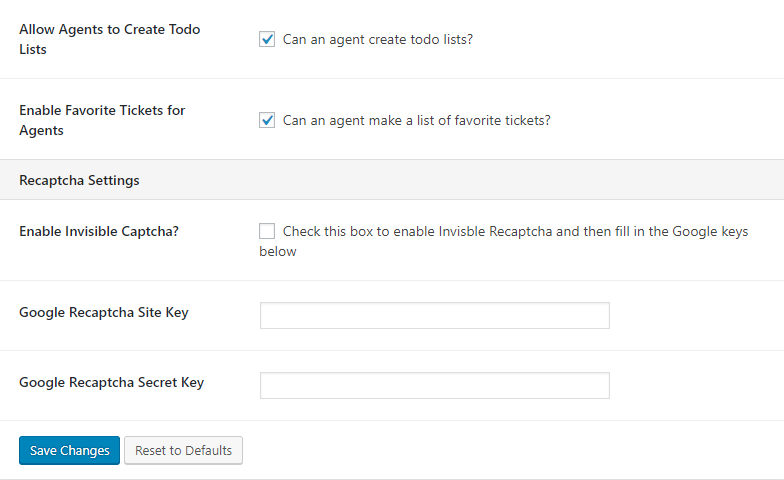
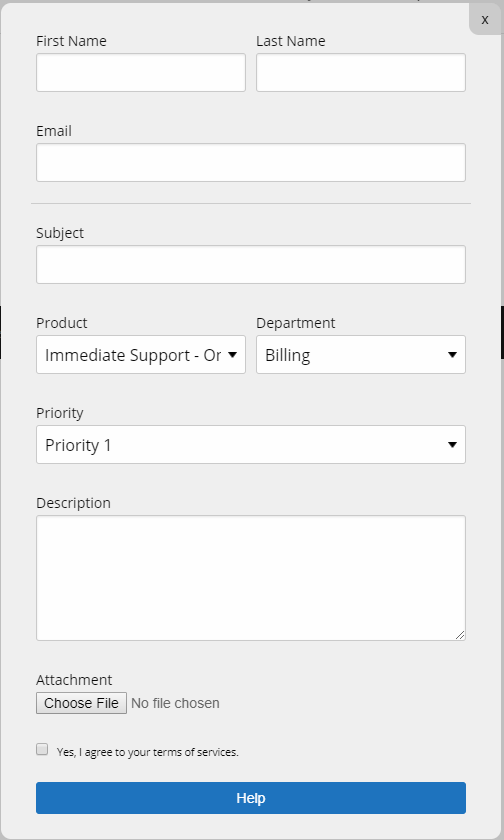
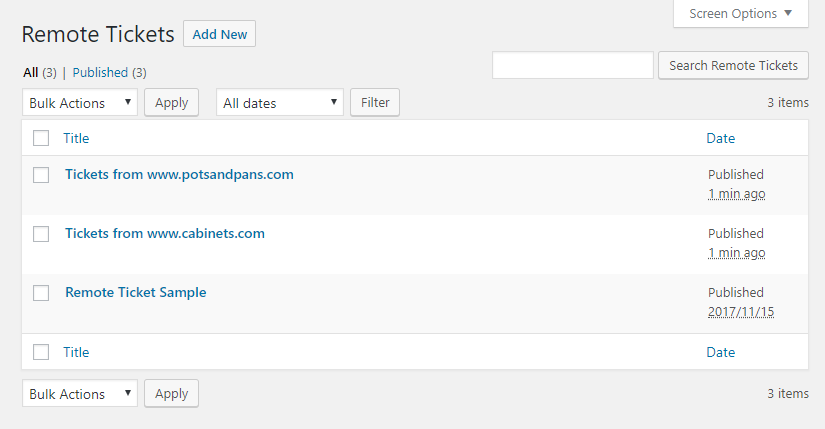
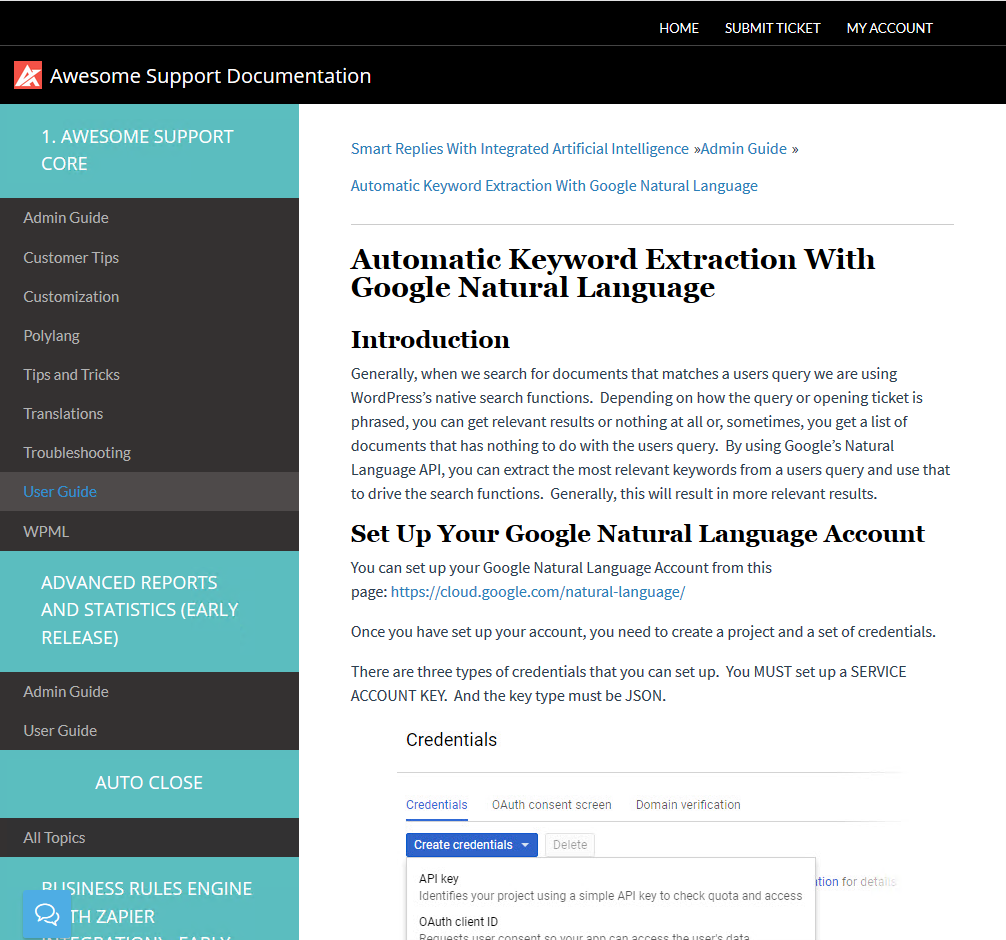
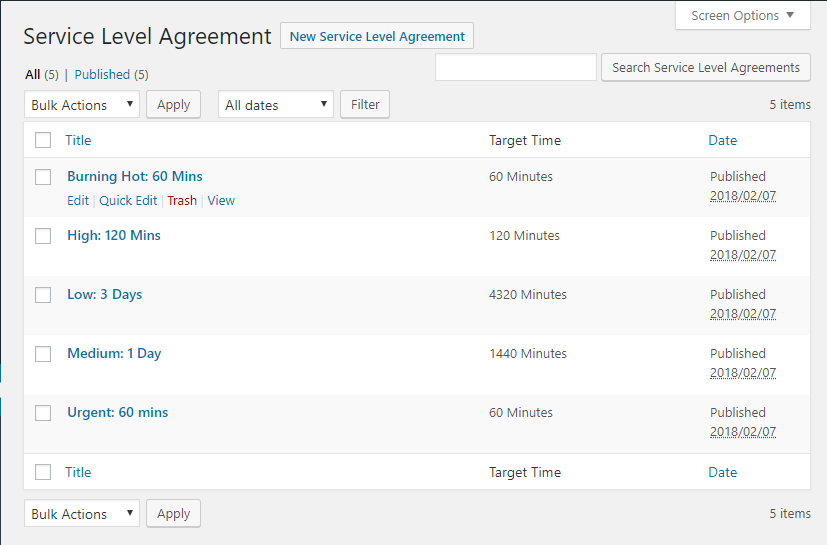
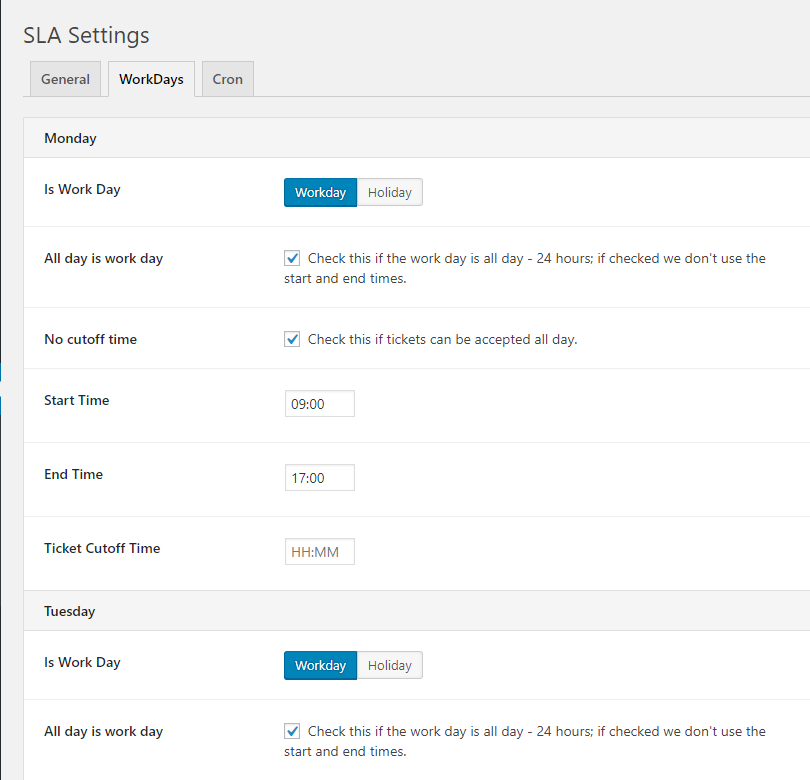


Now you can read our post installation instructions or watch the installation videos
This can happen because old JS and CSS files are cached in your browser. On most browsers you can use the CTRL-F5 key on any Awesome Support page to force a full refresh.
This happens because new WordPress custom security capabilities were introduced in version 4.0.0 of Awesome Support. Read this FAQ on our site to learn how adjust your system for these new security items.
This is most likely a permalinks issue. What you need to do is log into your WordPress admin, go to Settings > Permalinks and hit the Save button. You don’t actually need to change anything, just hitting Save will refresh your permalinks structure, including the new ticket post type.
If you want to delete the plugin and all of its data, you need to go to the Advanced tab in the plugin settings and check the Delete Data option. Only then the data will be removed from the database during the uninstall process.
Normally, when a user registers through the plugin, he/she is given the role Support User. This role has special capabilities.
If your users get the error message “You do not have the capacity to open a new ticket”, it means that they don’t have the special capabilities. This can happen when you install into an existing site and your users already have a role assigned.
Here you have two choices:
- Change all your users’ role to Support User
- Give the role you want to use (eg. Subscriber) the special capabilities
If you don’t know how to add new capabilities to a role, we suggest you use a plugin like User Role Manager and give the desired role the following capabilities:
view_ticketcreate_ticketclose_ticketreply_ticketattach_files
Do not give your users more than those 5 capabilities, otherwise they could get administrative privileges.
If you need to disable the auto-assignment function and hence have all new tickets assigned to the default agent (set in the plugin general settings), you can add this constant in your theme’s functions.php file:
define( 'WPAS_DISABLE_AUTO_ASSIGN', true );
If you have enabled multi-products support and want to make the “Product” field in the submission form mandatory, just add the following code snippet to your theme’s functions.php file: https://gist.github.com/julien731/a519956ce9c81542439c. Alternatively, if you don’t want to mess with code you can pick up our POWERPACK add-on where you can tick a box to turn this feature on.
By default, all tickets will be accessed through a URL of the type domain.com/ticket/my-ticket-title.
If you wish to change the slug ticket to something else, let’s say help, so that your URLs look like domain.com/help/my-ticket-title, you need to add a constant in your theme’s functions.php file as follows:
define( 'WPAS_SLUG', 'my_new_slug' );
There are several factors that can influence e-mail notifications delivery. Please read this article for details: https://getawesomesupport.com/email-notifications-awesome-support-wordpress/
Changelog
6.4.1
-
Security
- Patched stored XSS in GDPR consent by restricting cross-user writes and escaping consent output.
- Fixed incorrect authorization in mark-reply-read and edit-reply AJAX handlers — capability check now enforced before state changes.
-
Fix
- Fixed file uploader using get_attached_file() instead of unreliable attachment guid URL.
- Fixed WP-Cron incorrectly changing current user context — now properly restores original user after capability check.
- Fixed PHP 8.2+ deprecation warnings and coding standards issues flagged by WordPress Plugin Check (PCP).
- Fixed infinite redirect loop (ERR_TOO_MANY_REDIRECTS) when “New Ticket Form Redirect” points to the submit ticket page.
- Fixed Default Assignee empty when MySQL ANSI_QUOTES mode is enabled — replaced double-quoted LIKE values with properly prepared single-quoted placeholders.
6.4.0
-
Security
- Patched Reflected XSS vulnerabilities and enforced user capability checks on ticket closure.
-
Compatibility
- Upgraded official compatibility for WordPress 6.4 – 6.6+ and PHP 8.1 / 8.2 environments.
-
Enhancement
- Added support for uploading .msg attachment files (Microsoft Outlook email format).
- Optimized ticket filters for portrait mobile view and fixed attachment download corruption.
-
Fix
- Resolved various PHP warnings, deprecated notices, and database query optimizations for improved stability.
6.3.9
- Fix
- We fixed a PHP notice when a translation was triggered too early.
- Admins were not able to delete attachment files.
- Now users can receive email notification when someone replies through the REST API.
- For new install, agent could not create a ticket reply.
- Tweak
- We updated changelog format.
- Solved the Editor zoom out.
6.3.8
- Fix
- Fixed export tickets feature.
- Fixed vulnerable issue of Insecure Direct Object Reference.
- Tweak
- We improved the layout : Additional Support Staff.
6.3.7
- Fix
- Fixed vulnerable issue of Unauthenticated Sensitive Information Disclosure.
- Fixed Missing Authorization to Unauthenticated Role Demotion.
- Tweak
- Update default fallback rules for the .htaccess file in the ticket folder.
6.3.6
- Fix
- Fixed vulnerability to sensitive data exposure.
- Fixed vulnerable issue of PHP Object Injection.
- New
- Create a Get Help button to reach out to Support (Free and Premium).
6.3.5
- Fix
- Fixed Bug in load more ticket replies interface.
- Fixed vulnerable issue.
- New
- New feature to support custom file type such as “.k” and “.dyn”.
- New feature to set the Maximum Lenght in the subject of ticket on Submit Ticket Form of front-end.
- New feature to allow embed images on Email notifications when replying.
- Tweak
* We improved the cache admin menu ticket count.
6.3.4
- Tweak
- We improved the Editor ‘Zoom In, Zoom out’ feature.
- We improved the tutorial process when user setups the plugin first time.
- New
- New feature to export the Reports and statiscs data in csv, graphs and pdf.
6.3.3
- Fix
- We fixed Bug ticket reply from cron job (IMAP ADDON).
- We fixed the compatibility with WordPress version 6.8.
6.3.2
- Fix
- We fixed vulnerability Issue with ticket folder.
6.3.1
- Fix
- We fixed issue of HTML Formatting Lost in Email Settings After Saving.
- We fixed issue of Crashing site with an infinite loop.
- We fixed the JavaScript error that appears when the user moves the browser window.
- We fixed the conflict issue of Company Profile and Canned Responses add-ons.
- We fixed the Bug for Nested Departments.
- Tweak
- Revised plugin deactivation process with feedback.
- We changed the column name from “creation date” to “last modified”.
6.3.0
- Tweak
- Update General Rules and Improve Security, Performance, and Accessibility for Plugin Repository
6.2.3
- Tweak
- Updating security rules for multiple files upload.
6.2.2
- Tweak
- Updating security rules for form upload via AJAX.
6.2.1
- Fix
- We fixed the issue with the user search.
6.2.0
- Fix
- We fixed security vulnerabilities in all the plugin.
6.1.11
- Tweak
- We implement a CSRF protection (via a nonce) in the endpoints wpas_dismiss_free_addon_page and wpas_skip_wizard_setup.
6.1.10
- Fix
- We fixed the vulnerability where a subscriber role could have the ability to skip the “Awesome Support: First Time Install” banner process in the admin dashboard.
6.1.9
- Fix
- We fixed when the agent was not able to choose a user when changing the ticket creator field.
6.1.8
- Fix
- We fixed the 3 vulnerabilities:
- Authenticated (Subscriber+) SQL Injection.
- Missing Authorization via wpas_get_users() function.
- Missing Authorization via editor_html() function.
- We fixed the 3 vulnerabilities:
6.1.7
- Fix
- We fixed high priority vulnerabilities to keep the plugin safe and up to date.
6.1.6
- Tweak
- We applied several security patches to improve the plugin security.
6.1.5
- Fix
- Patched security issues to keep the plugin secure.
- We solved the error messages when saving ticket settings.
- It was not possible to upload multiple files with the drag and drop uploader.
6.1.4
- Fix
- We fixed an issue with the Email Support add-on and the Piping Subject Link.
- The Admin could not pull custom fields data, now it’s possible.
- We fixed the role for users on the admin ticket list.
- Fixed deprecated errors from PHP 8.1 and 8.2
- We now display a horizontal scroll bar when ticket content is wider than the display element.
- An E_ERROR message was fixed.
- If I upload a file to a ticket with the character “#” on the filename, the file won’t load.
6.1.3
- New Feature
- Add attachments when you print tickets. You can enable or disable this option on the print screen.
- Tweak
- We updated the assigned agent field, in the ticket details page in the back end to a select and search field. This is useful when there are hundreds of agents in the list.
- Fix
- Fixed Deprecated error message.
- We fixed some warning messages for PHP 8.0.
- Solved Warning and Deprecated messages related that affect the Public Tickets add-on in PHP 8.0.
- We fixed a warning message when activating the E-mail Support add-on.
- We fixed a security vulnerability in the login fields.
- We did some security fixes to keep the plugin safe and stable.
- We fixed when using a command line task that generates multiple notice messages.
- Solved an Undefined array key warning message that shows to some users.
- When deactivating the plugin with add-ons activated, it crashed websites. From now, this won’t happen, you can deactivate the plugin with the add-ons activated and the site won’t crash.
6.1.2
- Fix
- Fixed security vulnerability
6.1.1
- Fix
- When activating Client tickets add-on with Version 6.1.0 SHOW EMPTY notice
- Fixed security vulnerability
- Errors when Awesome Support and WooCommerce are Enabled on PHP version 8.x
- Conflict with Email Support Add-on
- SSL verify throw warnings
- Registration form did not remember completed fields. Now these fields are saved properly
- Now all the ticket with the “Awaiting for Reply” status filter are displayed
- Fixed login issue with the Guest tickets add-on on PHP 8.0
- fileinfo.dll extension not enable on server caused Drap-dop file not working
- New Feature
- You can show the image attached on the ticket, in the print file.
6.1.0
- Fix
- 3984879 – GAS conflict with Download Monitor (Plugin)
- 3946543 – Error occurs when applying Close Filter
- 3862319 – Backslashes lost in Ticket body
- 3919242 – JS deprecated messages
- It’s not possible to edit a ticket submission or reply in the back end.
- Reset filter button issue
- Invalid ticket ID a tag url in list
- Stability vulnerability
- #652: Arbitrary expressions in empty are allowed in PHP 5.5 only
6.0.14
- Fix
- Fixed security vulnerability
- Fixed Fixed Error message format
- Fixed Fixed Tutorial message format
6.0.13
- Fix
- Fixed security vulnerability
- Fixed custom fields check box issue
- Fixed Mail Editor Problem
6.0.12
- Fix
- Fixed security vulnerability
- This version won’t work with older versions of the listed add-ons
- Awesome Support: Agent Front-end, Auto Close, Company Profiles, Documentation & Knowledgebase, E-Mail Support, FAQ, Issue Tracking, Service Level Agreements, Smart Replies Powered by AI and Machine Learning, Tasks and Todos
6.0.11
- Fix
- Fixed security vulnerability
6.0.10
-
Fix
- Fixed Urgent security vulnerability
- Fixed typo in agent_last_name
- Fixed reply vulnerability
-
New
- Added translate Ticket Type
- Added msg file type to allow upload attachment
- Updated Bootstrap4Themes
6.0.9
- Fix
- Fixed Urgent security vulnerability vendor
6.0.8
- Fix
- Fixed Urgent security vulnerability
- Fixed user permissions for close_ticket
- Fixed check the header hasn’t been sent for calling session_set_save_handler()
6.0.7
-
Security Fixes
- Fixed Urgent security vulnerability
- Fixed Vulnerability Reflected Cross-Site Scripting on load preview
-
Fix
- Fixed ticket filters in the portrait mobile view
- Fixed unslash content before display
- Custom code request for the wp_editor
- Fixed Fixed redeclare formatbytes method
6.0.6
-
Security Fixes
- Bump path-parse from 1.0.6 to 1.0.7
- Bump hosted-git-info from 2.8.8 to 2.8.9
-
Fix
- Fixed get users with include and exclude args
- Typo fix: correct “rely” to “reply” in email templates
- Fixed not possible to edit ticket in the back end
- Fixed corrupted files when downloading attachments
- Mobile view optimisation
- Fixed IDOR Vulnerability
- Fixed custom field validation error message.
6.0.5
- Fix
- Fixed illegal offset type message on the ticket list
- Fixed a backslash showing when should not in emails
- Correction of Product Sync
- Session Manager fix
- Security update applied
6.0.3
- Fix
- Minor corrections
6.0.1
- Fix
- Fixed the issue with the session_start() function call
- Fixed the conflict with the Agent Front End add-on in PHP 7.4
- There was a color picker error message shown in the wp-admin interface.
6.0.0
-
Security Fixes
- Sanitize posts and fix SQL injections
-
New
- Ticket Types
- Option To Suppress Closing Emails To Customer
- myCRED Integration
- Ticket Form Redirect
- Product Syncing – Control Which Product Statuses Should Be Synced
- Notifications Button For Single Ticket Screen
- Ticket Templates
- Time Fields on Front-End
-
Fix
- When editing a customer response on a ticket, the response was not saved in the text tab.
- Continue 2 Warning Messages were fixed.
- Fixed some functions that generated Deprecated Notices
- A user was able to see the ticket title of other users in the front end.
- When clicking on the “Mine” Tickets in the back end, the list was empty.
- YouTube URLs where not show when adding them to a ticket reply.
- Path to front-end style-sheet was sometimes incorrect – resulting in an un-styled front-end.
- Restore the ability to load the style.css from the theme folder if it exists.
- The flag that controls whether the end user can set the auto-delete-attachment checkbox was not being respected when opening tickets.
- The flag that controls whether the end user can set the auto-delete-attachment checkbox was not being respected when replying to tickets – but only doing so when the overall auto-delete-attachment flag was turned off.
- Removed a header from the general settings tab that was unnecessary (no child items existed for it).
- Do not blindly set the wpas_default_channels_added option if the channel taxonomy does not yet exist. This can happen if the taxonomy is not enabled for some reason.
- Product Syncing: Make sure that fewer products show up in the product taxonomy without a description
- Product Syncing: Clean up some odd syncing logic
- Gutenberg/block editor translation process has changed so had to change our Gutenberg block code to accommodate.
- Ensure that all custom taxonomies have their “back to items” item set properly. Before, every custom taxonomy would say “back to categories” when a taxonomy item was edited and saved.
- Remove a close link in the ticket reply area if the agent does not have the ‘close_ticket’ capability set.
- The “can be assigned” field was not showing up unless the agent was a WP administrator. We’re now using the wpas_is_asadmin() function to qualify who can see this field.
- The departments options was not showing up in the user profile unless the agent was a WP administrator. We’re now using the wpas_is_asadmin() function to qualify who can see this field.
- Do not load the editor script on all wp-admin pages – only load on our pages.
-
Tweak
- Added schemas to some REST API routes that didn’t have them
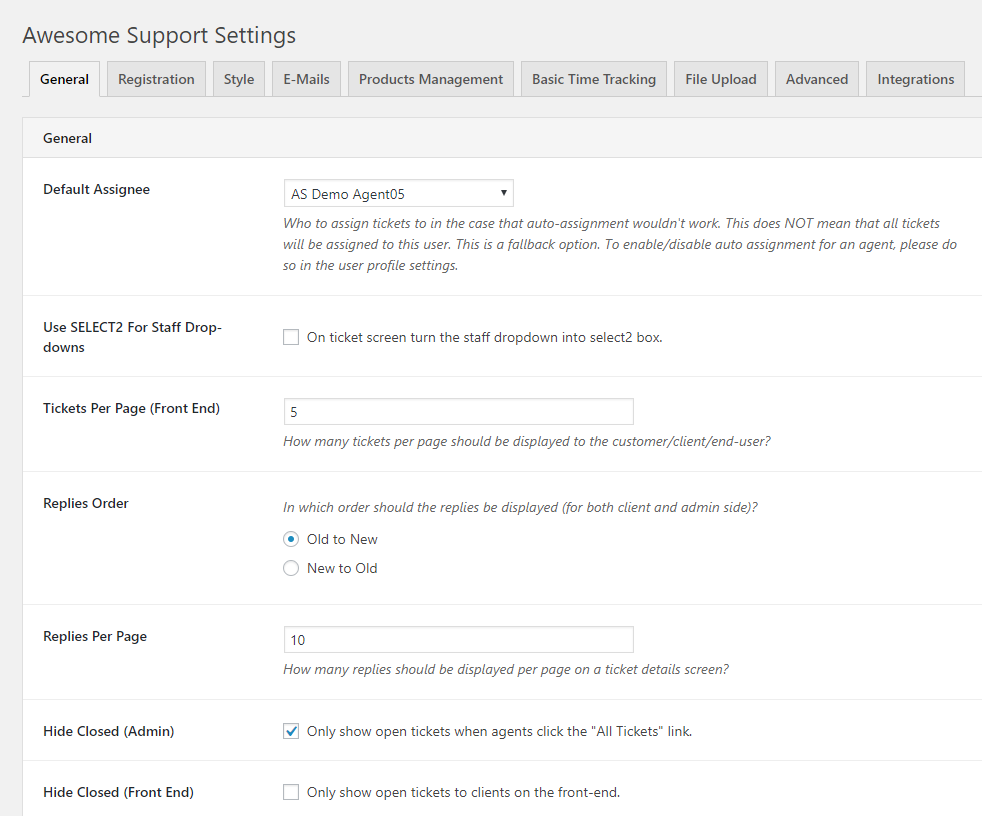
- Using latest release version of the Titan Framework (1.12.1) This results in some slight UI changes to the settings screen – especially drop-downs that now use SELECT2 boxes by default.
- File-Uploader Class – Make sure a required function exists before using it. (For some reason sometimes it does not, especially when called from our gravity forms add-on.)
- Added option to load earlier versions of select2
- Cleaned up logic related to messages shown when ticket failed to close properly on the back-end.
- Cleaned up logic related to messages shown when ticket failed to close properly on the front-end.
- Overlays: Made styling for input and select buttons for certain overlays specific to the Ticket-list page instead of overriding all the other ticket pages.
- Renamed certain sections of the TICKETS->SETTING->EMAILS tab and added descriptive text to certain other items.
5.8.2
- Security Fixes
- Sanitize the ticket post title when tickets are submitted from the admin area by agents and admins.
3.0.0
- The Phoenix reborn. An entirely new version of Awesome Support
" width="120" height="120">
Available Versions
| Version | Download | Type |
|---|---|---|
| 6.4.1 | Download | Stable |
| 6.4.0 | Download | Stable |
| 6.3.9 | Download | Stable |
| 6.3.8 | Download | Stable |
| 6.3.7 | Download | Stable |
| 6.3.6 | Download | Stable |
| 6.3.5 | Download | Stable |
| 6.3.4 | Download | Stable |
| 6.3.3 | Download | Stable |
| 6.3.2 | Download | Stable |
| 6.3.1 | Download | Stable |
| 6.3.0 | Download | Stable |
| 6.2.2 | Download | Stable |
| 6.2.1 | Download | Stable |
| 6.2.0 | Download | Stable |
| 6.1.11 | Download | Stable |
| 6.1.10 | Download | Stable |
| 6.1.9 | Download | Stable |
| 6.1.8 | Download | Stable |
| 6.1.7 | Download | Stable |
| 6.1.6 | Download | Stable |
| 6.1.5 | Download | Stable |
| 6.1.4 | Download | Stable |
| 6.1.3 | Download | Stable |
| 6.1.2 | Download | Stable |
| 6.1.1 | Download | Stable |
| 6.1.0 | Download | Stable |
| 6.0.14 | Download | Stable |
| 6.0.13 | Download | Stable |
| 6.0.12 | Download | Stable |
| 6.0.11 | Download | Stable |
| 6.0.10 | Download | Stable |
| 6.0.9 | Download | Stable |
| 6.0.8 | Download | Stable |
| 6.0.7 | Download | Stable |
| 6.0.6 | Download | Stable |
| 6.0.5 | Download | Stable |
| 6.0.3 | Download | Stable |
| 6.0.1 | Download | Stable |
| 6.0.0 | Download | Stable |
| 5.8.2 | Download | Stable |
| 5.8.0 | Download | Stable |
| 5.7.1 | Download | Stable |
| 5.7.0 | Download | Stable |
| 5.5.2 | Download | Stable |
| 5.5.1 | Download | Stable |
| 5.5.0 | Download | Stable |
| 5.1.1 | Download | Stable |
| 5.1.0 | Download | Stable |
| 5.0.0 | Download | Stable |
| 4.3.5 | Download | Stable |
| 4.3.4 | Download | Stable |
| 4.3.3 | Download | Stable |
| 4.3.2 | Download | Stable |
| 4.3.1 | Download | Stable |
| 4.3.0 | Download | Stable |
| 4.2.1 | Download | Stable |
| 4.1.0 | Download | Stable |
| 4.0.6 | Download | Stable |
| 4.0.5 | Download | Stable |
| 4.0.4 | Download | Stable |
| 4.0.3 | Download | Stable |
| 4.0.2 | Download | Stable |
| 4.0.1 | Download | Stable |
| 4.0.0 | Download | Stable |
| 3.3.4 | Download | Stable |
| 3.3.3 | Download | Stable |
| 3.3.2 | Download | Stable |
| 3.3.1 | Download | Stable |
| 3.3.0 | Download | Stable |
| 3.2.9 | Download | Stable |
| 3.2.8 | Download | Stable |
| 3.2.7 | Download | Stable |
| 3.2.6 | Download | Stable |
| 3.2.5 | Download | Stable |
| 3.2.4 | Download | Stable |
| 3.2.3 | Download | Stable |
| 3.2.2 | Download | Stable |
| 3.2.1 | Download | Stable |
| 3.2.0 | Download | Stable |
| 3.1.12 | Download | Stable |
| 3.1.11 | Download | Stable |
| 3.1.10 | Download | Stable |
| 3.1.9 | Download | Stable |
| 3.1.8 | Download | Stable |
| 3.1.7 | Download | Stable |
| 3.1.6 | Download | Stable |
| 3.1.5 | Download | Stable |
| 3.1.4 | Download | Stable |
| 3.1.3 | Download | Stable |
| 3.1.2 | Download | Stable |
| 3.1.1 | Download | Stable |
| 3.1.0 | Download | Stable |
| 3.0.1 | Download | Stable |
| 3.0.0 | Download | Stable |
| Development | Download | Trunk |
