
All Embed – Multi-Source Embed Widgets for Elementor
Active Installs
500+
Last Updated
September 30, 2026
First Released
June 13, 2021
Download History (Last one month)
Looking to embed YouTube videos, Spotify music, Google Maps, JotForm forms, Google Photos galleries, or social media posts directly inside your Elementor pages?
All Embed Addon for Elementor makes it incredibly simple!
This addon gives you a collection of powerful, ready-to-use widgets that support video, audio, forms, interactive content, 360° images, music, slides, Google Photos galleries, social posts, and more—all embedded seamlessly inside Elementor. Perfect for bloggers, agencies, marketers, educators, and creative professionals who want to embed content without dealing with complex code or iframes.
Check our overview and demos 👇
All Embed Addons for Elementor – Info | Documentation | Support | Demo
Why Use All Embed Addons?
- Embed from 25+ Platforms: Videos, audio, forms, images, Google Photos galleries, slides, prototypes, VR content, and social posts.
- No Coding Needed: Just paste your embed link—everything works instantly.
- Fully Responsive: All embeds automatically adapt to phones, tablets, and desktops.
- Customizable Controls: Adjust height, width, alignment, autoplay, lazy loading, and more.
- Seamless Elementor Integration: Works flawlessly with Elementor Free or Pro.
- Fast & Lightweight: Minimal impact on page speed.
- Regular Updates: New embed platforms and features added regularly.
Available Widgets:
- YouTube Embed: Add YouTube videos to your pages with ease.
- Vimeo Embed: Showcase high-quality Vimeo videos.
- SoundCloud Embed: Embed audio tracks from SoundCloud.
- InVision Embed: Display interactive prototypes from InVision.
- JotForm Embed: Add forms created with JotForm.
- Google Maps Embed: Integrate interactive Google Maps.
- Appointly Embed: Schedule and manage appointments.
- Spotify Embed: Showcase music, albums, or podcasts from Spotify.
- Giphy Embed: Add fun and engaging GIFs from Giphy.
- Imgur Embed: Share images from Imgur.
- SlideShare Embed: Present slides from SlideShare.
- CodePen Embed: Showcase interactive code snippets.
- Twitch Embed: Stream live or recorded Twitch videos.
- TwitFrame Embed: Embed Twitter content dynamically.
- Bandcamp Embed: Share music from Bandcamp.
- Dailymotion Embed: Embed Dailymotion videos.
- Dartfish Embed: Share Dartfish sports videos.
- Genially Embed: Add interactive visual content from Genially.
- Sirv Embed: Showcase images with interactive zoom features.
- Mixcloud Embed: Embed audio mixes from Mixcloud.
- Kuula Embed: Share 360° images and VR content.
- Facebook Embed: Add Facebook posts, pages, or videos.
- Pinterest Embed: Share boards, pins, or profiles.
- LinkedIn Embed: Showcase LinkedIn posts or profiles.
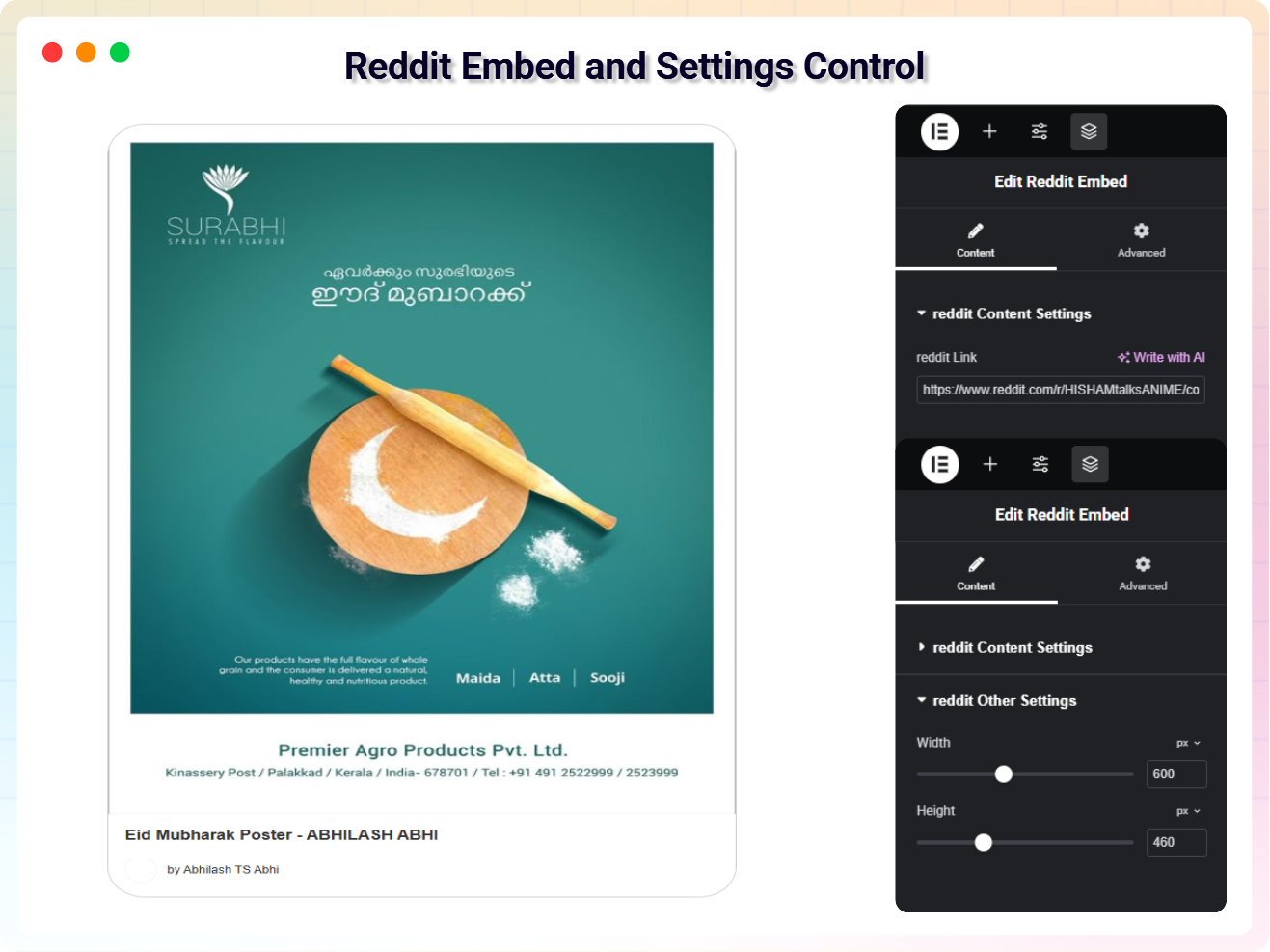
- Reddit Embed: Embed posts and discussions from Reddit.
- Google Gallery (Google Photos): Display stunning photo galleries from your Google Photos library using the Google Picker API. Supports Grid, Masonry, and Interactive Carousel layouts with lightbox, hover animations, captions, and fully responsive design.
Key Features
- Responsive Video & Audio Players
- Social Media Post Embedding
- Embeddable Forms & Maps
- 360° VR & Interactive Content
- Custom Height / Width Settings
- Autoplay & Player Controls
- Google Photos Gallery – Pick photos directly from your Google account with the Google Picker API and display them in Grid, Masonry, or Carousel layouts. Features lightbox popup, 7 hover animation effects, adjustable aspect ratios, captions, and full responsive column control.
Easy Integration
- Install and activate the plugin.
- Open Elementor Editor.
- Search for the “All Embed” widget category.
- Drag your desired widget onto the page.
- Paste your embed link and customize.
🔥 Check out our featured WordPress Plugins
Html5 Video Player – Display videos as single and playlist in multiple skins.
PDF Poster – Display/Embed PDF files with different styles.
Html5 Audio Player – Listen audios with awesome visuals.
StreamCast – Customizable radio player with different skins.
3D Viewer – Embed 3D models and 3D products with interaction.
Advanced Post Block – Show posts and custom posts in different layouts.
🤝 Join the bPlugins community today!
Join a growing community of web creators, designers, developers, and WordPress users who are building amazing sites with bPlugins. Be part of the movement that’s making website design faster, more powerful, and more intuitive.
Stay connected and get the latest updates:
👉 Our Official Facebook Page
👉 Follow us on Twitter
👉 Connect in our Linkedin
👉 Follow us on YouTube
👉 Our Official Support
This section describes how to install the plugin and get it working.
Note : This plugin works with Elementor. Make sure you have Elementor installed.
Method 1: Automatic Installation (Recommended)
-
Log in to your WordPress Administration Panel.
-
Navigate to Plugins > Add New.
-
In the search field, type “All Embed Addons For Elementor” and click Search Plugins.
-
Once located, click the “Install Now” button next to the plugin.
-
After the installation is complete, click the “Activate” button.
Method 2: Manual Installation via Upload
-
Download the plugin’s .zip file to your computer.
-
Log in to your WordPress Administration Panel.
-
Go to Plugins > Add New.
-
Click the “Upload Plugin” button at the top of the page.
-
Click “Choose File”, select the plugin’s .zip file you downloaded, and then click “Install Now”.
-
After the installation is complete, click the “Activate Plugin” button.
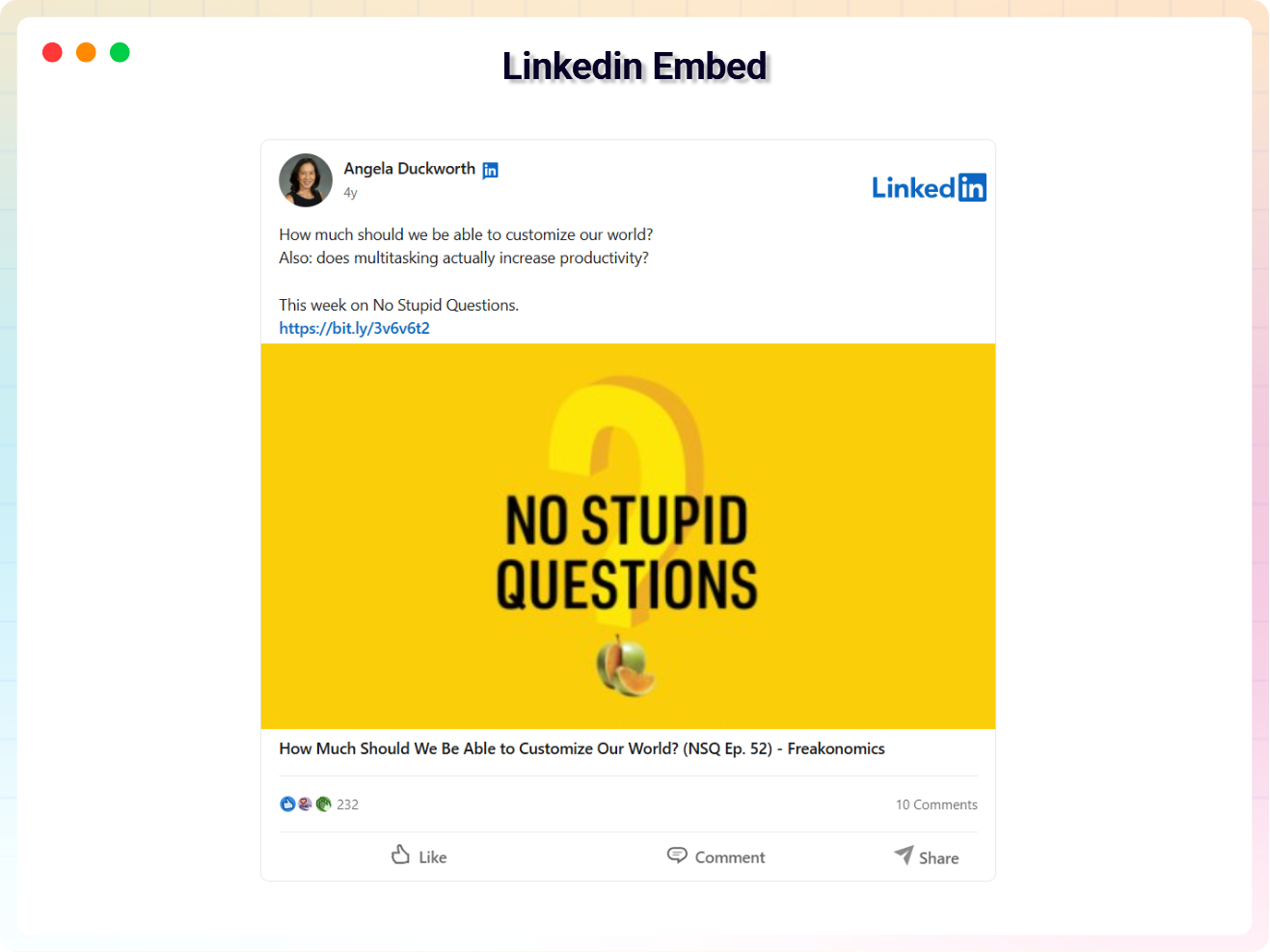
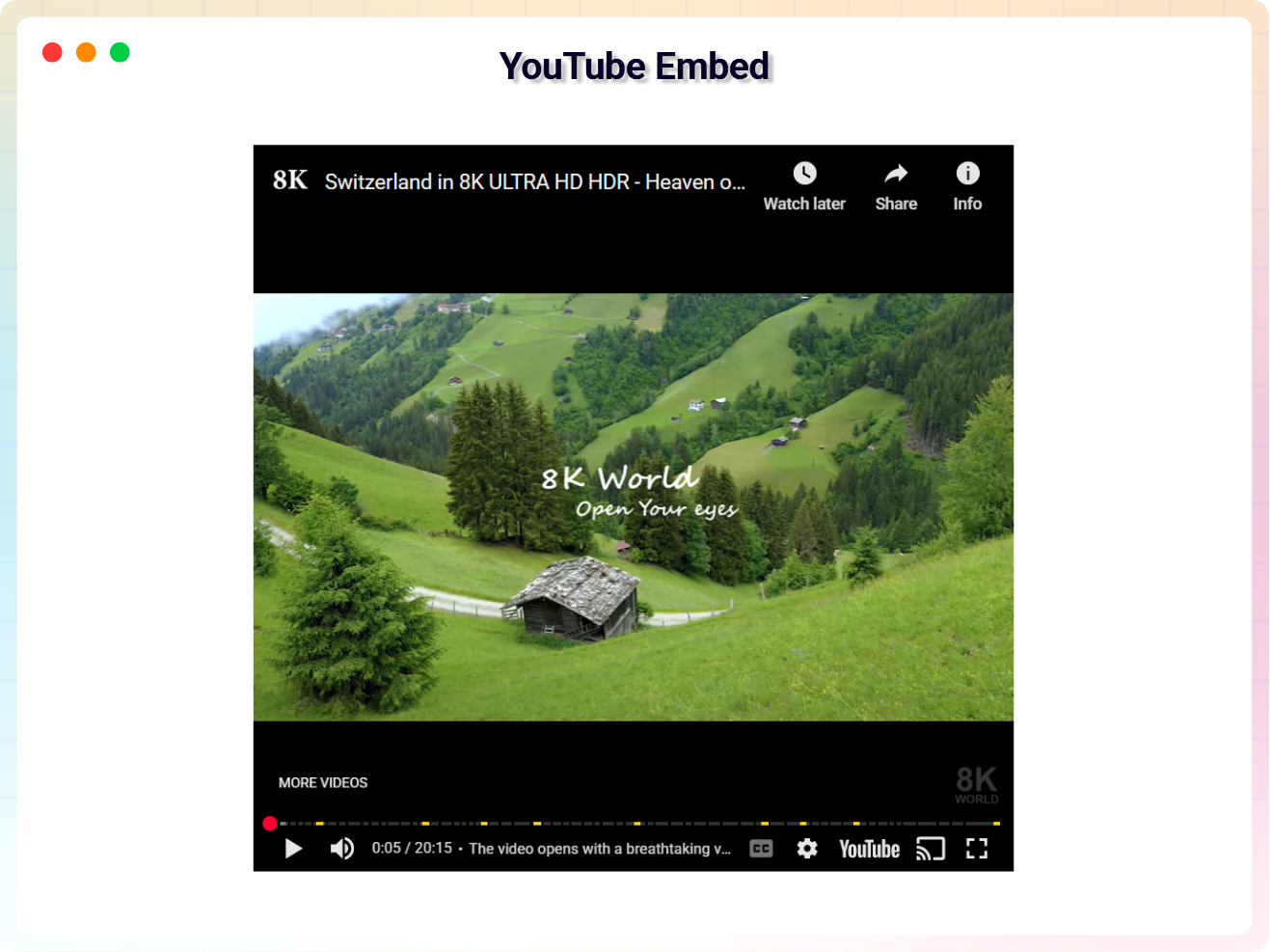
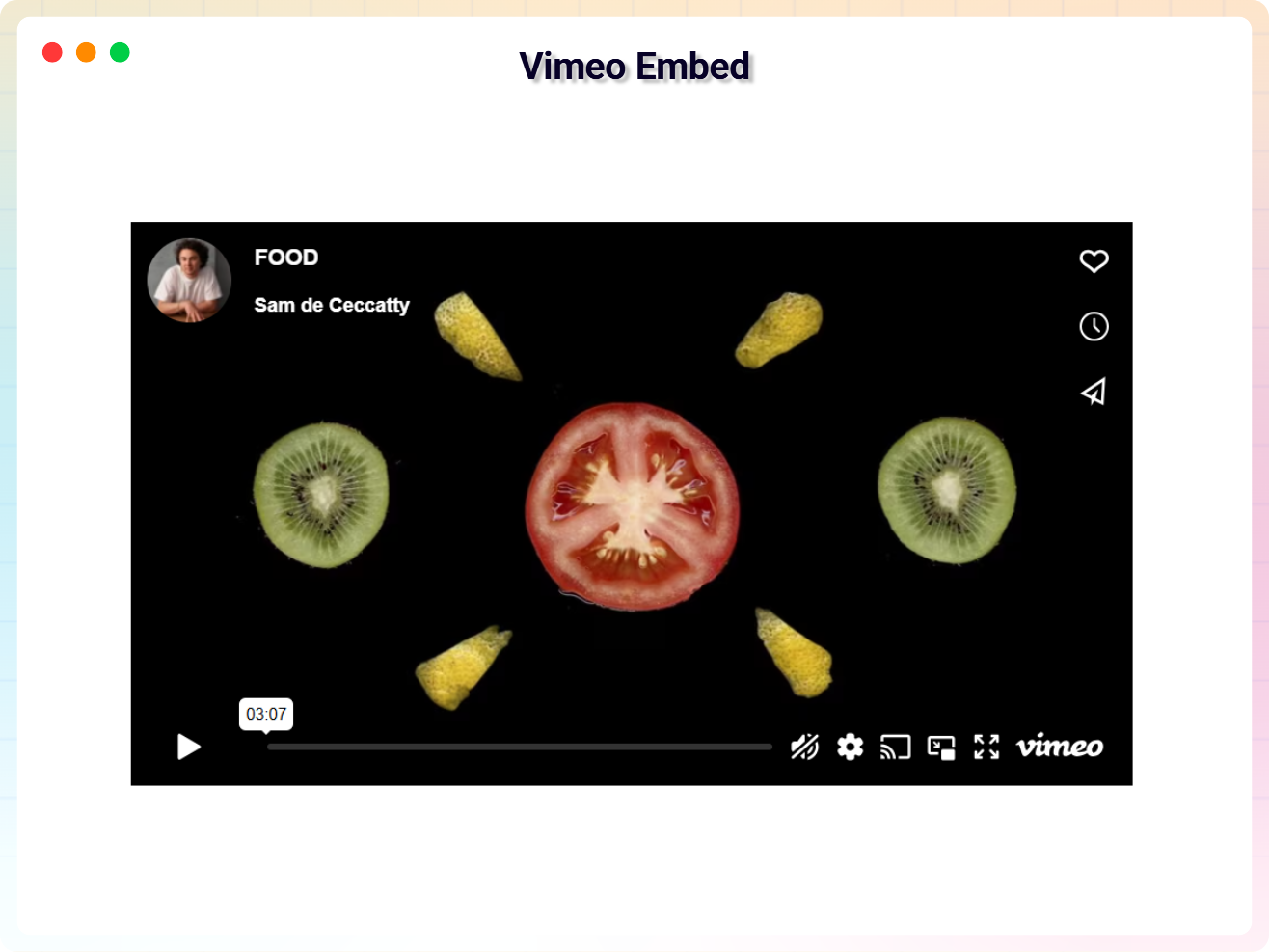
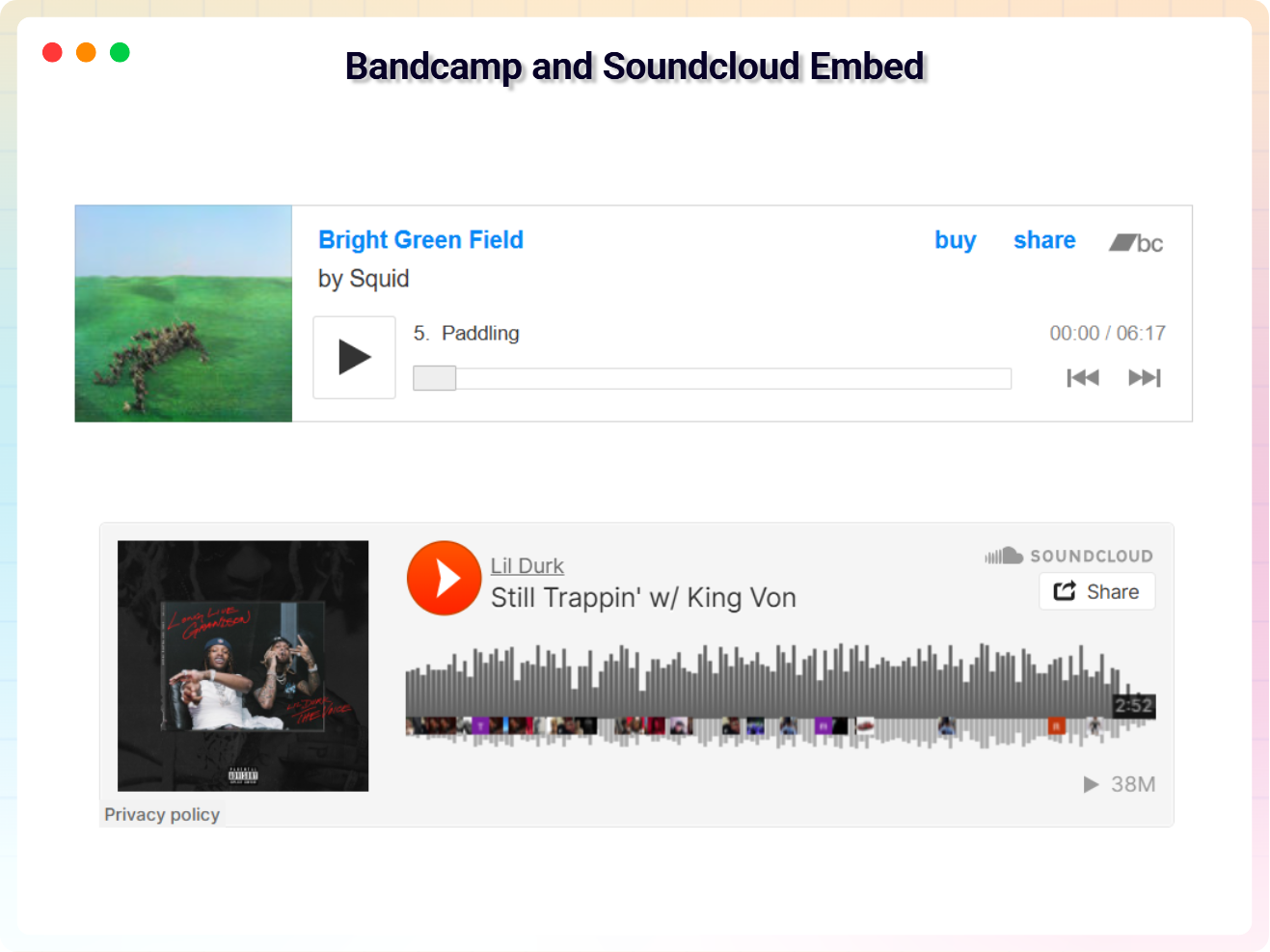
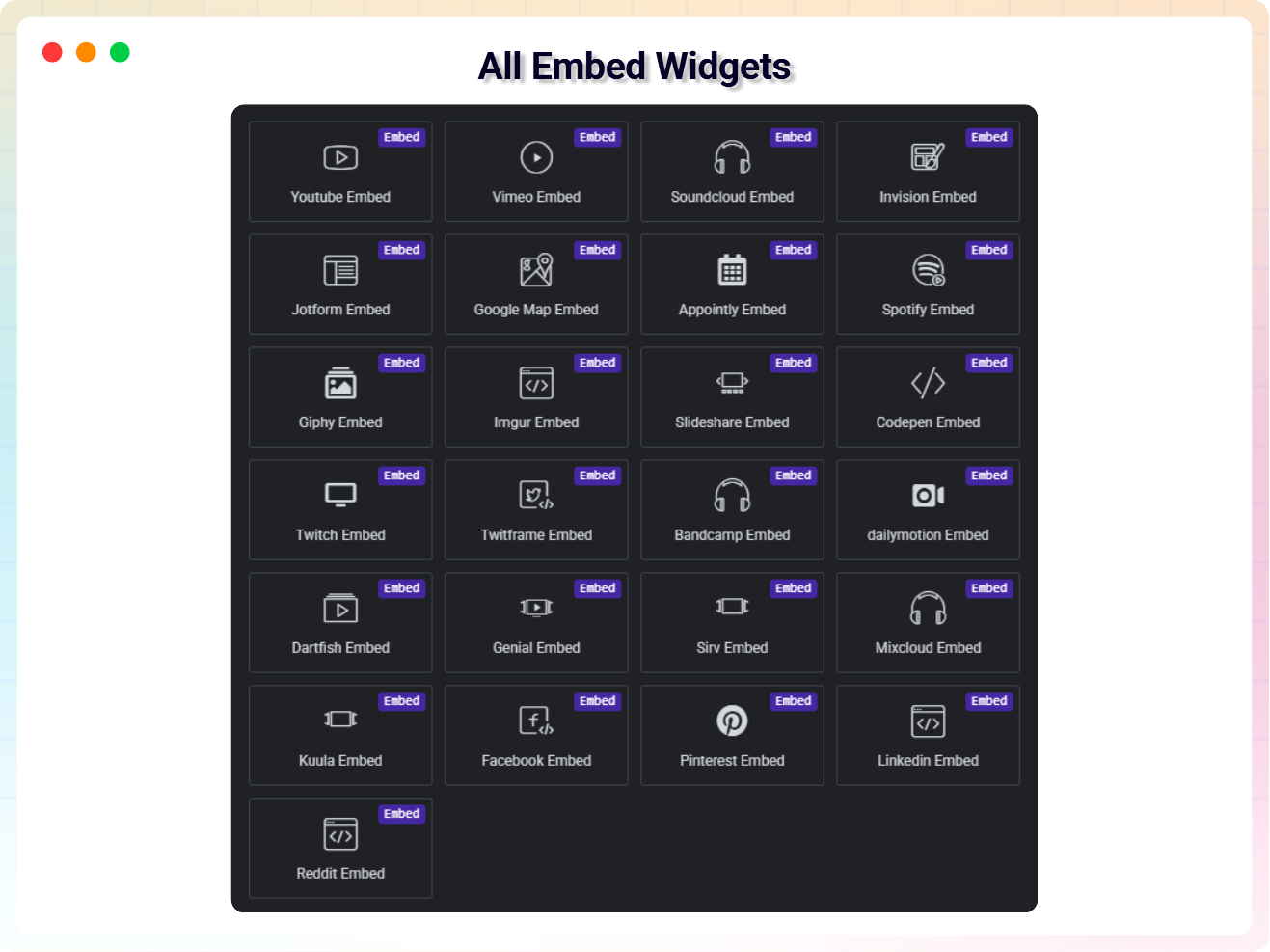
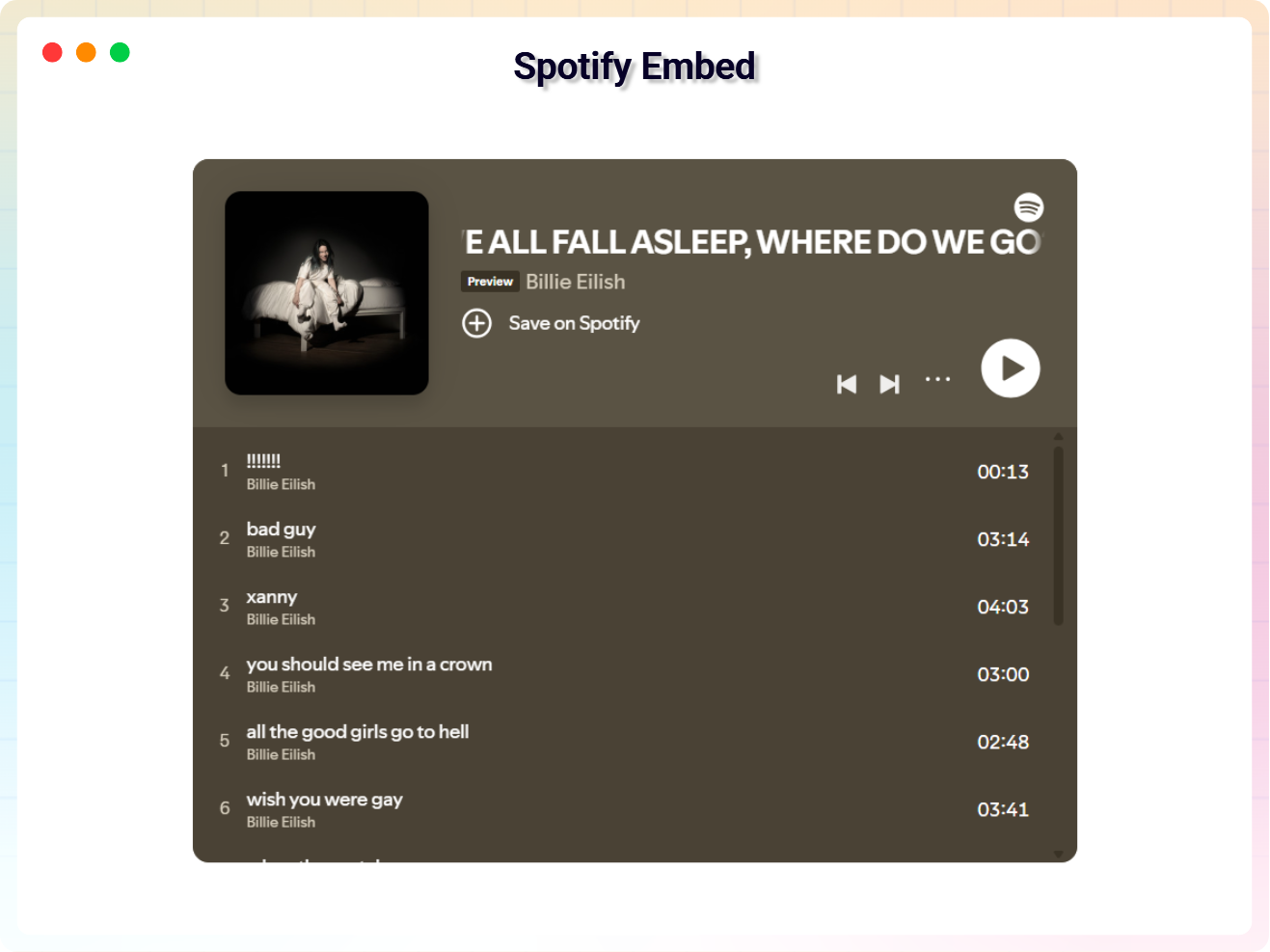
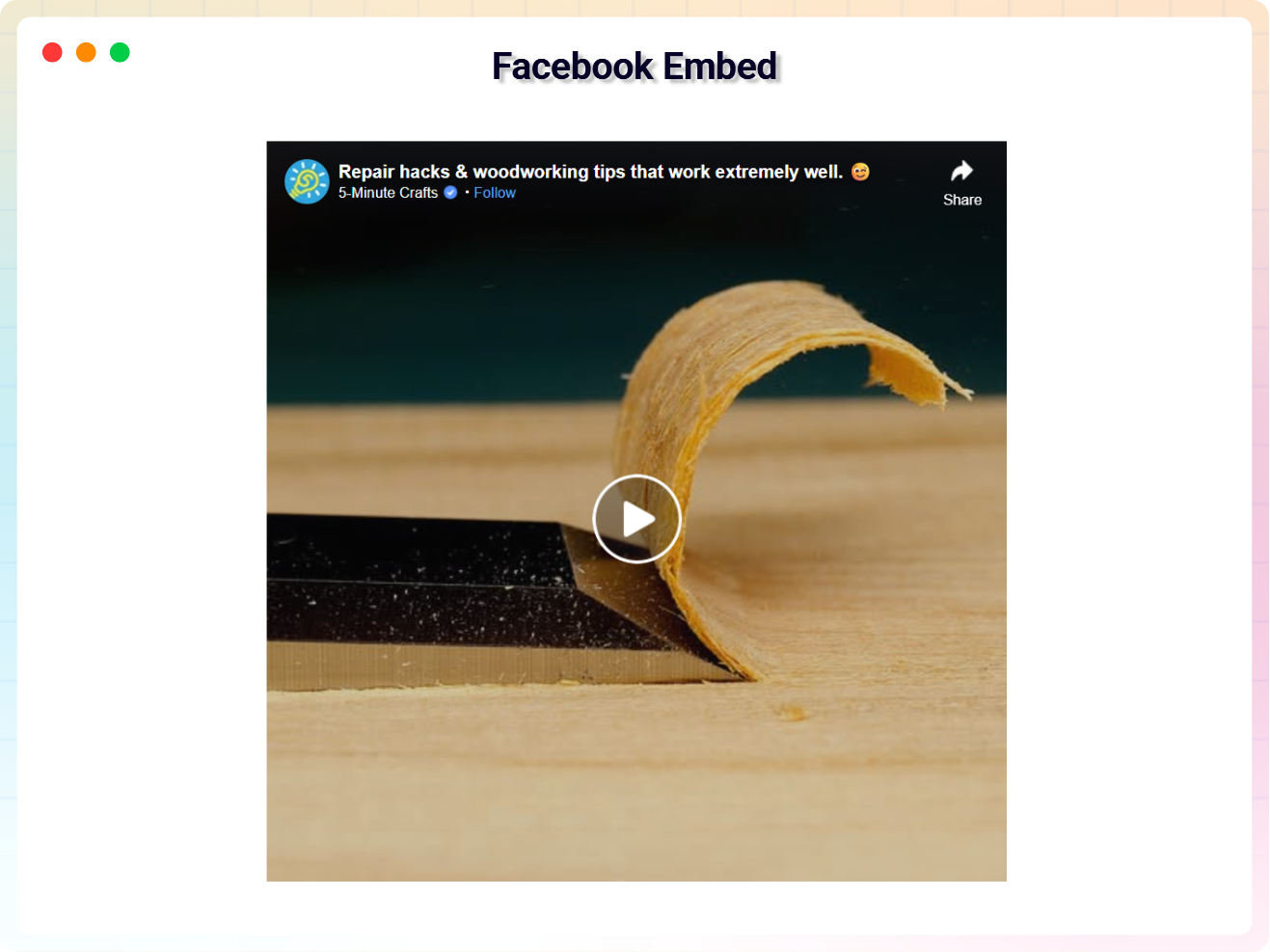
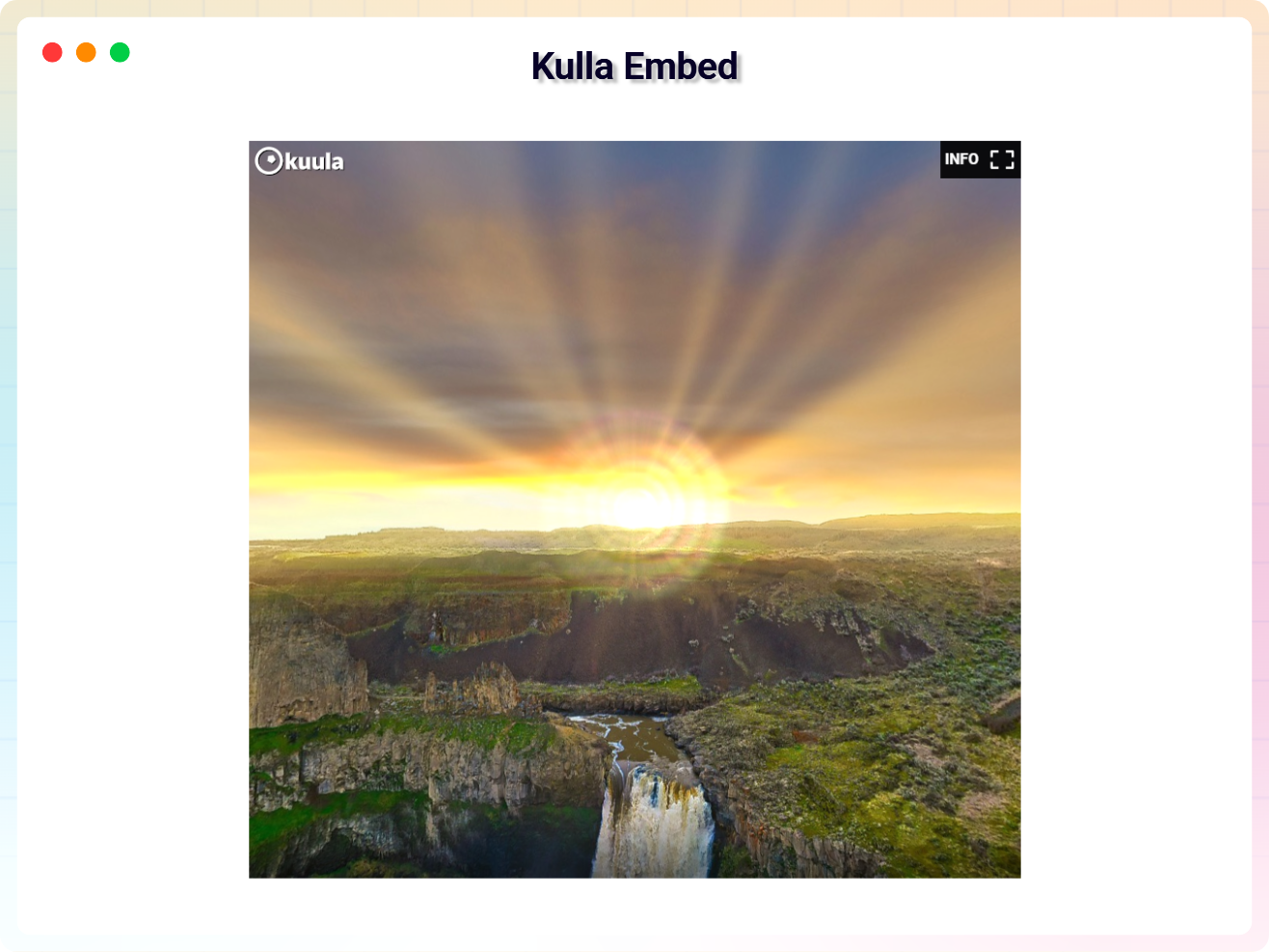
All Embed Addons supports 25+ platforms including YouTube, Vimeo, SoundCloud, Spotify, SlideShare, JotForm, Google Maps, Google Photos, Twitch, Facebook, LinkedIn, Reddit, Giphy, and many more.
Not at all! Just drag any widget into your Elementor layout and paste your embed link.
Yes, every widget is fully responsive and automatically adapts to all screen sizes.
Open the Elementor editor and search for the “All Embed” category. All widgets will be grouped there.
Yes, you can adjust height, width, alignment, autoplay, player controls, and more depending on the platform.
Yes, the plugin works with both Elementor Free and Elementor Pro.
Our support team is always ready to help!
Visit: https://bplugins.com/support/
First, go to the All Embed > API Credentials settings page and connect your Google account. Then, in the Elementor editor, drag the Google Gallery widget onto your page and click “Select Photos from Google” to pick photos using the Google Picker. You can choose between Grid, Masonry, or Carousel layouts and customize hover effects, lightbox, captions, aspect ratios, and more.
The Google Gallery widget supports three layouts: Grid Gallery (with customizable aspect ratios), Masonry Showcase (natural photo proportions), and Interactive Carousel (with autoplay, navigation arrows, and pagination dots).
Changelog
1.1.9 – 30 August 2026
- New: Google Gallery (Google Photos) widget – display Google Photos in Grid, Masonry, or Carousel layouts.
- New: Google Picker API integration for selecting photos directly from your Google account.
- New: Lightbox popup, 7 hover animation effects, caption display, and responsive column controls for Google Gallery.
1.1.8 – 12 July 2026
- Add New Admin Dashboard.
- Update Freemius SDK new version 2.13.4.
1.1.7 – 05 July 2026
- Update Freemius SDK to new version 2.13.2
1.1.6 – 25 Feb 2026
- Update Admin Dashboard
1.1.5
- Fixed TwitFrame Embedder Error
- Fixed Redit Embedder Error
1.1.4
- fixed Cross-Site Scripting (XSS)
1.1.2
- fixed deprecated error
1.0
- Initial release
" width="120" height="120">
